Loading page…

#1 Trusted Accessibility PluginReady with 1 Click
The #1 Accessibility Plugin For WordPress
No coding. No technical skills required. Accessiy is the easiest way to make your WordPress website more accessible.
Play Video
00
The percentage of the global population living with a disability.
[WHO]
00
Global count of individuals using assistive technology.
[WHO]
00
Percentage of websites found to be accessible.
[WHO]
Why Web Accessibility Matters
Accessibility matters because the web should work for everyone. It helps people with disabilities navigate, understand, and interact with content equally.
Get Pro Now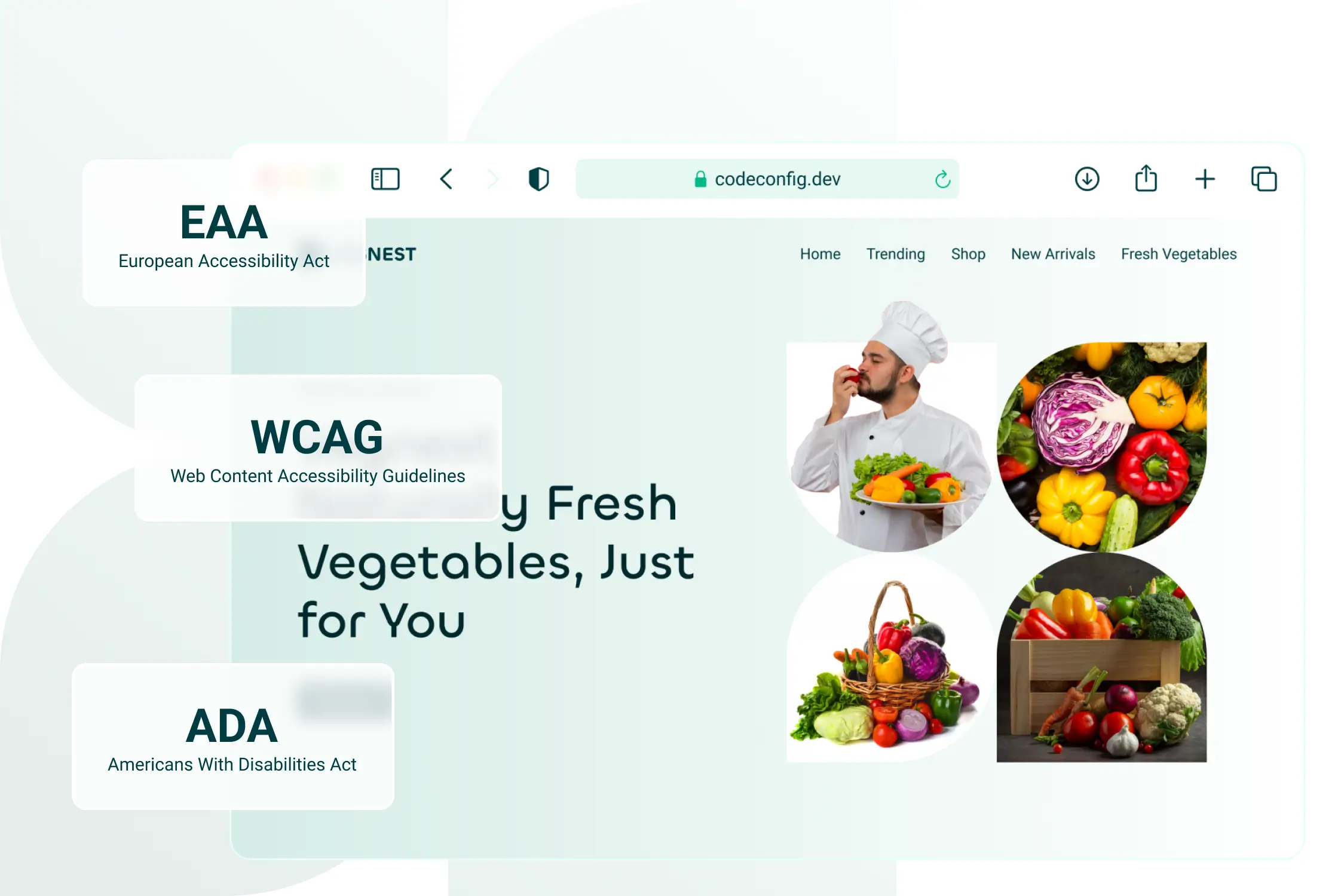
Who's Responsible?
Accessibility isn't optional. Website owners have both a legal and ethical duty to ensure their sites are usable by everyone — including people with disabilities.
Why Now?
With rising legal standards like WCAG, ADA, and EAA, accessibility is no longer optional. It's a must—and it enhances the experience for every visitor, not just those with disabilities.
Why Should You Care?
Improving accessibility means reaching more people, increasing engagement, and boosting SEO. But beyond the benefits — it's simply the right thing to do.
Instant Accessibility for Your Website
Accessiy makes accessibility simple — no coding, no confusion. Ensure your website meets legal standards and delivers an inclusive experience for every visitor.
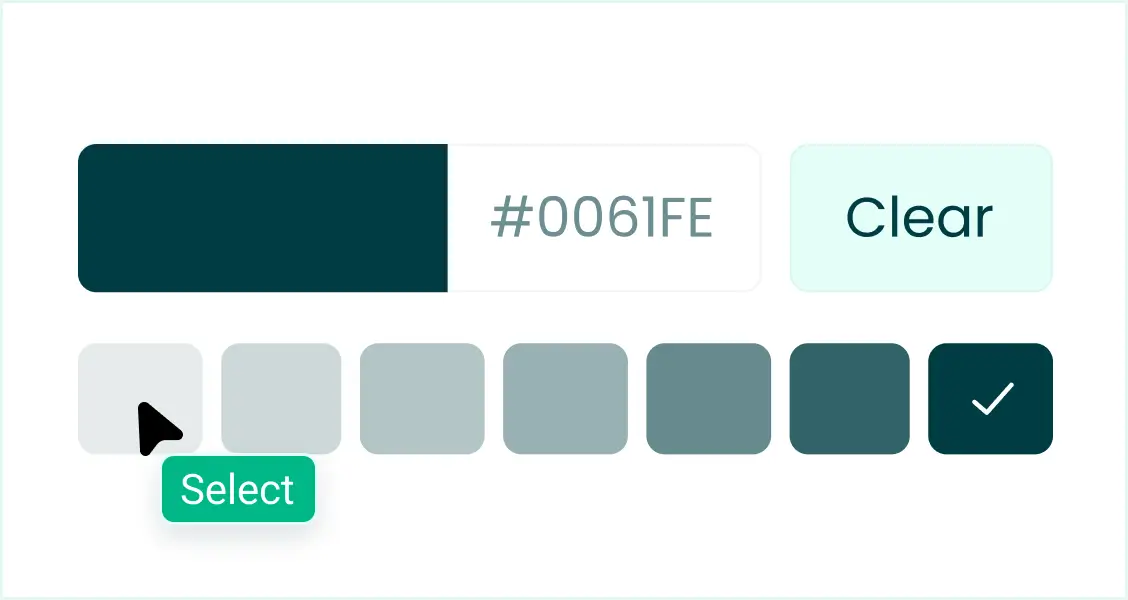
Custom Branding
Match the accessibility toolbar to your website's look by customizing colors, positioning, and style — so it feels like a natural part of your brand.
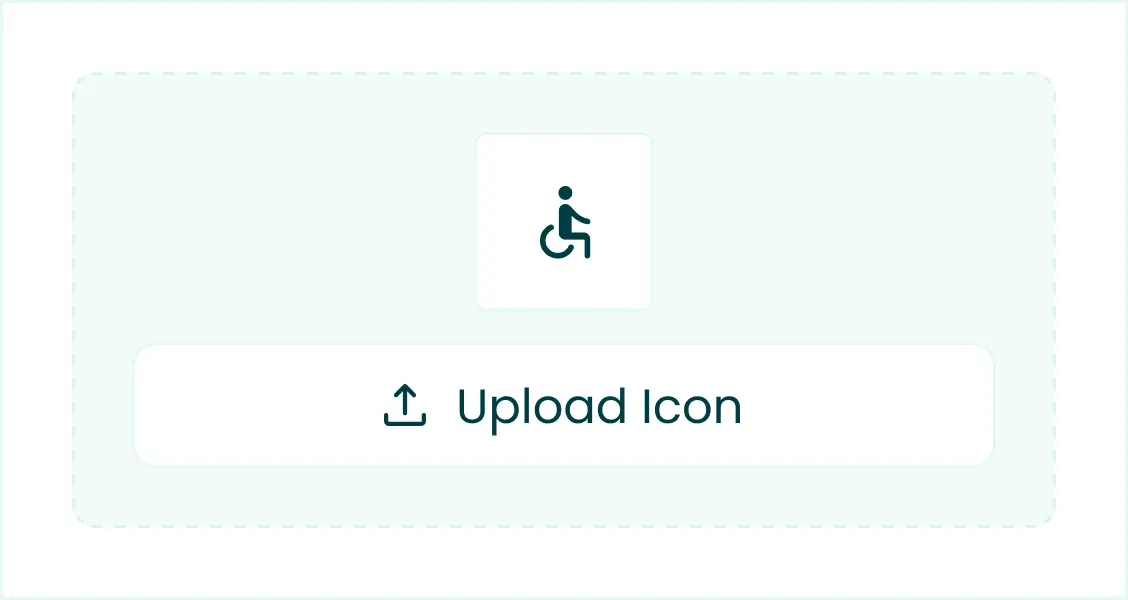
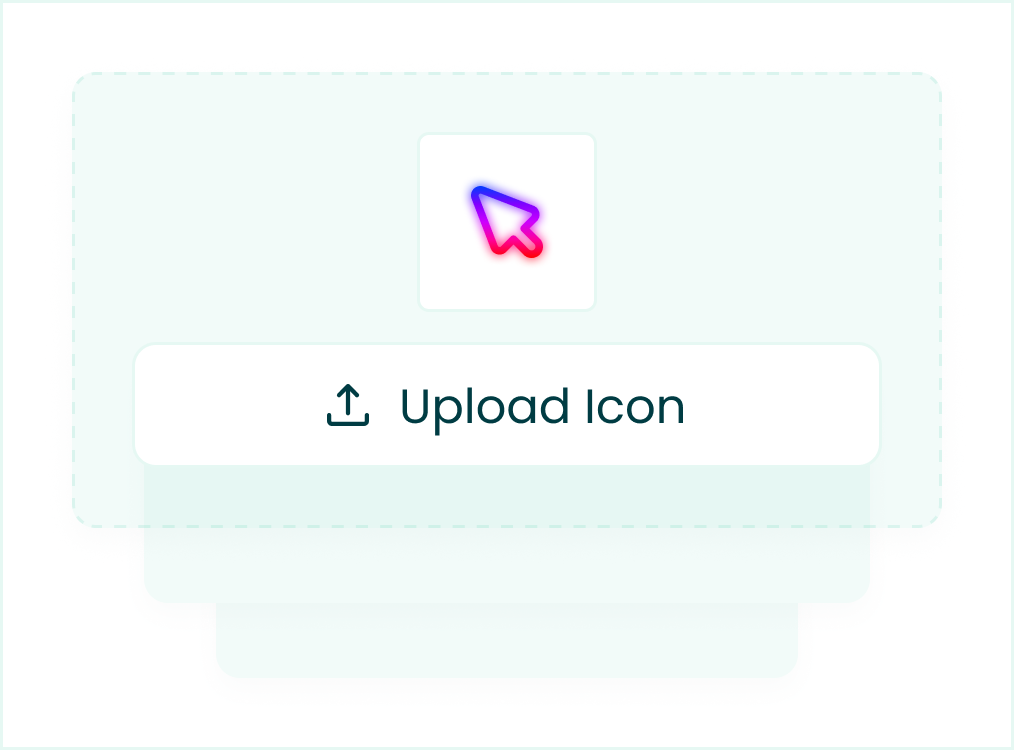
Custom Upload
Upload your own accessibility icon to match your website's style and branding, giving users a seamless and personalized accessibility experience.
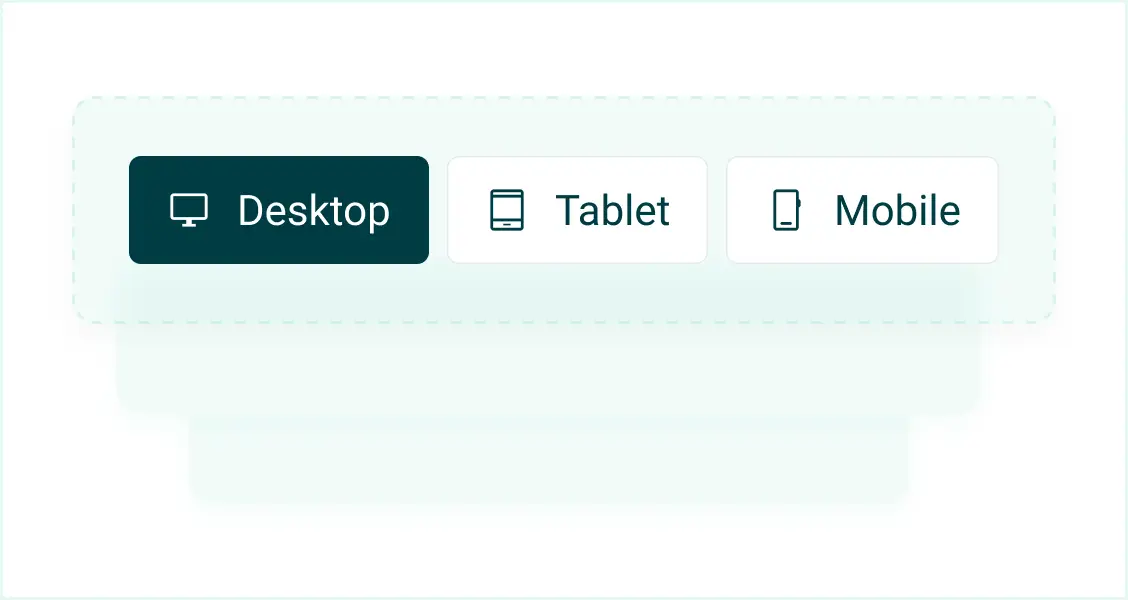
Fully Responsive
The accessibility toolbar works perfectly on all devices — desktop, tablet, and mobile — ensuring a smooth, user-friendly experience everywhere.
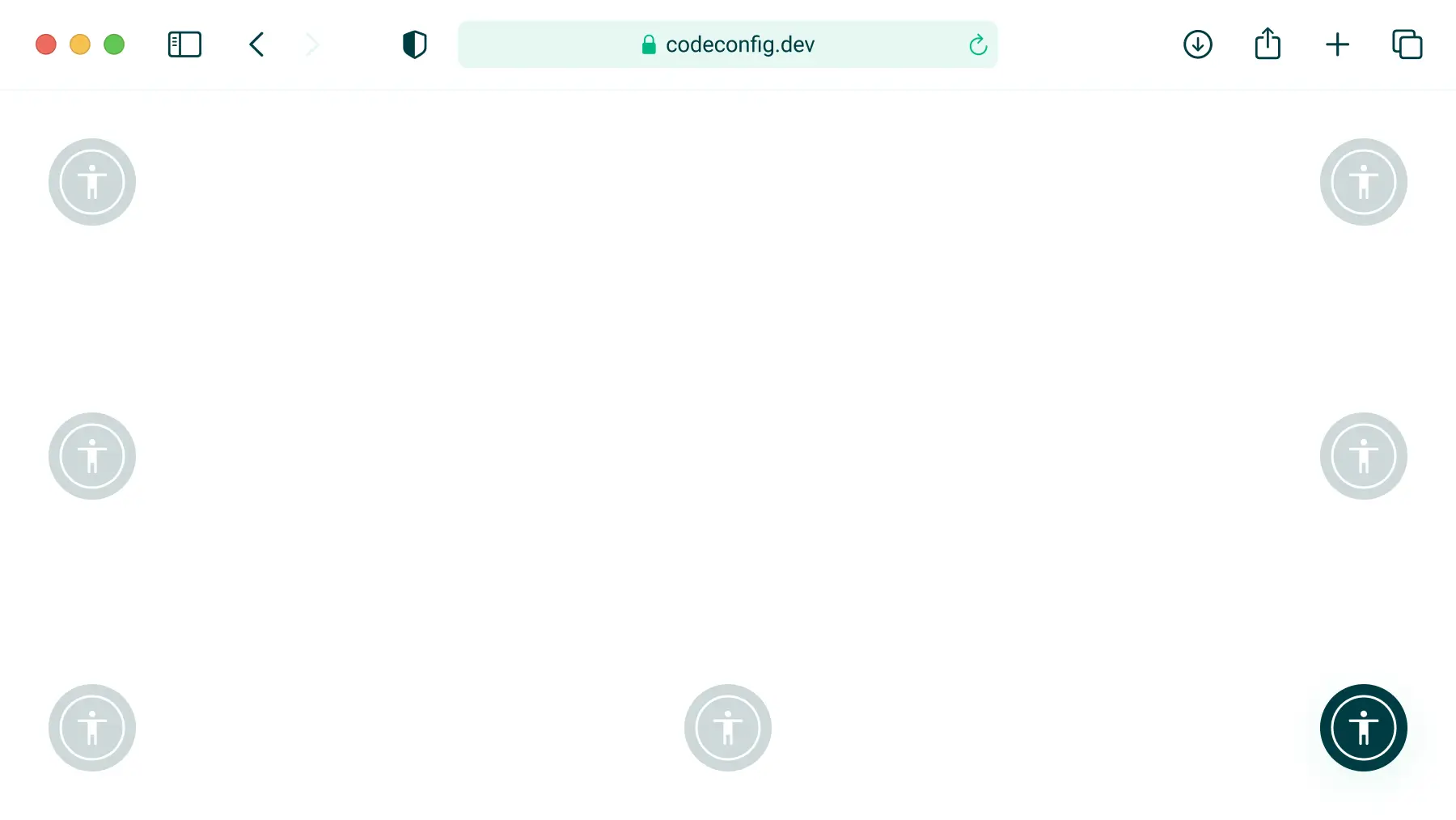
8 Positions For Placing Button
Choose from 8 different placement options for the accessibility button — top, bottom, left, or right — to fit your site's layout perfectly.
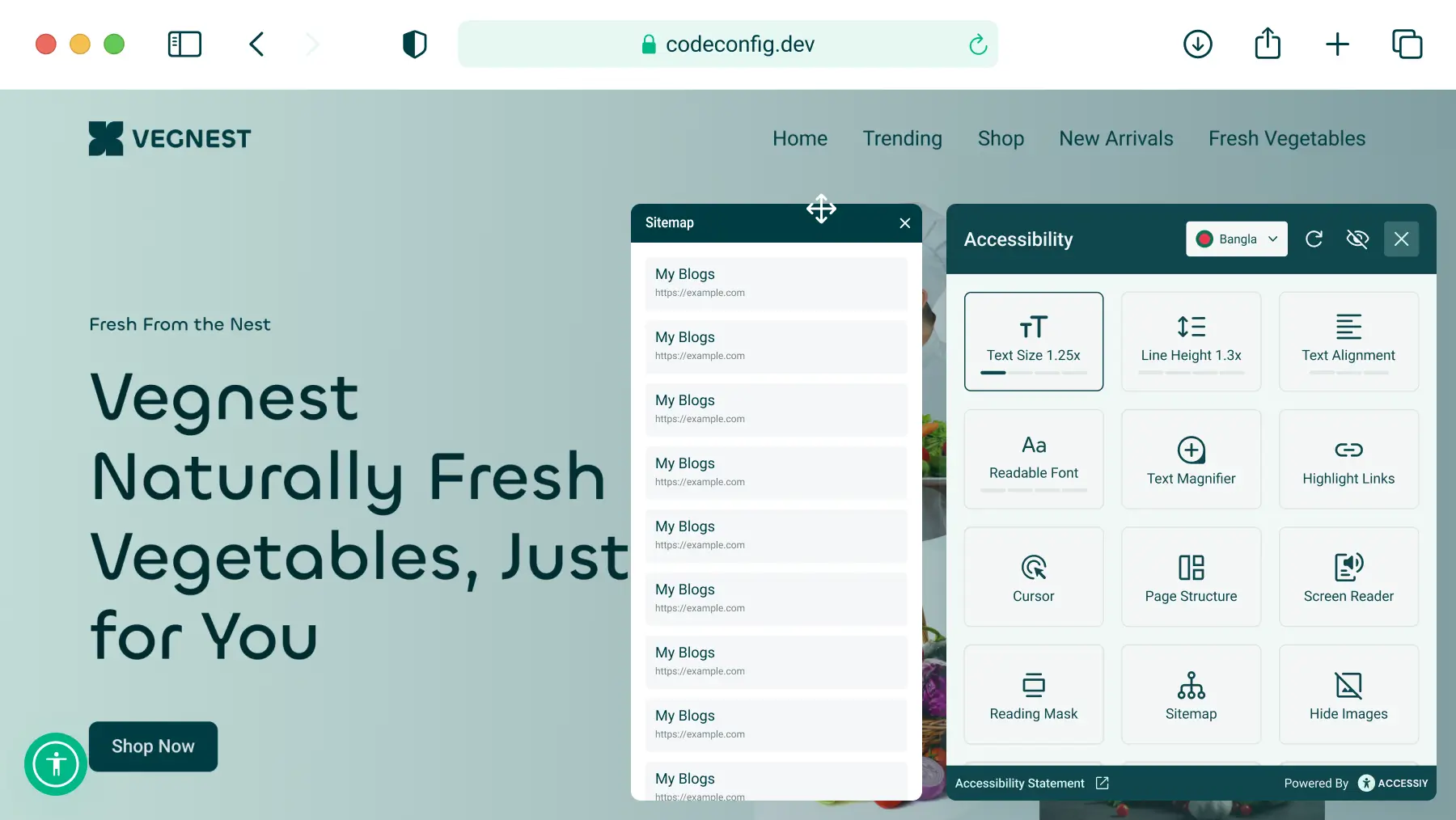
Awesome Site Map
Easily generate an accessible, user-friendly site map that helps all visitors — including screen reader users — navigate your website with confidence.
Global Language Selection
Let visitors choose their preferred language for the accessibility toolbar, making your website more inclusive and easier to use for a global audience.
Grab It Now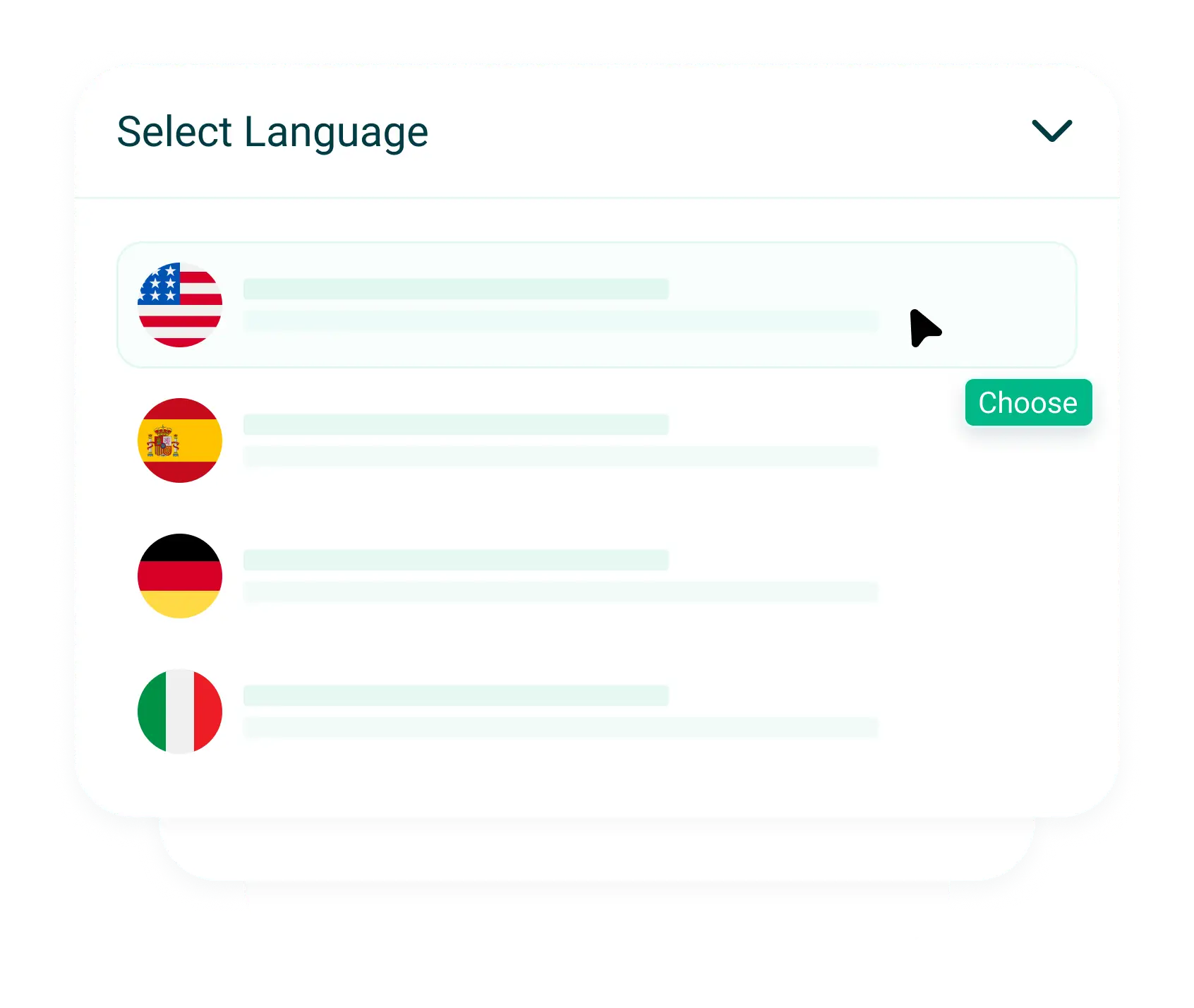
Key Features For A More Accessible Web
Equip your website with must-have accessibility tools like text resizing, contrast adjustments, and keyboard navigation, designed to make your site usable for everyone.
Statement Generator
Easily create a professional accessibility statement for your website to show your commitment to inclusivity and meet legal or compliance requirements.
Starts At $29.99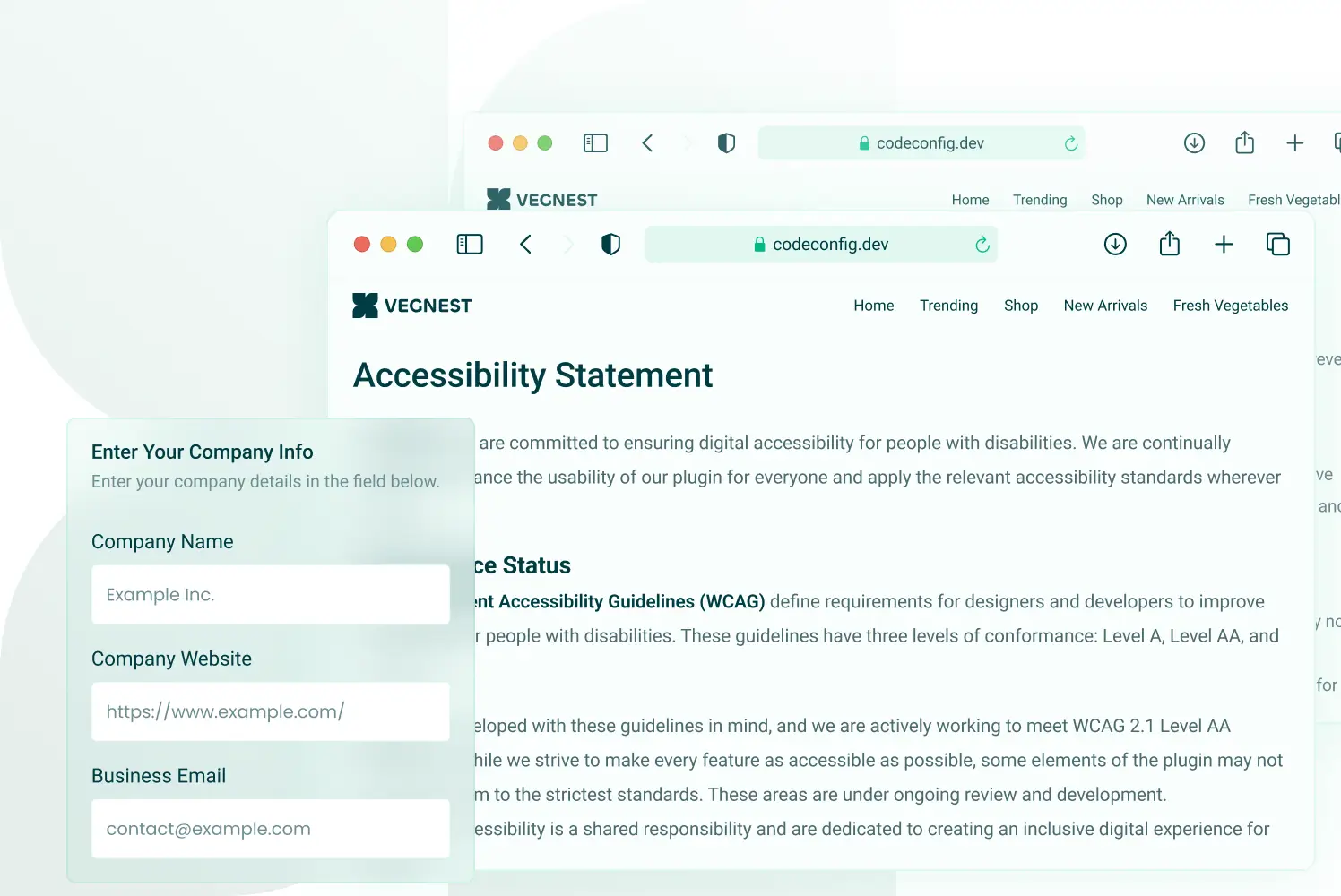
Highlight Title
Help users with visual impairments or focus difficulties by enabling highlighted elements that stand out clearly during browsing.
Get Accessiy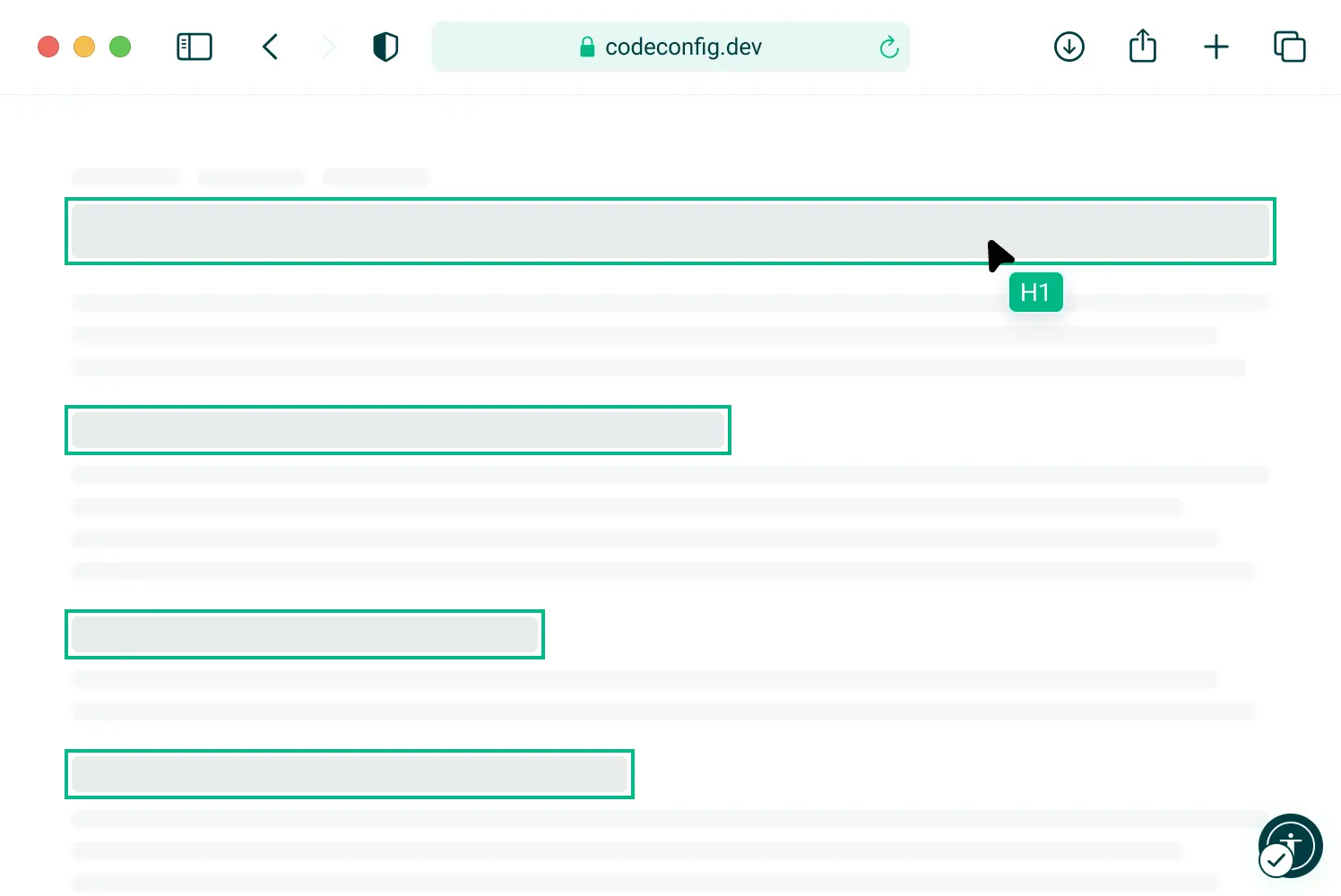
Readable Fonts
Improve text clarity by enabling clean, easy-to-read fonts that enhance readability for users with visual impairments or cognitive disabilities.
Get Accessiy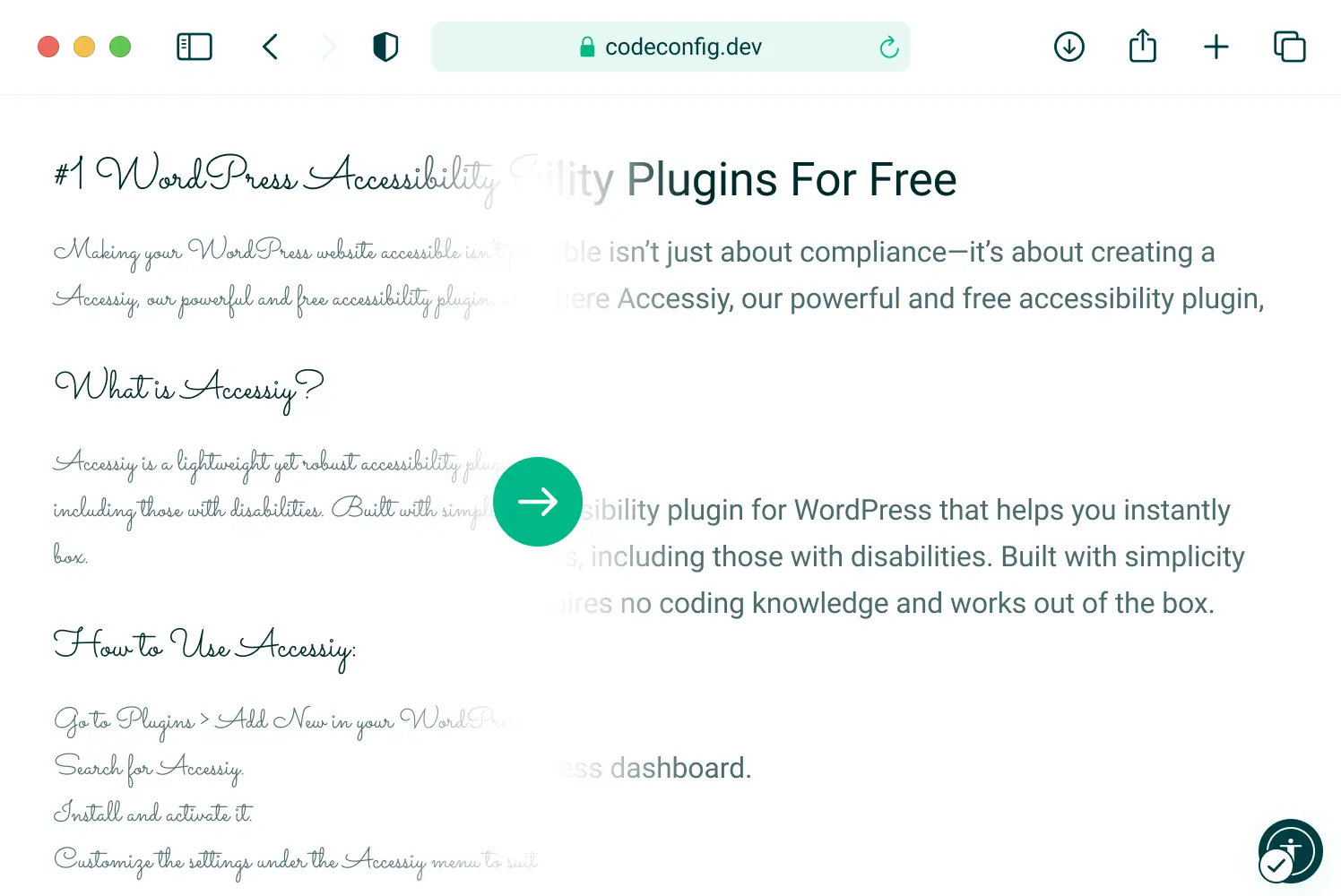
Large Cursor
Help users with visual impairments or motor difficulties easily track the mouse pointer by enabling a larger, more visible cursor on your website.
Starts At $29.99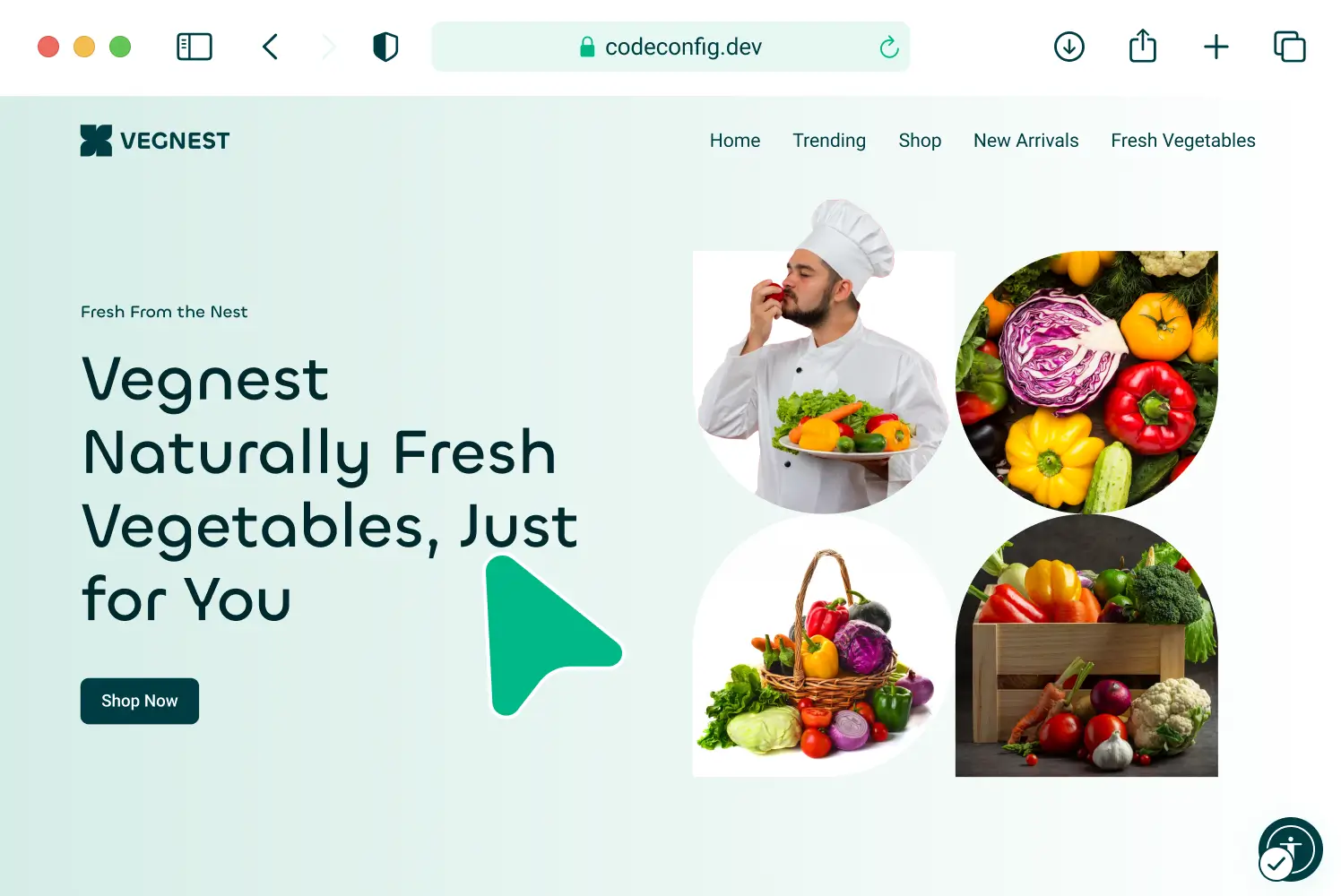
Advanced Features with Mouse Customization
Enhance accessibility with advanced tools like a large cursor, focus highlights, and more, all customizable to suit each user's needs and preferences.
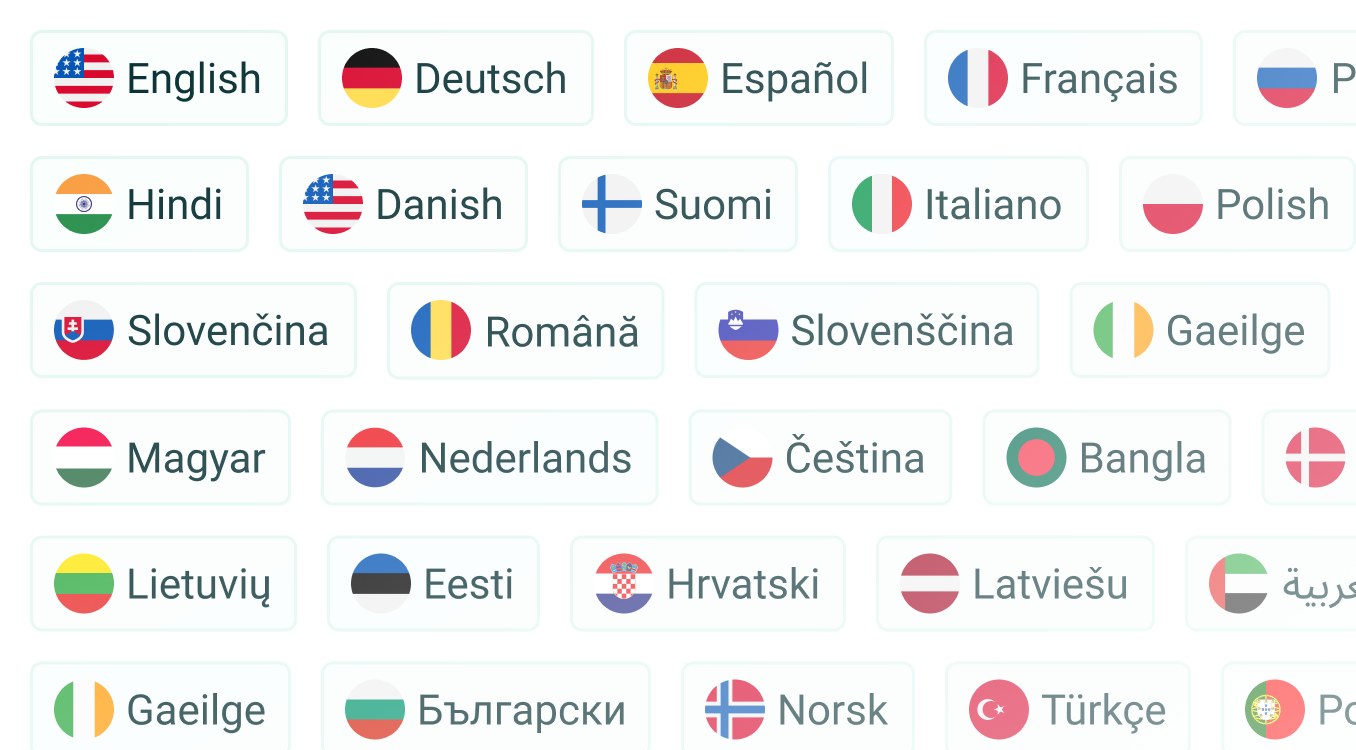
34+ Languages
Make your website accessible to a global audience with support for over 34 languages — ensuring users can interact in their preferred language.
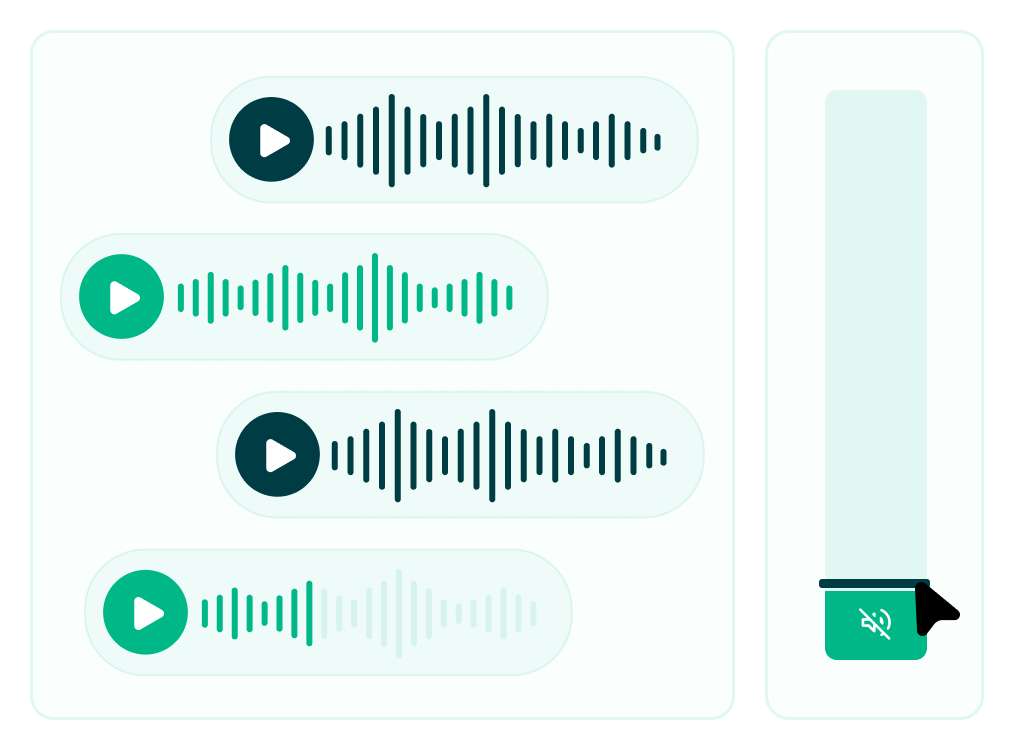
Mute Sounds
Allow users to quickly disable autoplay or background audio for a more comfortable and distraction-free browsing experience, especially helpful for those with sensory sensitivities.
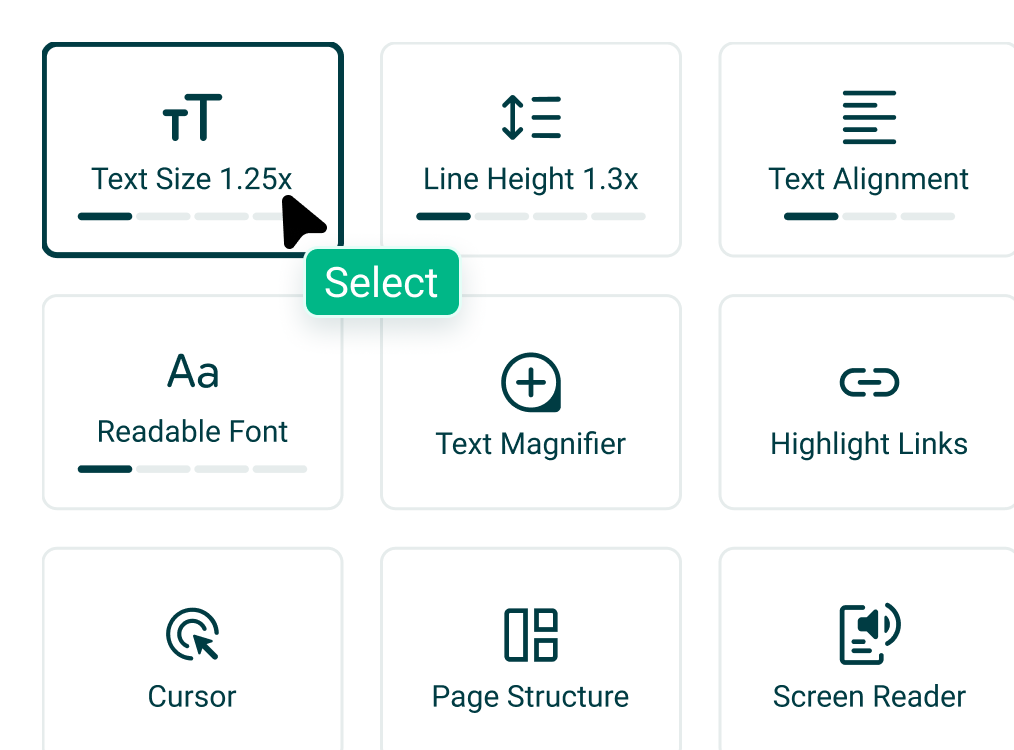
20+ Modules
Packed with over 20 powerful modules, from text resizing to color contrast, keyboard navigation, and more, giving users full control over their browsing experience.
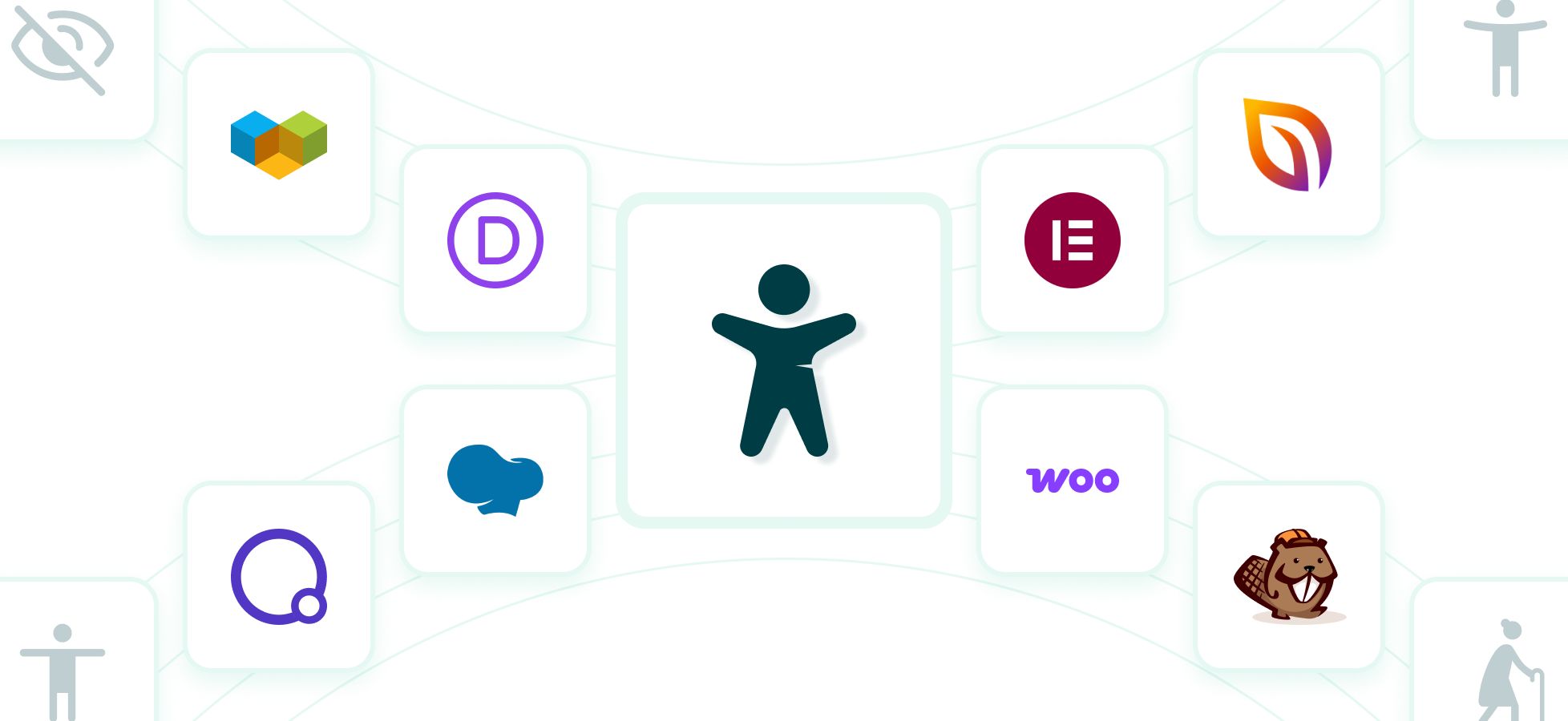
Popular Plugin Compatibility
Awesomely integrates with popular page builders like Elementor, WPBakery, and more — so you can add accessibility features without disrupting your design workflow.
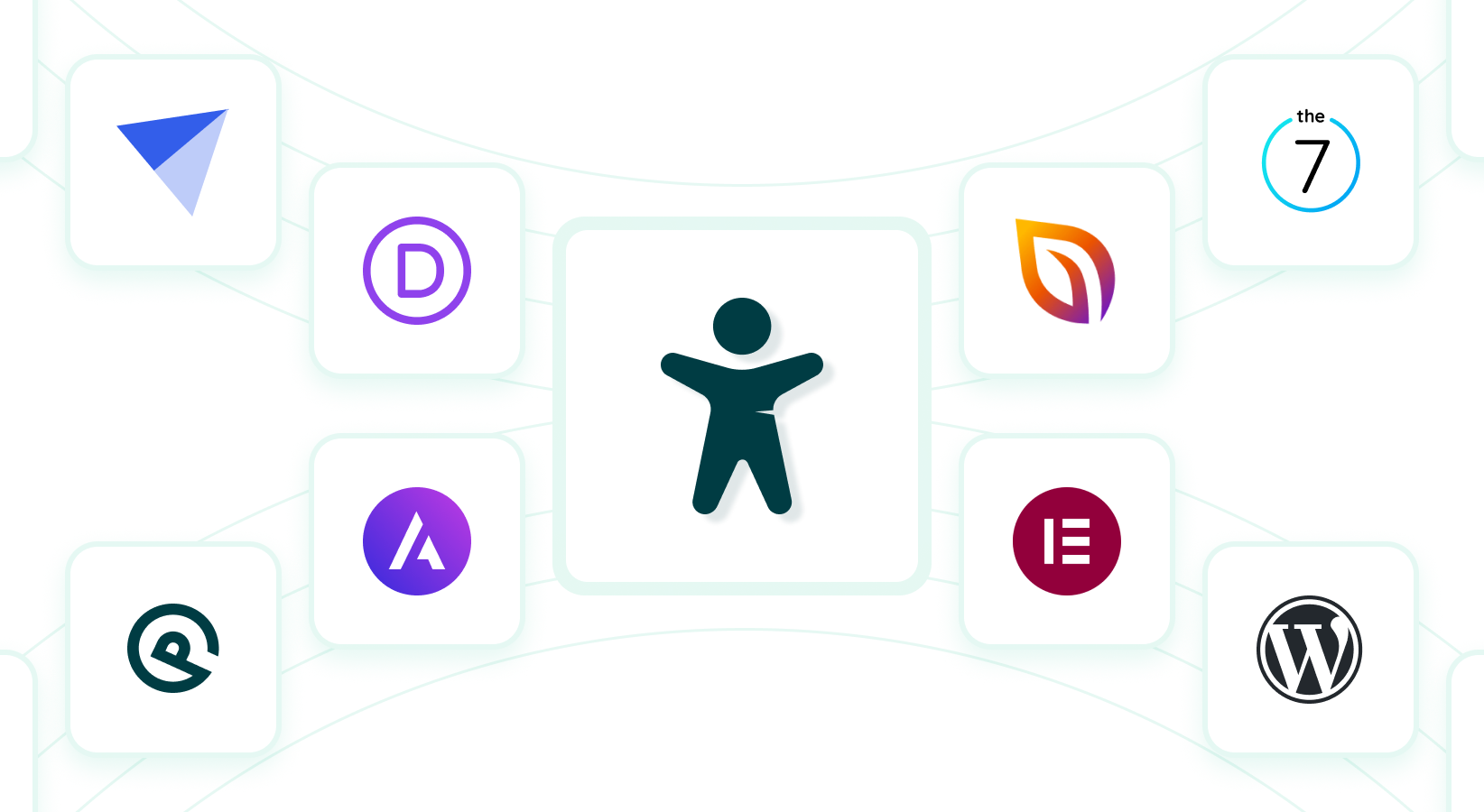
Theme Compatibility
Works flawlessly with all major WordPress themes, ensuring your accessibility tools blend perfectly with your site's design, no extra setup needed.
Custom Cursor
Personalize the browsing experience with custom cursor styles that match your website's look or improve visibility for users with visual or motor challenges.
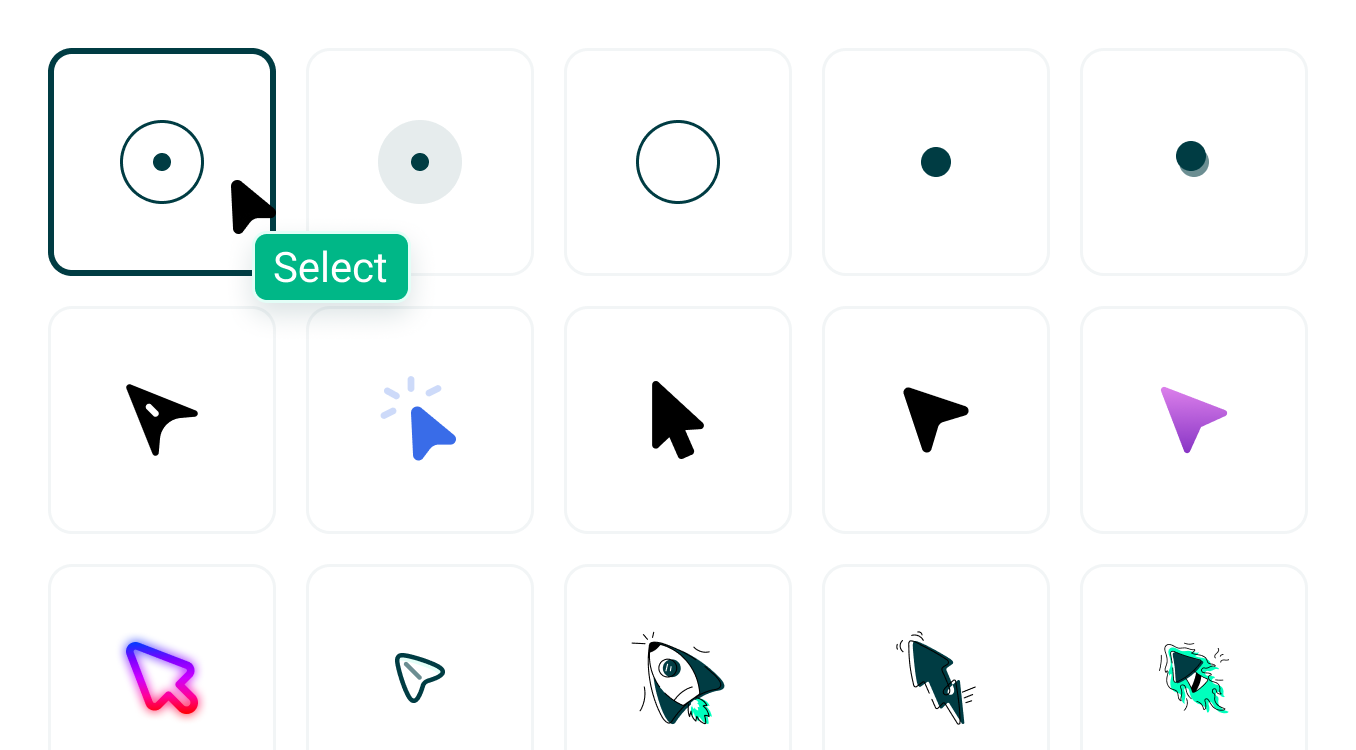
10+ Pre-Build Cursor
Choose from over 10 ready-made cursor styles to match your site's personality or enhance accessibility — no coding or design work needed.
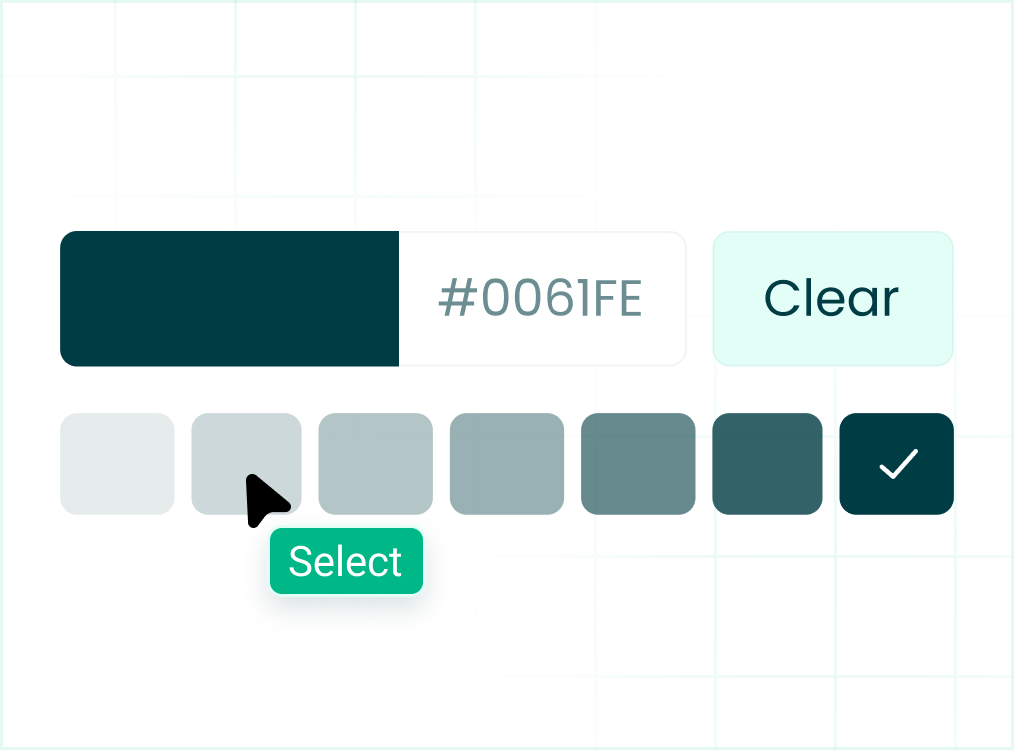
Custom Branding
Customize the look and feel of your cursor to match your brand. Choose styles, colors, or upload your own for a fully branded experience.
Awesome Accessibility User Analytics
Track how users interact with your accessibility features. This tool shows which options people use most, such as font size changes, contrast modes, or screen reader support. The insights help you understand user needs and improve accessibility for a better browsing experience.
Get Pro NowOne Click Accessibility For Your Website
Easily enable essential accessibility features with just one click, no coding required. Make your site inclusive, user-friendly, and compliant in seconds.
Install The Plugin
Find and install the plugin in seconds to enable instant accessibility.

Activate The Plugin
Turn on accessibility features instantly with a single click after installation.

Done! Use Accessiy
Start using your accessibility settings to create a better, more inclusive experience for every visitor.
What Users Say About Accessiy
Reviews from site owners using Accessiy, as left on WordPress.org.
Gefällt mir sehr gut
Das Plugin gefällt mir sehr gut und ist einfach einzurichten. Danke.
Schwabe71
100% No-Risk Money-Back Guarantee
Try it with confidence — if you're not satisfied, get a full refund. No questions asked.
- Unlimited Website
- 1 Click Setup
- 24/7 Support
- Text Magnifier
- Screen Reader
- Bigger Text
- Highlight Links
- Site Map
- Mouse Customization
- Statement Generator
- Custom Icon Upload
- Custom Branding
- Hide Images
- View All Features
Starter
Start your accessibility journey with core powerful features.
76
69.99
249
forever
- 1 Site Website
- 1 Click Setup
- 24/7 Support
- Text Magnifier
- Screen Reader
- Bigger Text
- Highlight Links
- Site Map
- Mouse Customization
- Statement Generator
- Custom Icon Upload
- Custom Branding
- Hide Images
- View All Features
Premium
Everything you need to create a fully accessible experience.
57
149.99
349
forever
- 5 Site Website
- 1 Click Setup
- 24/7 Support
- Text Magnifier
- Screen Reader
- Bigger Text
- Highlight Links
- Site Map
- Mouse Customization
- Statement Generator
- Custom Icon Upload
- Custom Branding
- Hide Images
- View All Features
Agency
Advanced accessibility tools for client projects and teams.
88
399.99
3499
forever
- 50 Site Website
- 1 Click Setup
- 24/7 Support
- Text Magnifier
- Screen Reader
- Bigger Text
- Highlight Links
- Site Map
- Mouse Customization
- Statement Generator
- Custom Icon Upload
- Custom Branding
- Hide Images
- View All Features
Frequently Asked Questions (FAQ's)
Find quick answers to the most common questions about accessibility features, setup, customization, and compatibility, all in one convenient place.
Accessiy is a WordPress plugin that helps you make your website more accessible to people with disabilities — quickly, easily, and without coding.
Not at all! Accessiy is designed for everyone. With just one click, you can enable accessibility features without writing a single line of code.
Accessiy includes features like text resizing, color contrast, large cursor, highlight links, readable fonts, mute sounds, and more.
Yes, Accessiy follows the core principles of accessibility standards like WCAG 2.1, ADA, and EAA, helping your site move toward compliance.
Yes! You can fully customize the icon position, colors, and even upload your own cursor or accessibility icon to match your site's branding.
Absolutely! Accessiy supports 34+ languages, making your site more inclusive and accessible to global visitors.
No. Accessiy is lightweight and performance-optimized to ensure it won't affect your website's speed or load time.
Yes! Accessiy works seamlessly with popular page builders like Elementor, WPBakery, Gutenberg, and others.
Definitely. Accessiy is built to be compatible with all modern WordPress themes right out of the box.
Yes, we offer a 100% no-risk money-back guarantee. If you're not satisfied, just contact us within the refund window — no questions asked.