


- Solutions
- WordPress
How to Stream Live TV & M3U8 (HLS) in WordPress (Complete Guide)
Tanin Ahmed5 min read
Loading page…
Loading page…
Loading page…
Learn how to import complete YouTube playlists into WordPress using WP Media Player. Build responsive video galleries, boost Core Web Vitals, and customize player branding in minutes.
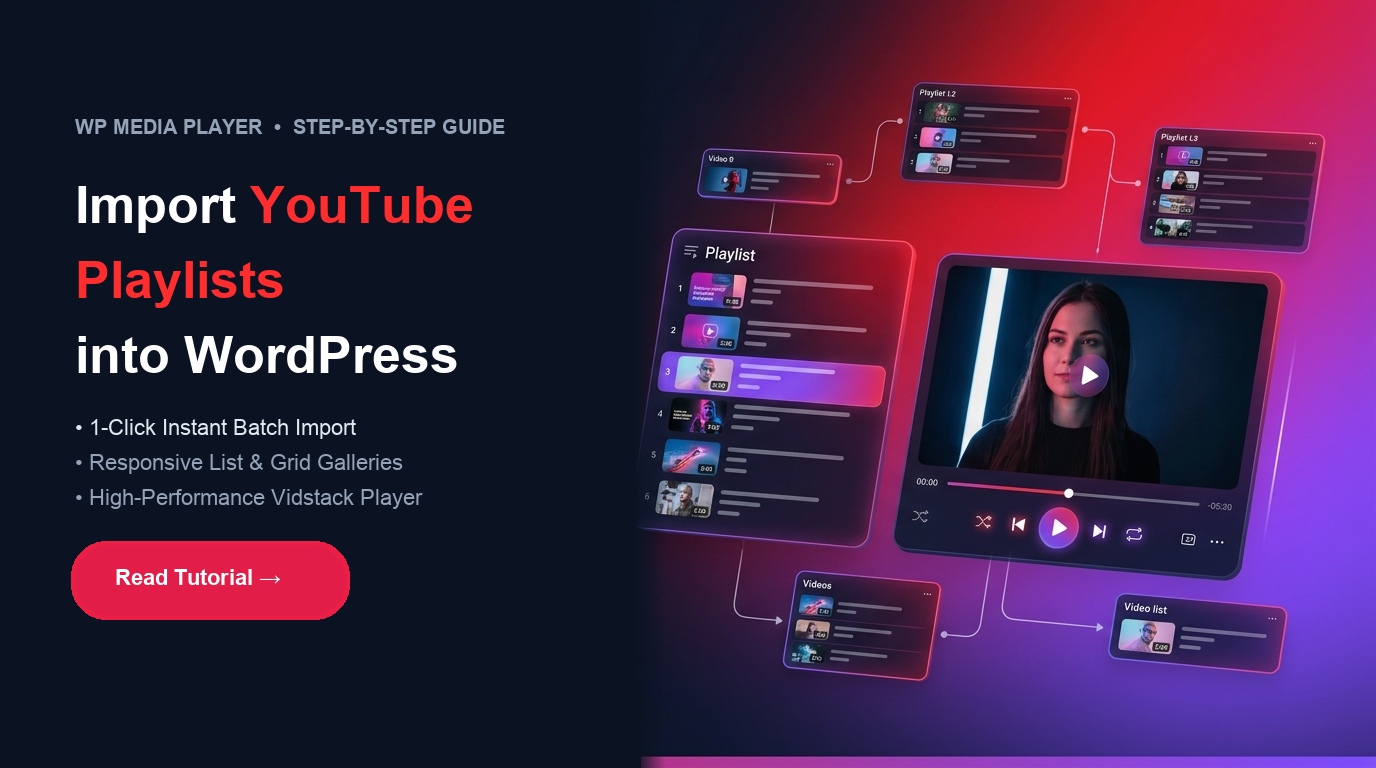
Embedding YouTube videos one by one into WordPress is slow, tedious, and difficult to maintain. Whether you are publishing an educational course series, podcast backlog, video tutorial archive, or product showcase, embedding individual manual iframes clutters pages and drags down your site speed.
With WP Media Player, you can import entire YouTube playlists in a single click. Powered by the lightweight Vidstack playback engine and a resilient dual-tier importer (combining direct metadata fetching with automated RSS fallback), WP Media Player transforms YouTube links into a fully branded, high-performance media gallery on your WordPress site.
| Feature | Native YouTube Embeds | WP Media Player |
|---|---|---|
| Batch Import | Manual copy-pasting for each video | 1-Click import of all videos, titles & thumbnails |
| Layout & Styling | Rigid single-video iframe container | Interactive Playlists (Sidebar List, Grid, Carousel) |
| Performance | Heavy upfront third-party JavaScript scripts | Smart Load Strategy (Eager, On Visibility, On Play) |
| GDPR & Privacy | Default tracking cookies enabled | YouTube-NoCookie & Privacy Mode built-in |
| Audience Retention | Recommends outside competitor videos on finish | Keeps viewers focused within your own video queue |
| Lead Generation | None | Custom Overlays (Email capture forms & CTA buttons) |
WP Media Player uses an intelligent two-tier architecture designed for maximum reliability:
consent.youtube.com), the importer automatically falls back to YouTube’s official XML feed to guarantee zero import interruptions.Navigate to YouTube, open the playlist you want to import, and copy the full URL from your browser address bar or the share modal. WP Media Player supports standard playlist URLs, share links, and raw playlist IDs:
https://www.youtube.com/playlist?list=PLxxxxxxxxxxxxxxxxxxxxxxxxxxxxxxFrom your WordPress Administrator dashboard:
In the import modal:
Once your videos are imported, fine-tune the playback experience:
You can embed your playlist on any page or post using either the native block editor or shortcodes:
Option A: Native Gutenberg Block (Recommended)
Option B: Shortcode Embedding (Elementor, Divi & Page Builders)
[wp-media-player type="playlist" id="1" layout="grid"]To maximize search engine rankings and site speed when embedding multiple videos:
On Visibility or On Play so YouTube iframe assets only initialize when visitors scroll near the player, maintaining pristine Core Web Vitals and PageSpeed scores.Importing YouTube playlists into WordPress is fast and effortless with WP Media Player. With automated batch imports, resilient fallback handling, and responsive playback layouts, you can launch rich video collections without sacrificing website performance.
This post is by Tanin Ahmed, a member of the CodeConfig team who is always working to find solutions for our users and improve our services.
Thank you for reading and for your kind words and good wishes for us. We truly appreciate your support! ❤️


Whether you're just getting started or scaling fast, we've got you covered. Access helpful guidance.
