

- Solutions
- WordPress
How to Import YouTube Playlists into WordPress (Step-by-Step Guide)
Tanin Ahmed4 min read
Loading page…
Loading page…
Loading page…
Learn how to stream Live TV and M3U8 (HLS) feeds directly on your WordPress site with WP Media Player. Deliver low-latency, adaptive bitrate broadcasts without buffering.
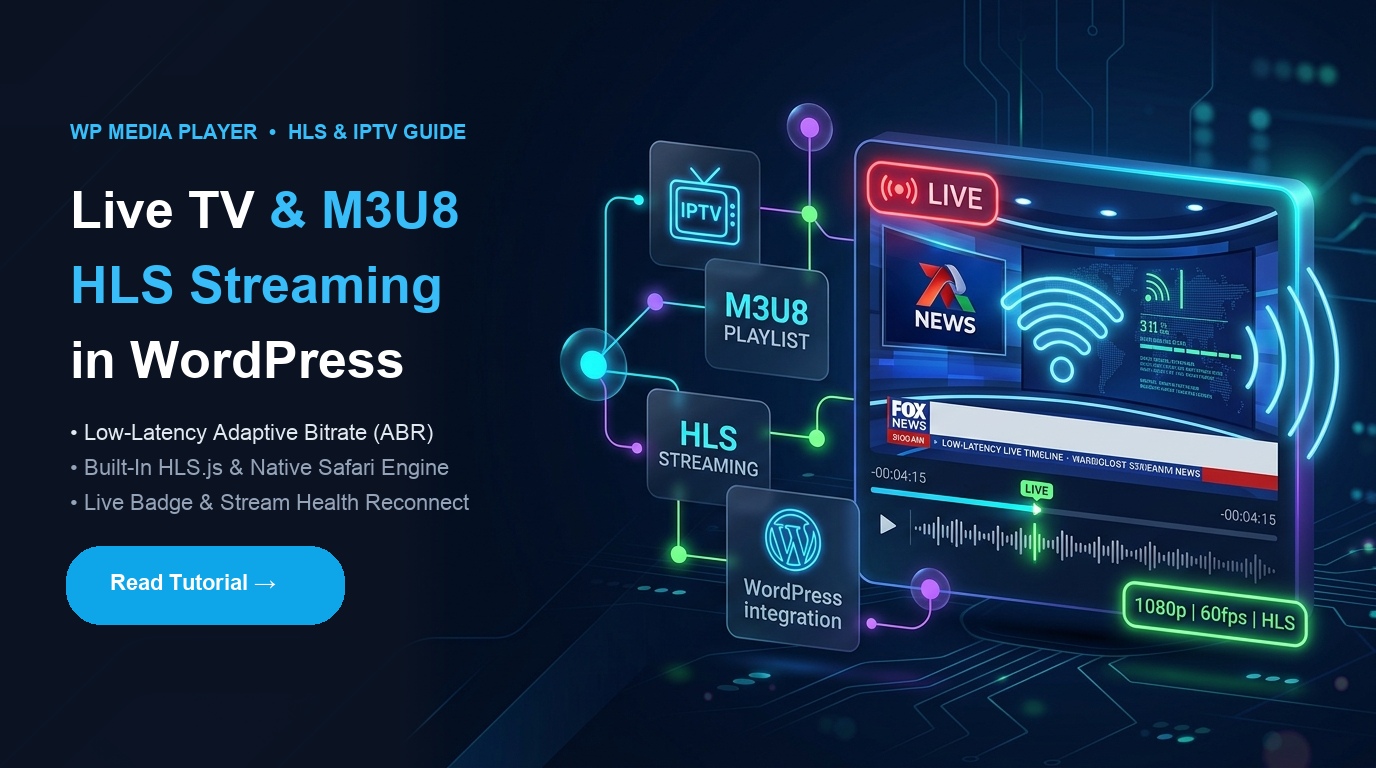
Live video streaming is one of the highest-converting and most engaging mediums on the web. Whether you are running a 24/7 Live TV broadcast, an IPTV network channel, virtual community events, religious services, or breaking news coverage, delivering smooth, low-latency streams directly on your WordPress site builds authority and retains visitors.
However, traditional WordPress media embeds fall flat when handling live video. HTML5 video players natively lack support for adaptive bitrate HTTP Live Streaming (HLS) streams across non-Apple browsers, leaving site owners struggling with clunky external iframes, third-party ads, or choppy playback.
With WP Media Player, embedding and managing Live TV (.m3u8) streams in WordPress is seamless. Leveraging an enterprise-grade Vidstack playback engine with automated HLS.js polyfills, smart reconnect logic, and adaptive bitrate switching, you can stream broadcast-quality Live TV across all modern devices and browsers.
An .m3u8 file is a playlist index file used by Apple’s HTTP Live Streaming protocol. Instead of transmitting an entire monolithic video file, HLS chops the live broadcast into small chunks (usually 2 to 6 seconds each) delivered over standard HTTP/HTTPS.
| HLS / M3U8 Advantage | How It Works | Benefit to Your WordPress Audience |
|---|---|---|
| Adaptive Bitrate (ABR) | Dynamically switches video resolution (360p → 720p → 1080p → 4K) based on client internet speed | Eliminates buffering and lag on unstable mobile networks |
| Universal CDN Caching | Delivers video chunks via standard web servers and edge CDNs (Cloudflare, BunnyCDN, Fastly) | Handles massive traffic spikes with near-zero origin server load |
| Cross-Browser Support | Native HLS on Safari/iOS + seamless HLS.js engine on Chrome, Firefox & Edge | Zero plugin downloads or third-party extensions required |
| Low-Latency Edge Playback | Continuous segment syncing at the live playback edge | Viewers watch live real-time broadcasts with minimal broadcast delay |
WP Media Player is engineered specifically for modern video architectures and live broadcasts:
.m3u8 manifest URL. WP Media Player instantly identifies the stream type, injects the necessary HLS decoding layer, and configures live controls.Obtain your direct HLS live playback manifest from your streaming server, cloud transcoding provider, or IPTV source. Common live sources include:
.m3u8 stream URL.From your WordPress dashboard:
.m3u8 stream link (e.g., https://stream.example.com/live/channel.m3u8).Customize the visual style to match your website design:
Display your live channel anywhere on your site:
Method A: Gutenberg Block
Method B: Shortcode (Elementor, Divi & Page Builders)
[wp-media-player type="media" id="5" preset="modern" autoplay="true"]To deliver an uninterrupted broadcast experience, follow these recommended production practices:
.m3u8 stream and all corresponding .ts video segments must also use HTTPS. Mixing HTTP streams on HTTPS pages triggers browser Mixed Content security blocks.Access-Control-Allow-Origin: *), allowing the player to fetch manifests and video segments seamlessly.Broadcasting Live TV and HLS (.m3u8) streams in WordPress no longer requires bulky third-party portals or heavy iframe embeds. With WP Media Player, you get a lightweight, customizable, broadcast-grade streaming player that keeps your audience on your site while delivering flawless playback on every device.
This post is by Tanin Ahmed, a member of the CodeConfig team who is always working to find solutions for our users and improve our services.
Thank you for reading and for your kind words and good wishes for us. We truly appreciate your support! ❤️


Whether you're just getting started or scaling fast, we've got you covered. Access helpful guidance.
