Quick answer: UpdraftPlus is the best WordPress backup plugin in 2026. Integration for Google Drive is the best pick if you want your backups, migrations, and transfers running natively through Google Drive with no FTP setup required. BlogVault is the best choice for WooCommerce stores and high-traffic sites that need real-time, off-server backups. Duplicator is the best pick if you also need to migrate or clone a site. Below, we break down all 9 top options, current pricing, and answer the questions site owners ask most.
Why Backing Up Your WordPress Site Matters More in 2026
WordPress now powers roughly 4 in 10 websites on the internet, which also makes it the single largest target for attackers. Security researchers tracking the WordPress ecosystem through 2026 have documented a sharp rise in risk:
- 11,334 new WordPress vulnerabilities were disclosed in 2025 alone — a 42% jump from the year before — and 91% of them were found in plugins, not WordPress core.
- The median time between a vulnerability being disclosed and attackers actively exploiting it is now just 5 hours.
- Roughly 13,000 WordPress sites are compromised every day.
- 78% of WordPress sites hacked in 2025 had at least one outdated plugin at the time of the breach.
- Standard hosting firewalls stop only about 12–26% of WordPress-specific attacks, according to penetration-testing data from Patchstack.
None of this means WordPress is unsafe to use — it means backups are no longer optional. A recent industry review also found that 87% of website owners have never actually tested whether their backup can be restored, which is arguably a bigger risk than not having a backup plugin at all. A backup you haven’t tested is a guess, not a safety net. So you need the Best WordPress Backup Plugin.
What Can Still Go Wrong Even With Good Security
- Hacking and malware injections — the leading cause of WordPress data loss in 2026.
- Server failures or hosting migrations that wipe or corrupt files.
- Human error — an accidental file or database deletion.
- Plugin or theme update conflicts that break a live site and require a fast rollback.
The right plugin gives you automated schedules, off-site (not just on-server) storage, and a restore process you can actually rely on under pressure.
How We Evaluated These Plugins
Each plugin below was assessed against the criteria that matter most when something actually breaks:
- Restore reliability — can it restore to a different host, not just the original one?
- Off-site storage — does it store backups away from your own server by default?
- Backup method — full backups vs. incremental (which is far faster and lighter for sites over ~2GB).
- Ease of setup for non-developers.
- Price-to-feature ratio, based on current 2026 vendor pricing.
The 9 Best WordPress Backup Plugin in 2026
UpdraftPlus remains the most widely installed Best WordPress Backup Plugin, running on more than 3 million sites with a five-star average rating on WordPress.org.
Key features:
- Automatic and manual backups on a schedule you control (daily, weekly, or monthly)
- Off-site storage via Google Drive, Dropbox, Amazon S3, Rackspace, or FTP
- One-click restore from the WordPress dashboard
- Incremental backups so only new changes are saved
- Full WordPress Multisite support
Pricing (2026): Free version covers essential features. Premium plans start at roughly $70/year for two sites.
Best for: Most site owners who want a dependable, no-cost starting point with real off-site storage.
2. Integration for Google Drive — Best WordPress Backup Plugin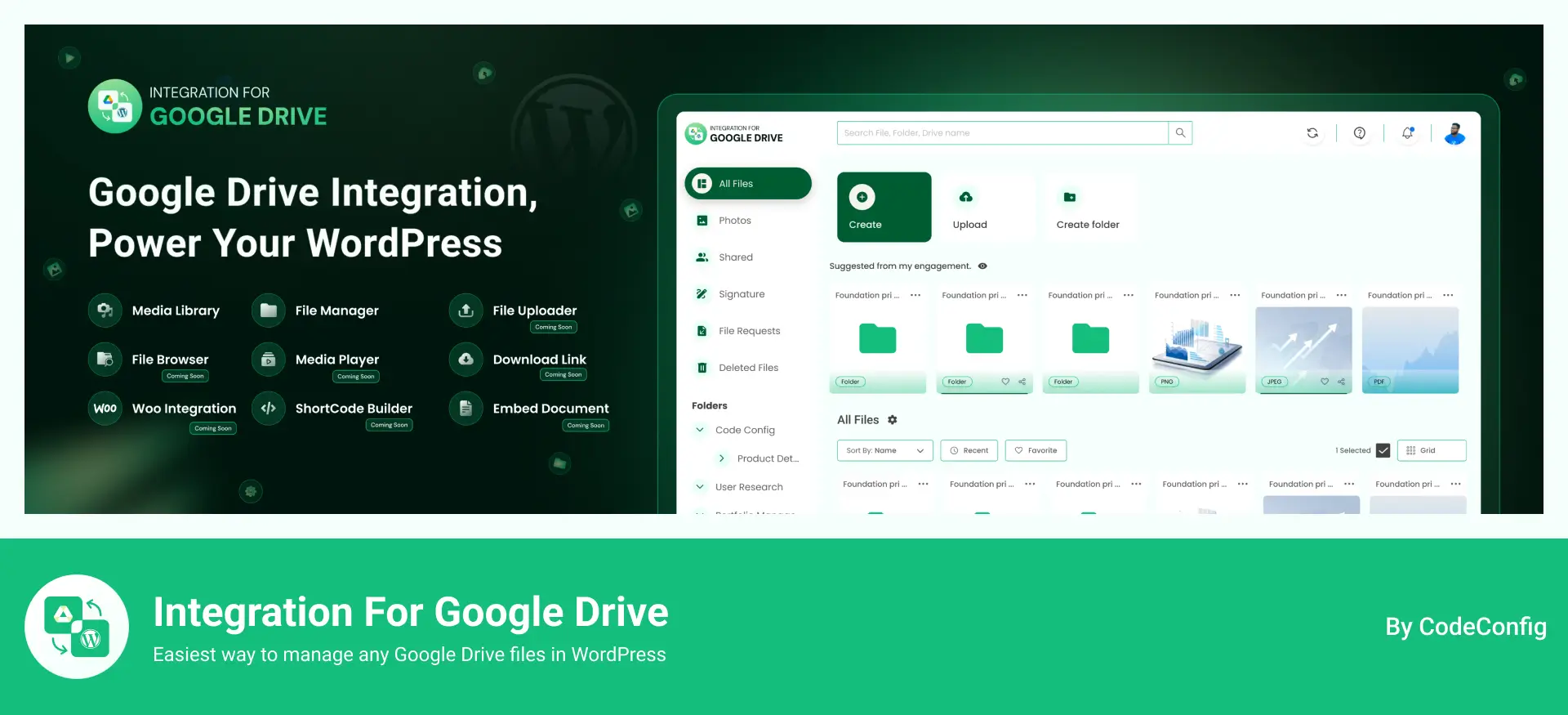
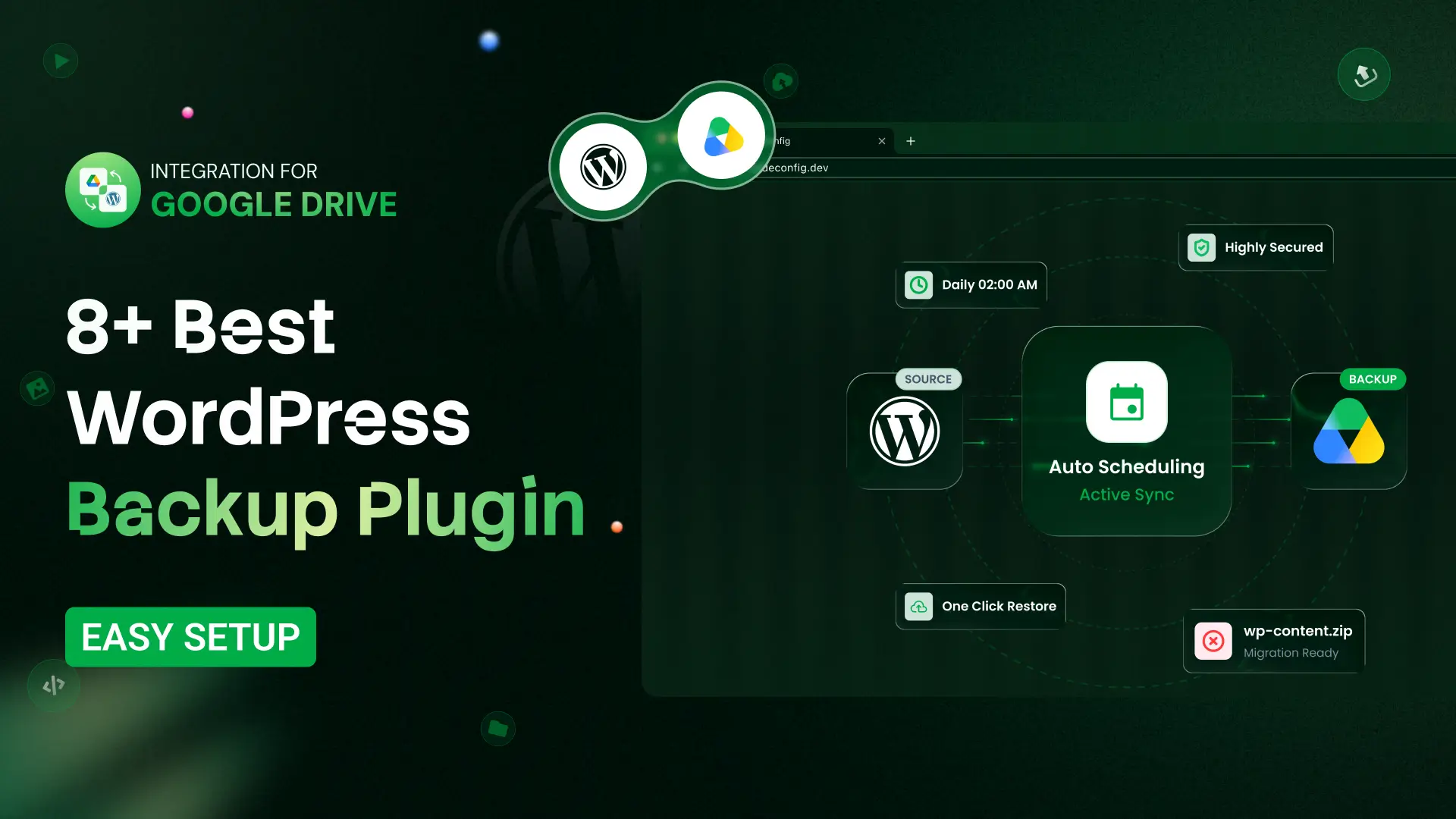
Integration for Google Drive has expanded well beyond simple media syncing — its backup module now covers scheduled full-site backups, one-click restores, and host-to-host migration, all built directly on top of your existing Google Drive storage, with no separate cloud account or FTP setup required.
Key features:
- Scheduled backups — set a recurring backup (e.g., daily full-site) that runs automatically and uploads straight to Google Drive
- One-click restore — restore your full site from any stored backup directly from the dashboard
- Migrate & Transfer tools — move a site to a new host or transfer it elsewhere with no FTP client needed; the plugin handles the source-to-destination transfer itself
- Local + Drive storage options — backups can be kept locally, pushed to Google Drive, or both, giving you a genuine off-site copy by default
- Storage usage dashboard — see exactly how much of your connected Google Drive space (e.g., “1.7 GB of 15 GB used”) your backups are consuming, right inside WordPress
- Backup history log — a running list of recent backups with size and date, so you can pick a specific restore point instead of guessing
- Dark mode support and a clean, modern dashboard UI built for non-technical site owners
Pricing: Free version available with 119.99/lifetime
Best for: Site owners who already rely on Google Drive and want backup, restore, and migration handled natively — without connecting a third-party storage service or configuring FTP.
Download Free Plugin
3. BlogVault — Best for WooCommerce & High-Traffic Sites
BlogVault is a managed, cloud-based service rather than a plugin that runs backups on your own server — which means backups don’t slow your site down, and restores are still possible even if your site is completely offline.
Key features:
- Backups processed on BlogVault’s infrastructure, not yours
- Incremental backups to save storage and bandwidth
- Flexible scheduling (daily, weekly, or monthly)
- Restores work even if the WordPress dashboard is unreachable
- One-click full site restore
Pricing (2026): Plans start around $89/year for one site.
Best for: WooCommerce stores and business-critical sites where downtime is expensive.
4. Jetpack VaultPress Backup — Best for Real-Time Backup
Built by Automattic, Jetpack Backup saves every change — a new post, a settings tweak, a file edit — the moment it happens, instead of waiting for a scheduled backup window.
Key features:
- Real-time, continuous backup (not just scheduled snapshots)
- One-click restore to any point in time
- Dedicated iOS/Android app for managing backups remotely
- Native WordPress Multisite support
- Bundled malware scanning and security monitoring
Pricing (2026): Plans start at roughly $4.95/month for the first year.
Best for: E-commerce and content-heavy sites where losing even a few hours of data is costly.
5. Duplicator — Best WordPress Backup Plugin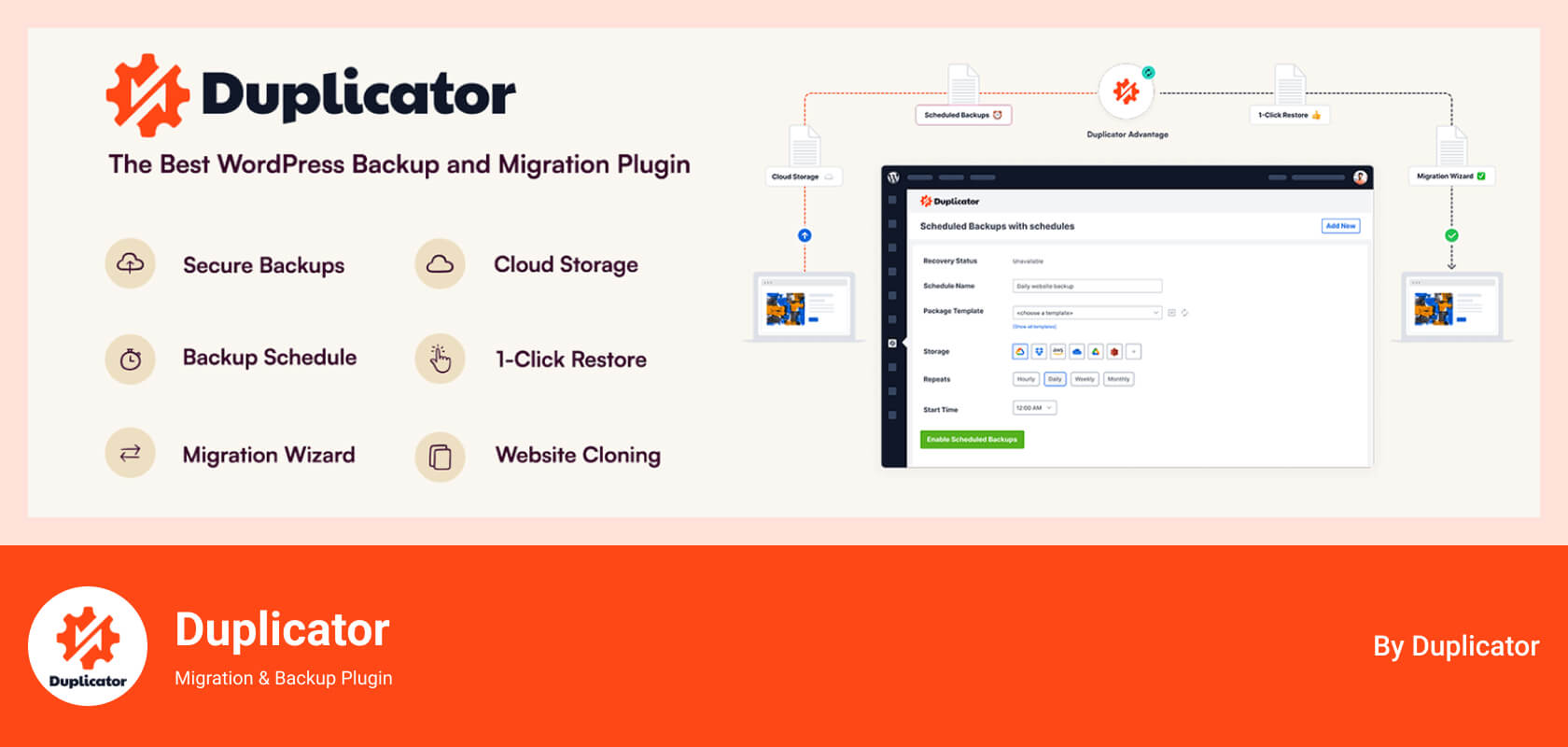
With more than a million active installs on its free version and a 4.9/5 rating across thousands of WordPress.org reviews, Duplicator is built as much for moving sites as for backing them up.
Key features:
- Bundles your entire site — files, themes, plugins, and database — into one package
- Simplifies moving a site between hosts without reconfiguring from scratch
- On-demand manual backups, ideal before a major update
- Drag-and-drop restoration, no manual SQL imports required
- Handles database serialization correctly during migration
Pricing (2026): Free version available. Premium (Blogger tier) starts around $49–$70/year for two sites, with lifetime license options also offered.
Best for: Developers and agencies who need backup and migration in a single tool.
6. Solid Backups (formerly BackupBuddy) — Best for Advanced, All-in-One Management
Solid Backups combines automated backups, granular restores, and migration tools, and ships with its own bundled cloud storage service called Solid Stash — so you’re not required to connect a separate Dropbox or S3 account.
Key features:
- Real-time and scheduled backup options
- Built-in cloud storage (Solid Stash) plus support for Dropbox, Google Drive, and OneDrive
- Database rollback without a full site restore
- Built-in malware detection
- Customizable backup profiles (e.g., database-only vs. full site)
Pricing (2026): Plans start around $8.25/month (billed annually) for one site.
Best for: Agencies and advanced users managing larger or more complex sites.
7. WP Time Capsule — Best for Lightweight Incremental Backups
WP Time Capsule is built specifically around efficiency: after the first full backup, it only ever stores what changed.
Key features:
- True incremental backup engine to minimize server load
- Native support for staging environments to test changes safely
- One-click restore from the dashboard
- Integrates with Dropbox, Amazon S3, and Google Drive
Pricing (2026): Plans start around $49/year for up to 2 sites.
Best for: Sites on limited hosting resources that still want frequent backups.
8. BackWPup — Best Budget Pick
Developed by the team behind WP Rocket and Imagify, BackWPup has been actively maintained since 2009 and has over 500,000 active installs.
Key features:
- Storage options including Dropbox, Amazon S3, and FTP
- Built-in file encryption for backup security
- Both scheduled and manual backup modes
- Emergency restore for fast recovery
Pricing (2026): Free version available. Premium starts around $69/year for one site.
Best for: Budget-conscious site owners who still want off-site storage and encryption.
9. WPvivid — Best Free All-in-One (Backup, Migration & Staging)
WPvivid rounds out the list as a genuinely feature-rich free option, popular with freelancers and agencies managing multiple client sites.
Key features:
- Combined backup, migration, and staging in one plugin
- Scheduled automatic backups on custom intervals
- Integrates with Dropbox, Google Drive, and Amazon S3
- Lets you exclude large media files to shrink backup size and time
Pricing (2026): Free version available. Premium starts around $49/year for two domains.
Best for: Freelancers and agencies wanting strong free features without vendor lock-in.
Also Worth Knowing: WP STAGING
Several 2026 comparison guides now rank WP STAGING among the top picks because it runs backups directly on your server (faster than remote-upload methods for many hosts) while also including staging and migration tools in its free tier. It’s worth a look if your host has generous server resources and you want speed over off-site convenience.
Comparison at a Glance
| Plugin |
Best For |
Backup Type |
Free Version |
Premium Starting Price (2026) |
| UpdraftPlus |
Overall/free option |
Incremental |
Yes |
~$70/year |
| Integration for Google Drive |
Best WordPress Backup Plugin |
Scheduled, local + Drive |
Yes |
119.99/Lifetime |
| BlogVault |
WooCommerce, high traffic |
Incremental, off-server |
No (free trial) |
~$89/year |
| Jetpack VaultPress |
Real-time protection |
Real-time |
Limited |
~$4.95/month |
| Duplicator |
Backup + migration |
Full package |
Yes |
~$49/year |
| Solid Backups |
Advanced/agency use |
Real-time + scheduled |
No |
~$8.25/month |
| WP Time Capsule |
Lightweight incremental |
Incremental |
No |
~$49/year |
| BackWPup |
Budget pick |
Scheduled |
Yes |
~$69/year |
| WPvivid |
Free all-in-one |
Scheduled |
Yes |
~$49/year |
Pricing changes frequently — always confirm current rates on the vendor’s official pricing page before purchasing.
Final Verdict
There isn’t a single Best WordPress Backup Plugin for every site — there’s a best plugin for your situation:
- Want free and reliable? UpdraftPlus.
- Already live in Google Drive and want backup + migration in one place, no FTP? Integration for Google Drive.
- Run a store or high-traffic site? BlogVault.
- Need real-time protection? Jetpack VaultPress Backup.
- Migrating or cloning sites often? Duplicator.
- Managing multiple client sites at an agency level? Solid Backups.
- On a tight budget? BackWPup or WPvivid.
Whichever you choose, the plugin only matters if the restore works. Schedule a test restore this month — not after something breaks.
Pricing and feature details reflect vendor information available as of mid-2026 and may change. Always confirm current pricing and compatibility with your WordPress version and hosting environment before purchasing.












Written By
Ahanaf Istiyad
Hey, I'm Istiyad! As a UI/UX and product designer, I’m passionate about building sleek, user-friendly experiences that make navigating digital products feel effortless and fun!
Express Your Opinion