

- WordPress
The Importance of WordPress Security: 7 Critical Hardening Rules & Checklist
Saiful Islam6 min read
Loading page…
Loading page…
Loading page…
Discover the 20 best announcement bars for Shopify in 2025 to enhance your online store's visibility and engagement effectively.
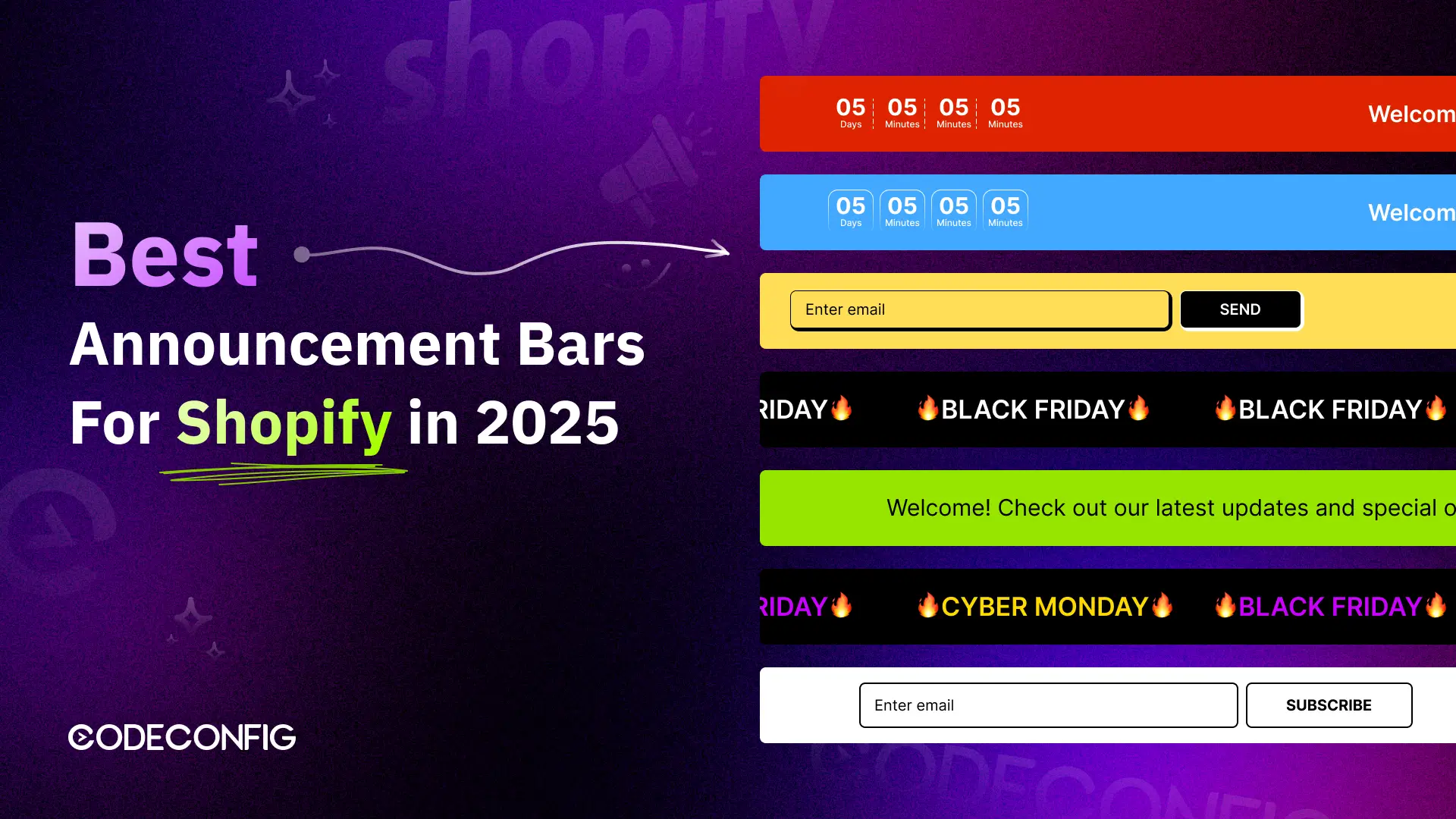
Looking for the Best Announcement Bars For Shopify? A well-placed announcement bar is still one of the fastest, lowest-effort ways to grab attention, promote a sale, and turn casual visitors into buyers — and with average ecommerce conversion rates sitting at just 1.4% to 3% in 2026, every extra nudge toward “buy now” matters. In this guide, we’ll cover why every Shopify store needs one, showcase our top pick, and rank the 12 best options on the market today.
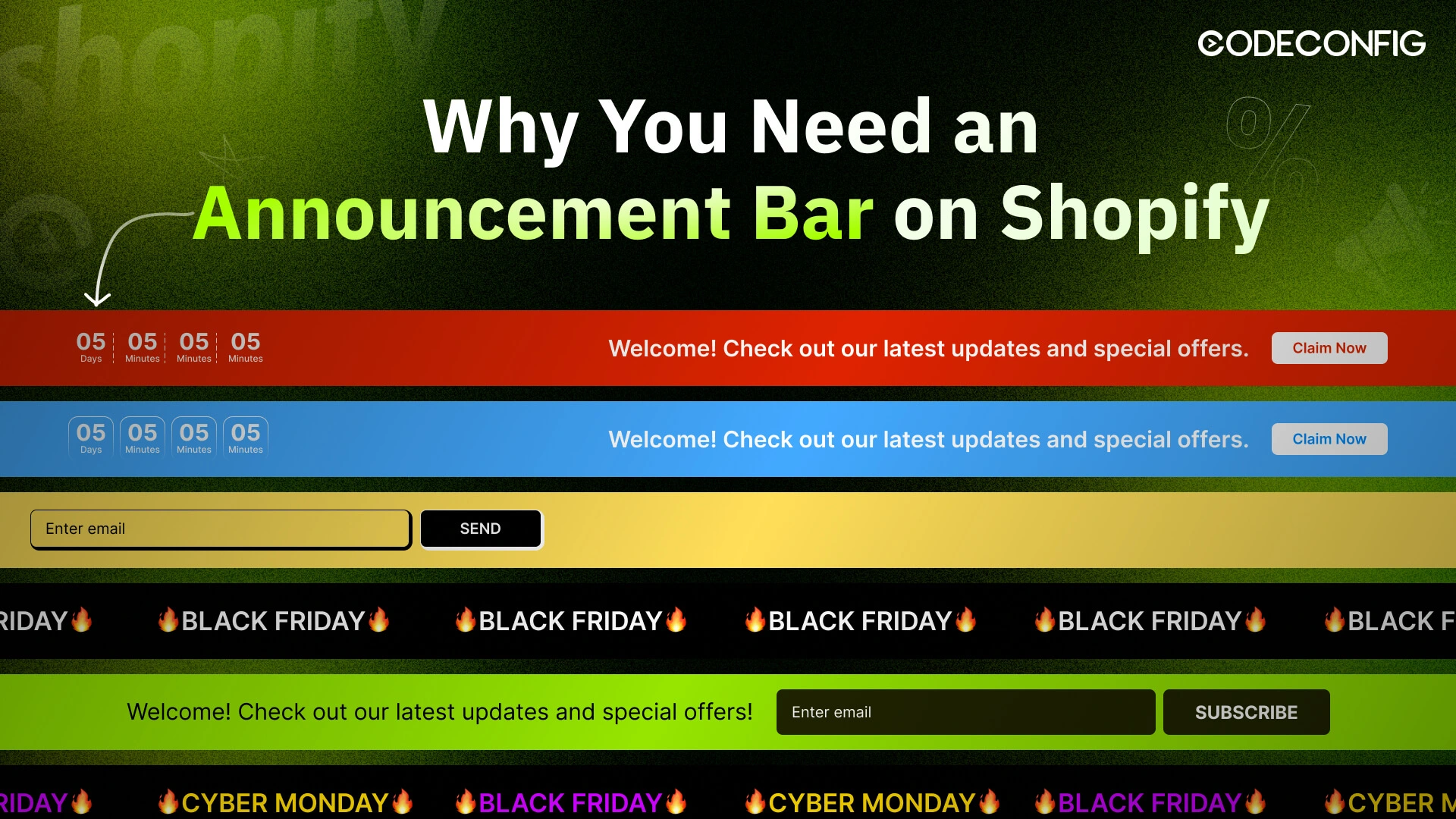
If you run a Shopify store, getting more visitors to notice, shop, and buy is always the goal. Among the Best Announcement Bars For Shopify, the right one can do all three at once, with almost no setup effort. Here’s why it still works so well in 2026:
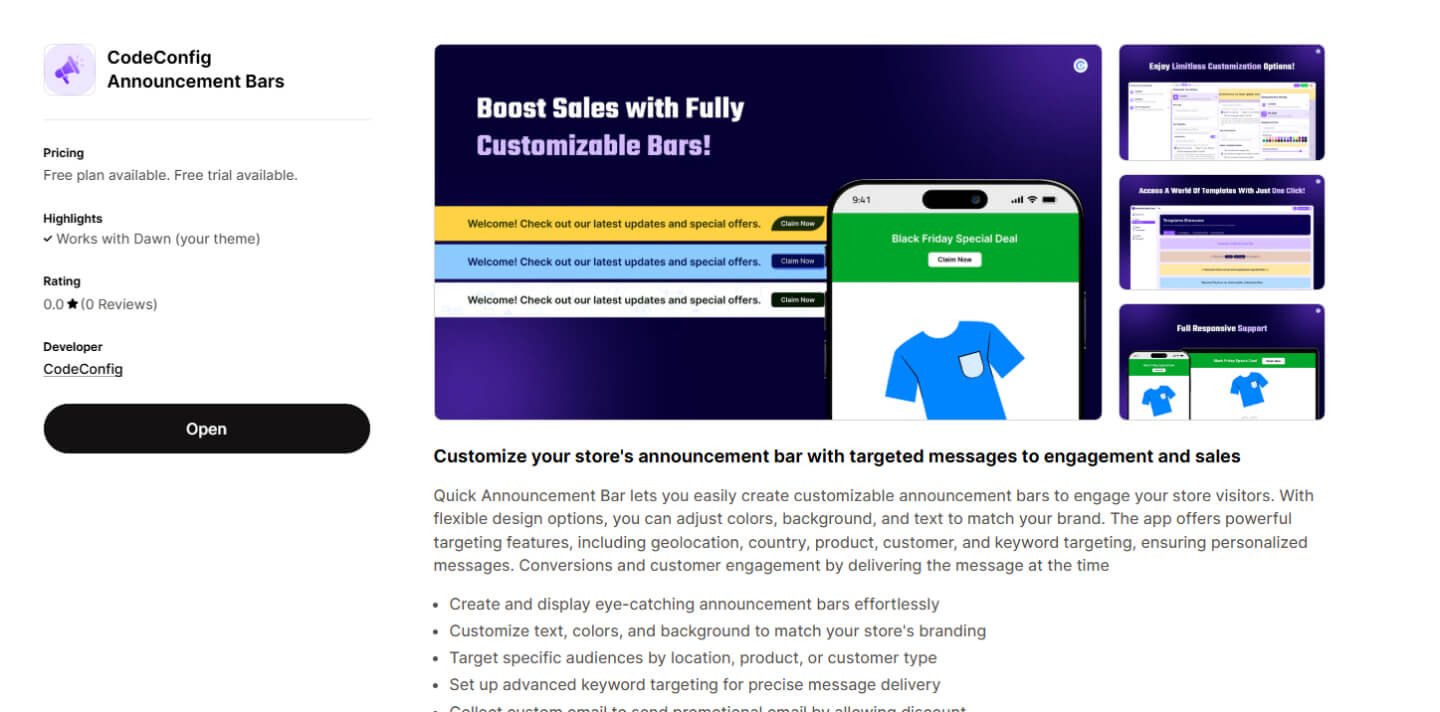
When it comes to the Best Announcement Bars for Shopify, CodeConfig Announcement Bars is our top pick for 2026, and now that it’s been updated with a full set of advanced features, it’s easily the most complete option on this list. You can add sticky, scrolling, or animated bars in minutes with no code, then target exactly who sees each one.
Key Features:
Whether you’re running a flash sale countdown, promoting free shipping, or sharing a promo code, CodeConfig puts the message exactly where shoppers look, and lets you fine-tune it by location, page, and schedule so the right offer reaches the right visitor. Keeping the message short matters too — the best-performing bars tested across ecommerce sites in 2026 all use fewer than 10 words and a single, unmistakable call to action.
Pricing: Free plan available for basic bars. Paid plan starts at $9.90/month for advanced customization and scheduling.
Read Also: How To Add an Announcement Bar in Shopify
| Rank | App Name | Free Plan | Paid Plan |
|---|---|---|---|
| 🥇 | CodeConfig Announcement Bars | Yes (Basic features) | $9.90/month |
| 🥈 | Quick Announcement Bar by Hextom | Yes (Basic text customization) | $9.99/month |
| 🥉 | Essential Announcement Bar | Yes (Full design customization) | Paid tiers for higher-volume stores |
| 4 | Free Shipping Bar by Hextom | Yes (Basic progress bar) | $9.99/month |
| 5 | Tada – Announcement Bar + Exit Popup | Yes (Basic features) | $5.99/month |
| 6 | Sticky Announcement Bar | Yes (Basic sticky bar) | $4.99/month |
| 7 | Pro Announcement Bar | Yes (One bar) | $7.99/month |
| 8 | Sales Countdown Timer | Yes (Basic timer) | $5.92/month |
| 9 | Bannerify | Yes (Basic design) | $4.99/month |
| 10 | POWR Notification Bar | Yes (Basic features) | $5.49/month |
| 11 | Notice Me | Yes (Basic features) | $4.99/month |
| 12 | Auto Announcement Bar | Yes (Basic auto-updates) | $5.99/month |
Pricing reflects vendor information as of mid-2026 and may change — always confirm current rates on the Shopify App Store before installing.
Here’s the shortlist — trimmed from the wider field down to the 12 apps worth your time in 2026, based on features, pricing, and how well each one holds up on a live store.
Our top pick among the Best Announcement Bars for Shopify. CodeConfig combines sticky, scrolling, and animated bar styles with precise geo and page targeting, plus a built-in CTA button, so every visitor sees the message that’s actually relevant to them.
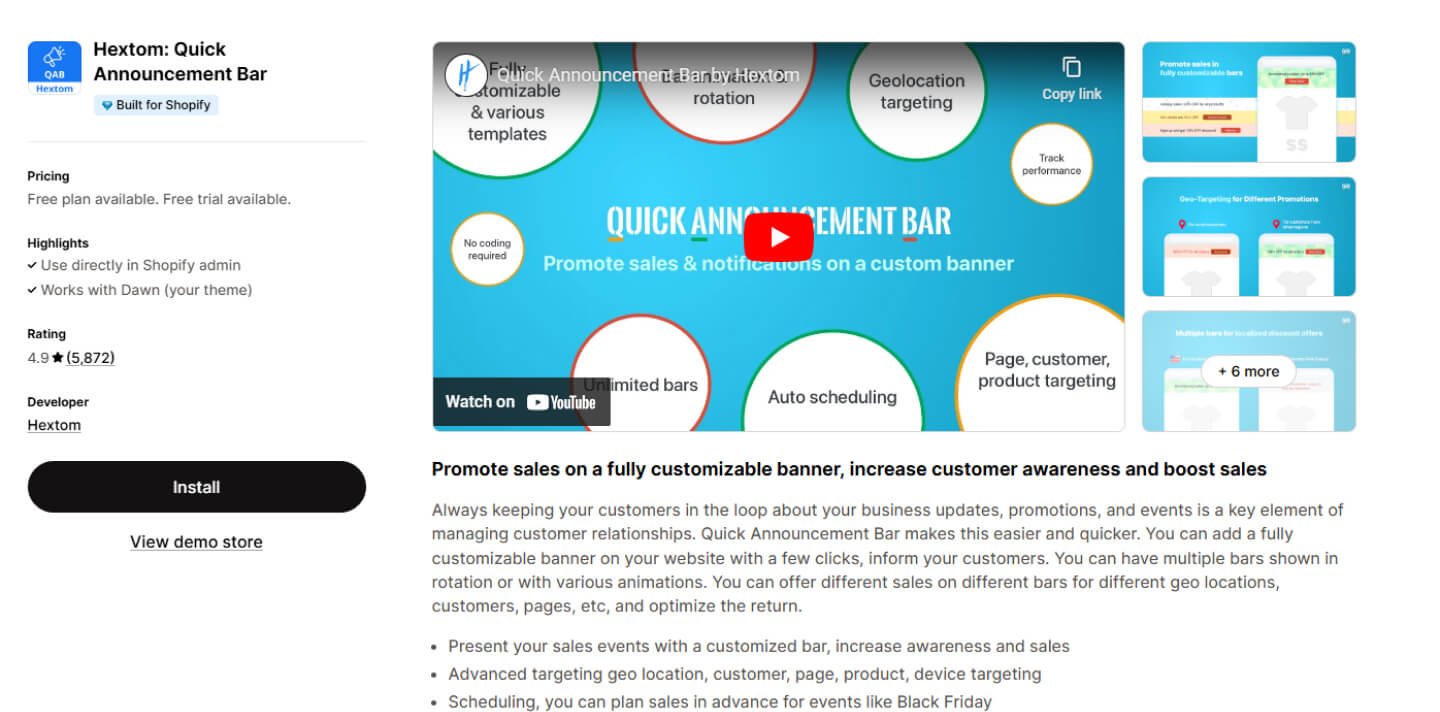
Quick Announcement Bar makes it simple to add a banner with custom text, colors, and fonts. Countdown timers and page-specific display rules add extra flexibility, and it remains one of the most widely installed bar apps on the Shopify App Store.
Pricing: Free plan with basic text customization (limited to one active bar). Paid plan at $9.99/month unlocks A/B testing, scheduling, and geo-targeting.
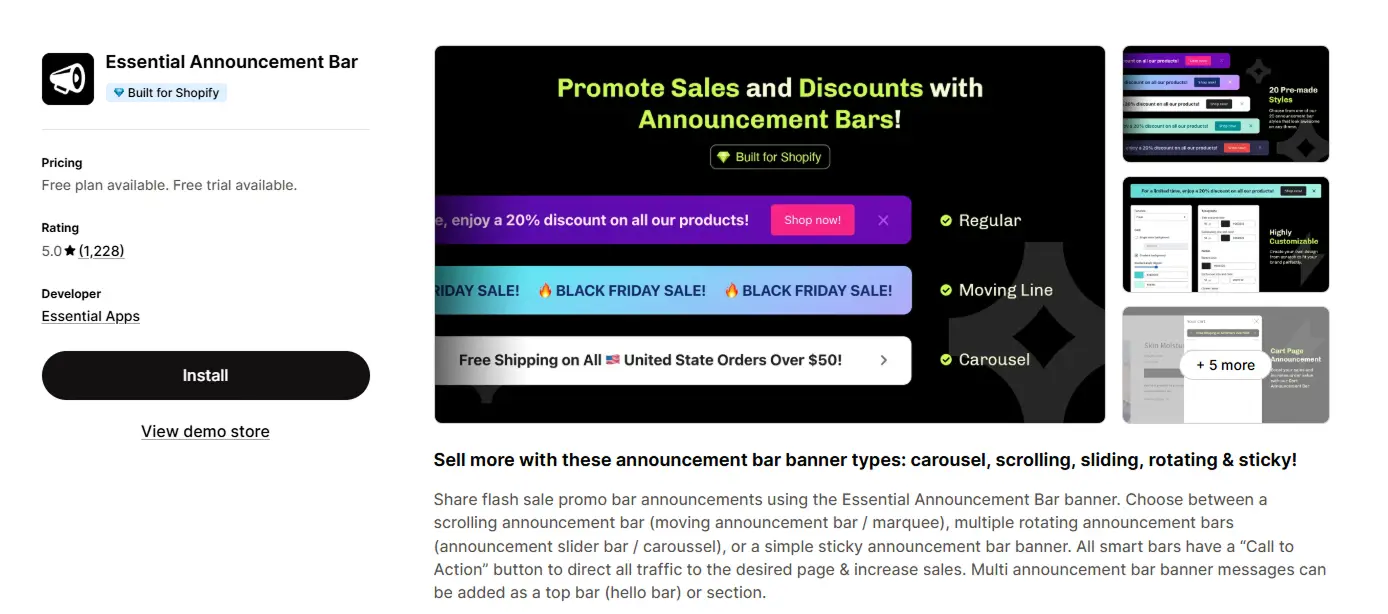
New to this ranking for 2026: Essential Announcement Bar has quickly become one of the most recommended options for stores that want a genuinely full-featured free plan. It supports rotating multi-message bars, a built-in countdown timer, geo-targeting, and page-specific targeting — all without requiring an upgrade for core functionality.
Key Features:
Pricing: Full-featured free plan. Paid tiers are available for stores that need higher traffic limits or multiple simultaneous bars — check current pricing on the Shopify App Store.
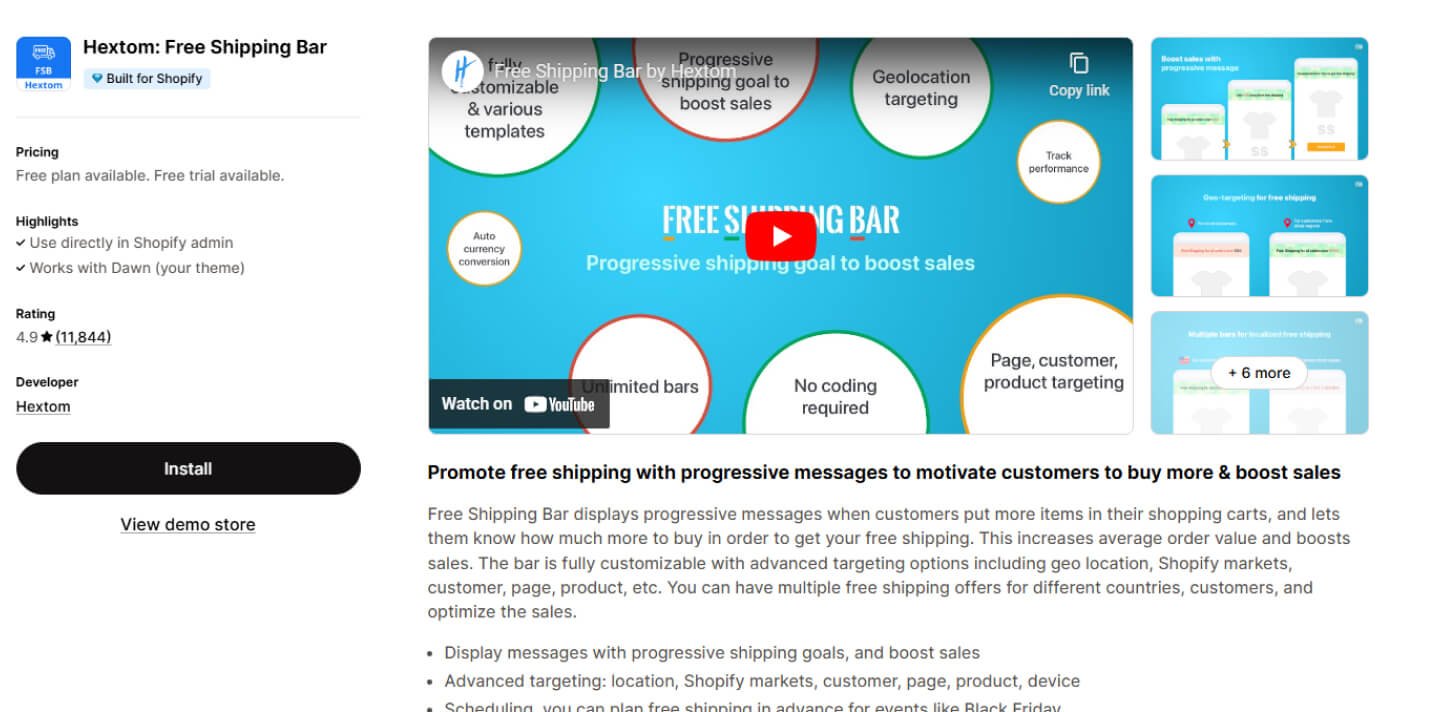
Free Shipping Bar shows a live progress bar that tracks how close a shopper is to unlocking free shipping — a proven way to increase average order value, particularly now that free shipping is one of the top purchase decision factors for online shoppers.
Pricing: Free plan with basic progress bar. Paid plan at $9.99/month adds location targeting and more customization.
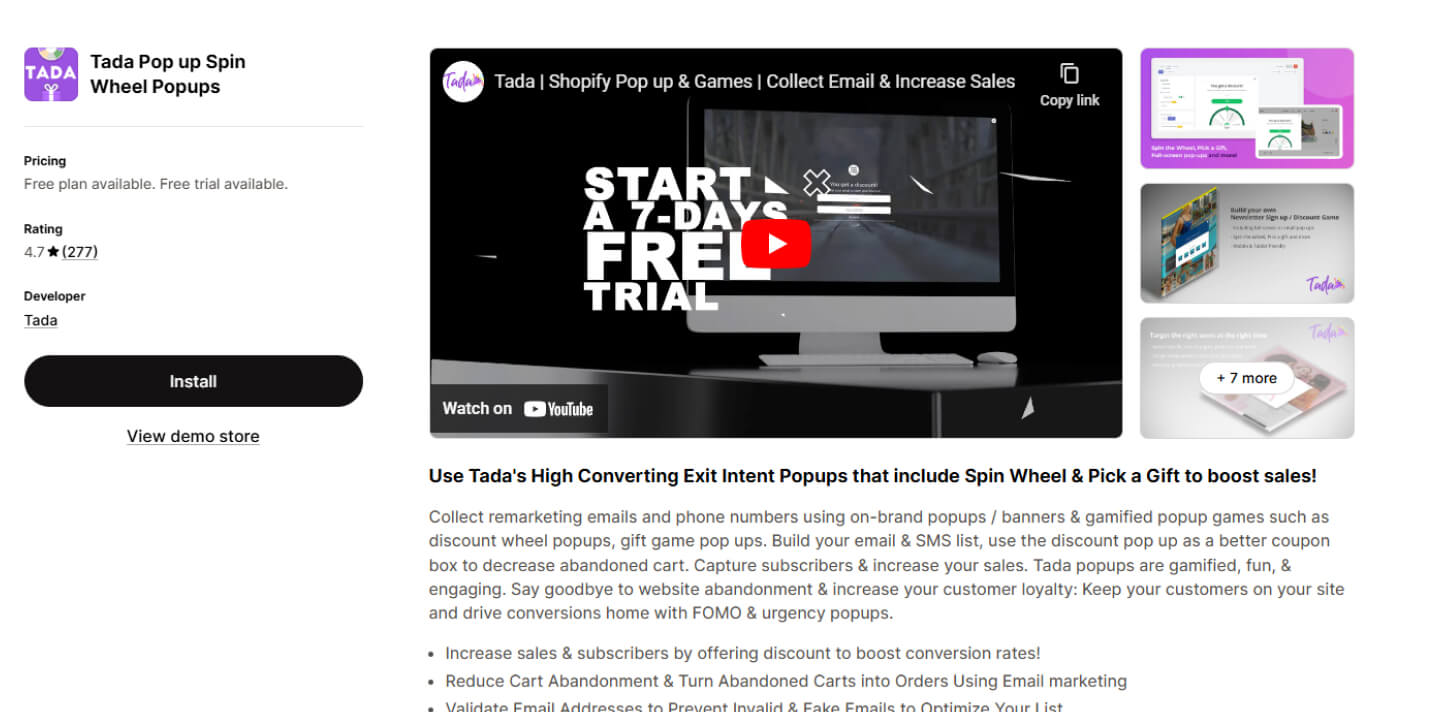
Tada pairs a standard announcement bar with an exit-intent popup, catching shoppers with a last-minute offer right before they leave — useful given that cart abandonment rates are still running above 70% across the industry.
Pricing: Free plan with basic bar and popup features. Paid plan at $5.99/month adds advanced targeting.
Sticky Announcement Bar stays visible as customers scroll, so your message never disappears from view. Multi-language support makes it a solid pick for international stores.
Pricing: Free plan with basic sticky bar. Paid plan at $4.99/month for scheduling and more customization.
Pro Announcement Bar lets you run up to five bars at once, each targeted to a different page or region, making it a flexible choice among the Best Announcement Bars For Shopify for stores running multiple campaigns simultaneously.
Pricing: Free plan with one bar. Paid plan at $7.99/month adds geo-targeting and design options.
Sales Countdown Timer Bar is built for flash sales, showing exactly how much time is left before an offer expires — a straightforward, effective way to build urgency without extra design work.
Pricing: Free plan with basic countdown. Paid plan at $5.92/month adds more design options.
Bannerify uses a drag-and-drop editor, so you can add images, timers, and links without touching any code.
Pricing: Free plan with basic design. Paid plan at $4.99/month adds scheduling and targeting.
POWR Notification Bar supports text, images, and buttons, with geo-targeting to reach shoppers in specific regions.
Pricing: Free plan with basic features. Paid plan at $5.49/month adds multi-bar support.
Notice Me is a lightweight option for stores that just need a quick, no-fuss bar with links to product pages or collections.
Pricing: Free plan available. Paid plan at $4.99/month for advanced scheduling and multiple bars.
Auto Announcement Bar updates itself automatically based on store events like restocks or flash sales, saving you from manual edits.
Pricing: Free plan with basic auto-updates. Paid plan at $5.99/month for more customization.
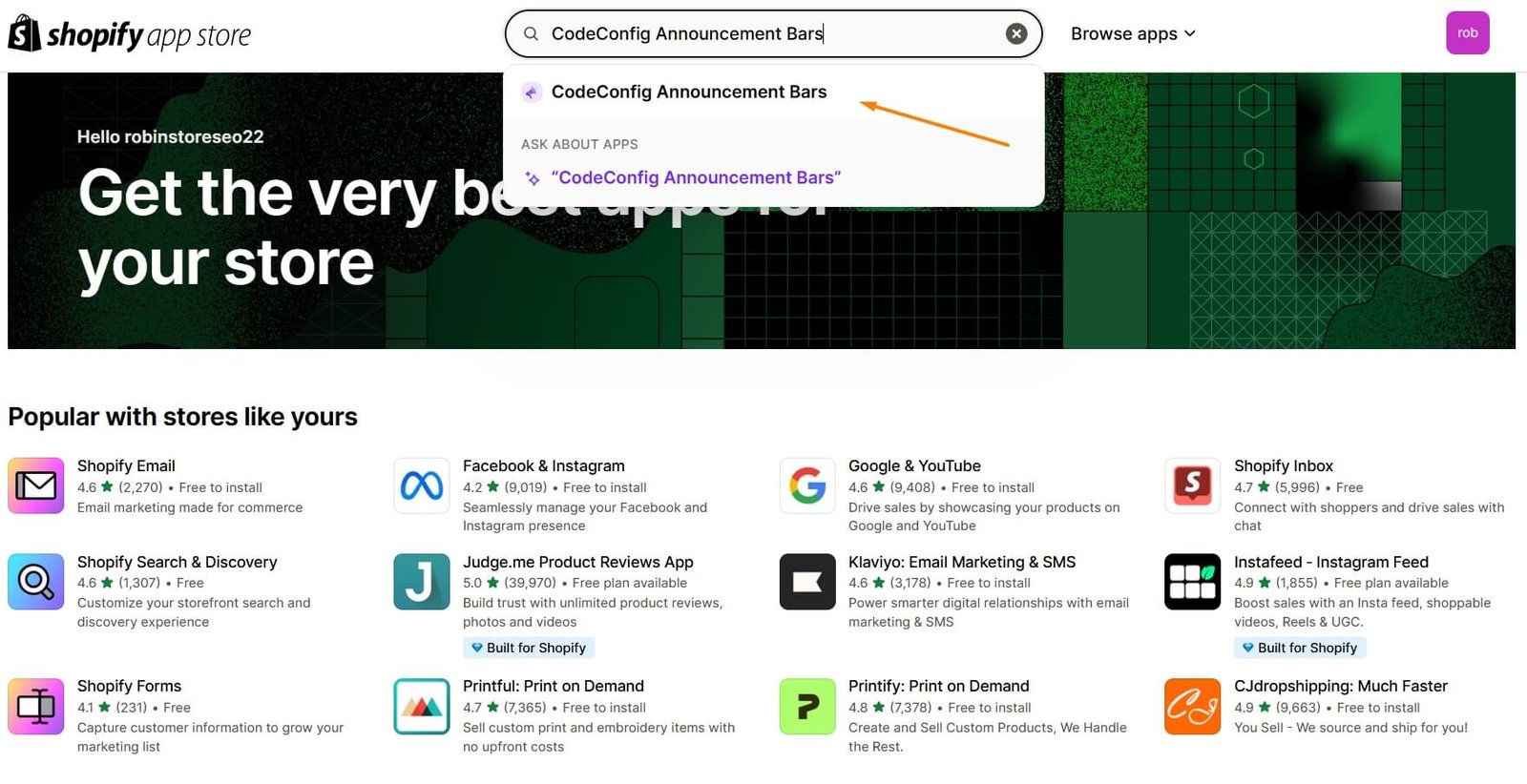
Search “announcement bar” in the Shopify App Store, or go straight to CodeConfig Announcement Bars.
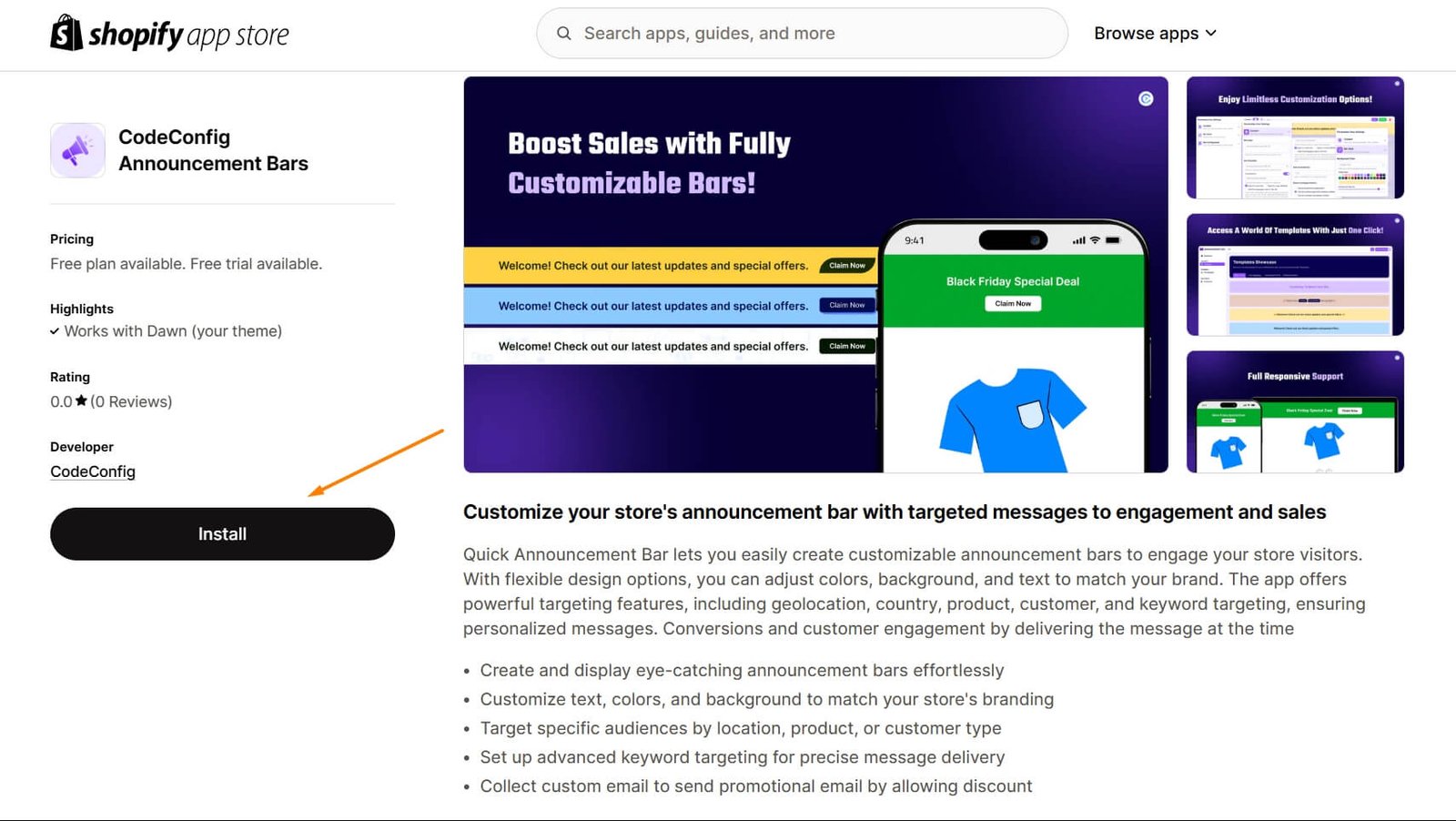
Click Install, and the app will integrate with your store automatically.
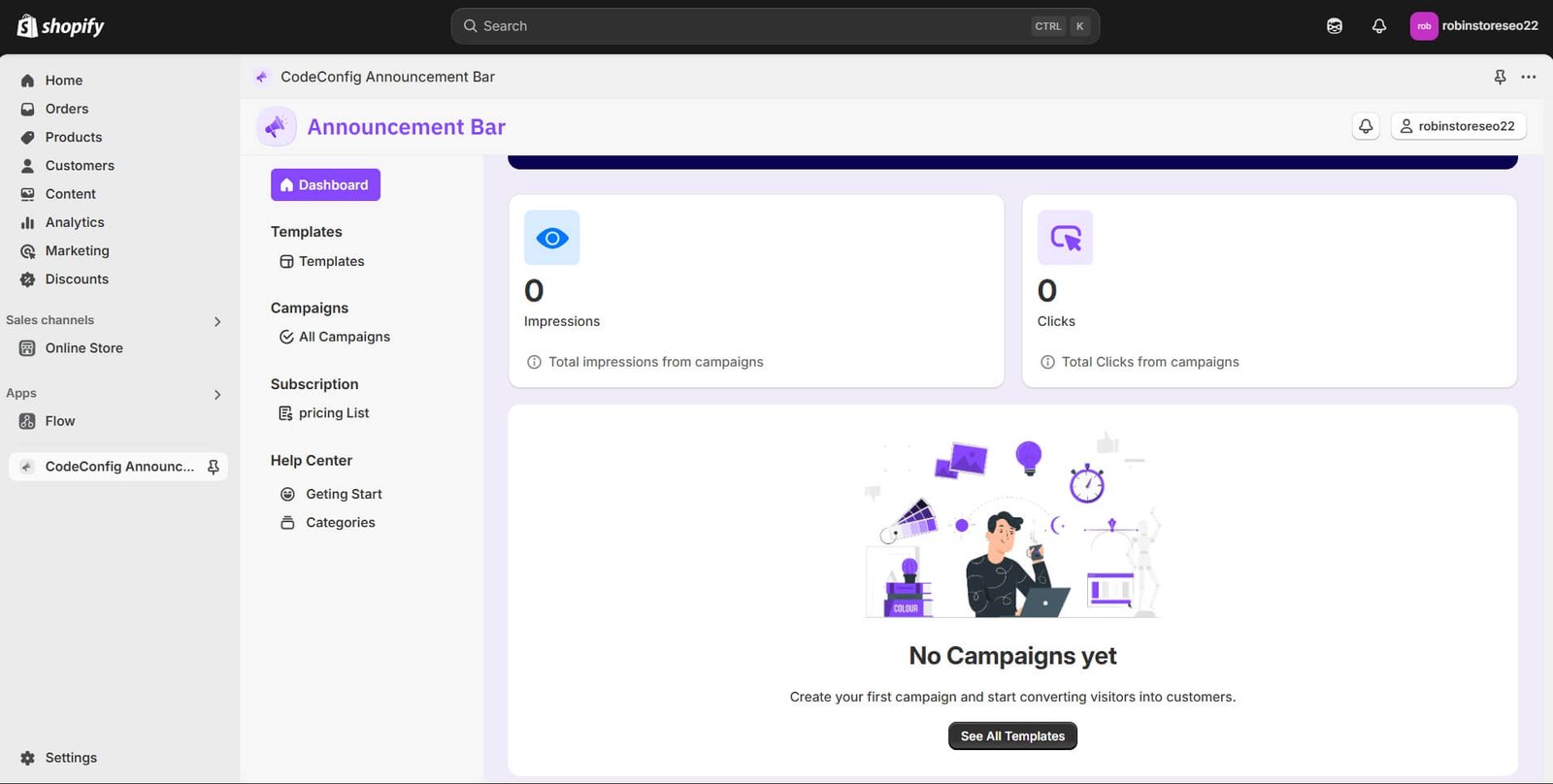
Set your message, match your brand’s colors and fonts, and turn on targeting, scheduling, or the CTA button to get the most out of your bar. Keep the copy under 10 words and stick to one clear call to action — bars with two competing links tend to split clicks rather than drive them.
An announcement bar is still one of the easiest upgrades you can make to a Shopify store. It grabs attention, spreads the word about sales or launches, and helps convert more of the visitors you’ve already earned — which matters more than ever with ecommerce conversion rates holding in the low single digits industry-wide. Among the Best Announcement Bars For Shopify, CodeConfig Announcement Bars remains our top recommendation thanks to its full set of advanced features, but the 12 apps above give you plenty of options to find the right fit for your store. Happy selling!
Pricing and feature details reflect information available as of mid-2026 and may change. Always confirm current pricing on the Shopify App Store before installing.
This post is by Jakir, a member of the CodeConfig team who is always working to find solutions for our users and improve our services.
Thank you for reading and for your kind words and good wishes for us. We truly appreciate your support! ❤️
Whether you're just getting started or scaling fast, we've got you covered. Access helpful guidance.


