


- Release
- WordPress
File Manager for Dropbox 1.3.17 Released – New Features and Improvements
Tanin Ahmed7 min read
Loading page…
Loading page…
Loading page…
We tested 8+ Best WordPress Backup Plugin and found which is the best option that you and every website needed
Quick answer: UpdraftPlus is the best WordPress backup plugin in 2026. Integration for Google Drive is the best pick if you want your backups, migrations, and transfers running natively through Google Drive with no FTP setup required. BlogVault is the best choice for WooCommerce stores and high-traffic sites that need real-time, off-server backups. Duplicator is the best pick if you also need to migrate or clone a site. Below, we break down all 9 top options, current pricing, and answer the questions site owners ask most.
WordPress now powers roughly 4 in 10 websites on the internet, which also makes it the single largest target for attackers. Security researchers tracking the WordPress ecosystem through 2026 have documented a sharp rise in risk:
None of this means WordPress is unsafe to use — it means backups are no longer optional. A recent industry review also found that 87% of website owners have never actually tested whether their backup can be restored, which is arguably a bigger risk than not having a backup plugin at all. A backup you haven’t tested is a guess, not a safety net. So you need the Best WordPress Backup Plugin.
The right plugin gives you automated schedules, off-site (not just on-server) storage, and a restore process you can actually rely on under pressure.
Each plugin below was assessed against the criteria that matter most when something actually breaks:
UpdraftPlus remains the most widely installed Best WordPress Backup Plugin, running on more than 3 million sites with a five-star average rating on WordPress.org.
Key features:
Pricing (2026): Free version covers essential features. Premium plans start at roughly $70/year for two sites.
Best for: Most site owners who want a dependable, no-cost starting point with real off-site storage.
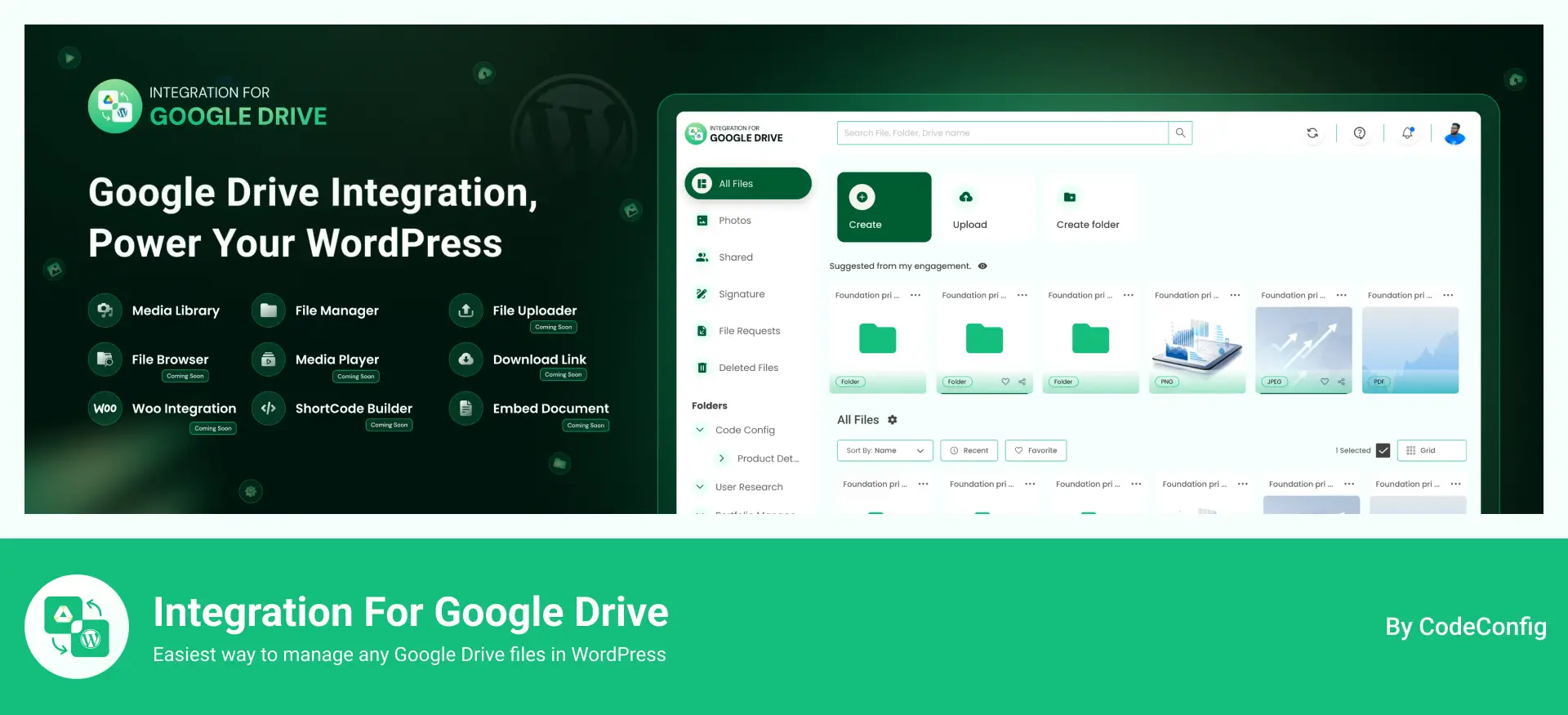
Integration for Google Drive has expanded well beyond simple media syncing — its backup module now covers scheduled full-site backups, one-click restores, and host-to-host migration, all built directly on top of your existing Google Drive storage, with no separate cloud account or FTP setup required.
Key features:
Pricing: Free version available with 119.99/lifetime
Best for: Site owners who already rely on Google Drive and want backup, restore, and migration handled natively — without connecting a third-party storage service or configuring FTP.
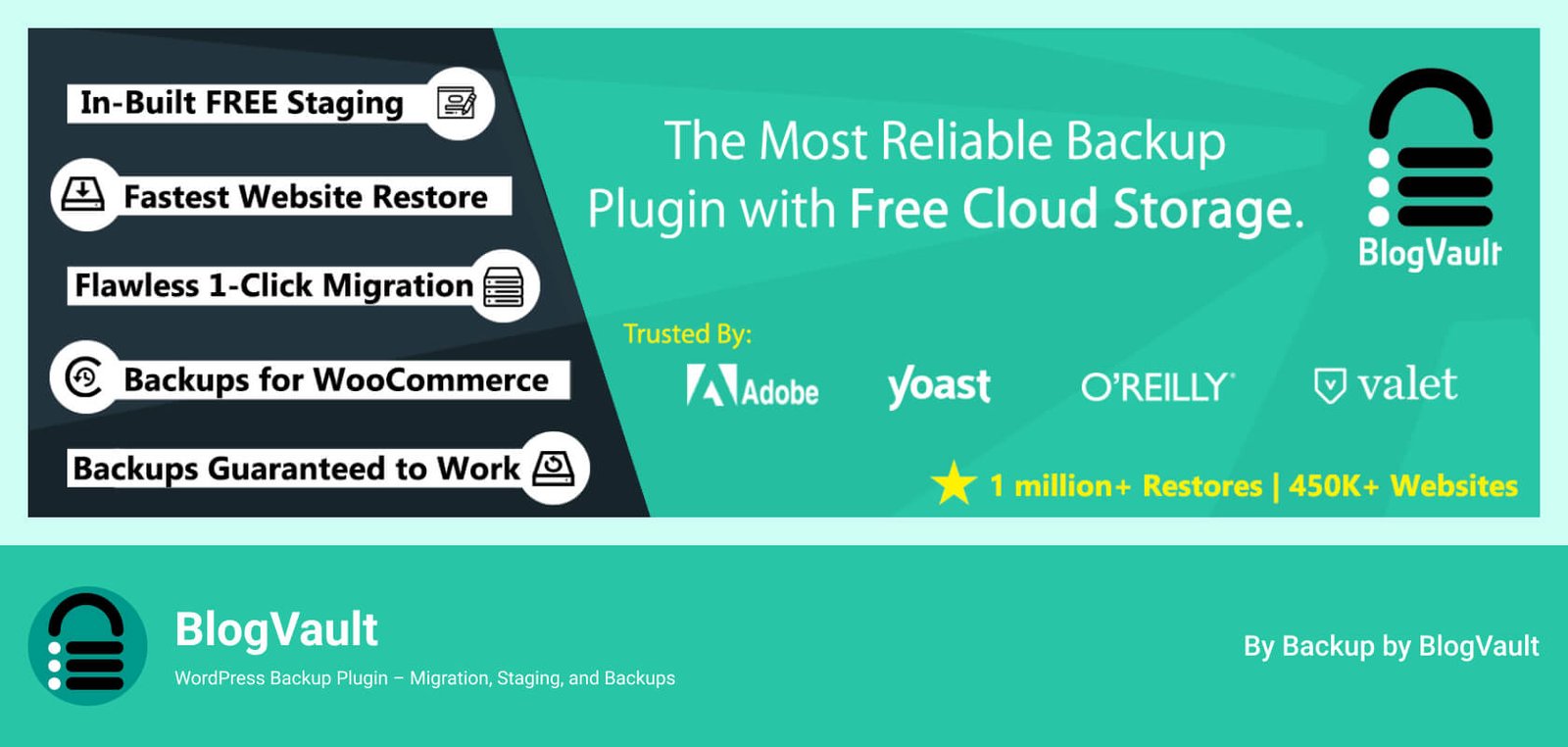
BlogVault is a managed, cloud-based service rather than a plugin that runs backups on your own server — which means backups don’t slow your site down, and restores are still possible even if your site is completely offline.
Key features:
Pricing (2026): Plans start around $89/year for one site.
Best for: WooCommerce stores and business-critical sites where downtime is expensive.
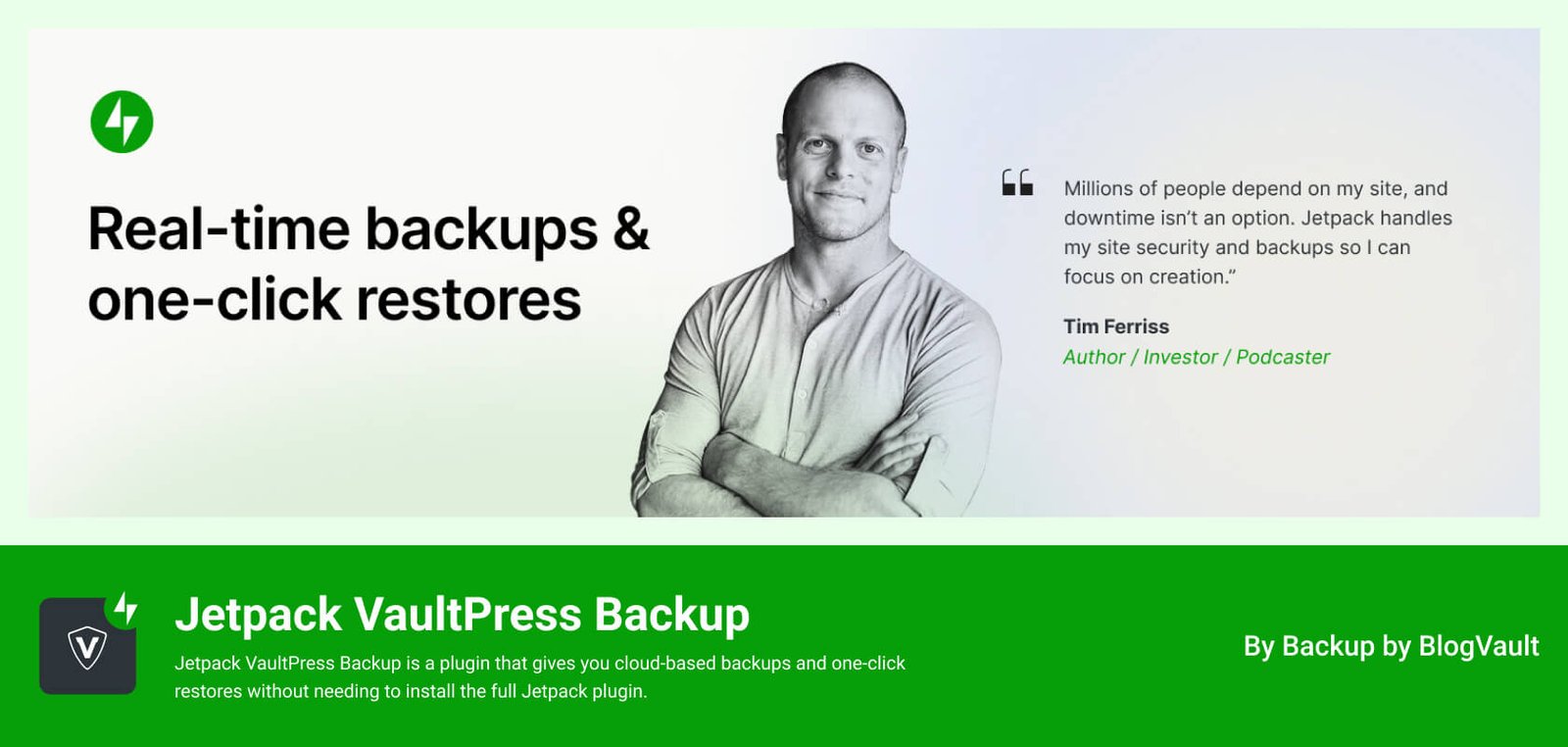
Built by Automattic, Jetpack Backup saves every change — a new post, a settings tweak, a file edit — the moment it happens, instead of waiting for a scheduled backup window.
Key features:
Pricing (2026): Plans start at roughly $4.95/month for the first year.
Best for: E-commerce and content-heavy sites where losing even a few hours of data is costly.
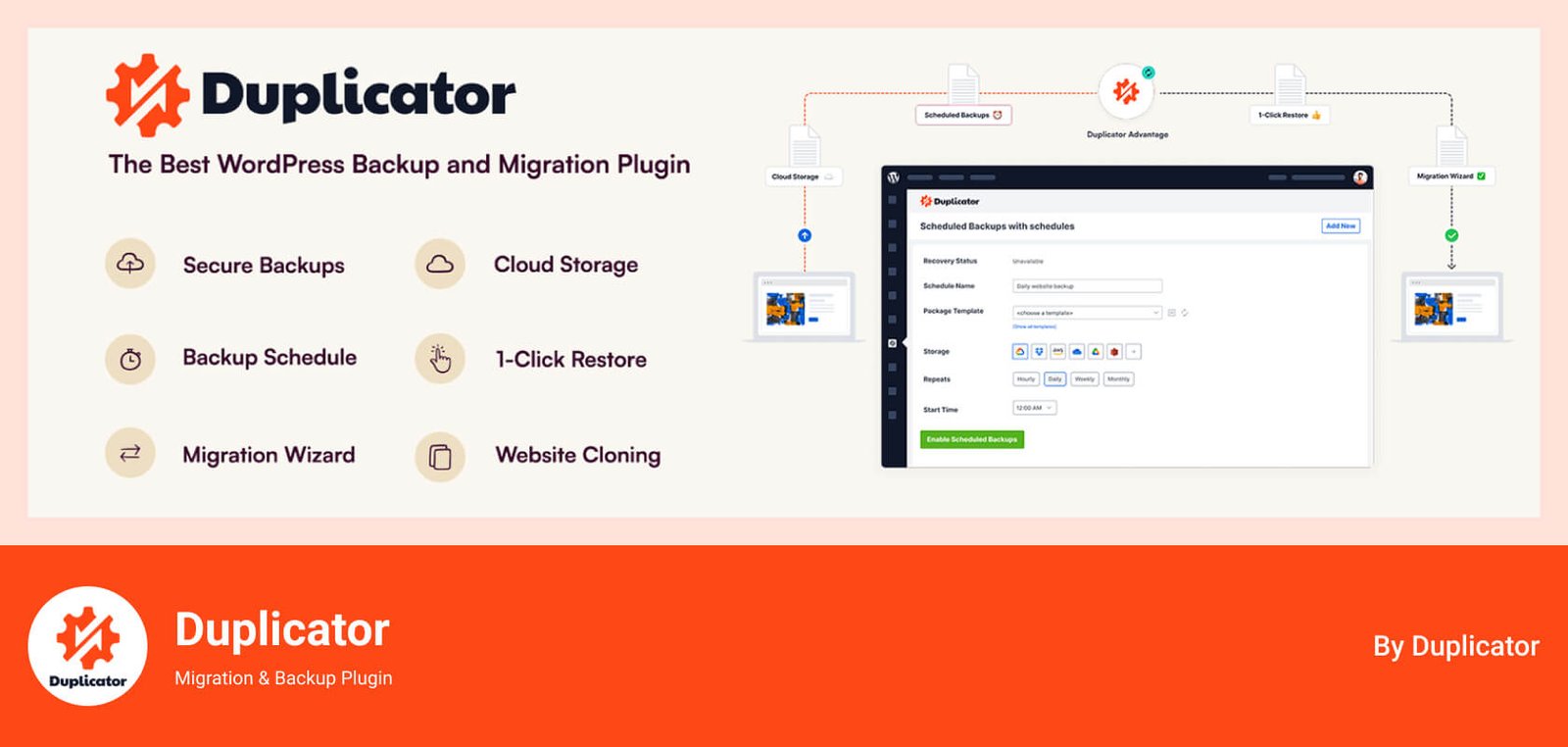
With more than a million active installs on its free version and a 4.9/5 rating across thousands of WordPress.org reviews, Duplicator is built as much for moving sites as for backing them up.
Key features:
Pricing (2026): Free version available. Premium (Blogger tier) starts around $49–$70/year for two sites, with lifetime license options also offered.
Best for: Developers and agencies who need backup and migration in a single tool.
Solid Backups combines automated backups, granular restores, and migration tools, and ships with its own bundled cloud storage service called Solid Stash — so you’re not required to connect a separate Dropbox or S3 account.
Key features:
Pricing (2026): Plans start around $8.25/month (billed annually) for one site.
Best for: Agencies and advanced users managing larger or more complex sites.
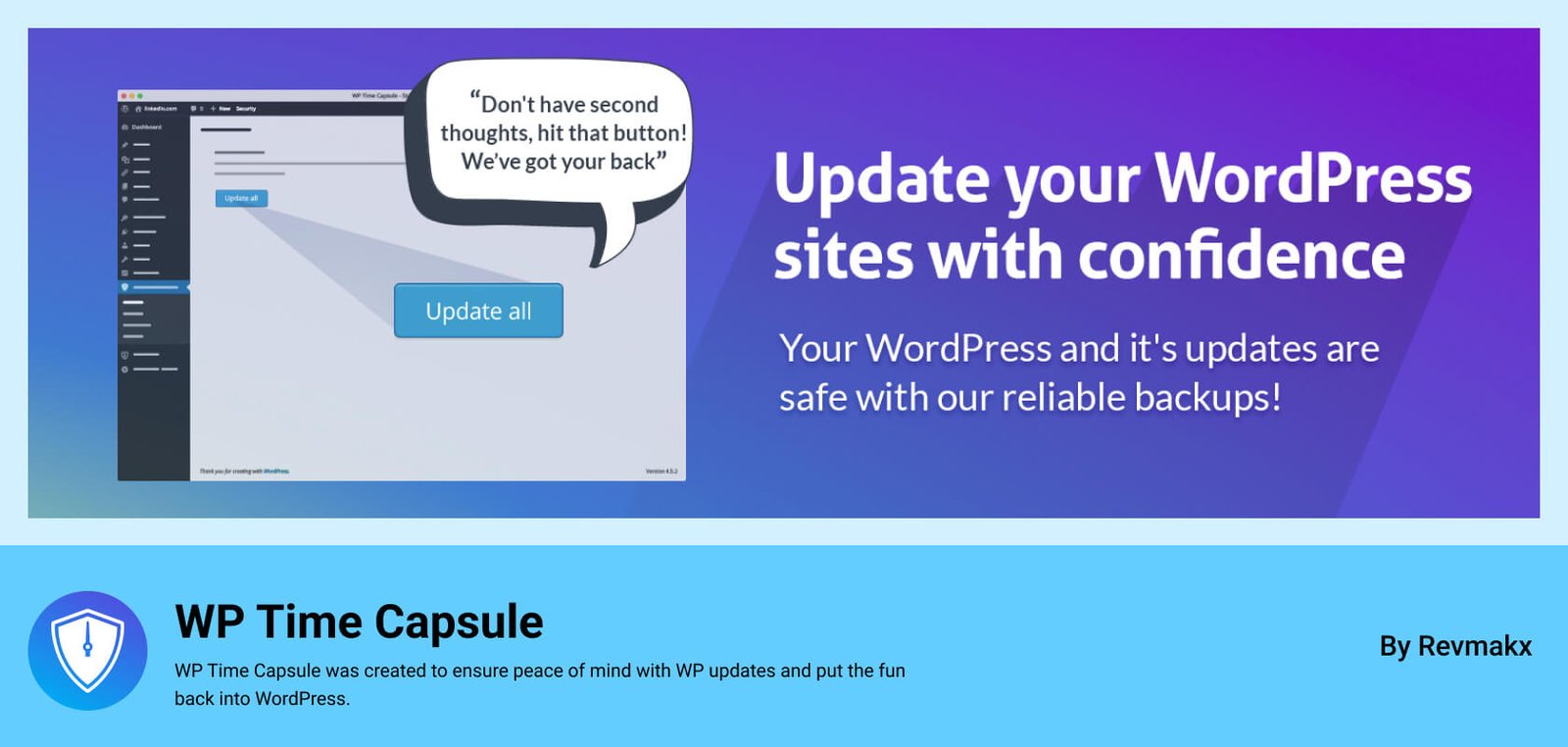
WP Time Capsule is built specifically around efficiency: after the first full backup, it only ever stores what changed.
Key features:
Pricing (2026): Plans start around $49/year for up to 2 sites.
Best for: Sites on limited hosting resources that still want frequent backups.
Developed by the team behind WP Rocket and Imagify, BackWPup has been actively maintained since 2009 and has over 500,000 active installs.
Key features:
Pricing (2026): Free version available. Premium starts around $69/year for one site.
Best for: Budget-conscious site owners who still want off-site storage and encryption.
WPvivid rounds out the list as a genuinely feature-rich free option, popular with freelancers and agencies managing multiple client sites.
Key features:
Pricing (2026): Free version available. Premium starts around $49/year for two domains.
Best for: Freelancers and agencies wanting strong free features without vendor lock-in.
Several 2026 comparison guides now rank WP STAGING among the top picks because it runs backups directly on your server (faster than remote-upload methods for many hosts) while also including staging and migration tools in its free tier. It’s worth a look if your host has generous server resources and you want speed over off-site convenience.
| Plugin | Best For | Backup Type | Free Version | Premium Starting Price (2026) |
|---|---|---|---|---|
| UpdraftPlus | Overall/free option | Incremental | Yes | ~$70/year |
| Integration for Google Drive | Best WordPress Backup Plugin | Scheduled, local + Drive | Yes | 119.99/Lifetime |
| BlogVault | WooCommerce, high traffic | Incremental, off-server | No (free trial) | ~$89/year |
| Jetpack VaultPress | Real-time protection | Real-time | Limited | ~$4.95/month |
| Duplicator | Backup + migration | Full package | Yes | ~$49/year |
| Solid Backups | Advanced/agency use | Real-time + scheduled | No | ~$8.25/month |
| WP Time Capsule | Lightweight incremental | Incremental | No | ~$49/year |
| BackWPup | Budget pick | Scheduled | Yes | ~$69/year |
| WPvivid | Free all-in-one | Scheduled | Yes | ~$49/year |
Pricing changes frequently — always confirm current rates on the vendor’s official pricing page before purchasing.
There isn’t a single Best WordPress Backup Plugin for every site — there’s a best plugin for your situation:
Whichever you choose, the plugin only matters if the restore works. Schedule a test restore this month — not after something breaks.
Pricing and feature details reflect vendor information available as of mid-2026 and may change. Always confirm current pricing and compatibility with your WordPress version and hosting environment before purchasing.
This post is by Jakir, a member of the CodeConfig team who is always working to find solutions for our users and improve our services.
Thank you for reading and for your kind words and good wishes for us. We truly appreciate your support! ❤️


Whether you're just getting started or scaling fast, we've got you covered. Access helpful guidance.

