

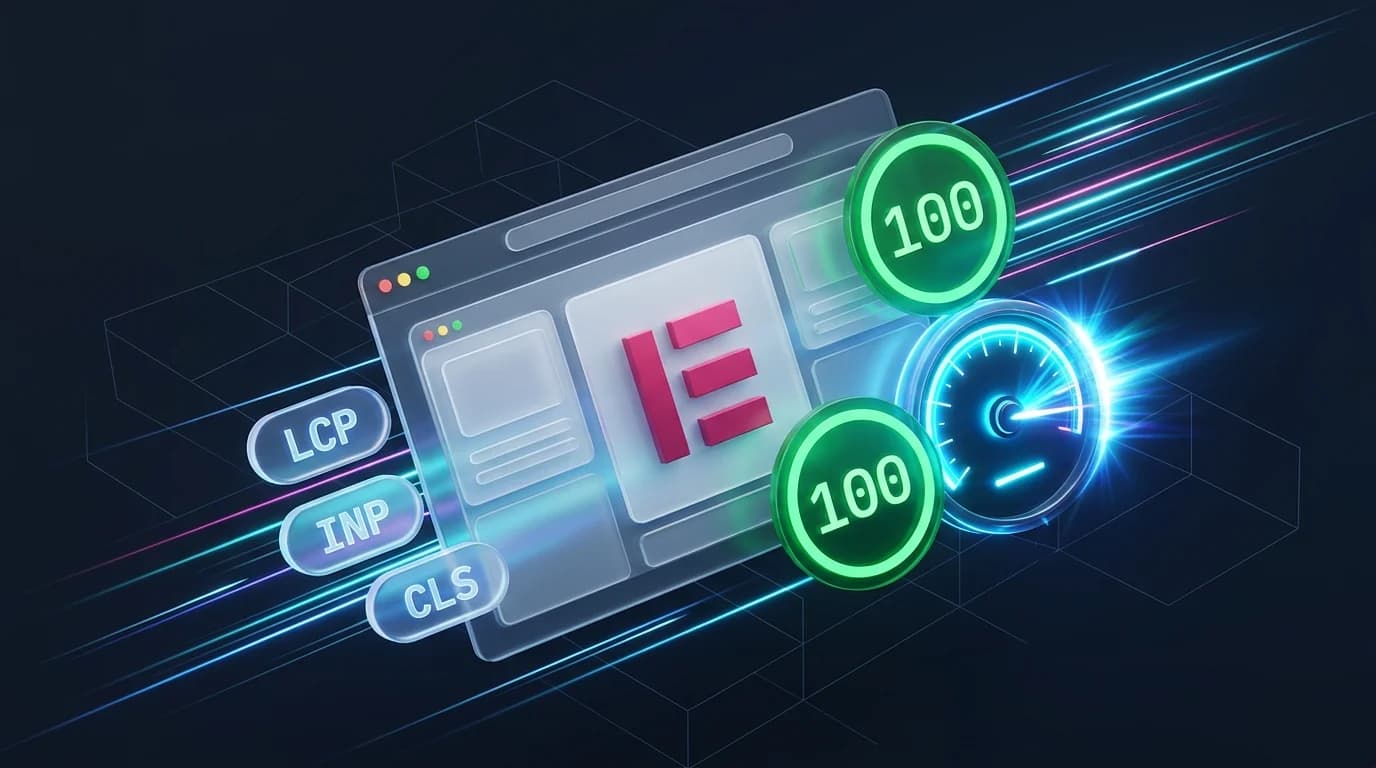
- Elementor
- WordPress
How to Speed Up Elementor: 7 Best Ways to Pass Core Web Vitals
Saiful Islam7 min read
Loading page…
Loading page…
Loading page…
Integration for Google Drive 1.4.21 and 1.4.20 are here in a unified rollup! Explore root folder isolation with folder-locking security, the new Smart Auto download mode, click-to-play video player facades, PHP 8.4 compatibility, and redesigned permission notice cards.
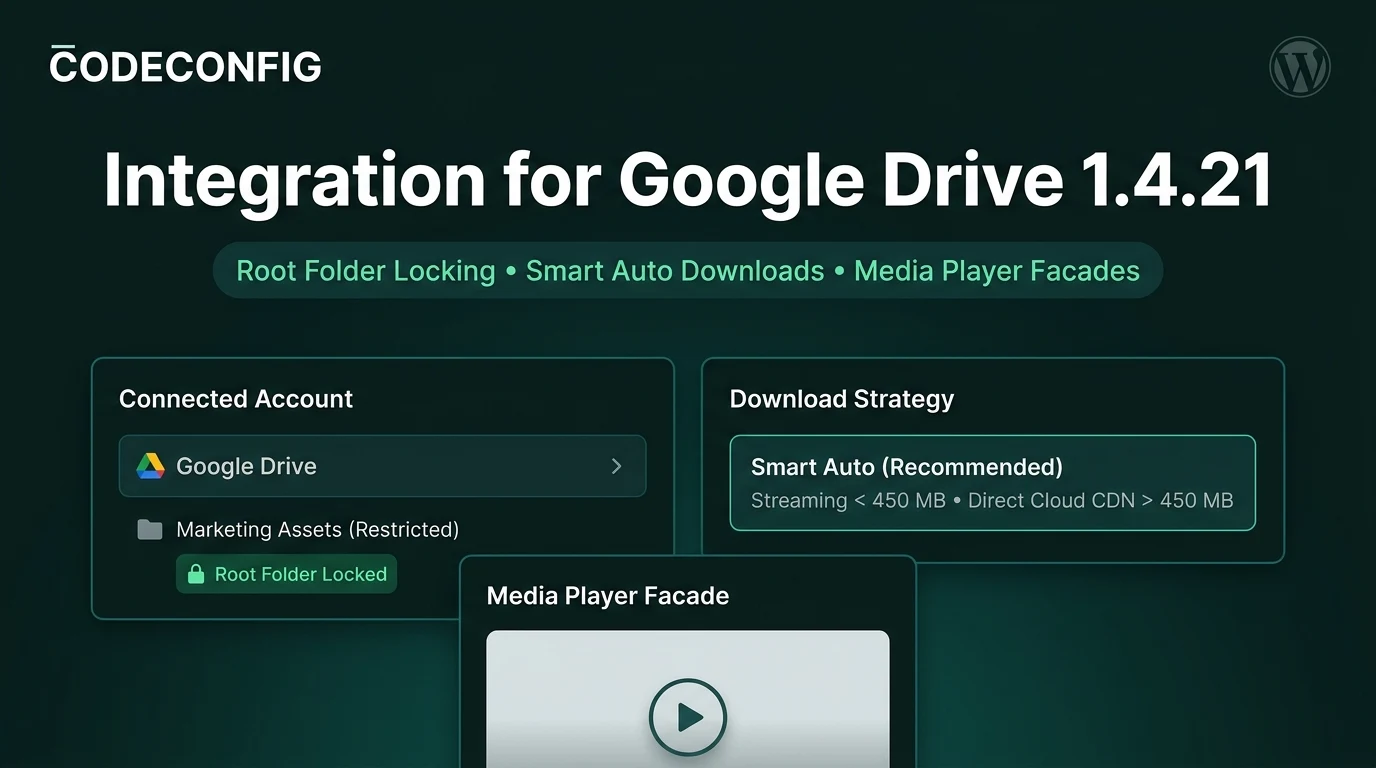
We are excited to announce the release of Integration for Google Drive 1.4.21, consolidating all enhancements from both version 1.4.21 and version 1.4.20 into a single milestone. This combined rollup delivers root folder isolation with folder-locking security, a high-performance “Smart Auto” download delivery mode, click-to-play thumbnail facades for Media Player, full PHP 8.4 compatibility, and redesigned permission notice cards.
Following our previous milestone in version 1.4.19, these two updates focus on enterprise administrator security, modern PHP server stability, and Core Web Vitals speed. You can test all new capabilities immediately on our Live Interactive Demo or update directly in your WordPress dashboard.
When connecting a Google Workspace or personal Google Drive account to WordPress, site administrators previously had access to the account’s entire folder hierarchy. For agencies, client management portals, or multi-admin websites, granting unrestricted access to your entire cloud drive poses significant operational and security risks.
Version 1.4.21 introduces granular Root Folder Configuration alongside our new Lock Root Folder protection:
Marketing Assets or Client Deliverables) or maintain full drive access.BroadcastChannel APIs and same-origin messaging to instantly update account state across open browser tabs without manual page reloads.Delivering digital assets through WordPress often involves balancing security against server resource constraints. On web servers like LiteSpeed, dynamic PHP streaming is subject to strict buffer limits (such as maxDynRespSize, typically capped at 500MB). Attempting to stream gigabyte-sized files through PHP exhausts the output buffer, terminating downloads midway with generic HTTP 500 errors.
To eliminate download aborts while keeping private files protected, version 1.4.21 introduces the Smart Auto download delivery strategy (now the recommended default for Pro):
woocommerce_download_file_ccpigd_stream) and EDD verification routines, ensuring protected customer purchases stream reliably regardless of server architecture.Embedding Google Drive videos via iframe mode traditionally mounted the full external player on initial page load. This dragged down Google Core Web Vitals—specifically Largest Contentful Paint (LCP) and Total Blocking Time (TBT)—by downloading megabytes of third-party scripts before the user interacted with the media.
Version 1.4.21 solves this performance overhead with an elegant Click-to-Play Thumbnail Facade:
Version 1.4.20 introduced major architectural fixes to the Module Builder permission engine and frontend access-control views:
As modern web hosts adopt the newest PHP runtimes, version 1.4.20 delivered proactive compatibility updates for PHP 8.4 and WordPress 6.7:
The Slider Carousel module received a major design and architectural refresh to provide smoother visual presentations in modern WordPress themes:
Aggressive caching and JavaScript minification plugins (such as SiteGround Speed Optimizer, LiteSpeed Cache, WP Rocket, EWWW Image Optimizer, and Autoptimize) frequently employ generic PHP regular expressions to minify client code. These minifiers can inadvertently corrupt modern JavaScript template literals, breaking lightbox popup galleries and frontend file browsing.
In version 1.4.21, the plugin proactively protects its vendor runtime by automatically hooking into third-party optimization filters:
sgo_js_minify_exclude & sgo_javascript_combine_exclude (SiteGround Speed Optimizer)litespeed_optm_js_exc & litespeed_optm_gm_js_exc (LiteSpeed Cache)rocket_minify_excluded_external_js & rocket_exclude_js (WP Rocket)ewwwio_js_minify_exclude (EWWW Image Optimizer) & autoptimize_filter_js_exclude (Autoptimize)Your core vendor scripts remain completely safe from minifier corruption while remaining 100% compatible with page caching and CDN edge networks.
For organizations managing extensive cloud document repositories, the 1.4.21 and 1.4.20 updates incorporate substantial stability and workflow improvements:
absint() and sensitive server configuration data is securely safeguarded.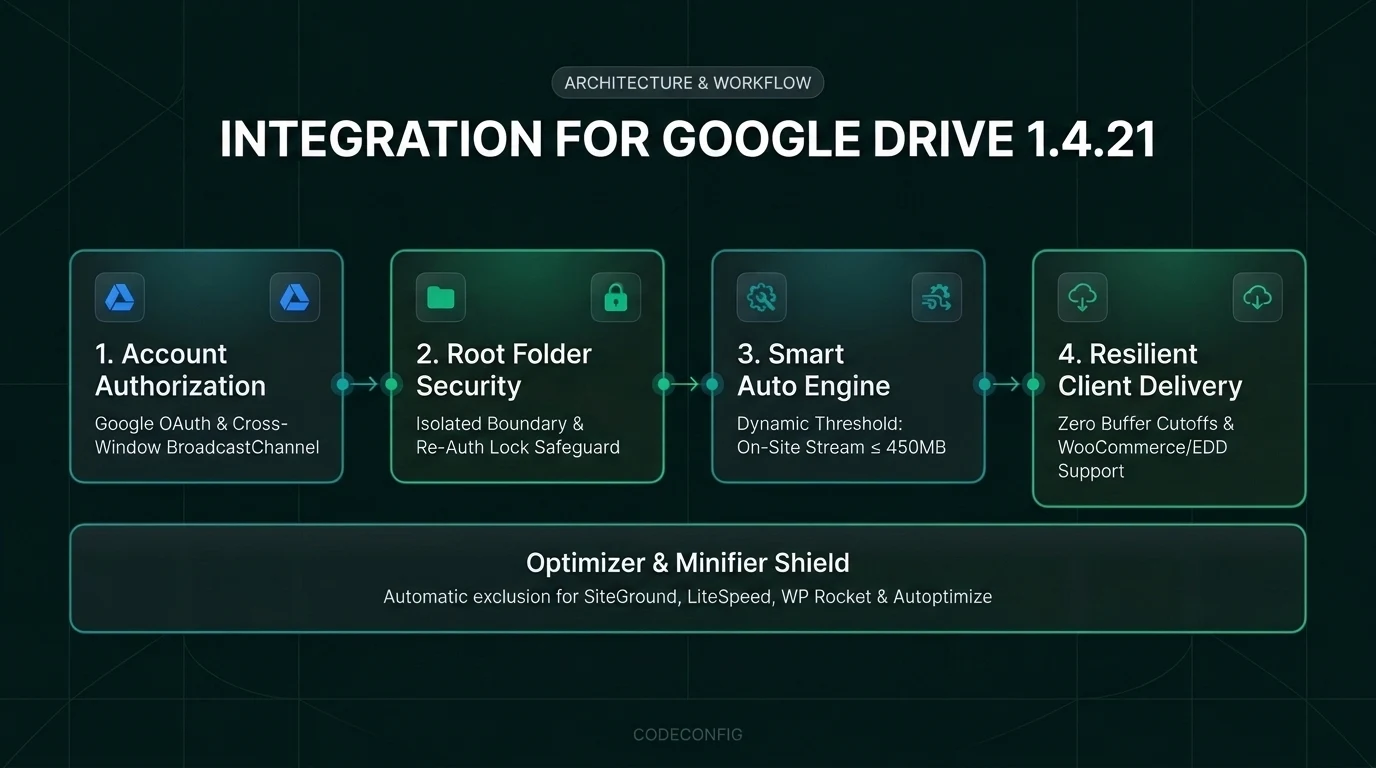
| Type | Component | Description |
|---|---|---|
| New (v1.4.21) | Account Security | Root Folder Configuration with folder-locking security to restrict Google account access to specific folders (Pro). |
| New (v1.4.21) | Download Engine | “Smart Auto” download delivery mode to deliver smooth file downloads and safely handle large files without server cutoffs. |
| New (v1.4.21) | Media Player | Click-to-play thumbnail poster previews and centered play button facade for iframe video playback mode. |
| New (v1.4.21) | Slider Carousel | Vertical sliding motion, custom container heights, image preloaders, and refreshed navigation controls. |
| Improved (v1.4.21) | File Browser | Smooth 24-item chunked scrolling and sticky bottom upload box with active topbar upload trigger on frontend pages. |
| Improved (v1.4.21) | Performance | Local disk thumbnail caching with automatic refresh for expired temporary Google Drive image URLs. |
| Improved (v1.4.21) | Compatibility | Automatic vendor script exclusions for SiteGround Speed Optimizer, LiteSpeed Cache, WP Rocket, and Autoptimize. |
| Improved (v1.4.21) | Module Builder | Refined module controls, notice cards, and dropdown search filtering for a smoother editing experience. |
| Fix (v1.4.21) | Media Streaming | Resolved MP4 video playback freezes and improved streaming for WordPress Media Library, WooCommerce, and Easy Digital Downloads. |
| Fix (v1.4.21) | File Uploads | Fixed frontend file uploading for restricted root folders and prevented browser freezing during folder tree navigation. |
| Fix (v1.4.21) | Thumbnails | Restored SVG preview thumbnails by detecting raster MIME types for vector files. |
| Fix (v1.4.21) | Frontend Admin | Fixed Module Edit Button access on frontend pages and Gutenberg block editor live previews for Slider Carousel and Search Box modules. |
| Security (v1.4.21) | Core Security | Hardened account authorization syncing, shortcode parameter sanitization via absint, and protected server environment data. |
| Fix (v1.4.20) | PHP Engine | Improved PHP 8.4 compatibility to prevent deprecation notices and warning messages on newer hosting stacks. |
| Fix (v1.4.20) | Permissions | Resolved user access filtering and access-denied notice card styling with inline SVG icons on restricted modules. |
| Fix (v1.4.20) | Thumbnails | Resolved intermittent permission errors when generating preview thumbnails for shared assets. |
| Update (v1.4.20) | Core Platform | Bumped and certified compatibility for WordPress 6.7. |
Updating to version 1.4.21 brings your site up to date with both 1.4.21 and 1.4.20 across Free and Pro installations:
Version 1.4.21 is fully backward-compatible with all existing modules, shortcodes, and cloud backups. To learn more, check out our guide on WordPress Site Backup, Restore & Migration with Google Drive or visit the official documentation portal.
This post is by Tanin Ahmed, a member of the CodeConfig team who is always working to find solutions for our users and improve our services.
Thank you for reading and for your kind words and good wishes for us. We truly appreciate your support! ❤️
Whether you're just getting started or scaling fast, we've got you covered. Access helpful guidance.

