

- Elementor
- WordPress
How to Offload Media in Elementor: 5 Best Ways to Boost Speed
Saiful Islam7 min read
Loading page…
Loading page…
Loading page…
Integration for Google Drive 1.4.22 is here! Explore File List folder view with breadcrumbs, animated skeleton loaders, Shared Drives navigation loop fixes, and third-party optimizer shields.
Integration for Google Drive 1.4.22 is officially available, bringing interactive folder view and breadcrumb navigation to the File List module. This release resolves navigation loops across Google Workspace Shared Drives, fixes Search Box subfolder exploration, ensures folder names containing dots are never mistaken for files, and protects frontend interactive modules from third-party speed optimizer script crashes.
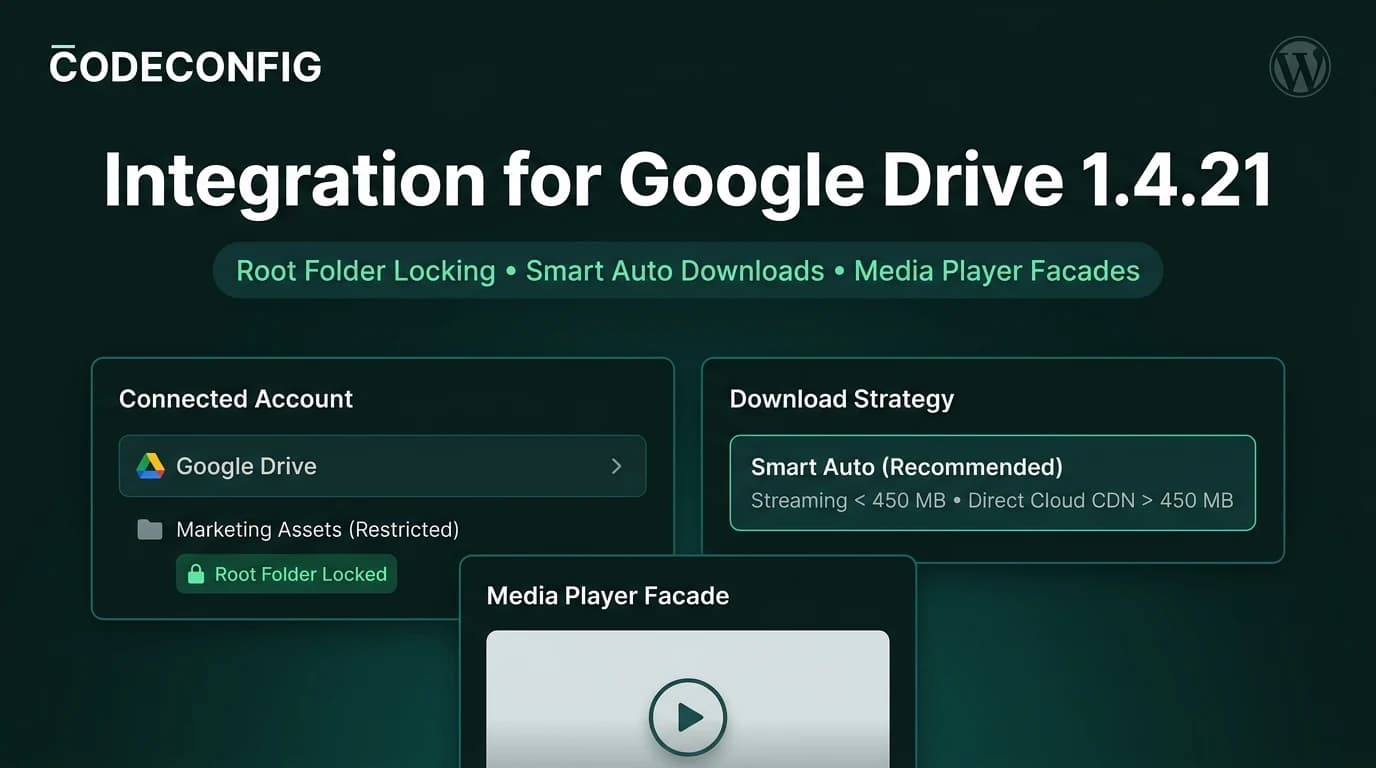
Following our major root folder locking and Smart Auto download release in version 1.4.21, this update focuses on frontend exploration ergonomics, directory reliability, and runtime stability for both authenticated and logged-out visitors. You can test all new features on our Live Interactive Demo or update directly from your WordPress dashboard.
The File List module was originally built to present curated flat lists of documents, media files, and downloads. As teams organize complex document hierarchies inside Google Drive, displaying directory structures without forcing full file browser chrome became a frequent request.
Version 1.4.22 introduces full Folder View support for the File List module across all six display layouts (List, Table, Grid, Compact, Gallery, and Timeline):
Home > Parent > Current Folder), letting visitors jump back to any ancestor folder or the root directory in a single click.var(--bg-tertiary) for seamless visual integration with your site styles.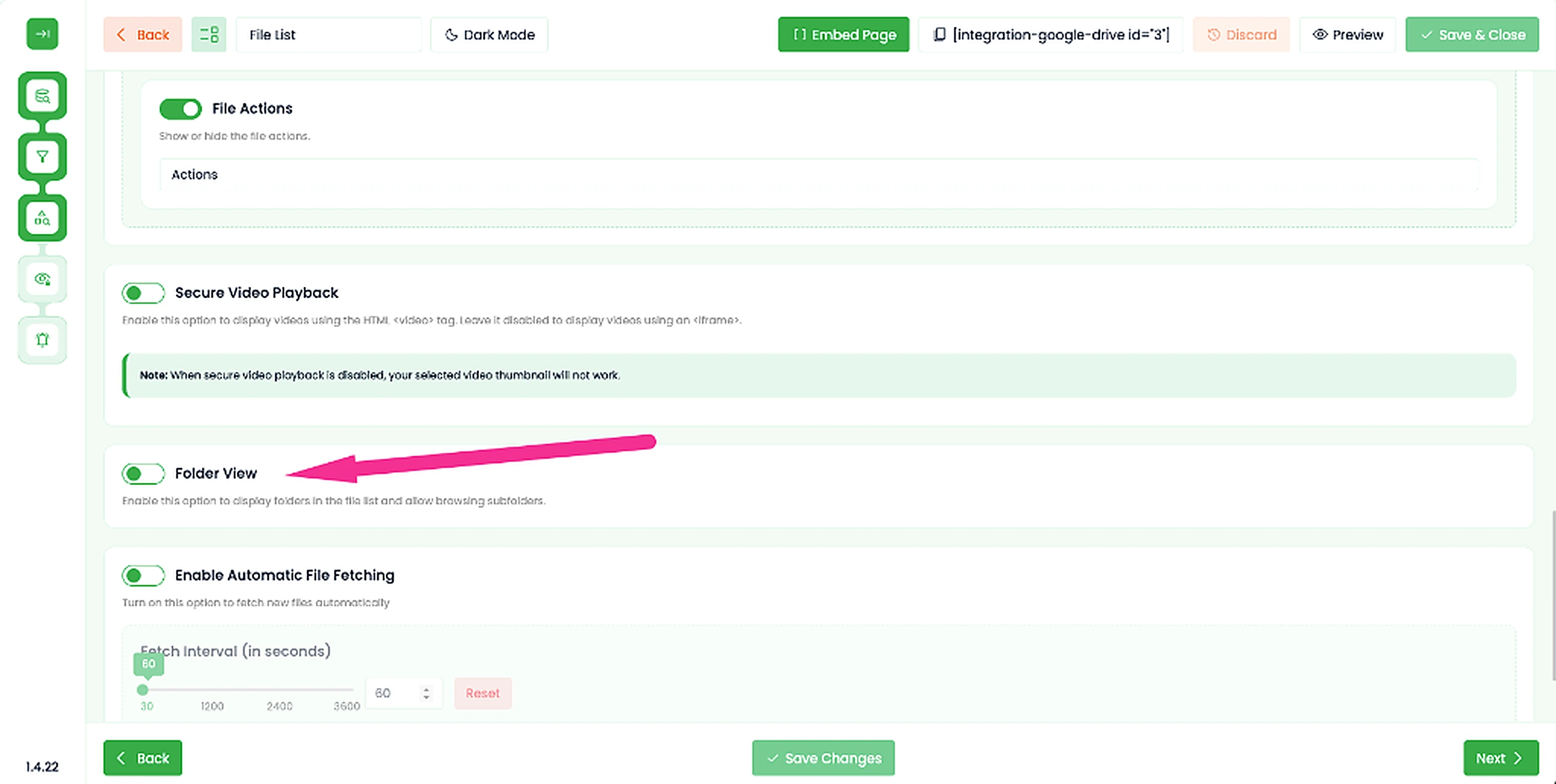
When organizing project deliverables, teams frequently use periods in folder names (for instance: 28200 - Rev. A, Firmware v2.0, or Release 1.4). In the official Google Drive API v3, native folders return an empty fileExtension property.
Previously, standard PHP pathinfo() fallbacks mistook the characters following a period as a file extension (e.g. interpreting .0 in v2.0 as an extension). This led to three severe usability bugs:
Version 1.4.22 enforces strict MIME-first folder inspection (application/vnd.google-apps.folder) before running any extension fallback. Folder names containing periods retain their exact titles, sort accurately at the top of directory trees, and open instantly. In addition, an automated database migration routine (Update_1_4_22) runs seamlessly on upgrade to normalize any historical records in your files cache.
Organizations relying on Google Workspace Shared Drives (Team Drives), Computers, or Shared With Me directories experienced an edge-case navigation loop in the File Manager. When clicking through nested subdirectories, breadcrumb parent lookup evaluated against account root IDs rather than virtual parent identifiers.
This caused the File Browser route guard to treat the navigation as an unauthorized exit from the root folder, repeatedly snapping visitors back to the top-level directory. Version 1.4.22 refactors App::getBreadcrumbByKey to resolve virtual parent lookups using raw parent IDs, preserving complete breadcrumb trails and eliminating route reset loops across all shared workspaces.
The Search Box module enables site visitors to find cloud documents instantly. However, exploring subfolders discovered via search previously stripped directory nodes or leaked parent directories above the assigned root.
Version 1.4.22 upgrades the Search Box module with comprehensive subfolder handling:
ModuleBottom integration ensures pagination buttons and infinite scroll triggers respect user preferences seamlessly.Caching and minification plugins such as SiteGround Speed Optimizer and LiteSpeed Cache provide valuable page speed gains. However, when aggressive script combination or deferral is enabled, minifiers often combine WordPress core React dependencies out of order for non-logged-in visitors.
This frequently triggered JavaScript console errors like TypeError: Cannot read properties of undefined (reading 'forwardRef'), ReferenceError: _ is not defined, or (0, I2.observableMap) is not a function on public pages, preventing file lists and interactive modules from initializing.
Version 1.4.22 resolves this across three defensive layers following official WordPress Plugin Standards:
wp-element, react, react-dom, wp-compose, underscore, wp-i18n, wp-components, wp-util) and file URLs to third-party optimization exclusion filters (SiteGround, LiteSpeed, WP Rocket, Autoptimize).shared.asset.php during webpack compilation to enforce correct loading order on every frontend view.getShortcodeData in all frontend entry points to parse embedded JSON configuration tags even if inline script variables are delayed or moved by minifiers.In addition to major architectural improvements, version 1.4.22 refines several frontend interaction details:
/ instead of raw virtual account identifiers, eliminating 403 Forbidden errors when returning to the root view.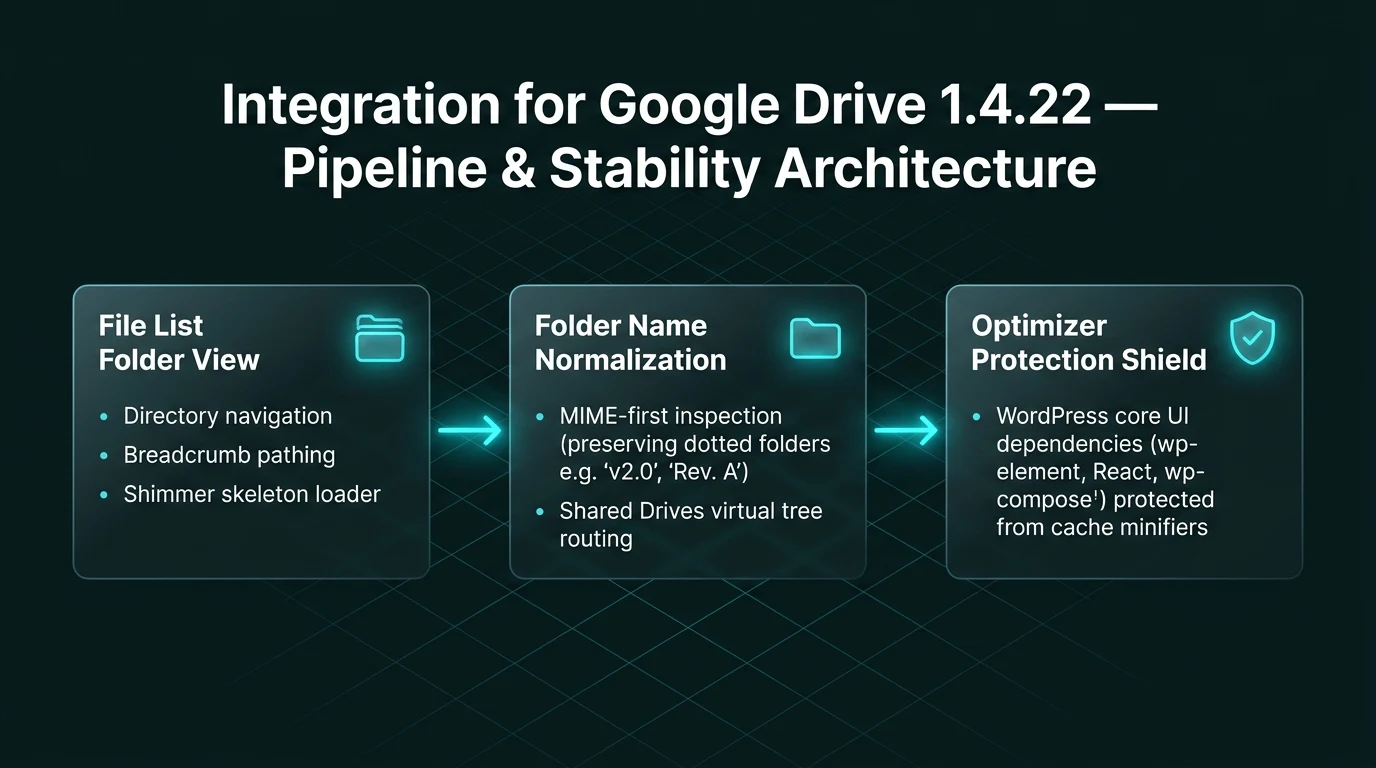
| Type | Component | Description |
|---|---|---|
| New | File List Module | Added folder view option and breadcrumb navigation support across all six layout templates. |
| New | UI / UX | Shimmer skeleton loading placeholders for File List folder navigation with light and dark mode adaptation. |
| Fix | File Manager | Resolved navigation loop in Shared Drives, Computers, and Shared With Me directories by fixing virtual parent lookups. |
| Fix | Search Box | Fixed subfolder exploration, ancestor breadcrumb scoping, Home resets, and pagination controls. |
| Fix | Folder Engine | Enforced MIME-first check to prevent dotted folder names (e.g. v2.0, Rev. A) from being classified as files. |
| Update | Database Migration | Added automated 1.4.22 database routine to normalize historical dotted folder records. |
| Fix | Optimizer Shield | Excluded WordPress core UI scripts from SiteGround and LiteSpeed minification to prevent logged-out visitor crashes. |
| Fix | Navigation | Fixed shortcode Home breadcrumbs resolving to / avoiding 403 forbidden responses. |
| Fix | Lightbox & Menu | Resolved Lightbox preview dismissal issues and fixed a context menu race condition in File List module. |
Updating to version 1.4.22 is quick and seamless across both Free and Pro plans:
Version 1.4.22 is fully backward-compatible with all existing modules, shortcodes, and cloud backups. To explore advanced backup and restoration workflows, check out our guide on WordPress Site Backup, Restore & Migration with Google Drive or visit our comprehensive documentation portal.
This post is by Tanin Ahmed, a member of the CodeConfig team who is always working to find solutions for our users and improve our services.
Thank you for reading and for your kind words and good wishes for us. We truly appreciate your support! ❤️

Whether you're just getting started or scaling fast, we've got you covered. Access helpful guidance.
