

- Release
- WordPress
Integration for Google Drive 1.4.23: WooCommerce Bulk Edit & Plan Controls
Tanin Ahmed4 min read
Loading page…
Loading page…
Loading page…
Dusky Dark Mode 2.0.0 introduces a redesigned React admin dashboard, real-time usage analytics with daily aggregated buckets, automated email digests, and zero-flicker theme detection.
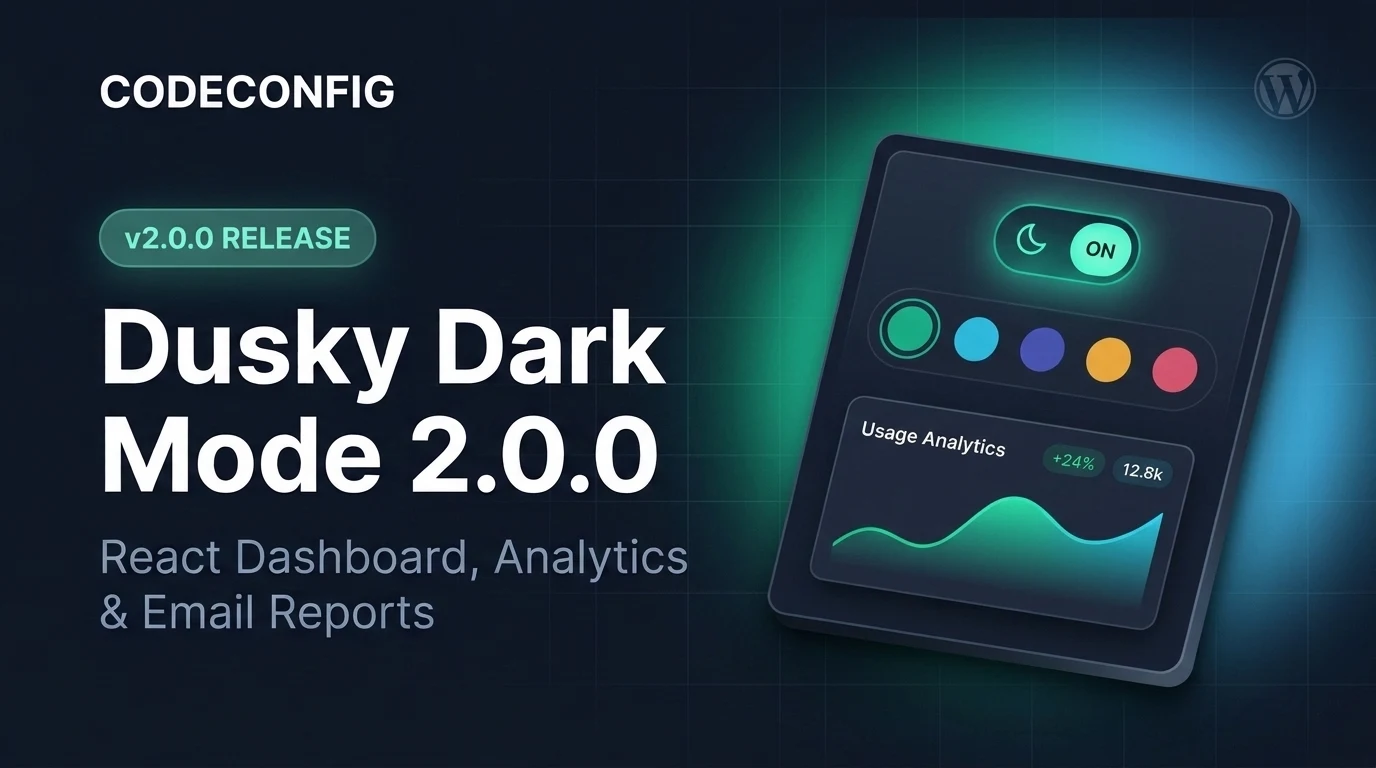
Dusky Dark Mode 2.0.0 is here with a completely redesigned React admin settings dashboard, real-time dark mode usage analytics, and automated email reporting. It also eliminates initial page-load flickering while preserving your existing 1.0.x color presets and historical analytics data during upgrade.
Whether you run a content site or an accessible storefront, knowing how visitors actually interact with your dark theme matters. You can review our WordPress accessibility plugin roundup or check the Dusky Dark Mode documentation to see how dark mode fits into a modern site setup.
Legacy WordPress option pages slow down site configuration when you are tuning color presets, toggle placement, and typography rules. Version 2.0.0 replaces the old settings interface with a responsive React admin dashboard built for instant feedback.
Most dark mode plugins leave you guessing whether visitors use dark mode or switch back to light. Dusky Dark Mode 2.0.0 introduces built-in usage analytics without bloating your WordPress database.
Instead of writing a raw database row for every single page view, version 2.0.0 stores metrics in aggregated daily buckets inside the ccpddm_analytics_daily table:
fetch with HTTP keepalive so analytics never delay navigation or block rendering.dusky_analytics migrate automatically into the new daily bucket schema on update.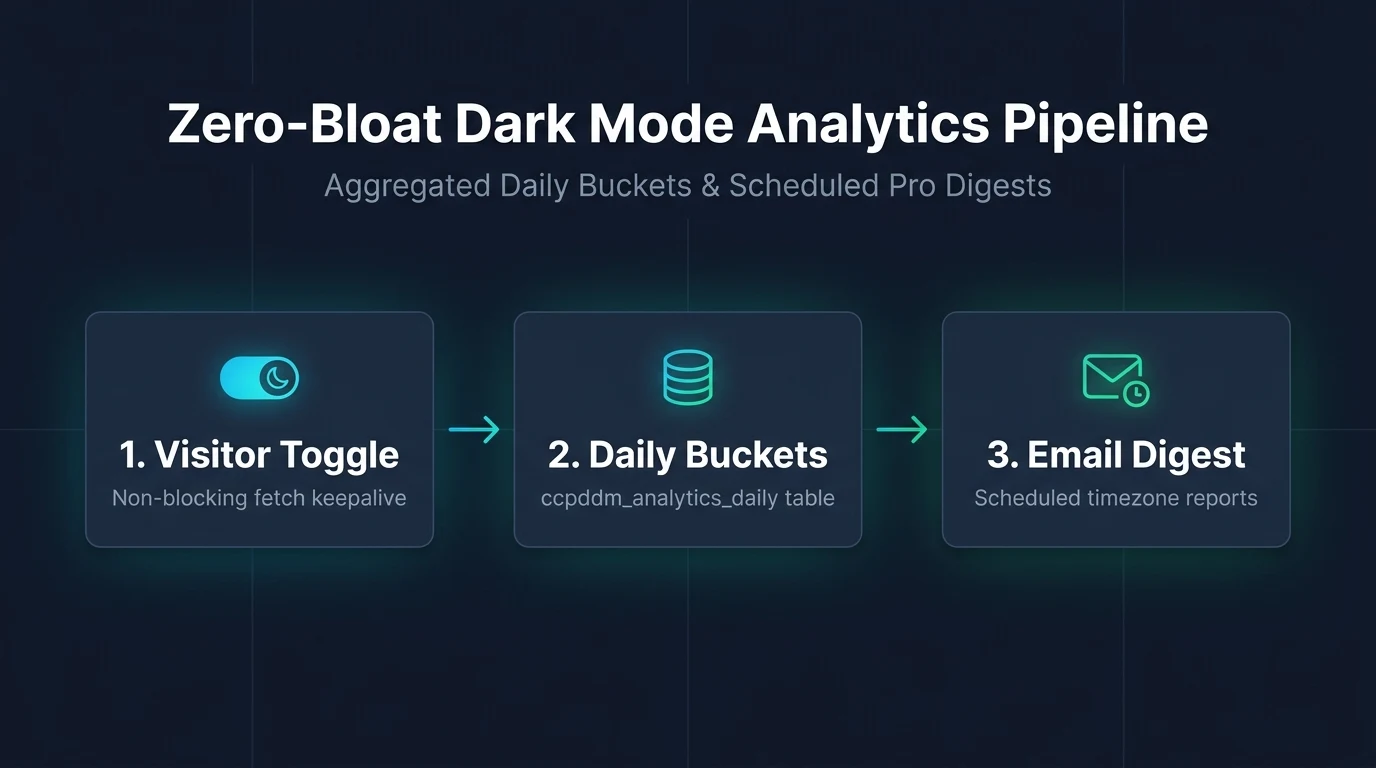
Checking an analytics tab every week is easy to forget. Dusky Dark Mode 2.0.0 lets Pro users schedule automated email digests straight from the Analytics settings panel.
A brief white flash before dark mode kicks in ruins the experience for night-time readers. Version 2.0.0 improves initial theme detection so your dark palette applies before the browser paints, aligning cleanly with visitor prefers-color-scheme preferences.
This release also fixes floating toggle positioning edge cases and responsive layout alignments across mobile and desktop viewports.
| Type | Component | Description |
|---|---|---|
| New | React Dashboard | Completely redesigned modern React admin settings dashboard with seamless 1.0.x preset and settings migration. |
| New | Usage Analytics | Real-time dark mode adoption, unique visitors, page impressions, and switch trends stored in aggregated daily metric buckets. |
| New | Email Reporting | Automated scheduled dark mode digest summaries with configurable send time, timezone, and sender details. |
| Update | Tracking & Security | Non-blocking fetch keepalive beacon tracking with Incognito support, plus hardened Freemius Pro gating across REST routes. |
| Fix | Performance & UI | Prevented initial screen blinking, sped up theme detection, and resolved toggle positioning and responsive alignments. |
You can update Dusky Dark Mode across Free and Pro plans directly from WordPress:
This post is by Tanin Ahmed, a member of the CodeConfig team who is always working to find solutions for our users and improve our services.
Thank you for reading and for your kind words and good wishes for us. We truly appreciate your support! ❤️

Whether you're just getting started or scaling fast, we've got you covered. Access helpful guidance.

