


- Elementor
- WordPress
How to Speed Up Elementor: 7 Best Ways to Pass Core Web Vitals
Saiful Islam7 min read
Loading page…
Loading page…
Loading page…
WP Media Player is a new WordPress video and audio plugin from CodeConfig that plays from Google Drive, Dropbox, YouTube, Vimeo, Bunny, Mux or your own server. It adds playlists, chapters, captions, timed email capture and analytics stored in your own database. There’s no YouTube sidebar and no bandwidth bill, and you can start with the free version.

If you run a course, a membership site, a podcast, or a video-heavy marketing page on WordPress, you already know the problem. YouTube embeds send your visitors to a sidebar full of other people’s videos. Hosted players charge monthly bandwidth fees. The default WordPress player plays files and not much else. And almost none of them tell you where viewers actually stop watching.
WP Media Player is our answer to that. It is a WordPress video and audio player plugin that plays from wherever your files already live, adds playlists, chapters, captions, and interactive layers, and keeps every view and every lead in your own WordPress database. This post walks through what it does, who it is for, and how to get started.
WP Media Player is a WordPress plugin built by CodeConfig for publishing branded video and audio on your own site. You add media from Google Drive, Dropbox, the WordPress Media Library, YouTube, Vimeo, Bunny, Cloudflare, Mux, Gumlet, or any direct MP4, MP3, or HLS URL, then place the player with a Gutenberg block or a shortcode.
The idea is simple: your video, your player, your data. The player looks like part of your site rather than a third-party embed, and nothing about your viewers is sent to outside servers.
We maintain several file-storage plugins for WordPress, including Integration for Google Drive and Integrate Dropbox. Again and again, the same request came up: people were storing lessons, episodes, and demo videos in cloud storage and wanted a proper player on top of it, not just a download link or a bare embed.
Existing options usually forced a trade-off. Some players were polished but locked you into one hosting platform. Others were flexible but looked dated and offered no analytics. We wanted one plugin that could play from any source, keep viewers engaged, and show you what is working without an extra analytics account.
Source flexibility is the foundation of the plugin. WP Media Player supports:
Because the player is separate from the storage, you can change where a file lives without rebuilding your pages. If you start on YouTube and later move to Bunny or Mux, your player setup stays the same.
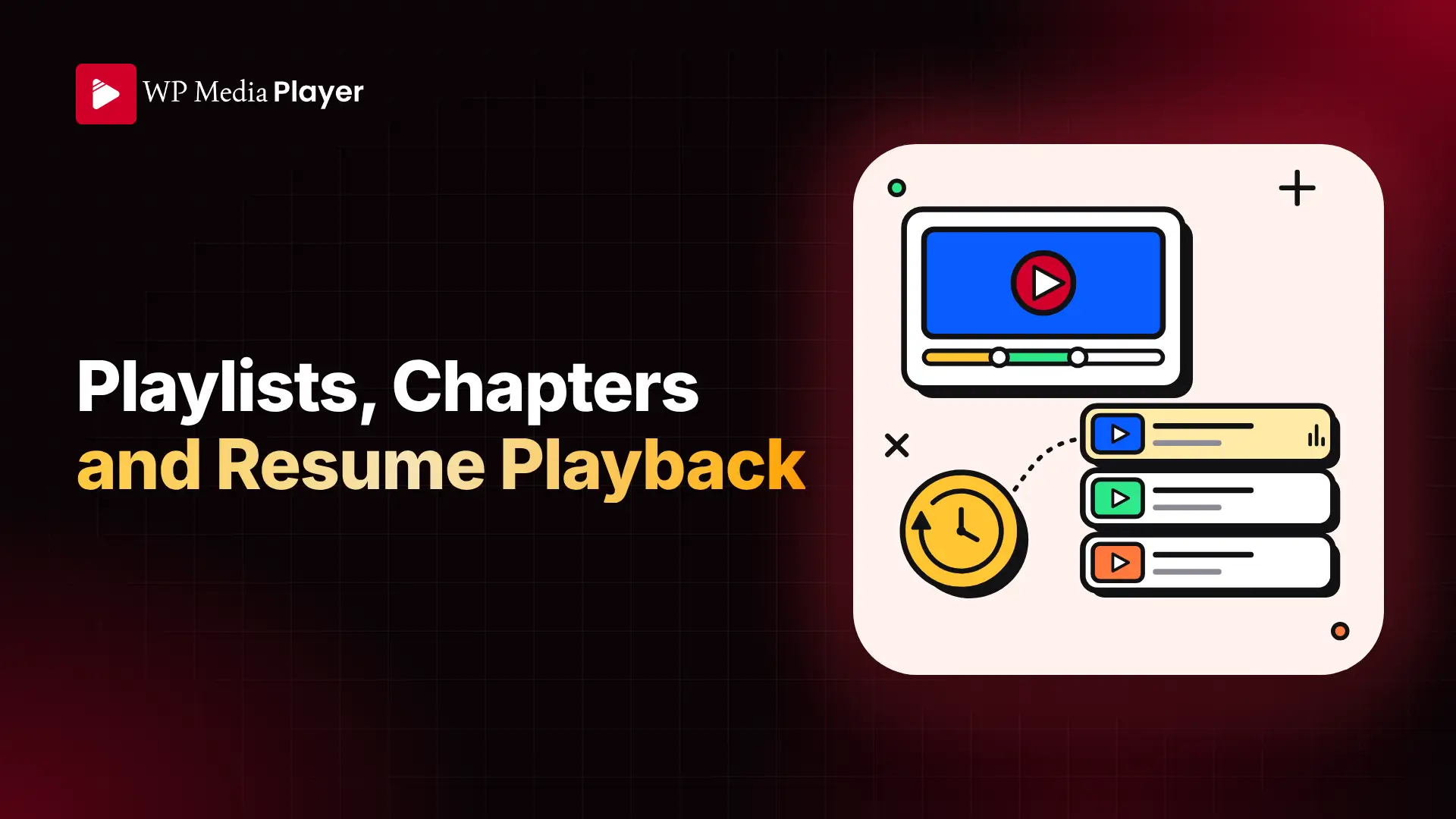
Most players handle the play button. The features that decide whether people actually finish your content are what happens between the start and the end. WP Media Player focuses on three of them.
Build a playlist from any mix of sources, for example a Google Drive folder, a few self-hosted uploads and a YouTube link, and viewers move through it in sequence. You can show the playlist as a grid, a sidebar or a compact list, and control autoplay behavior.
Break long videos and podcast episodes into chapters so viewers can jump straight to the part they need instead of dragging a timeline. Chapters also give you chapter-level engagement data in the analytics dashboard.
The player stores each viewer’s position and offers to resume where they left off. For logged-in users it works across sessions and devices, which matters a lot for hour-long lessons.

This is where WP Media Player goes beyond a standard player. You can place elements on the timeline that appear at the moment you choose and disappear when playback moves on:
Captured emails are stored in your own database, and you can forward them to Mailchimp, MailerLite, Brevo, ActiveCampaign, GetResponse, Omnisend or a custom webhook. There are also integrations with FluentCRM and HubSpot, as well as form plugins such as WPForms and Gravity Forms.

Every play, drop-off, and replay is tracked in a dashboard inside WordPress. No external analytics account, and no viewer data leaving your site. The dashboard covers:
You can also filter by source, which helps answer practical questions, such as whether your Drive-hosted lessons hold attention better than your YouTube embeds.

Set your logo, accent color and layout so the player matches your site. WP Media Player ships with multiple player presets, and you can save your own branding and playback settings as a custom preset. Agencies can then apply the same configuration across every client site in seconds. The plugin’s brand color is a bold red, and the default presets are designed to look clean without any extra CSS.
If your content is paid, a player that lets people lift the file is a problem. WP Media Player includes access protection with signed URLs, disabled downloads and domain restrictions, so your members-only library stays members-only. And because it is not a YouTube embed, there is no recommendations sidebar pulling people away from your site.
You can upload multiple caption tracks and let viewers choose a language from the player, with transcripts displayed alongside. Playback speed runs from 0.5x to 2x. Keyboard navigation, ARIA labels and focus states are built in, so every visitor can use the player without a mouse.
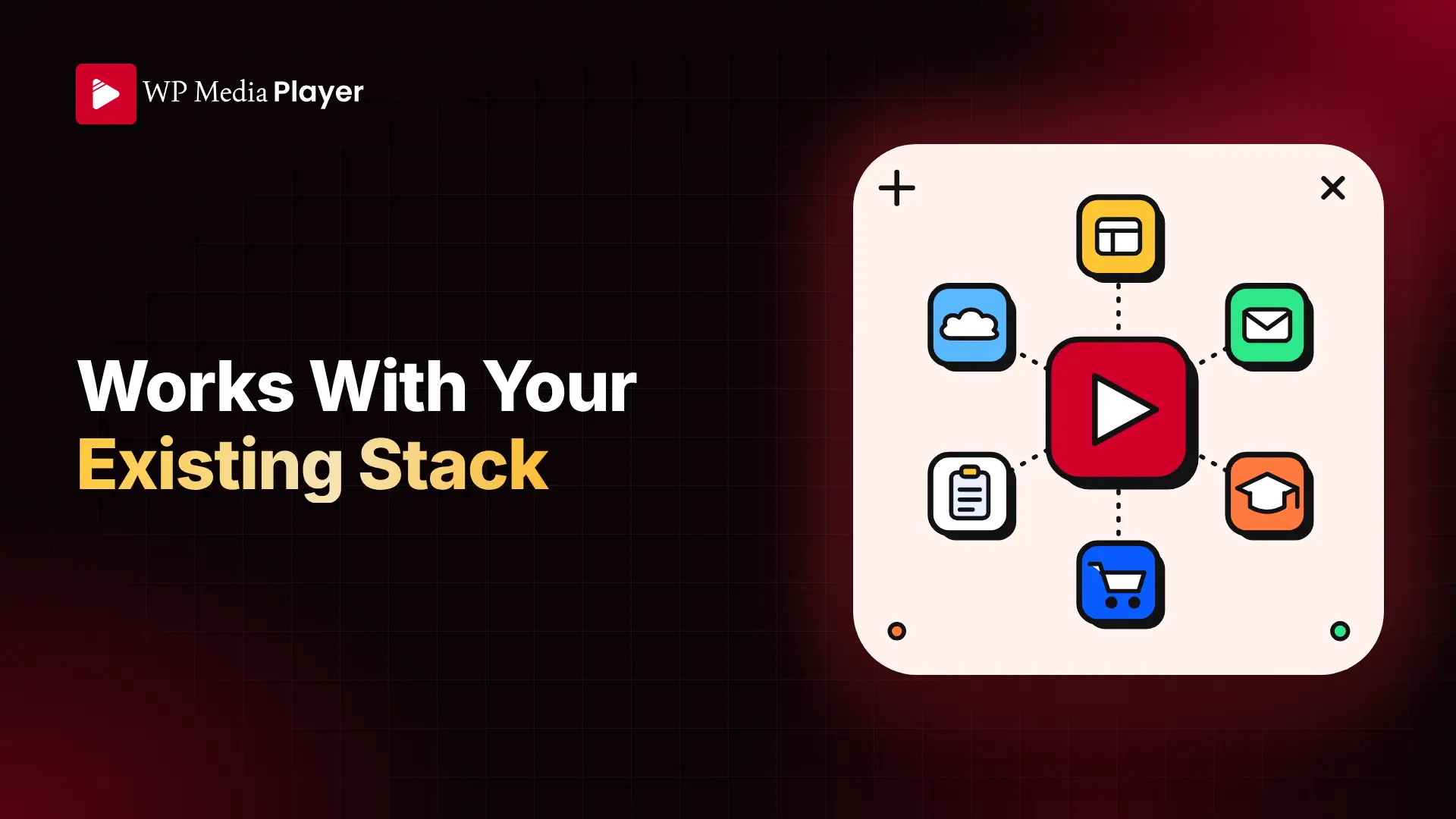
WP Media Player plugs into the tools you probably already use:
You can see the full list on the integrations page.
It should not. A load strategy setting controls when each player loads: eagerly, when it becomes visible, when the browser is idle, or only when someone clicks play. Videos lower on the page never hold up your initial render, which helps keep your Core Web Vitals healthy.
You can start with the free version at no cost. It covers the Gutenberg block and shortcode, Google Drive and Dropbox sources, playlists and chapters, interactive layers and email capture, the analytics dashboard, player presets, and captions and transcripts on one site.
For more sites and a pro license, there are two options: a lifetime license at $99.99 or an annual license at $39.99 per year. Paid plans scale by number of sites, from one site up to 100, and include a 14-day money-back guarantee. Check the pricing page for the current plan details.
You can try the player live on the demo page, see how it stacks up against other players on the comparisons page, or read the documentation for setup details.
WP Media Player gives WordPress site owners a single player that plays from anywhere, keeps viewers watching with playlists and chapters, turns attention into leads with interactive layers, and reports on what happens, all without handing your data to a third party. If you have been juggling a video host, a separate player, and an analytics tool, it is worth trying the free version and seeing how much of that stack it can replace.
Try WP Media Player and let us know what you think. If you also store files in the cloud, take a look at Integration for Google Drive and Integrate Dropbox, which pair naturally with the player.
This post is by Ahanaf Istiyad, a member of the CodeConfig team who is always working to find solutions for our users and improve our services.
Thank you for reading and for your kind words and good wishes for us. We truly appreciate your support! ❤️
Whether you're just getting started or scaling fast, we've got you covered. Access helpful guidance.

