

- Release
- WordPress
File Manager for Dropbox 1.3.18 Released – Gallery Bulk ZIP Downloads
Tanin Ahmed6 min read
Loading page…
Loading page…
Loading page…
Complete guide to backing up, restoring, and migrating your WordPress website with Google Drive. Learn how to configure automated schedules, serialized-safe database restores, and off-site cloud storage.
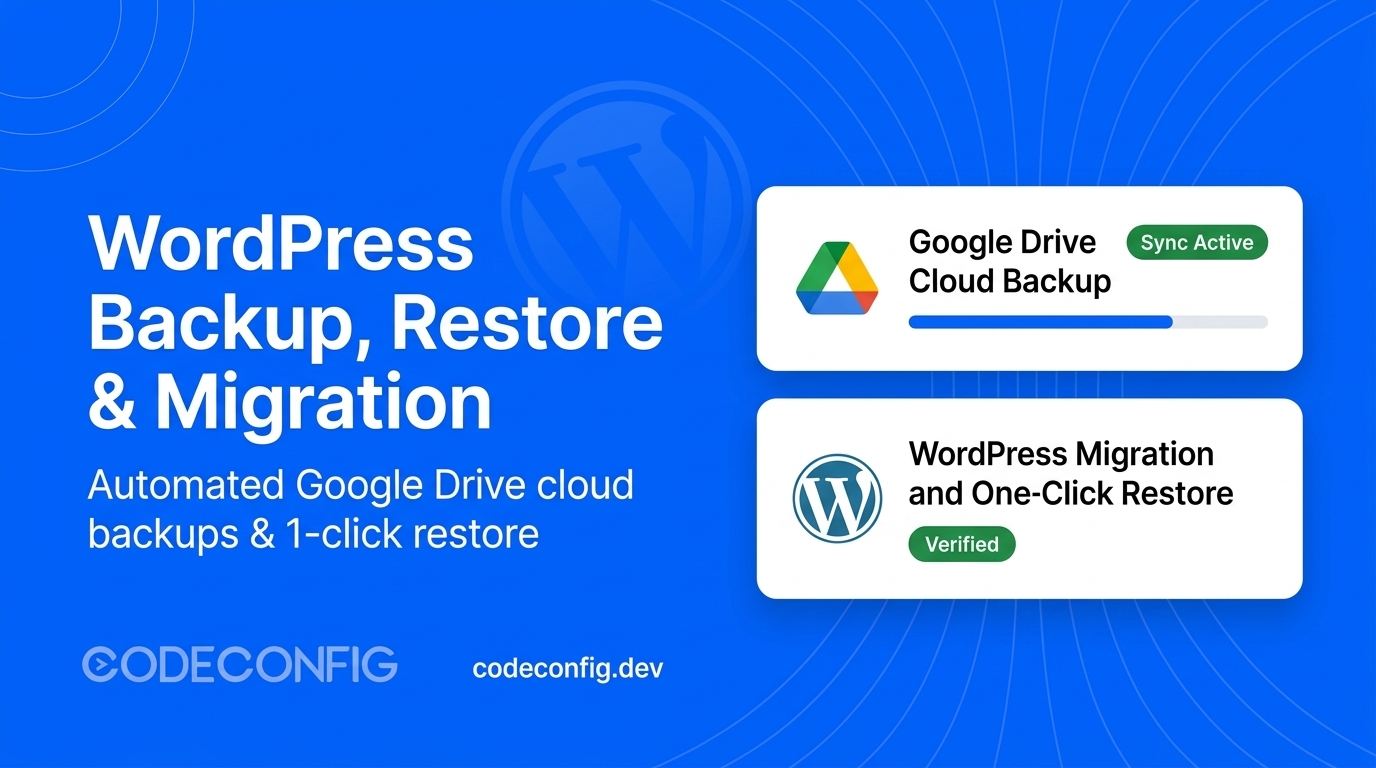
Backing up your WordPress site to off-site cloud storage is the single most effective way to prevent catastrophic data loss from server hardware failure, corrupted updates, or security breaches. In this guide, learn how to configure automated schedules, stream database dumps, and perform 1-click restores and site migrations directly with Integration for Google Drive.
Storing backups on your local web server is risky: if your host suffers hardware failure or malware intrusion, both your site and backup archives disappear. Following the industry-standard 3-2-1 backup strategy recommended in the official WordPress.org Backup Documentation, off-site cloud storage provides essential protection:
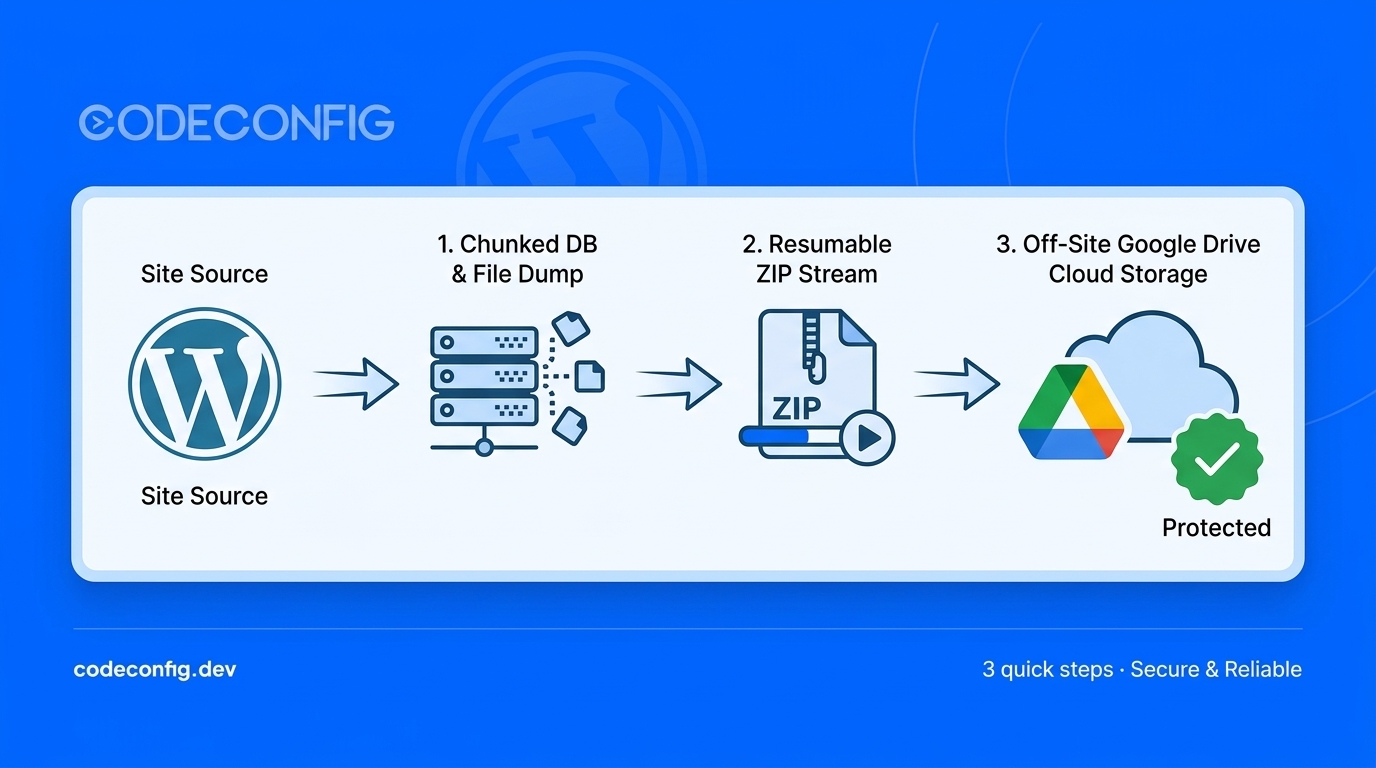
The backup engine is engineered for resilience across both shared hosting and high-throughput dedicated servers:
| Module Feature | Technical Functionality | Primary Benefit |
|---|---|---|
| Granular Selection | Toggle Database, Plugins, Themes, Uploads, and MU-Plugins independently | Create lightweight daily database snapshots without repeatedly archiving static assets |
| Dual Archive Engine | Shell Zip (zip -r) with automatic fallback to PHP Streaming Zip Writer | High-speed archiving with zero PHP memory exhaustion on shared hosting |
| Chunked Database Dumper | Table-by-table schema extraction with batch row offsets (500–1000 rows/pass) | Prevents PHP timeout errors during massive wp_posts or wp_postmeta dumps |
| Database Optimizer | Pre-backup purge of expired transients and orphan metadata | Reduces archive size and speeds up subsequent backup and restore operations |
| Automated Scheduling | Hourly, Twice Daily, Daily, and Weekly cadences via WP-Cron | Set-it-and-forget-it automated protection with zero manual overhead |
| Dual Retention Rules | Independent retention limits for local server storage and Google Drive cloud storage | Prevents runaway disk and cloud usage by pruning older snapshots automatically |
Navigate to Google Drive → Settings in your WordPress dashboard. Authorize your Google account using 1-click authorization or enter your custom Google Cloud Console OAuth Client ID and Secret for branded permissions. Once connected, your account is immediately available to receive backup archives.
Before making plugin updates or theme customizations, generate an instant safety snapshot:
The dashboard displays live progress across all phases: Scanning → DB Optimize → DB Dump → Archive → Validate Checksums → Cloud Upload. The engine uses asynchronous background workers so you can safely navigate away while the backup completes.
Continuous protection requires automated routines. Under Google Drive → Backups → Schedules:
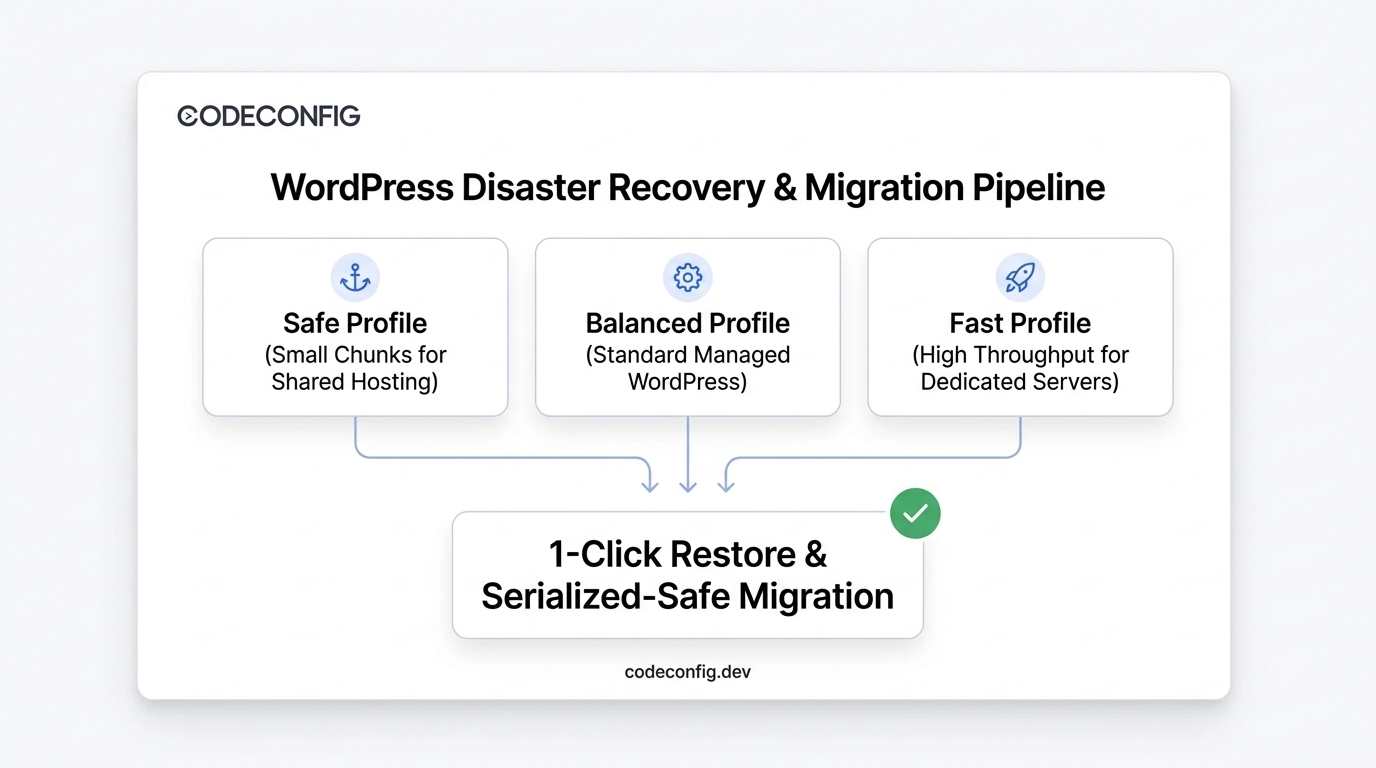
Restoring a backup should be simple and reliable, especially in an emergency. The restore engine handles cloud downloads, file extraction, database imports, and cache flushing with a single click.
Migrating WordPress to a new domain often fails because page builders (Elementor, Divi) and themes store layout settings as serialized PHP data strings. Blind SQL replacement breaks string character counts, resulting in blank layouts and lost widgets.
a:1:{s:4:"site";s:19:"http://oldsite.com";}Integration for Google Drive features a serialized-safe database engine that recursively unpacks arrays, updates URLs, recalculates string byte lengths, and re-serializes records cleanly—guaranteeing 100% layout fidelity after any domain change.
Two Migration Methods Available:
Backing up, scheduling, restoring, and migrating your WordPress website no longer requires complex multi-step tools or risky local archives. Explore our full suite of productivity and integration tools on CodeConfig to keep your website fast, resilient, and protected 24/7.
This post is by Tanin Ahmed, a member of the CodeConfig team who is always working to find solutions for our users and improve our services.
Thank you for reading and for your kind words and good wishes for us. We truly appreciate your support! ❤️


Whether you're just getting started or scaling fast, we've got you covered. Access helpful guidance.
