


- Release
- WordPress
File Manager for Dropbox 1.3.17 Released – New Features and Improvements
Tanin Ahmed7 min read
Loading page…
Loading page…
Loading page…
Looking for the best Dropbox Integration Plugin for your WordPress site? Easily share files, manage media, and sync with Dropbox to keep your site run easily

Are you looking for the best Dropbox integration plugin for WordPress? Whether you’re aiming to store media files, back up your website, or share documents with your users, integrating Dropbox can simplify your workflow. However, managing files on WordPress can be cumbersome due to limited storage space, manual file transfers, or security risks. Thankfully, Dropbox integration can solve many of these issues. In this guide, we’ll explore the top Dropbox plugins for WordPress, including their features, pricing, and target users.
Before diving into the best plugins, here are a few essential factors to look for when choosing a Dropbox integration plugin:
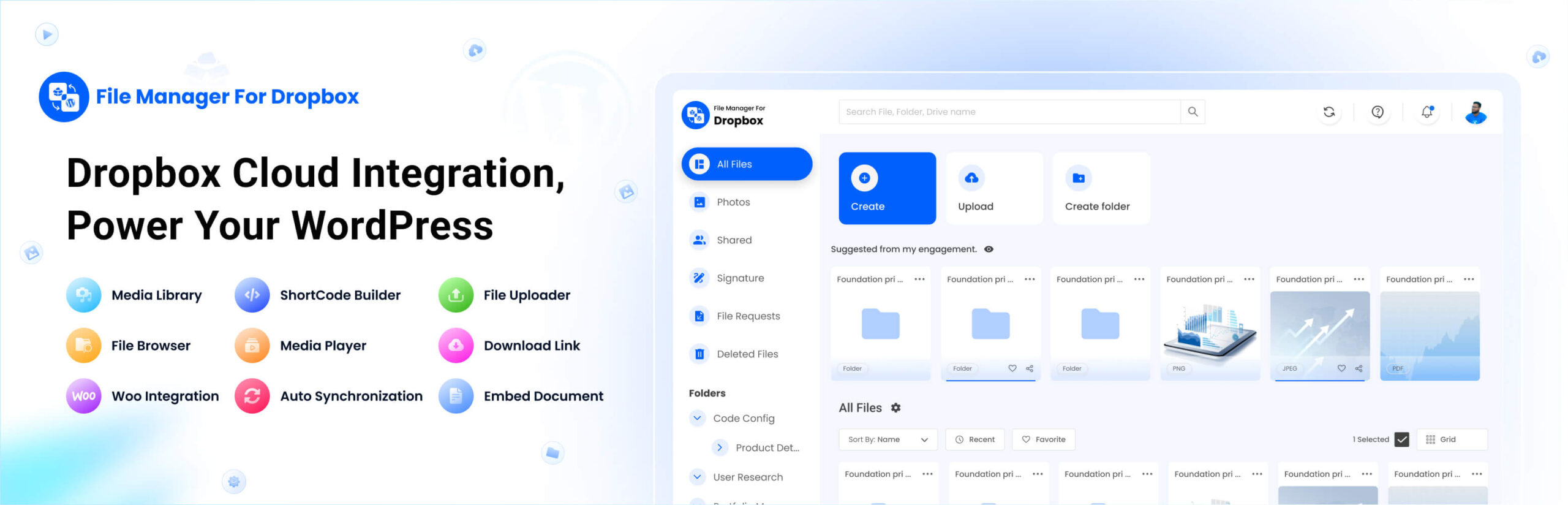
Our top pick! This plugin offers seamless Dropbox integration for easy file management directly within WordPress.
✅ Seamless Dropbox integration within WordPress
✅ Elementor support with 8 modules
✅ Secure file access control
✅ Video auto-sync feature
✅ Intuitive file manager for easy uploads and downloads
Pricing: Free & Premium plans available
Best for: Website owners, agencies, and businesses that need full control over Dropbox files.
File Manager for Dropbox stands out for its Elementor integration, advanced file controls, and overall seamless WordPress compatibility. It offers a user-friendly interface for managing files, along with automatic video syncing, making it an ideal solution for diverse needs.
Free Download

UpdraftPlus is one of the most popular plugins for automatic WordPress backups to Dropbox.
✅ Automatic WordPress backups to Dropbox
✅ One-click restore option
✅ Scheduled and manual backups
Pricing: Pro ($70/year)
Best for: Website owners who want to back up their WordPress site to Dropbox.

For sites using Contact Form 7, this plugin integrates Dropbox to allow users to upload files directly to your Dropbox account via a contact form.
✅ Automatically upload files submitted via Contact Form 7 to Dropbox
✅ Simple configuration with Dropbox API
✅ Supports multiple file uploads per form submission
Pricing: Free
Best for: Websites using Contact Form 7 and need to collect file uploads directly into Dropbox.
If you’re ready to start using Dropbox with WordPress, here’s a simple guide to integrate Dropbox using File Manager for Dropbox:
File Manager for Dropbox”The best Dropbox plugin depends on your needs. For full file management, File Manager for Dropbox is the top choice with seamless integration and advanced controls. UpdraftPlus Pro is ideal for automated backups, while WooCommerce Dropbox syncs store files effortlessly. If you need file uploads via forms, Contact Form 7 Dropbox is a great option.
Ready to integrate Dropbox with WordPress? Try File Manager for Dropbox today! 🚀
This post is by Jakir, a member of the CodeConfig team who is always working to find solutions for our users and improve our services.
Thank you for reading and for your kind words and good wishes for us. We truly appreciate your support! ❤️


Whether you're just getting started or scaling fast, we've got you covered. Access helpful guidance.

