


- Release
- WordPress
File Manager for Dropbox 1.3.17 Released – New Features and Improvements
Tanin Ahmed7 min read
Loading page…
Loading page…
Loading page…
Discover the best WordPress speed optimization plugins in 2024. From WP Rocket to LiteSpeed Cache, find out how these tools can enhance your site’s performance, boost SEO, and improve user experience.
Want to make your WordPress site faster? The right speed and optimization plugins can make a huge difference. These plugins work by caching your site’s pages, optimizing your code, and minimizing HTTP requests, all of which help your site load faster and perform better. In this blog post, we’ve curated a list of the best WordPress speed and optimization plugins. These tools enhance your site’s speed, improve user experience, and boost SEO. Dive in to discover how to elevate your WordPress site’s performance.
A speed optimization plugin is essential for improving your website’s performance and overall user experience. WordPress Speed Optimization Plugins enhance user engagement by ensuring that your site loads quickly, which helps keep visitors on your page and reduces frustration. Faster loading times also boost your site’s SEO rankings, as search engines like Google prioritize speed, leading to more organic traffic.
In addition, speed optimization plugins can significantly increase your conversion rates by making transactions and interactions smoother. They help lower bounce rates by reducing load times and encouraging users to stay on your site longer. These plugins are also crucial for mobile performance, ensuring that your site remains fast and responsive on all devices.
By caching and optimizing resources, speed optimization plugins reduce the strain on your server, improving overall efficiency. They also enhance Core Web Vitals, which are key performance metrics that affect user experience and site quality. In short, a speed optimization plugin is vital for any website looking to improve speed, user satisfaction, and search engine visibility.
Website speed plays a crucial role in user experience, SEO ranking, and conversion rates. A fast-loading website keeps visitors engaged and reduces bounce rates, making it essential for WordPress site owners to optimize speed. In 2024, several powerful WordPress speed optimization plugins can help streamline your site for optimal performance. Here are some of the best plugins to consider.
Widely regarded as one of the best premium caching plugins, WP Rocket is user-friendly and packed with features to speed up your website. Its caching system stores your pages as static files, reducing server load and decreasing page load time. Additional features include file minification, lazy loading, and database optimization. With its ease of use and regular updates, WP Rocket remains a top choice for both beginners and advanced users.
For those seeking a free and highly customizable solution, W3 Total Cache is a robust plugin offering an array of caching options. It supports browser caching, object caching, and even CDN integration for faster global delivery of content. Although it requires some configuration, its performance benefits make it worth the effort.
NitroPack is an all-in-one speed optimization platform that takes care of everything from caching to image optimization. It’s a cloud-based service, meaning it offloads heavy operations from your server, reducing load times significantly. Its automatic optimizations make it easy for users to set up without diving into technical details.

Autoptimize is a powerful free plugin for users looking to improve their website’s front-end performance. It focuses on optimizing your HTML, CSS, and JavaScript by compressing and minifying these files. Additionally, it can optimize Google Fonts and handle lazy loading of images.
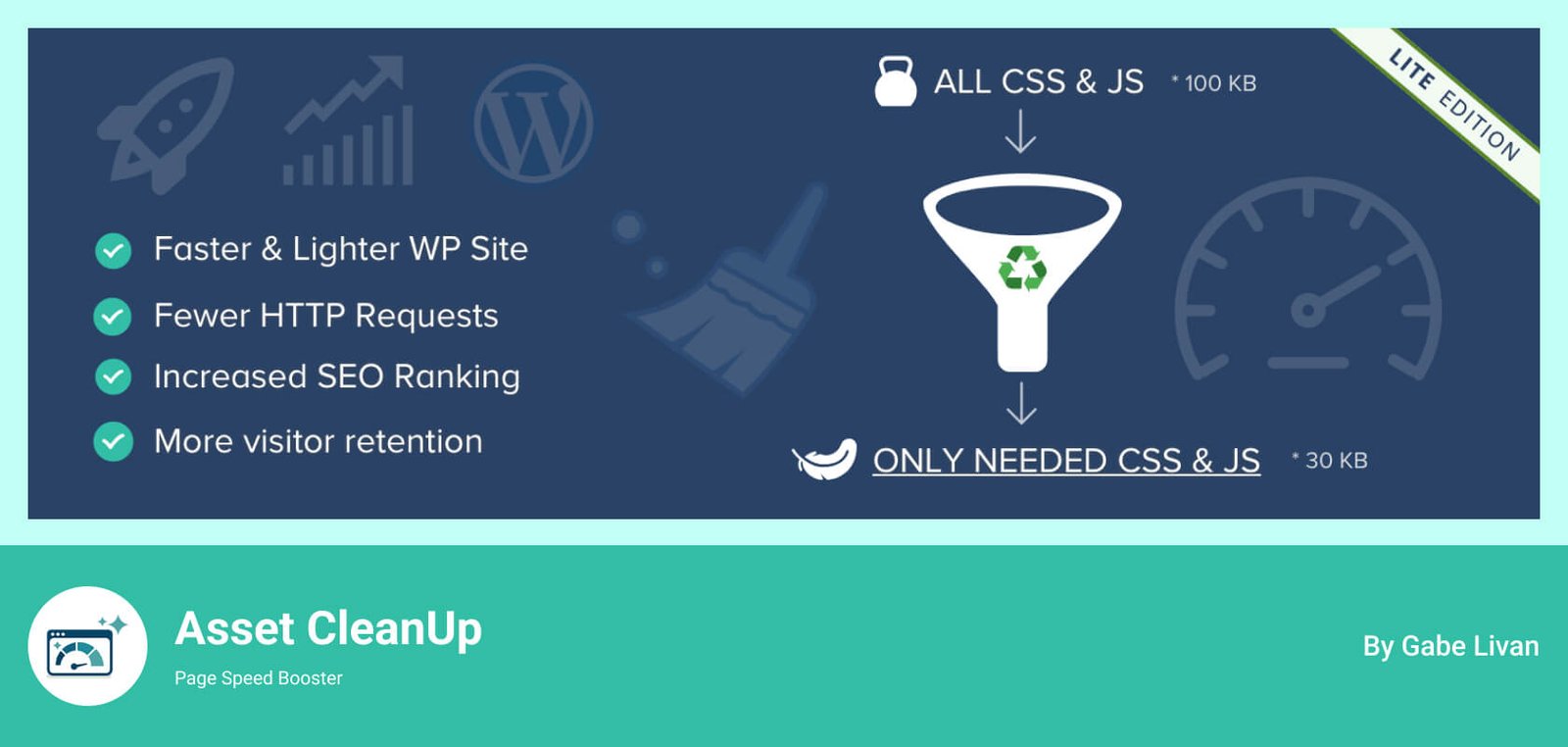
Asset CleanUp focuses on reducing unnecessary bloat on your site. It scans each page and gives you the option to disable unnecessary scripts and styles, which can dramatically reduce load times. This plugin is especially useful for large sites with many plugins, as it allows you to selectively disable assets per page.
If your hosting provider supports LiteSpeed Web Server, LiteSpeed Cache is an excellent choice for WordPress speed optimization. It offers server-level caching, which is faster than the file-based caching of other plugins. It also features image optimization, database cleanup, and an integrated Content Delivery Network (CDN).

Another popular free caching plugin, WP Fastest Cache, offers a simple yet effective way to speed up your WordPress site. With options for file minification, browser caching, and GZIP compression, it’s easy to configure and delivers solid performance improvements.
Read Also: Best Contact Form Plugins
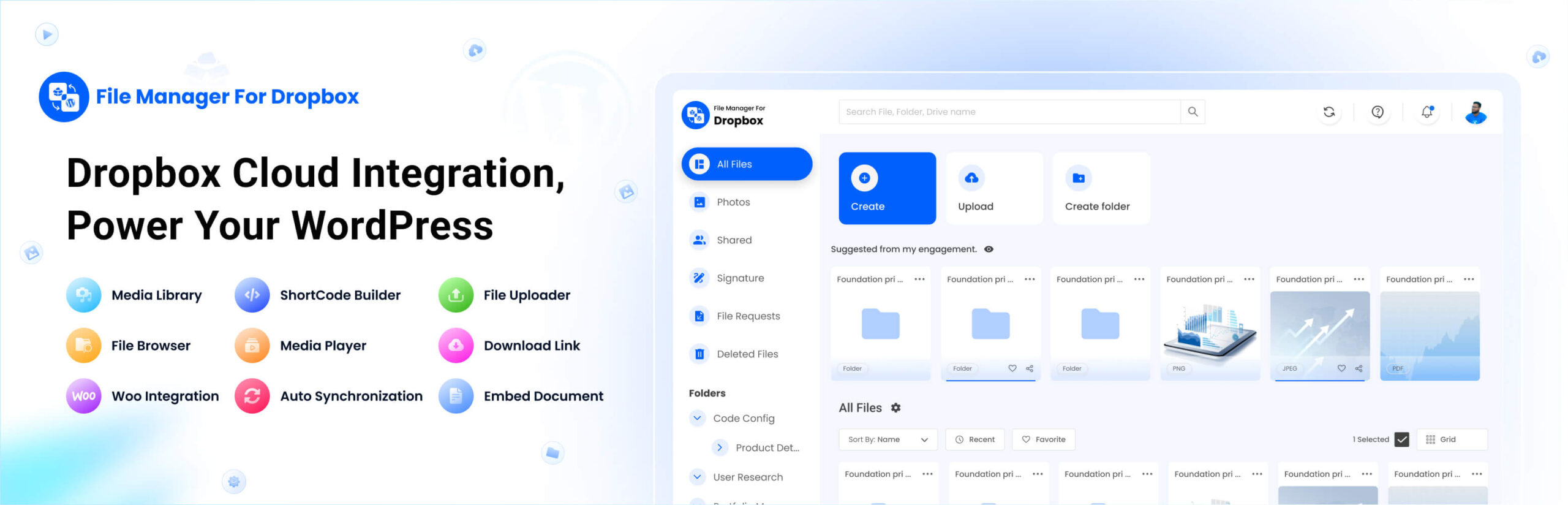
In addition to using speed optimization plugins, integrating tools like the Integrate Dropbox plugin can further enhance your website’s functionality and user experience. This plugin connects Dropbox with your WordPress site, allowing you to manage files from your WordPress dashboard efficiently. While it doesn’t directly improve site speed, it complements your optimization efforts by streamlining file handling and reducing server strain.
In 2024, optimizing your WordPress website for speed is easier than ever, thanks to these powerful plugins. Whether looking for a premium solution like WP Rocket or a free plugin like W3 Total Cache, each tool can significantly boost your site’s performance. Faster load times lead to happier visitors, better SEO rankings, and increased conversions—making speed optimization an essential part of managing your WordPress site. And with additional tools like Integrate Dropbox, you can further enhance your site’s efficiency and functionality.
This post is by Jakir, a member of the CodeConfig team who is always working to find solutions for our users and improve our services.
Thank you for reading and for your kind words and good wishes for us. We truly appreciate your support! ❤️


Whether you're just getting started or scaling fast, we've got you covered. Access helpful guidance.

