


- Release
- WordPress
File Manager for Dropbox 1.3.17 Released – New Features and Improvements
Tanin Ahmed7 min read
Loading page…
Loading page…
Loading page…
File Manager for Dropbox 1.3.18 is officially live! This release introduces Gallery multi-select with bulk ZIP downloads, interactive child folder expansion and breadcrumb navigation in the File List module, and site restore engine optimizations.
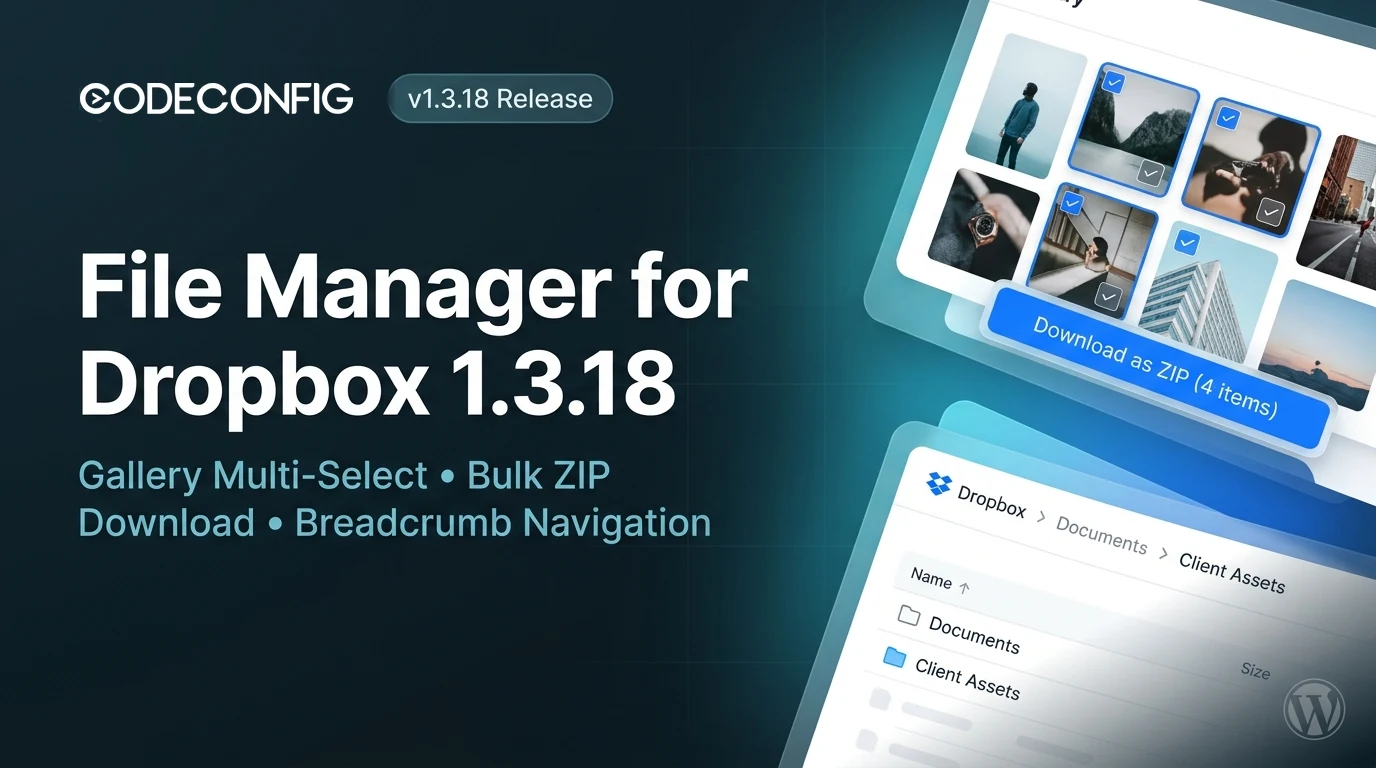
We are thrilled to announce that File Manager for Dropbox 1.3.18 is officially available! This update brings highly requested workflow features, including multi-select and bulk ZIP downloads in the Gallery module, interactive child folder expansion with breadcrumb navigation in the File List module, robust memory scaling for the site restore engine, and critical document embed preview fixes.
Following the major streaming download pipeline introduced in our version 1.3.17 release, this release focuses on intuitive visitor interaction, modular UI ergonomics, and rock-solid cloud operations. If you are setting up cloud storage for the first time, check out our guide on connecting Dropbox to WordPress.
The Gallery module is one of our most popular display layouts for photographers, creative agencies, and client media portals. Previously, visitors had to download gallery images one by one. In version 1.3.18, we have brought full batch-selection capabilities to the Gallery interface:
In addition to bulk downloading, every image card in the Gallery module now includes a dedicated context action menu:
The File List module has evolved from a simple linear directory listing into a full hierarchical file explorer. In version 1.3.18, visitors can browse deeply nested folder structures without page reloads:
To accompany the new folder browsing capabilities in the File List module, version 1.3.18 introduces an integrated breadcrumb navigation bar matching our flagship File Browser experience:
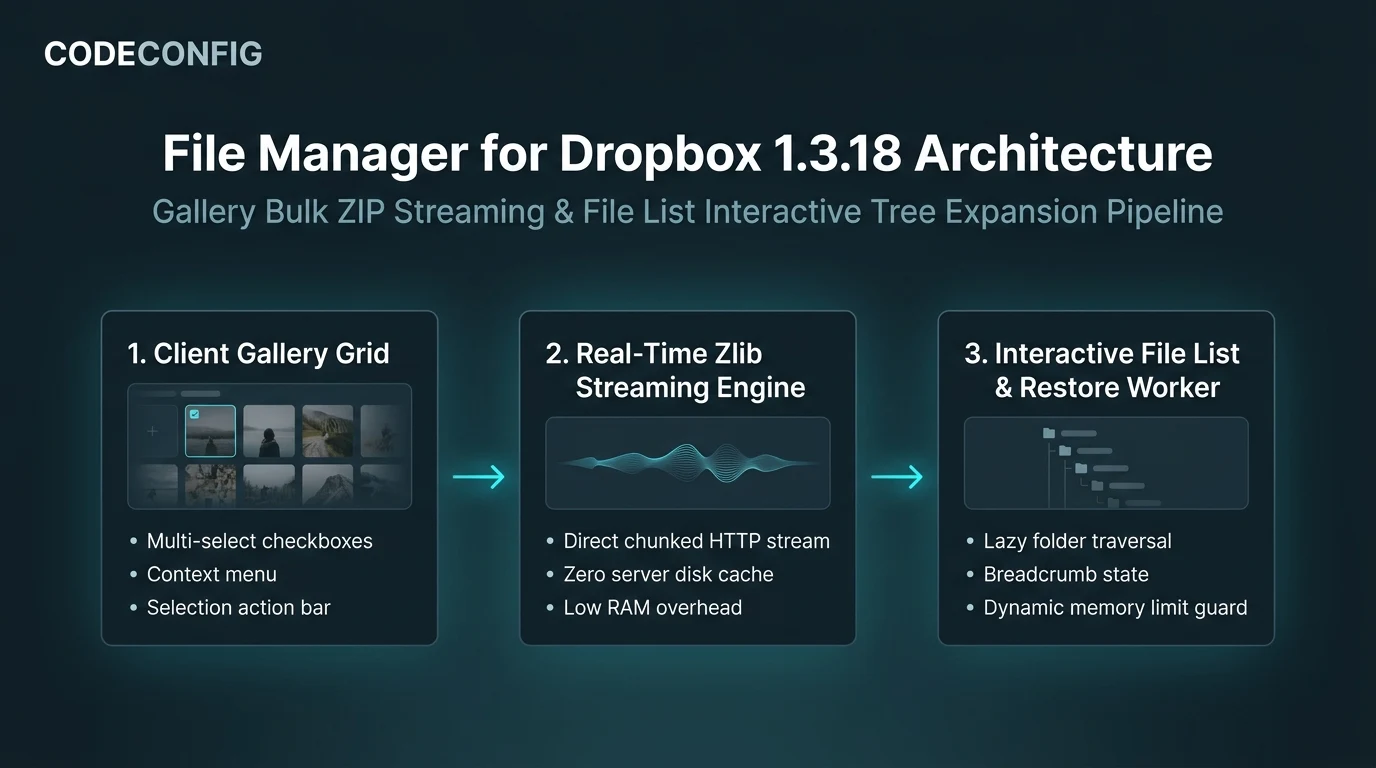
Backing up and restoring WordPress websites directly to and from Dropbox is one of the core strengths of File Manager for Dropbox Pro. Version 1.3.18 includes major reliability enhancements to the background restore worker:
Version 1.3.18 resolves key edge cases reported by community users and enterprise customers:
report-1024x768.pdf or banner-300x250.docx) suffered document preview failures because internal logic aggressively stripped strings resembling thumbnail dimensions. Version 1.3.18 accurately isolates original file identifiers.| Type | Component | Description |
|---|---|---|
| New | Gallery Module | Multi-select checkboxes and bulk ZIP archive download support. |
| New | Gallery Module | Context action menu on photos for preview, single download, and selection mode. |
| New | File List Module | Hierarchical folder browsing with interactive child item expansion. |
| New | File List Module | Integrated breadcrumb navigation bar in card header matching File Browser UI. |
| Improved | Gallery Module | Single-row responsive layout for bulk selection toolbar with horizontal scrolling. |
| Improved | Modals | Replaced floating close buttons with integrated header close controls. |
| Improved | Core UI | Eliminated empty icon placeholder spans across all Button components. |
| Improved | Backup & Restore | Automatic memory limit configuration and rewrite rule refresh during site restore. |
| Improved | Performance | Lazy query execution for File List child folders to optimize initial page loading. |
| Fix | Document Embed | Fixed document preview failures on filenames containing size-like tokens. |
| Fix | Gallery Module | Resolved download unavailability when preview permission is disabled. |
| Fix | Backup Engine | Fixed fatal error in background restore worker step execution on uploaded archives. |
| Fix | Core Styling | Isolated SVG icons from external theme CSS rules setting absolute positioning. |
| Fix | Security | Confined breadcrumb navigation generation strictly to configured shortcode root folder. |
Looking for a complete archive of previous version notes, patch milestones, and historical improvements? You can explore the File Manager for Dropbox full changelog to browse the entire release timeline dating back to version 1.0.
Updating to version 1.3.18 is seamless across both Free and Pro installations:
Have questions, ideas, or feature suggestions for upcoming releases? Feel free to reach out through our support desk—our engineering team is always excited to hear your feedback!
This post is by Tanin Ahmed, a member of the CodeConfig team who is always working to find solutions for our users and improve our services.
Thank you for reading and for your kind words and good wishes for us. We truly appreciate your support! ❤️


Whether you're just getting started or scaling fast, we've got you covered. Access helpful guidance.
