


- Release
- WordPress
File Manager for Dropbox 1.3.17 Released – New Features and Improvements
Tanin Ahmed7 min read
Loading page…
Loading page…
Loading page…
Learn how to embed a Google Drive video in WordPress to save server space and boost speed. Follow our easy guide using the CodeConfig.dev plugin today!
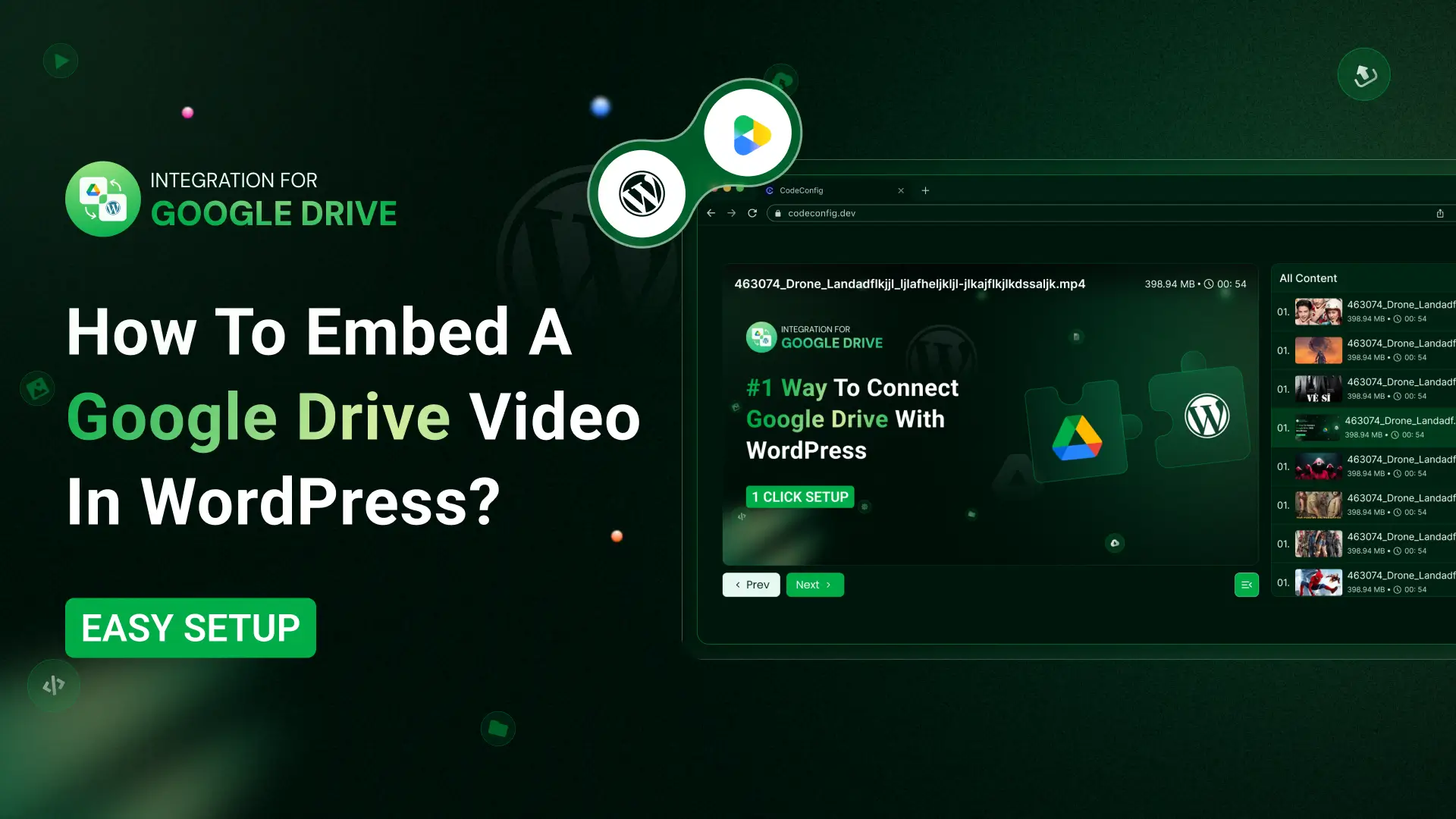
Video content is one of the most powerful tools for engaging your audience. However, uploading large video files directly to your WordPress site can quickly eat up hosting storage and slow down page loading speeds. There is a great solution for WordPress users: using Google Drive Video.
Learning how to embed a Google Drive video in WordPress is the perfect solution. It lets you use Google’s reliable infrastructure to serve your videos while keeping your website lightweight and fast. In this guide, you will learn how to embed a Google Drive video in WordPress step by step using a simple and secure method.
Instead of using clunky “Publish to web” frames, this plugin gives you a faster, cleaner, and more secure way to embed Google Drive files in WordPress.
It’s a reliable and beginner-friendly solution for embedding Google Docs and other Drive files in WordPress.
Follow these clear steps to complete your Google Drive video embed in minutes.
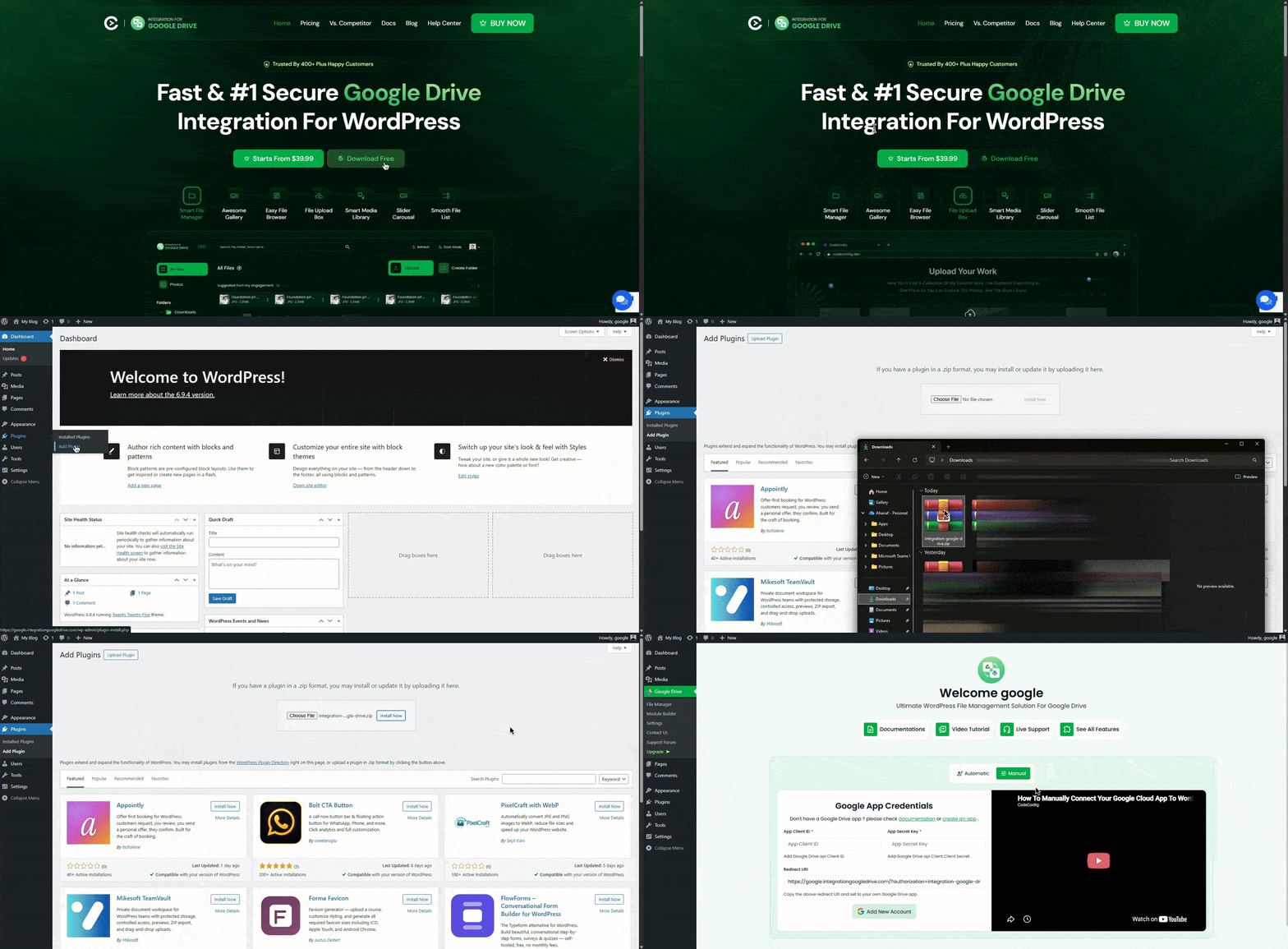
Once connected, your Google Drive folders and files will appear inside the WordPress dashboard for easy management.
Use shortcodes to add videos anywhere on your site in just a few clicks.
The plugin’s shortcode builder makes it easy to create shortcodes for single videos, file browsers, or full media players. You can place them anywhere on your site, including posts and pages.
You can now use Google Drive videos anywhere on your WordPress site with the Media Library integration feature of the Integration for Google Drive by CodeConfig plugin.
Hosting videos directly on your WordPress site can quickly increase load times and hosting costs. Switching to Google Drive solves these issues.
Here are the main advantages:
These perks make Google Drive video embed a smart choice for tutorials, product demos, portfolios, or educational content.
Even with proper setup, you may run into minor issues like permission or access errors. In that case, double-check your Google Cloud Console app permissions. The Integration for Google Drive plugin helps reduce these problems by handling syncing and links automatically. If the issue continues, refer to the plugin’s documentation or support resources for detailed guidance.
Embedding videos doesn’t have to slow down your site or complicate your workflow. With this guide, you now know how to embed a Google Drive video in WordPress using shortcodes or Media Library tools. The Integration for Google Drive by CodeConfig.dev plugin makes the process simple, secure, and efficient, helping reduce server load, improve performance, and keep your content organized. Ready to get started? Install the free plugin today and embed your Google Drive videos with confidence.
Have questions about the process? Drop a comment below. I am happy to help!
This post is by Jakir, a member of the CodeConfig team who is always working to find solutions for our users and improve our services.
Thank you for reading and for your kind words and good wishes for us. We truly appreciate your support! ❤️


Whether you're just getting started or scaling fast, we've got you covered. Access helpful guidance.

