


- Release
- WordPress
File Manager for Dropbox 1.3.17 Released – New Features and Improvements
Tanin Ahmed7 min read
Loading page…
Loading page…
Loading page…
Adding a dark mode to your wordpress website is important. step-by-step guide, learn How to Enable Dark Mode on Elementor Websites in 2024 in just simple ways
Adding a Dark Mode to your WordPress website is important nowadays. Explore step-by-step guide, learn How to Enable Dark Mode on Elementor Websites in 2024 in just simple ways.
Elementor is a popular WordPress page builder that allows users to create custom websites through a visual drag-and-drop interface, eliminating the need for coding. It offers various design tools, widgets, and templates to build professional-looking websites easily. Elementor Dark Mode is a feature or add-on that enables dark mode within Elementor. This mode provides a darker color scheme, which can reduce eye strain and is aesthetically appealing. It allows users to toggle between light and dark modes while designing pages, offering more customization options and enhancing the user experience.
Elementor Dark Mode is a feature that allows users to switch between light and dark modes when using the Elementor page builder. Using a dark mode switch can make the transition seamless. This feature provides a sleek and modern look to your Elementor website, enhancing the overall user experience. With Elementor’s dark mode widget, you can easily customize your website’s appearance and provide users with the option to choose their preferred mode. Dark mode can be activated with a simple toggle switch, making it convenient for users to switch between light and dark themes according to their preferences. Elementor’s dark mode feature is a valuable addition to enhancing the aesthetics and usability of your website.
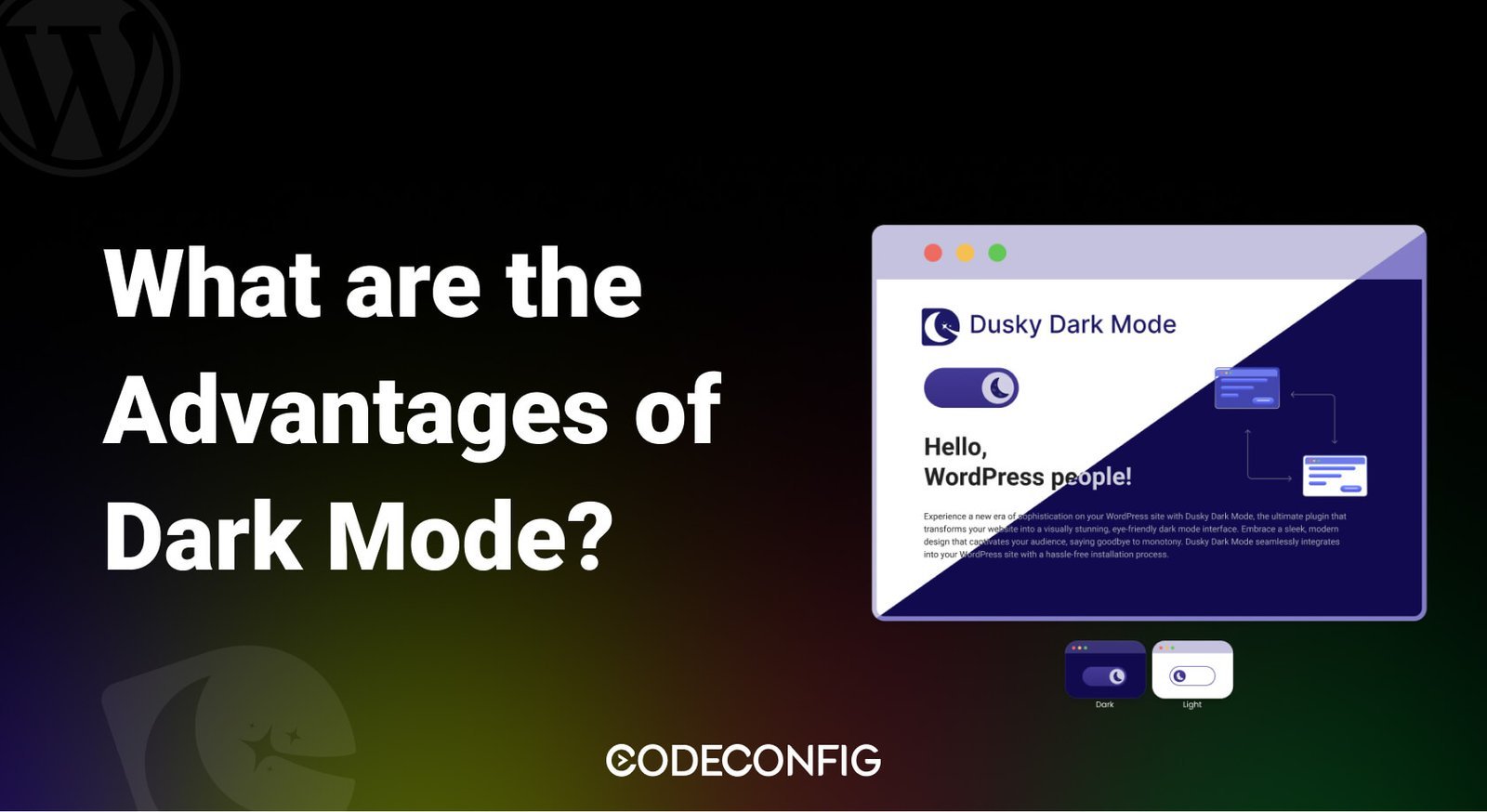
Implementing dark mode on your Elementor website comes with various pros and cons that you should consider. One of the main advantages of dark mode is its ability to reduce eye strain, especially when users browse the website in low-light environments. Additionally, dark mode offers a sleek and modern appearance, making your website visually appealing.
On the flip side, some users may prefer light mode over dark mode due to personal preferences or readability issues. It’s essential to consider your target audience and their preferences before adding dark mode to your Elementor website. Furthermore, implementing dark mode may require additional customization to ensure a seamless user experience.
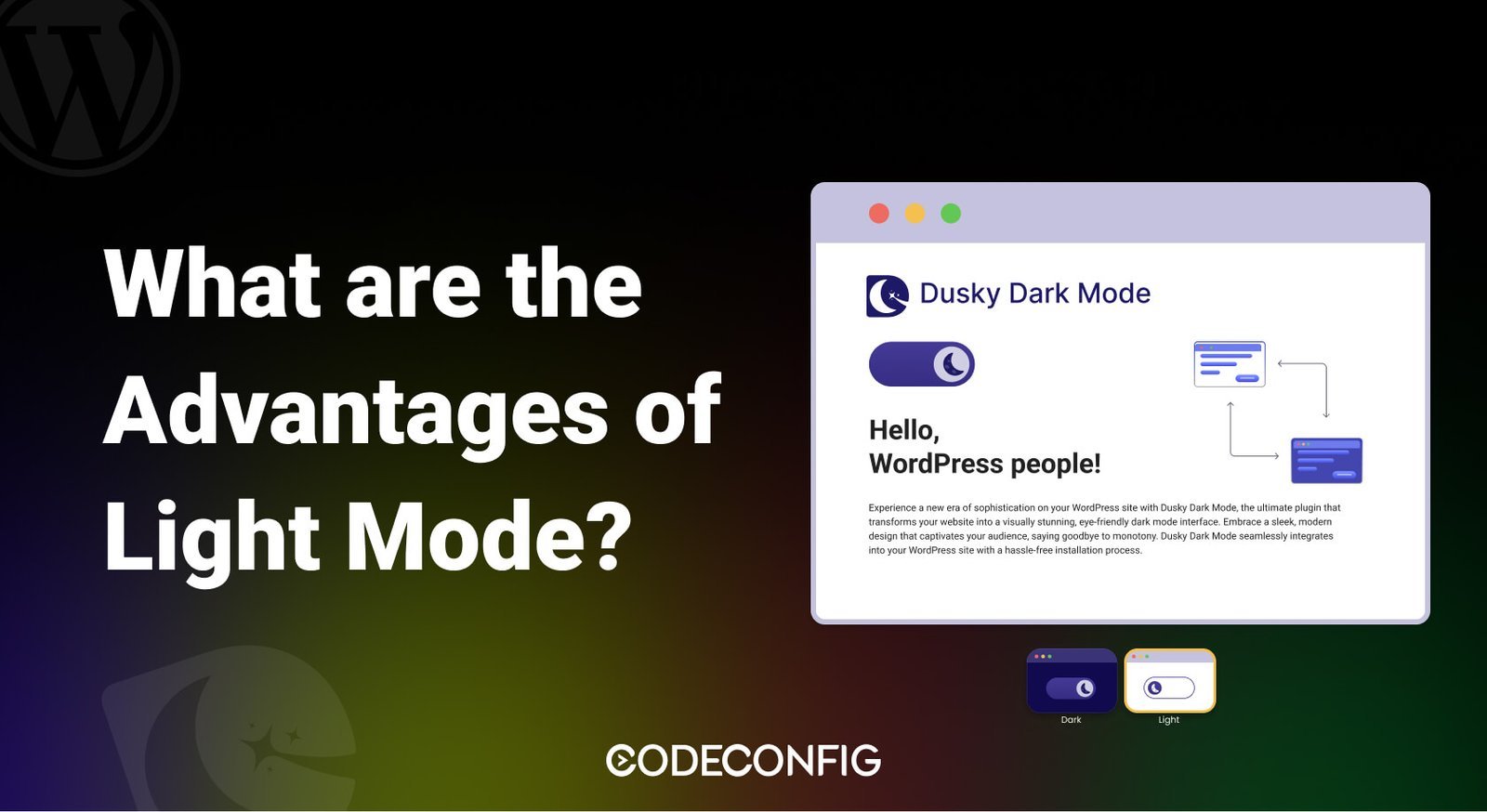
Better Visibility In Bright Environments: Light Mode Provides Superior Contrast And Readability In Sunlight Or Well-lit Areas.
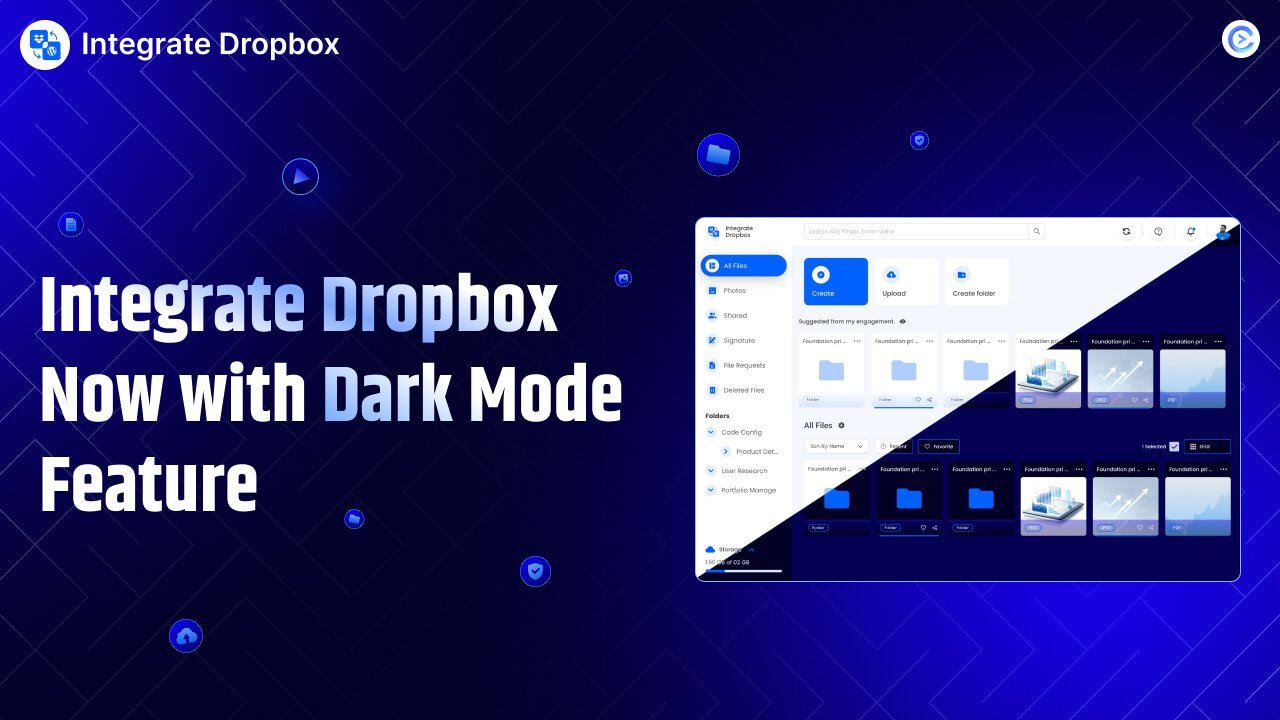
Integrate Dropbox has now added dark mode, enhancing its digital storage appeal. This upgrade boosts user experience significantly. Dark mode is popular across many platforms, and for good reason. It reduces eye strain in low light, making it easier for users to manage files at night. Dark mode isn’t just for comfort, however. When your interface becomes darker, many users report improved focus and productivity.
Dark mode reduces glare and contrast, keep focus with tasks like sorting files or uploading documents. It’s ideal for WordPress professionals on the go. New dark mode give Integrate Dropbox’s users more sophisticated interface, more modern look which helps the user experience. This makes it easier to navigate through a file and also feels more intuitive and eye pleasing.
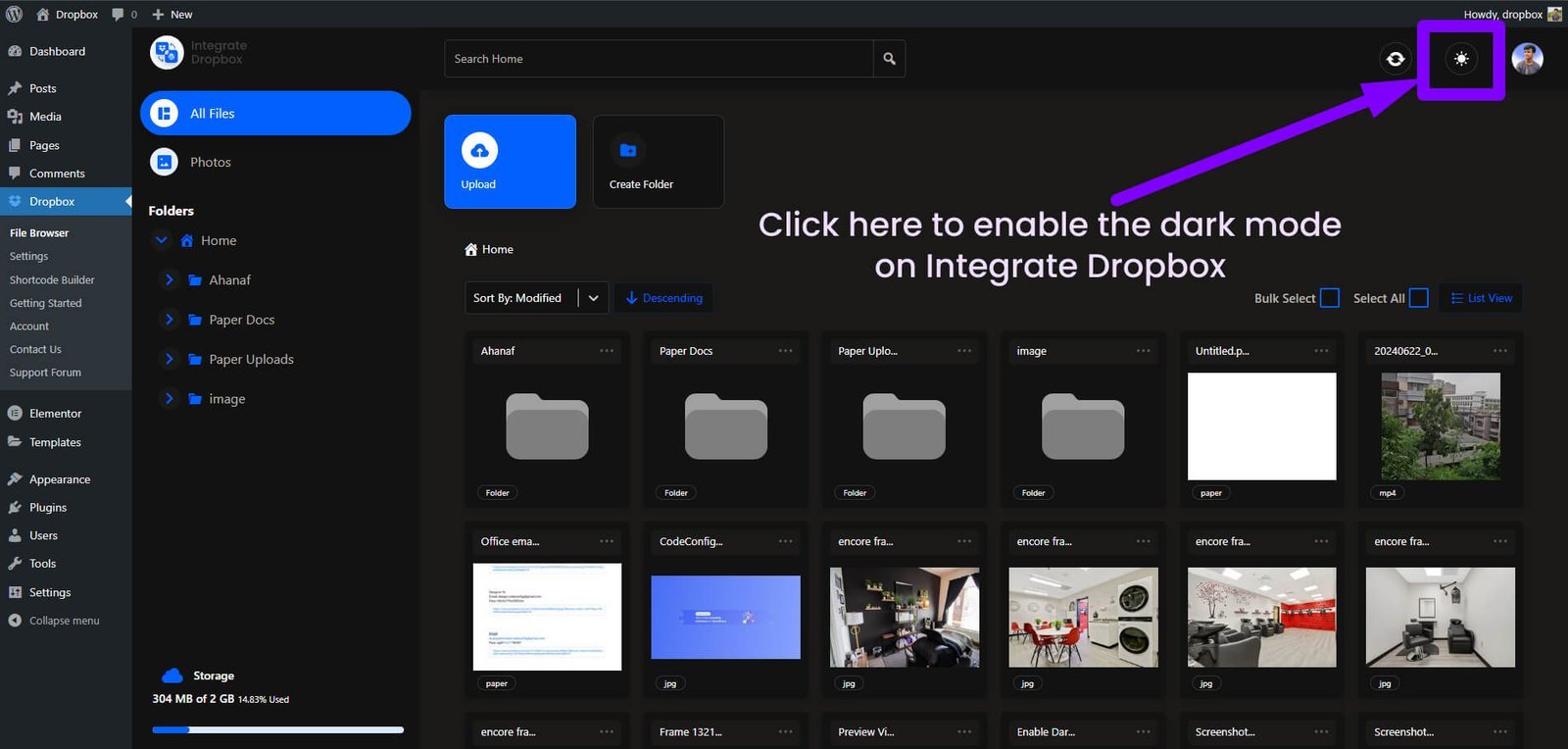
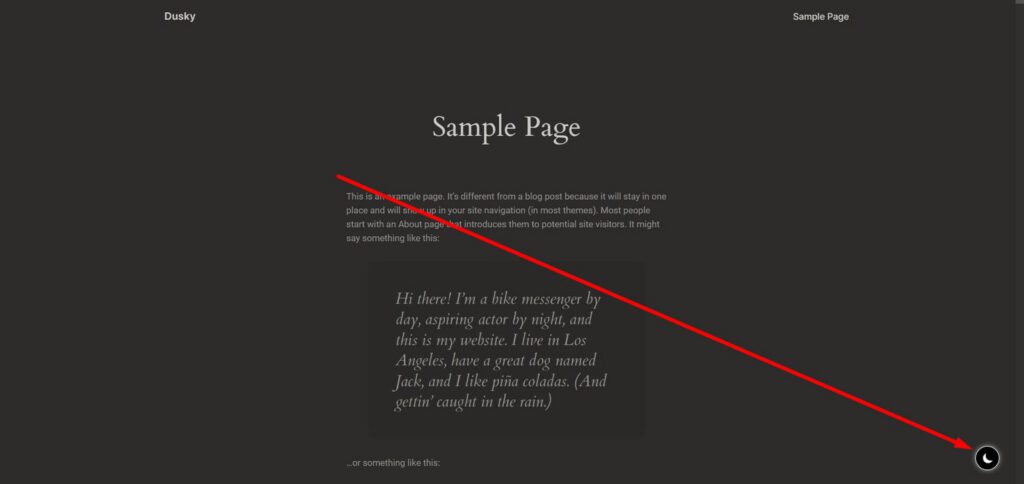
Once you’ve clicked the sun icon, the interface should switch to dark mode, changing the background to a dark color and adjusting text and other elements for better visibility in this mode.
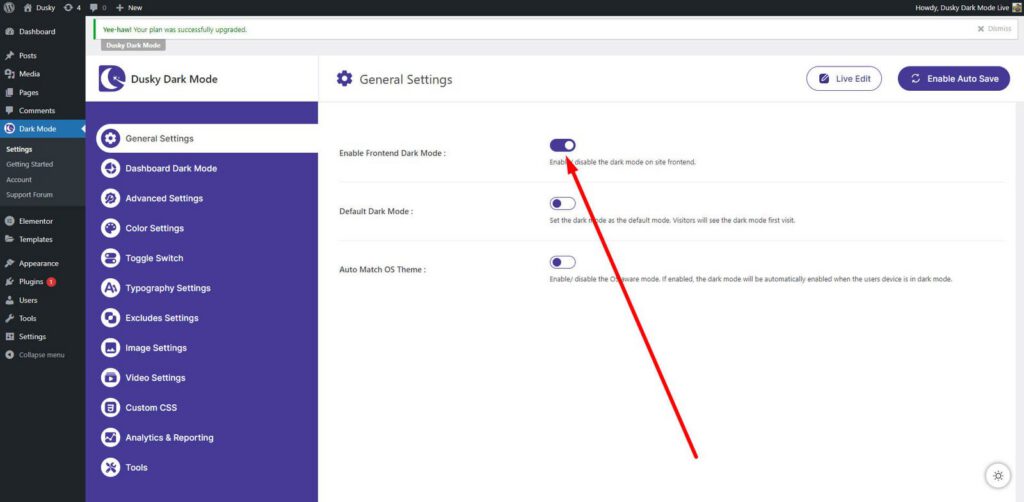
Dusky Dark Mode is a useful plugin for WordPress websites that allows users to enable dark mode effortlessly. This plugin integrates seamlessly with Elementor, providing users with a convenient way to switch between light and dark themes. Dusky Dark Mode enhances the user experience by offering a customizable dark mode toggle for your Elementor website. By utilizing Dusky Dark Mode, you can improve the readability of your website’s content and create a visually pleasing design. This plugin simplifies the process of adding dark mode to your Elementor website, ensuring that users can easily toggle between light and dark themes. Dusky Dark Mode is a valuable tool for enhancing the aesthetics and usability of your WordPress website.
Experience seamless editing with our advanced Dark Mode Editing feature, offering real-time adjustments that adapt to any operating system on your device. Effortlessly switch themes with a smooth floating toggle button, fully customizable through custom CSS styling. Transform your workspace with dynamic background images and colors, and explore over 15 custom color presets. Enjoy access to 50+ pre-designed toggle switch styles, allowing you to position your toggle button anywhere you prefer. Both light and dark mode custom CSS options are available, along with a unique toggle switch attention effect to enhance user interaction. The integration with Elementor ensures a streamlined Dark Mode Toggle experience, making it the perfect choice for versatile, personalized web design.
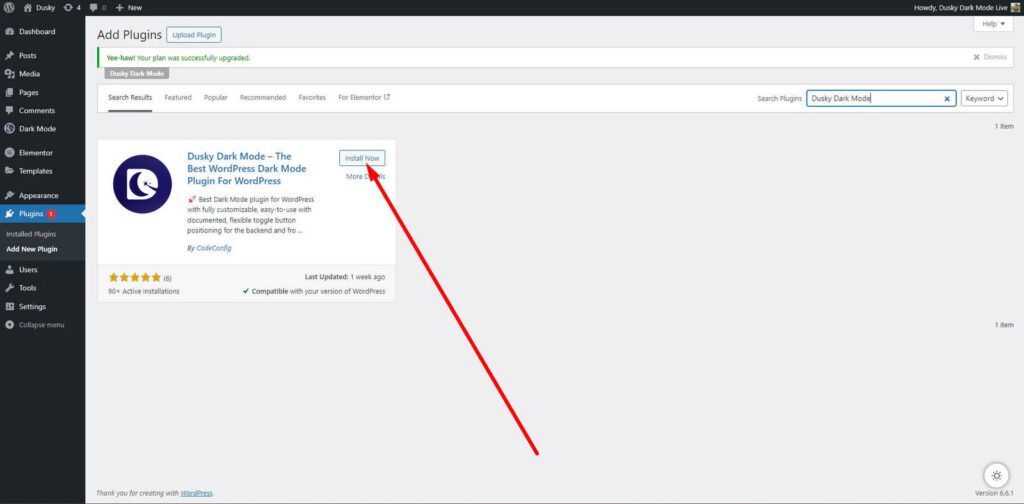
Adding dark mode to Elementor is a straightforward process that can be done in a few simple steps. Once the plugin is activated, you can enable dark mode on specific pages or sections of your Elementor website. Customize the dark mode widget to match your website’s design and adjust the settings according to your preferences. Save the changes, and visitors can now switch between light and dark modes seamlessly while browsing your Elementor website.
We hope this has clarified the pros and cons of using dark mode on websites. You now have the knowledge to implement dark mode on your WordPress site. We’d love to hear about your experience with dark mode.
For a deeper dive into WordPress dark mode, check out our comprehensive guide.
Let me know if there’s anything else you’d like to adjust!
Elementor Dark Mode is a feature that allows users to toggle between light and dark themes on your website, enhancing the visual appeal and user experience. By incorporating dark mode in Elementor, you can provide visitors with a customizable viewing option that reduces eye strain and improves readability.
No, Elementor’s dark mode widget is not available in the Elementor. However, you can use The Dusky Dark Mode free Dark Mode WordPress Plugin for this.
Dark mode can be beneficial for various types of websites, especially those that prioritize user experience and modern design trends. However, it’s essential to consider your target audience and their preferences before implementing dark mode on your Elementor website.
Yes, you can customize the dark mode settings in Elementor by using plugins or built-in features that offer flexibility in adjusting the color scheme, text styles, and overall appearance of the dark mode widget. Tailoring the dark mode to align with your website’s branding is key to creating a cohesive design.
While dark mode offers several benefits, such as reduced eye strain and enhanced aesthetics, some users may find dark backgrounds less readable or may prefer light mode. It’s important to consider the pros and cons of using dark mode in Elementor to ensure that it aligns with your website’s goals and user preferences.
This post is by Jakir, a member of the CodeConfig team who is always working to find solutions for our users and improve our services.
Thank you for reading and for your kind words and good wishes for us. We truly appreciate your support! ❤️


Whether you're just getting started or scaling fast, we've got you covered. Access helpful guidance.

