

Loading page…
Loading page…
Loading page…
Loading page…
Understand the importance of WordPress security with our developer guide. Master server hardening, code sanitization, off-site cloud backups, and audit steps.
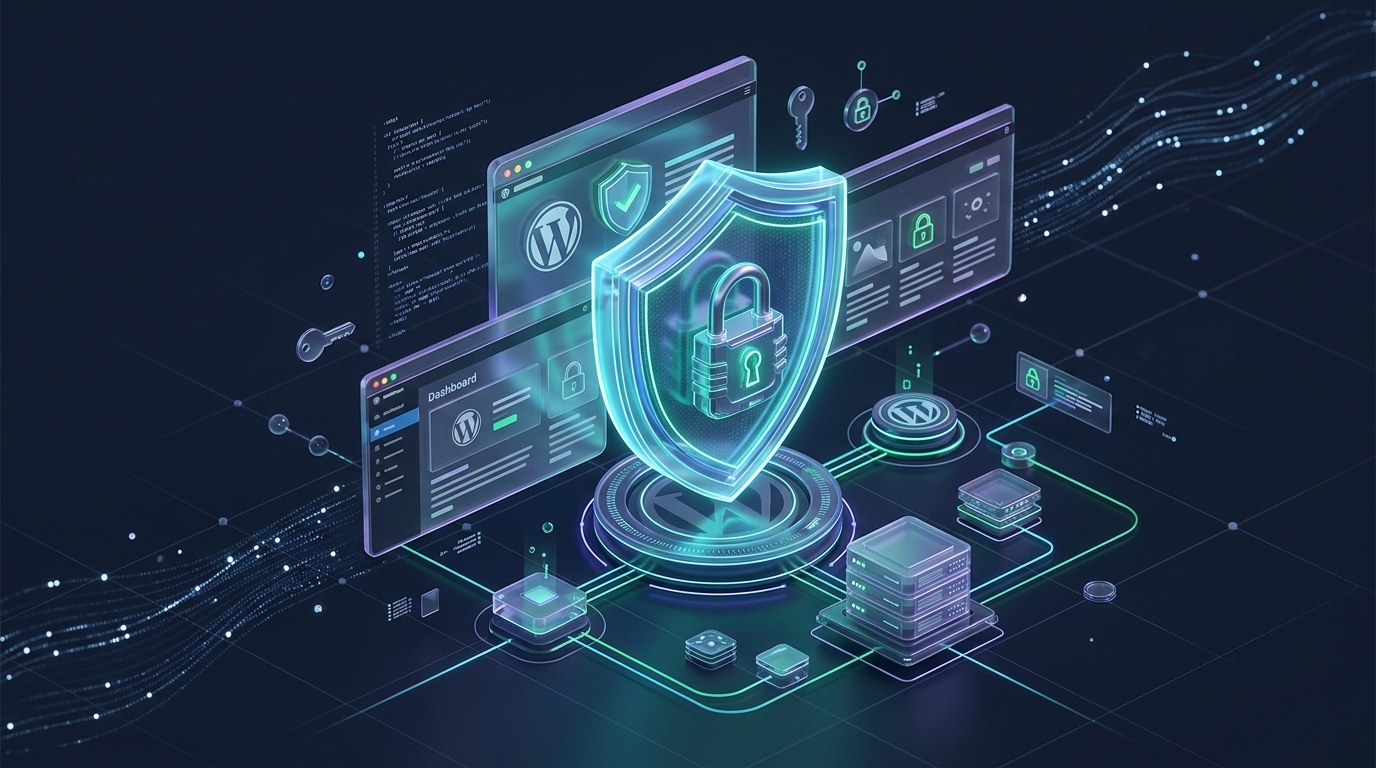
WordPress powers over 43% of the modern web, making it the bedrock of millions of businesses, e-commerce stores, and digital agencies. However, this unmatched popularity also places WordPress squarely in the crosshairs of malicious actors, automated vulnerability scanners, and botnets. Understanding the importance of WordPress security goes far beyond changing your admin password—it requires a comprehensive, developer-grade security posture spanning server configuration, code-level hardening, upload protections, and off-site disaster recovery.
A common misconception among site owners is that small businesses and niche blogs are “too small to get hacked.” In reality, modern cyber threats are almost entirely automated. Autonomous vulnerability bots crawl millions of IP addresses continuously, probing for known common vulnerabilities and exposures (CVEs), outdated plugins, unprotected configuration files, and loose server permissions.
Once compromised, a WordPress installation is leveraged for insidious monetization schemes:
Recovering from a compromised site is exponentially more costly than preventing the breach. The fallout touches every facet of your digital operations:
| Impact Area | Technical Consequence | Business Ramification |
|---|---|---|
| Search Engine Visibility | Google Safe Browsing flags the domain with an interstitial “Deceptive site ahead” alert. | 90%+ collapse in organic search traffic and lost ad revenue within hours. |
| Web Hosting Account | Hosting provider detects malicious outbound network traffic or malware signatures. | Immediate server suspension and termination of live services to protect neighbors. |
| Email Reputation | Compromised SMTP credentials or PHP mailer scripts blast outgoing spam. | Domain blacklisted by Spamhaus, Barracuda, and Gmail, causing transactional emails to fail. |
| Customer Trust & Compliance | Data leaks exposing customer PII or transaction records. | Severe brand damage, lost clients, and regulatory penalties under GDPR and CCPA. |
While generic security guides recommend only basic plugins, true resilience starts inside the codebase and web server configuration. Here are essential architectural hardening steps:
The /wp-content/uploads/ directory must only contain media files, never executable PHP scripts. Many zero-day exploits upload obfuscated web shells into uploads folders. You should explicitly block PHP execution in this directory.
For Nginx servers, add this rule inside your server block:
# Deny execution of PHP scripts inside uploads directory
location ~* /(?:uploads|files)/.*.php$ {
    deny all;
    internal;
}
For Apache / LiteSpeed servers, create a .htaccess file inside /wp-content/uploads/:
# Block PHP execution in /wp-content/uploads/
<Files *.php>
    Order Deny,Allow
    Deny from all
</Files>WordPress includes built-in MIME type checks to prevent users from uploading executable or hazardous files. However, improper customizations or unverified filter hooks can introduce massive security loopholes. As detailed in our guide on WordPress MIME Types: Allowed List, Blocked Types & Safe Enabling, never blindly allow unfiltered file uploads without verifying real binary magic numbers (file signatures) on the server.
If an attacker manages to obtain administrative dashboard credentials, their first move is typically injecting a backdoor via Appearance → Theme File Editor. Disabling file modifications in your wp-config.php file eliminates this attack vector entirely:
// Disable the in-dashboard theme and plugin code editor
define( 'DISALLOW_FILE_EDIT', true );

// Optional: Prevent plugin and theme installation/updates on live production
// define( 'DISALLOW_FILE_MODS', true );Block public access to sensitive files like wp-config.php, readme.html, and hidden version control directories (.git, .env). Furthermore, disable unauthenticated WordPress REST API author scans (/wp-json/wp/v2/users) and author archive queries (/?author=1) to prevent attackers from discovering valid login usernames for brute-force attacks.
If you build custom plugins or themes, strictly observe WordPress coding security standards:
wp_verify_nonce() or check_ajax_referer() before processing POST requests.$wpdb->prepare() for parameterized SQL execution.esc_html(), esc_attr(), esc_url(), or wp_kses_post().No security stack is 100% impenetrable against brand-new zero-day exploits. That is why your disaster recovery architecture is your ultimate defense layer. If malware infects your filesystem or ransomware locks your database, a clean, verified off-site backup allows you to restore your complete website in minutes without paying extortion ransoms.
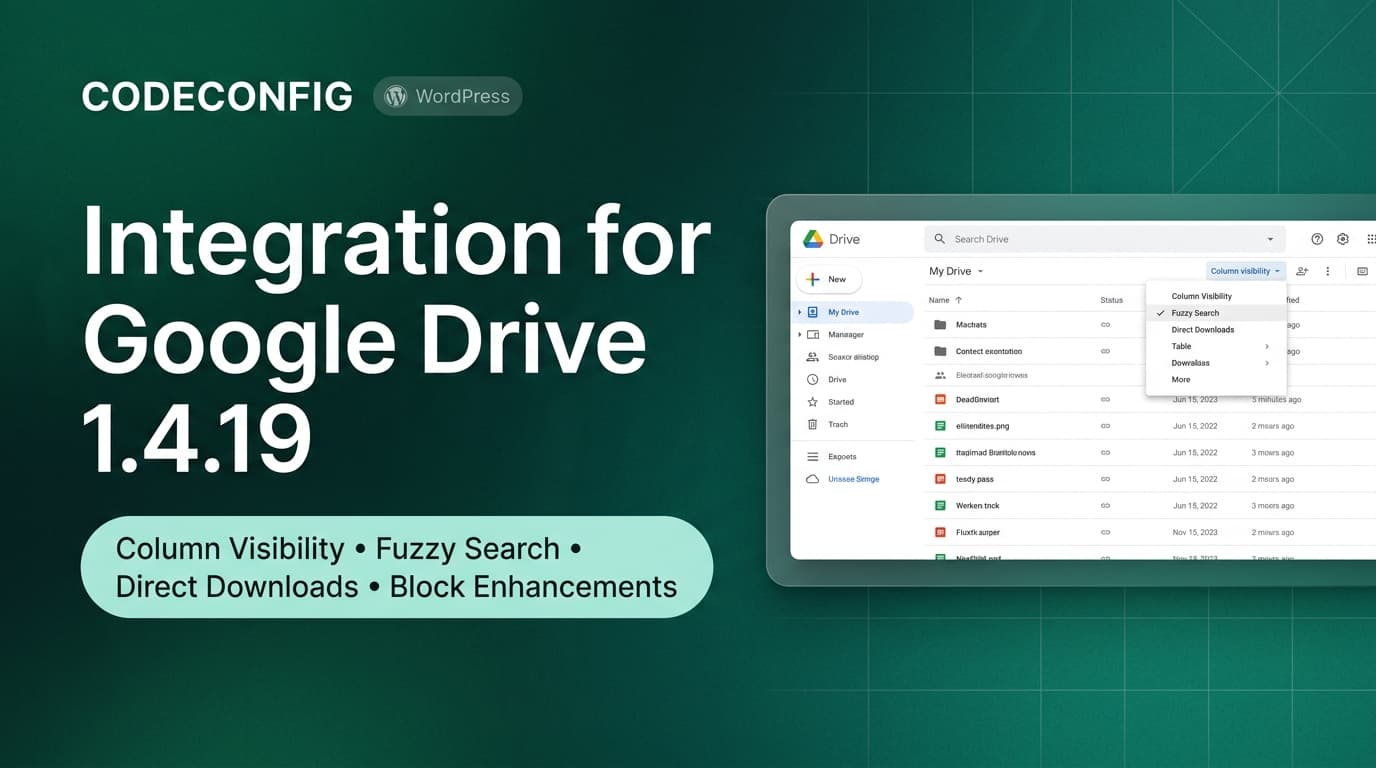
Crucially, never store backups solely on your local web server. If your server is compromised, hackers will wipe or download your local backup archives. By using dedicated cloud backup pipelines like Integration for Google Drive or Integrate Dropbox, your encrypted backups are streamed directly into independent cloud storage with automated retention policies and serialized-safe database restores.
/wp-content/uploads/.DISALLOW_FILE_EDIT enabled in wp-config.php; file permissions set to 644 for files, 755 for directories, and 400/440 for wp-config.php.WordPress security is not a single plugin or a one-time toggle—it is an ongoing operational commitment. By combining rigorous server hardening, code-level sanitization, and automated off-site cloud disaster recovery, you protect your revenue, your users, and your brand reputation from catastrophic disruption.
This post is by Saiful Islam, a member of the CodeConfig team who is always working to find solutions for our users and improve our services.
Thank you for reading and for your kind words and good wishes for us. We truly appreciate your support! ❤️
Whether you're just getting started or scaling fast, we've got you covered. Access helpful guidance.

