

- Elementor
- WordPress
How to Speed Up Elementor: 7 Best Ways to Pass Core Web Vitals
Saiful Islam7 min read
Loading page…
Loading page…
Loading page…
Discover why you should integrate Dropbox with WordPress. Save server storage, stream media, sell digital downloads, and manage files without slowdowns.
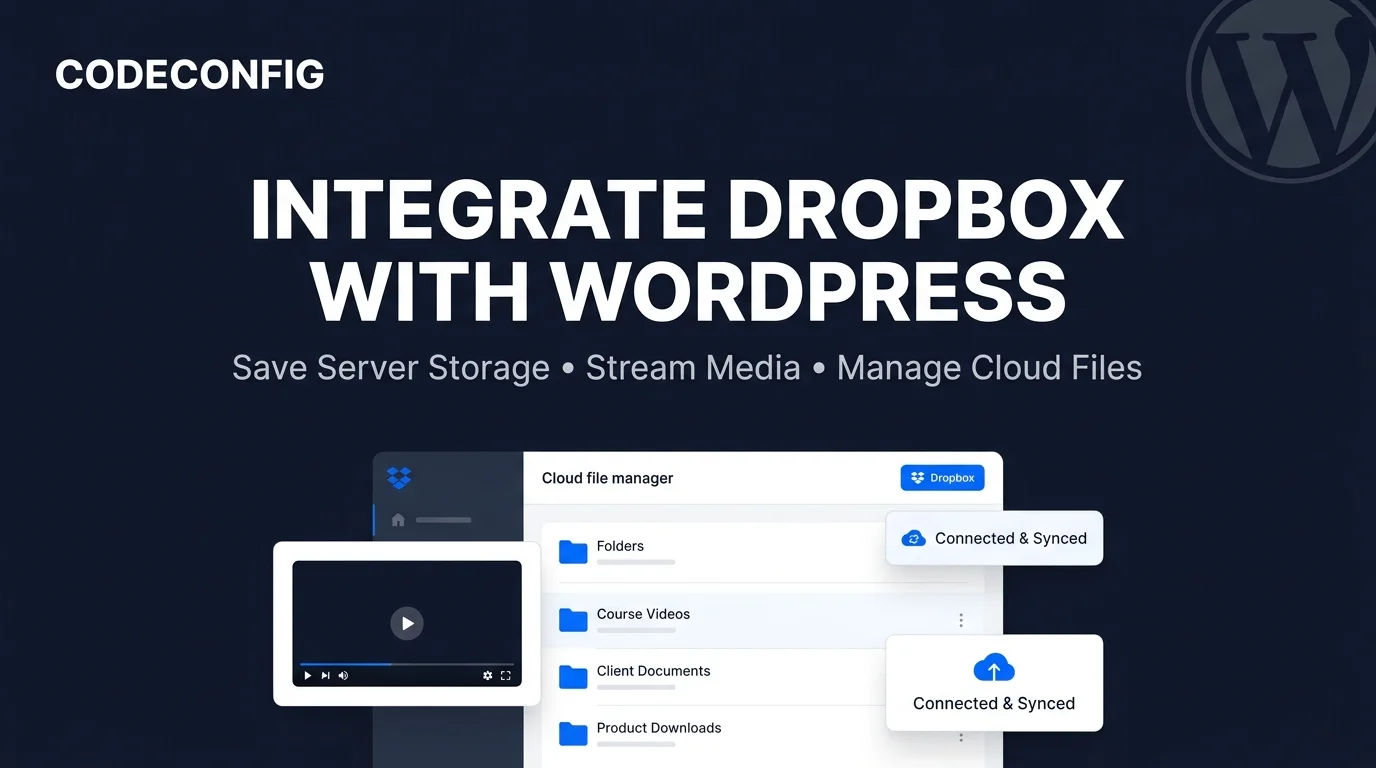
Hosting large files—such as high-resolution videos, audio streams, client deliverables, software archives, and PDFs—directly on your web server quickly consumes disk space and saturates bandwidth. Connecting your cloud storage with File Manager for Dropbox eliminates hosting bloat, lets you stream media effortlessly, and centralizes file management directly inside your WordPress dashboard.
Traditional WordPress media management stores every uploaded file on your host’s local web server. While sufficient for basic blog graphics, this model breaks down when running video courses, membership portals, client portals, or digital storefronts:
wp-content/uploads folder stays small, website backups finish in seconds and site migrations between hosts become frictionless.wp-admin.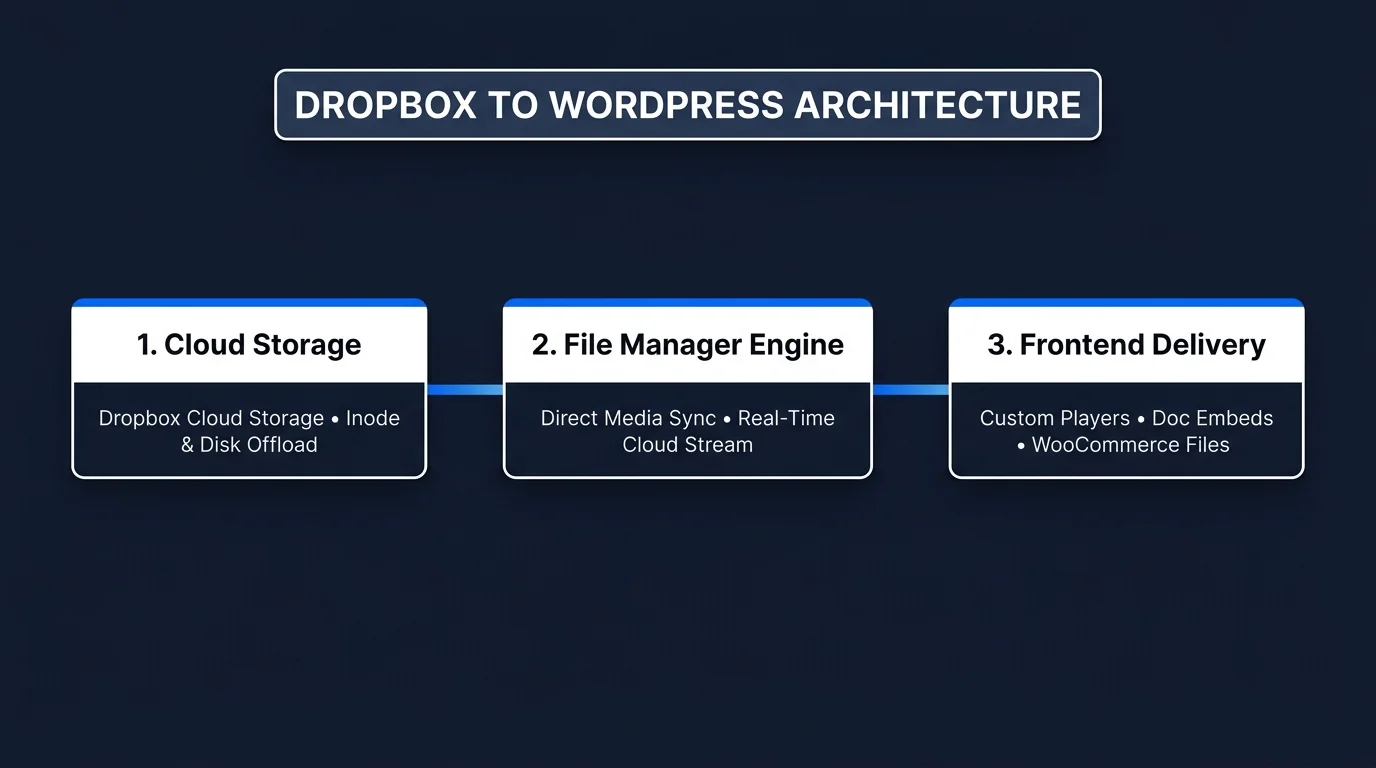
The integration follows standard cloud media protocols outlined in the WordPress Developer Media Handbook and the Dropbox Developer API documentation. Rather than duplicating gigabytes of files on your web server, the plugin uses secure tokenized API streams to render files on demand:
| Core Feature | Standard WordPress Uploads | With Integrate Dropbox Plugin |
|---|---|---|
| Storage Location | Local web server disk space | Dropbox Cloud Storage (Zero local disk bloat) |
| Video & Audio Streaming | Local server bandwidth & PHP processes | Native cloud streaming engine with custom player |
| Team Collaboration | Upload via wp-admin individually | Auto-sync from Dropbox Desktop, Team Folders & Mobile |
| Digital Downloads (WooCommerce) | Consumes web host storage & download limits | Direct secure cloud download links with expiry protection |
| Frontend User Uploads | Direct to local server (security & space risk) | Users upload directly to designated Dropbox folders |
| Page Builder Integration | Basic file attachment | 7 dedicated Gutenberg blocks & Elementor widgets |
You don’t need to learn a separate dashboard interface. The plugin connects directly to the standard WordPress Media Library. When creating posts, pages, or portfolio galleries, switch to the Dropbox tab, browse your folders, and insert cloud images or documents into your layouts in one click.
Embedding YouTube or Vimeo videos often exposes your audience to external recommendations, third-party tracking, and third-party branding. The built-in media player streams your Dropbox MP4, WebM, and MP3 files in a responsive, clean player customized with your brand colors and playback controls.
If you sell downloadable digital products—such as design templates, eBooks, software zips, or sample packs—storing multi-gigabyte files on shared or VPS hosting is expensive and prone to download timeouts. Attach Dropbox files directly to WooCommerce or Easy Digital Downloads products for instant, secure customer delivery.
Display PDFs, Word documents, Excel spreadsheets, and presentations right on your pages without forcing visitors to download them first. With the frontend file browser module, clients and members can navigate folder trees, preview documents in modal viewers, and search files by name.
Need clients, students, or applicants to submit documents? Integrate with Contact Form 7 to route user submissions directly into your Dropbox account. You can also assign private, user-specific folders so logged-in members only see their individual documents.
Design beautiful layouts effortlessly. Insert dedicated blocks for File Browser, Gallery, Media Player, Slider/Carousel, Document Embed, View Links, and Download Links. Every module includes customizable color themes, preloaders, and permission controls.
Integrating Dropbox with WordPress frees your web server from storage bottlenecks, cuts hosting costs, and provides a polished media experience for your visitors. Explore the full suite of cloud integration and media tools on CodeConfig to scale your WordPress site efficiently.
This post is by Tanin Ahmed, a member of the CodeConfig team who is always working to find solutions for our users and improve our services.
Thank you for reading and for your kind words and good wishes for us. We truly appreciate your support! ❤️
Whether you're just getting started or scaling fast, we've got you covered. Access helpful guidance.

