

- Release
- WordPress
File Manager for Dropbox 1.3.18 Released – Gallery Bulk ZIP Downloads
Tanin Ahmed6 min read
Loading page…
Loading page…
Loading page…
Learn about the best accessibility plugins for WordPress in 2026. Improve WCAG, ADA, and EAA compliance, boost SEO, and make your site inclusive!
Are you Ready to make your website accessible to everyone, including those with disabilities? Accessibility is the key to making your site usable to those with vision, hearing, or motor challenges. It’s not just about being kind; it boosts your SEO, reaches a wider audience, and keeps you compliant with legal standards. With WordPress powering over 43%+ of Websites, choosing the best accessibility plugins for WordPress is a game-changer for everyone.
To identify the best WordPress accessibility plugins for addressing vision, hearing, and motor challenges while enhancing SEO and ensuring legal compliance, we’ll evaluate plugins based on the following criteria:
Below is a curated list of 11+ WordPress accessibility plugins that align with these criteria, based on recent data and reviews up to September 2026:
Here’s a table to compare the best accessibility plugins for WordPress:
| Rank | Plugin Name | Price/year | WCAG/ADA | Best For |
|---|---|---|---|---|
| 🥇 | Accessiy by CodeConfig | Free & $29.99 | Yes | All |
| 🥈 | UserWay | Free & $490 | Yes | Multilingual sites |
| 🥉 | accessWidget (accessiBe) | Free & $490 | Yes | Businesses |
| 4 | All in One Accessibility | Free & $250 | Yes | All |
| 5 | Dusky Dark Mode | Free & $19.99 | Partial | Dark mode focus |
| 6 | Ally (Elementor) | Free & $120 | Yes | Elementor sites |
| 7 | WP Accessibility | Free | Partial | Beginners, blogs |
| 8 | Accessibility Checker | Free & $149 | Yes (scanning) | Developers |
| 9 | WP ADA Compliance Check | Free & $179.99 | Yes | ADA-focused sites |
| 10 | WP Accessibility Helper | Free & $249 | Partial | Diverse audiences |
| 11 | EqualWeb | Free & $390 | Yes | Mid-sized businesses |
| 12 | AudioEye | Affordable | Yes | Ongoing compliance |
Here’s our curated list of the 12 best accessibility plugins for WordPress. Each one shines in its own way, so you can find the perfect match.
Accessiy is the best WordPress accessibility plugin to make your site more usable for everyone, especially people with disabilities. Designed with compliance and flexibility in mind, Accessiy offers a customizable interface with multiple tools to enhance readability, visual comfort, and navigational clarity.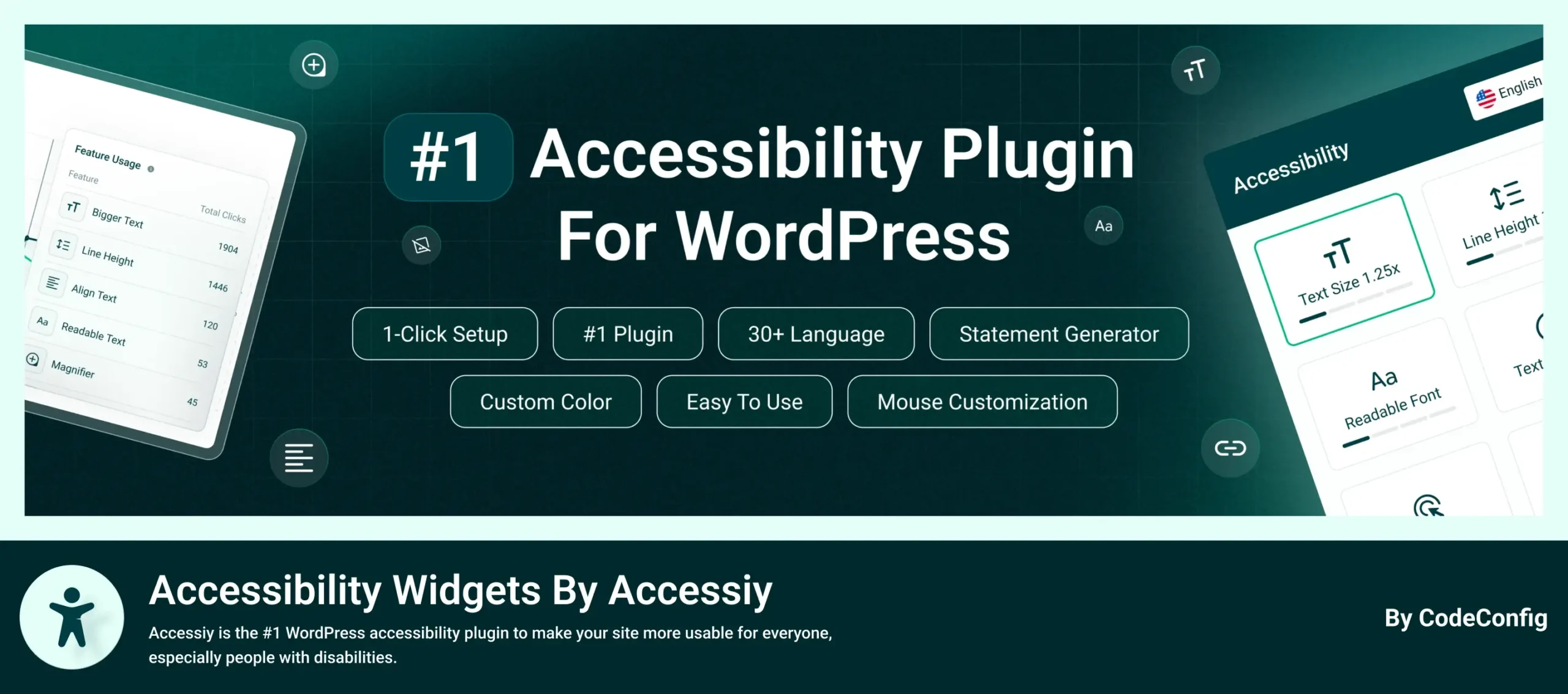
Pros: User-friendly, no coding required, extensive language support, GDPR-compliant, lightweight, no visitor limitations, and highly customizable with robust free features and 24/7 support.
Cons: Advanced features like screen reader support and color adjustments require the Pro version, which may add cost for small sites.
Best for: Website owners are seeking the Best Accessibility Plugins For WordPress to ensure WCAG and ADA compliance. Ideal for businesses and individuals prioritizing inclusivity with a flexible, easy-to-use solution for diverse accessibility needs.
UserWay Accessibility Widget: An AI-driven plugin offering screen reader, voice navigation, and multilingual support for accessible sites.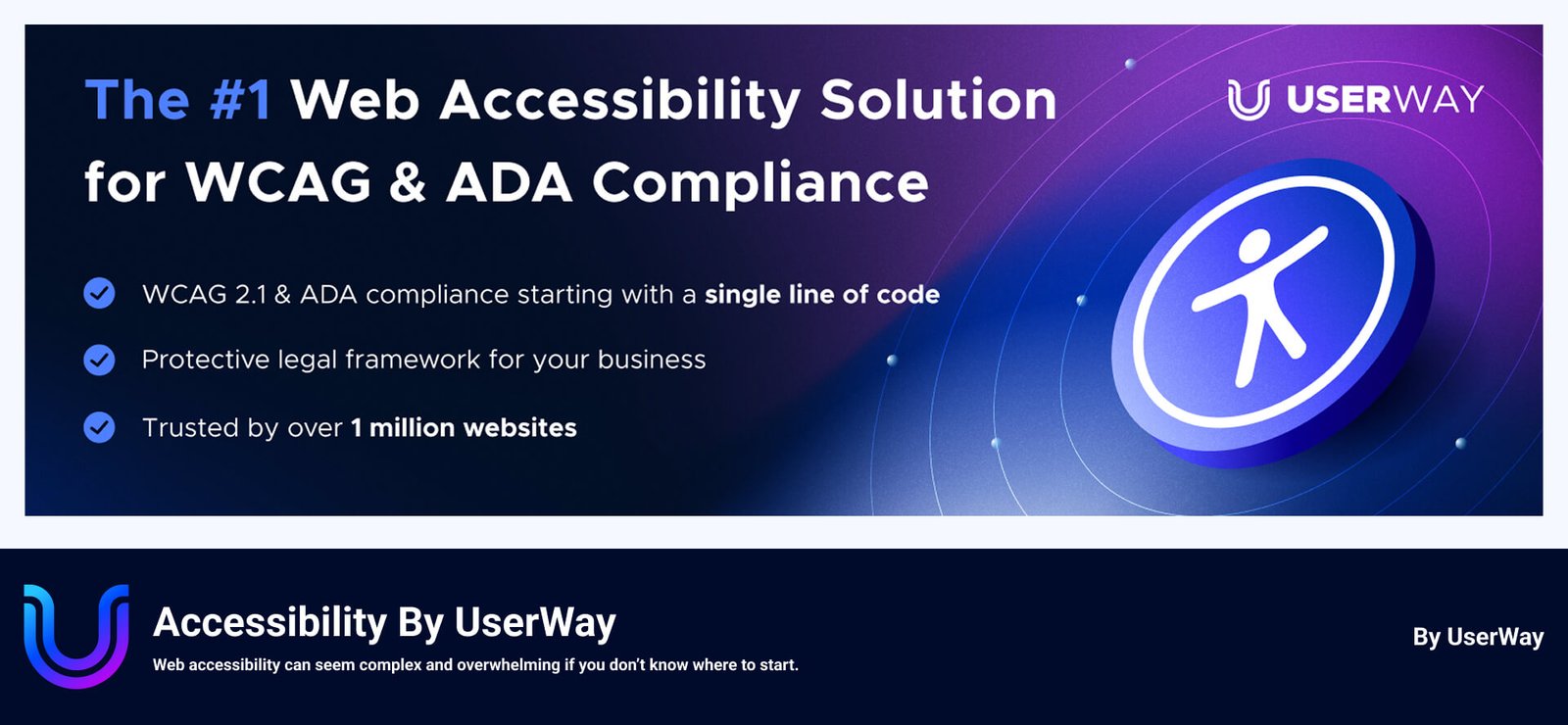
Price: Free basic version; premium starts at ~$490/year.
Pros: Feature-rich, 24/7 support, helps with legal compliance.
Cons: Premium features cost extra.
Best for: Multilingual or complex websites needing the Best Accessibility Plugins For WordPress to support diverse audiences. With voice navigation and 50+ language options, it’s perfect for global sites aiming to enhance inclusivity and meet accessibility standards effortlessly.
accessWidget (accessiBe): An AI-powered plugin ensuring WCAG 2.1 and ADA compliance with a customizable toolbar for text size, contrast, and screen reader support.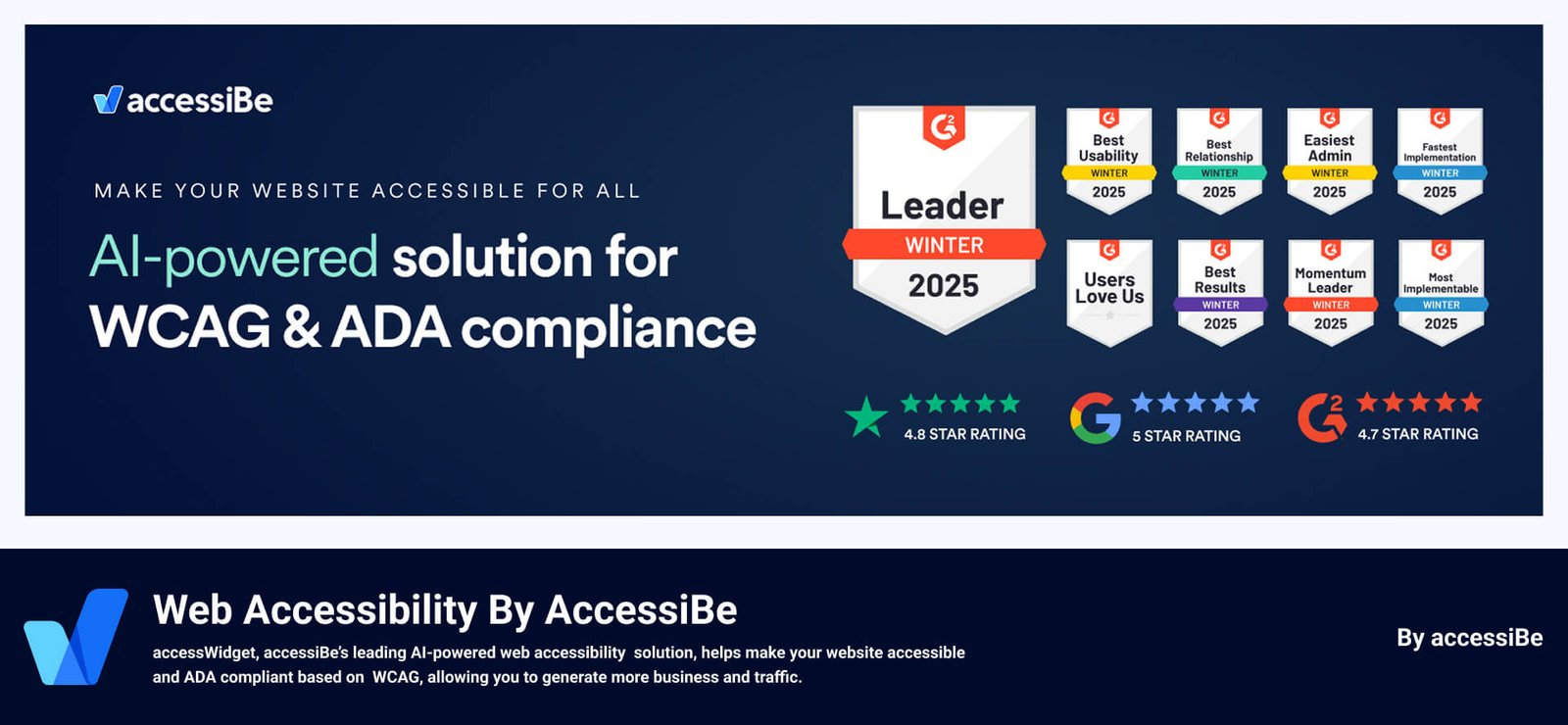
Price: $490–$3,990/year (7-day free trial).
Pros: Comprehensive, automates fixes, ideal for businesses.
Cons: Pricey for small sites.
Best for: Businesses seeking the Best Accessibility Plugins For WordPress to ensure full WCAG 2.1 and ADA compliance. Its AI-powered automation simplifies accessibility fixes, making it ideal for companies prioritizing legal compliance and a seamless user experience for visitors with disabilities.
All-in-One Accessibility: AI-based Website Accessibility Solution Supporting ADA, EAA, WCAG 2.0, 2.1 & 2.2, Section 508, California Unruh Act, and Other accessibility standards.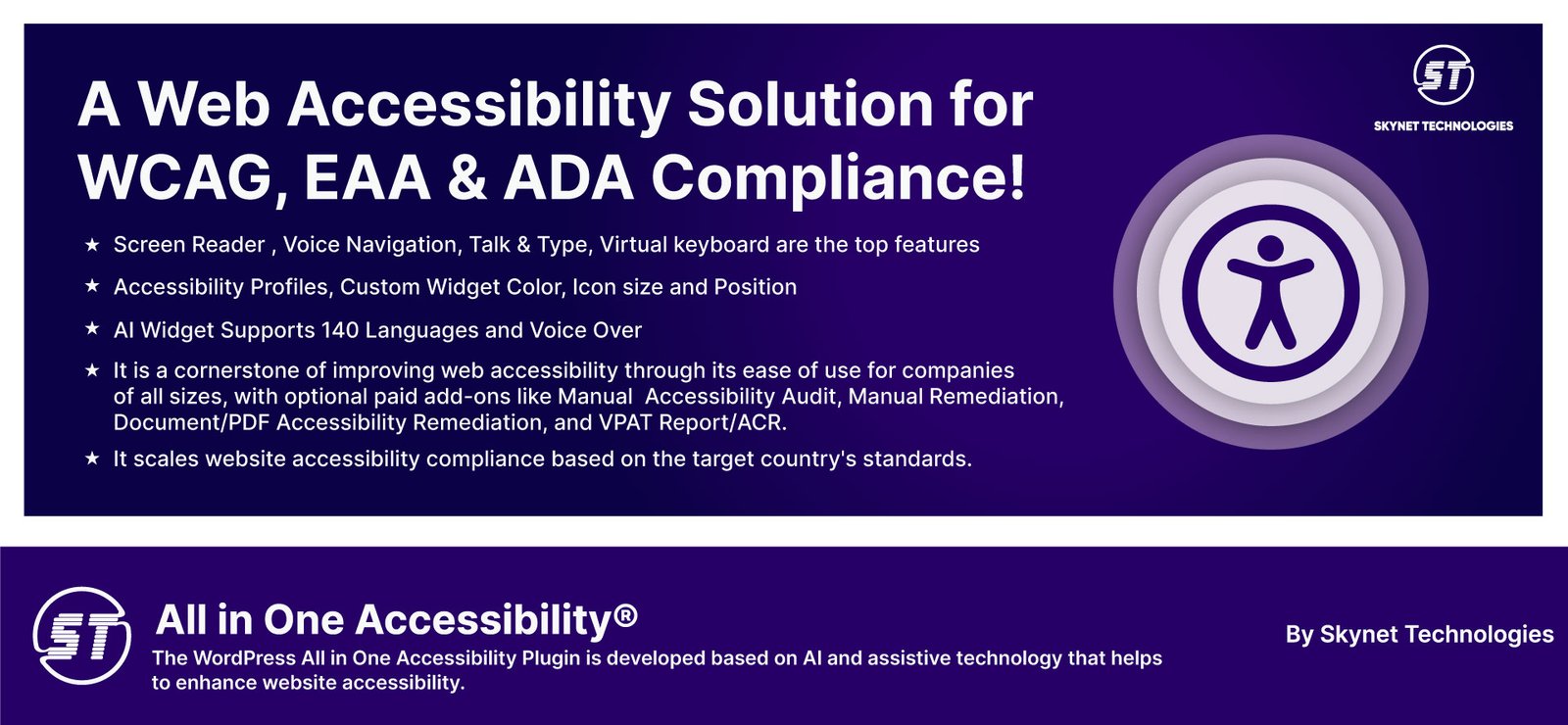
Price: Free basic version; premium starts at $250–$3,999/year (10-day free trial).
Pros: AI-powered, supports 140+ languages, fast setup.
Cons: Premium features require add-ons.
Best for: Website owners and businesses needing the best accessibility plugins for WordPress can rely on this solution to create an inclusive experience for users with a wide range of disabilities. With AI-powered UI adjustments and a 2-minute install, it’s perfect for those aiming to meet accessibility standards, minimize legal risks, and support users with vision or hearing impairments, motor challenges, color blindness, dyslexia, epilepsy, ADHD, and cognitive disabilities. It is a cornerstone of improving web accessibility through its ease of use for companies of all sizes, and with the help of paid add-ons like Manual Accessibility Audit, Manual Remediation, Document/PDF Accessibility Remediation, and VPAT Report/ACR, it scales website accessibility compliance as per target country standards.
Dusky Dark Mode: A sleek plugin that adds a dark mode toggle to your site, improving readability for users with light sensitivity or low vision. With Elementor integration and OS theme synchronization, Dusky enhances user comfort and engagement, making it a top choice for 2026’s accessibility-focused web design.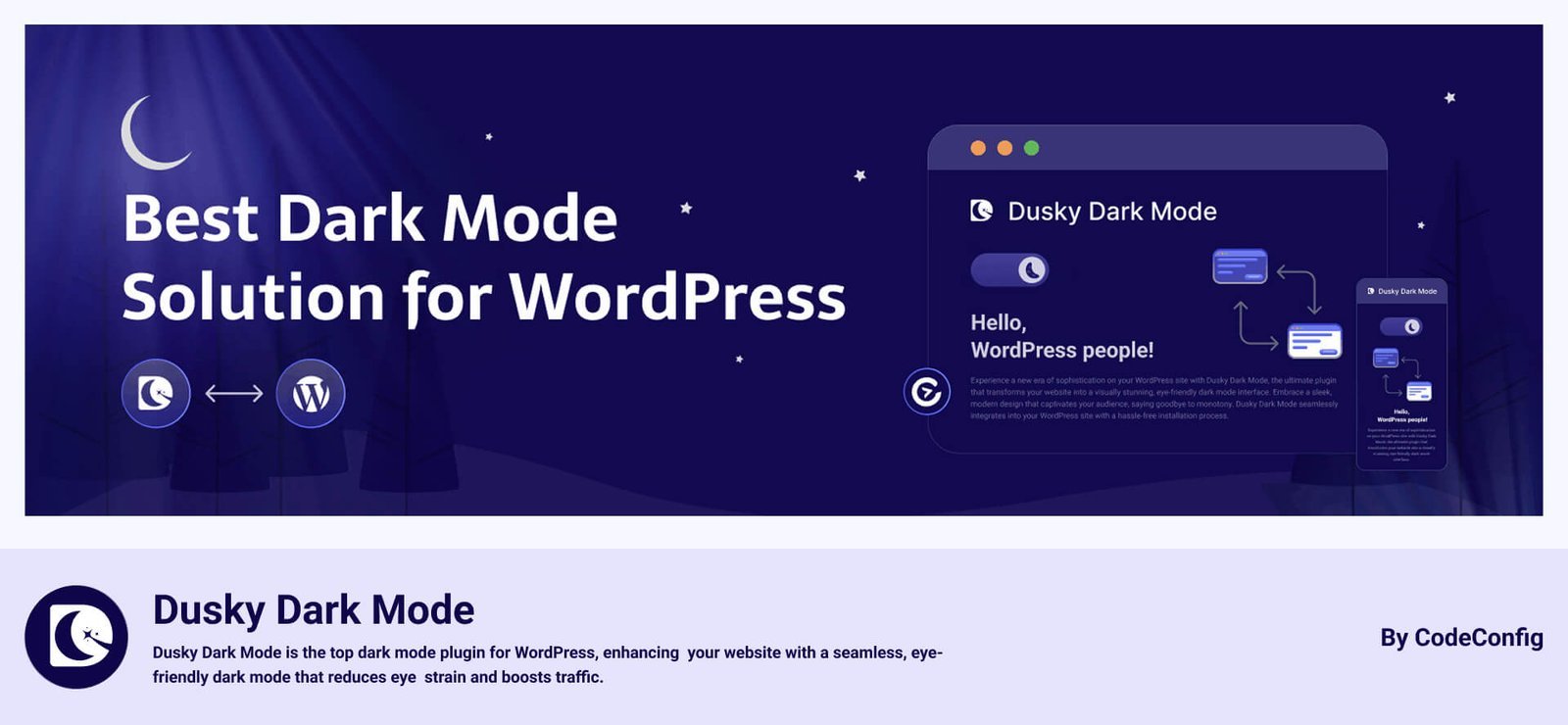
Price: Free, and premium versions start at $19.99 for a single site.
Pros: Enhances user comfort, simple setup.
Cons: Focused on dark mode, not full accessibility.
Best for: Websites aiming to improve readability for light-sensitive users with the Best Accessibility Plugins For WordPress. Its sleek dark mode toggle and customizable color schemes make it perfect for sites prioritizing user comfort and visual accessibility.
Ally Web Accessibility (Elementor): A free Elementor plugin for quick accessibility enhancements like text resizing.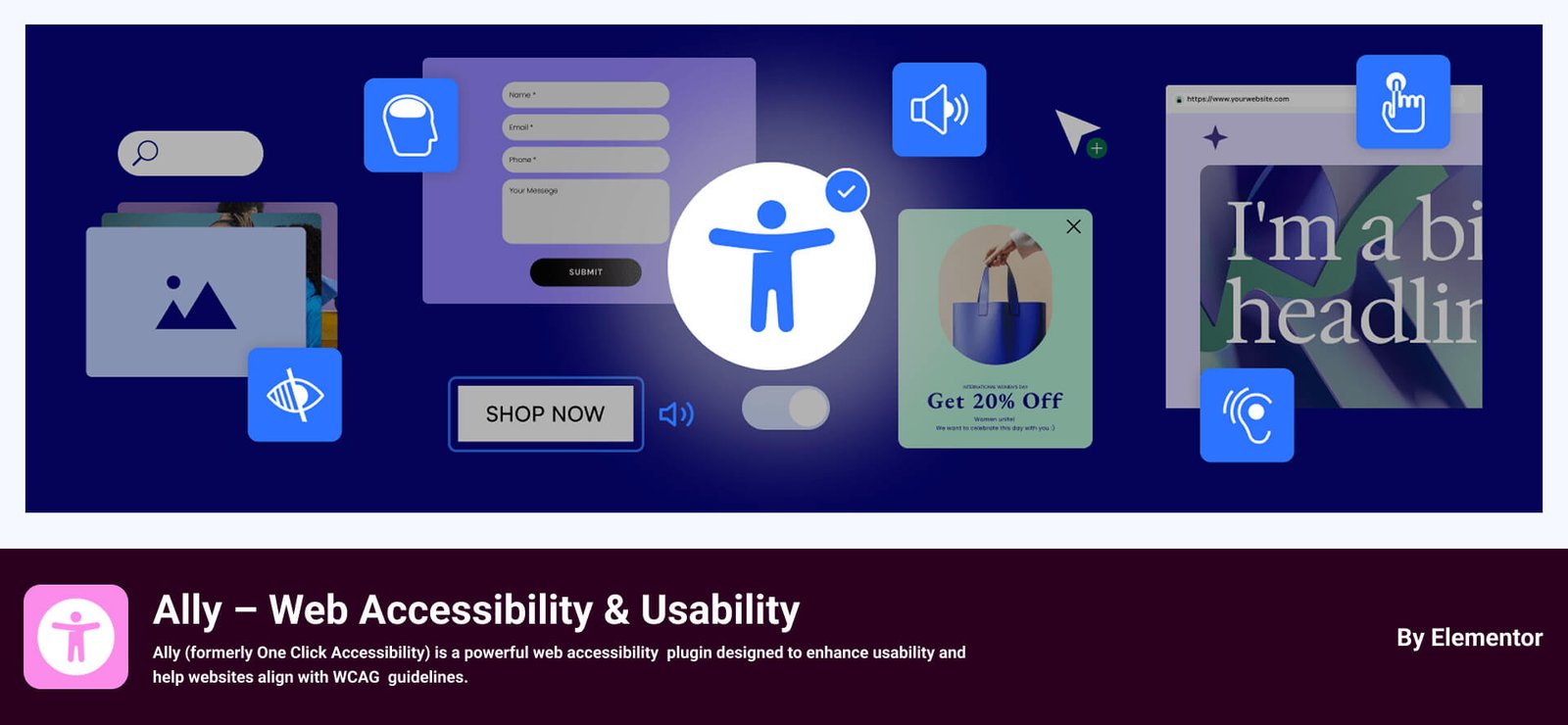
Price: Free; premium for higher visit limits.
Pros: Perfect for Elementor users, easy to use.
Cons: Basic features, not fully compliant alone.
Best for: Elementor-based websites seeking the Best Accessibility Plugins For WordPress to enhance their designs. Its free features, like text resizing and animation pausing, make it ideal for Elementor users wanting quick accessibility improvements.
WP Accessibility: A free, open-source plugin fixing common theme accessibility issues with skip links and contrast controls.
Price: Free.
Pros: Easy to use, 5-star rating, 50,000+ installs.
Cons: Limited to basic fixes; may need other plugins.
Best for: Beginners and small blogs looking for the Best Accessibility Plugins For WordPress on a tight budget. This free plugin offers essential fixes like skip links and contrast controls, making it a great starting point for improving site accessibility without complexity.
Accessibility Checker: A scanning plugin that checks content for WCAG issues and provides detailed reports.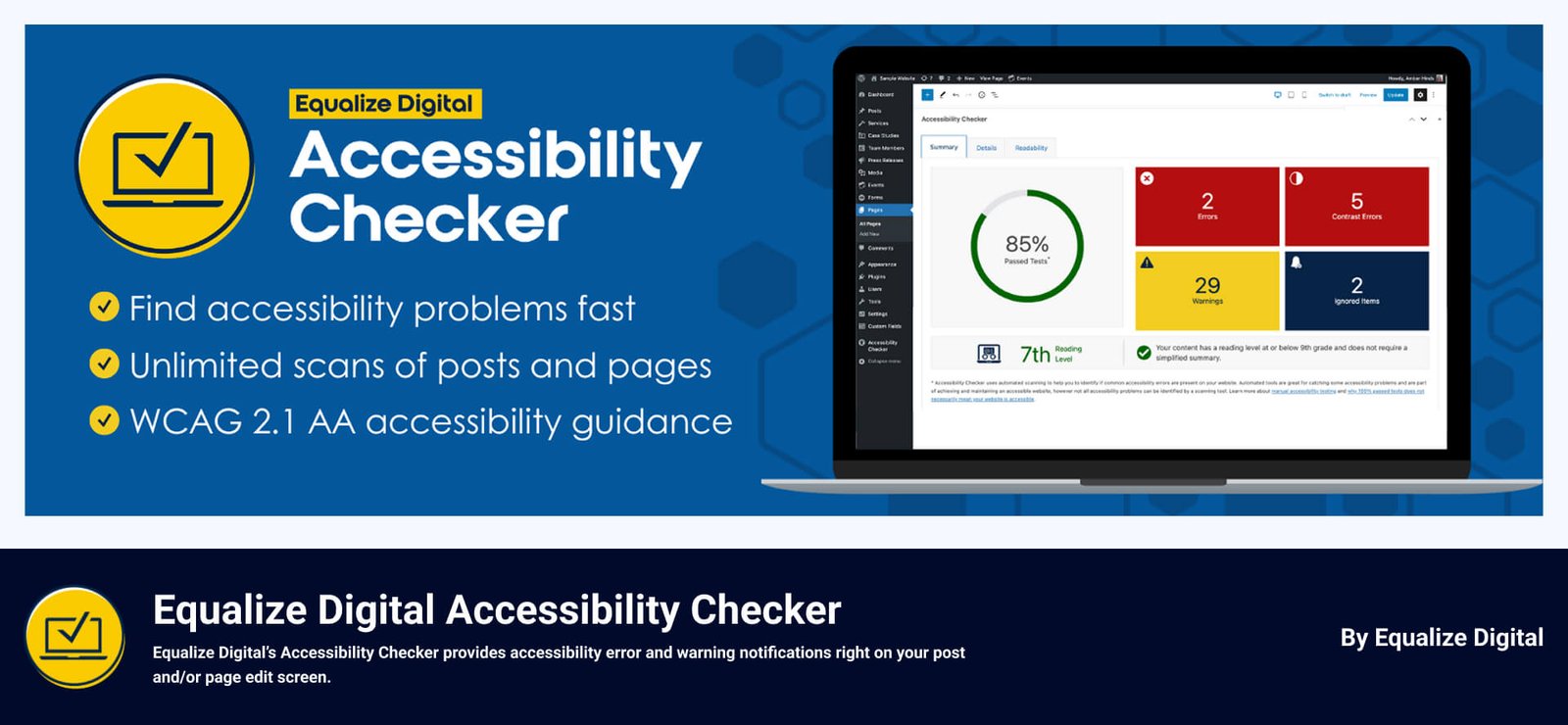
Price: Free; Premium starts at $149.
Pros: Unlimited free scans, great for auditing.
Cons: Doesn’t fix issues automatically.
Best for: Developers and content creators searching for the Best Accessibility Plugins For WordPress to audit their sites. Its comprehensive scanning for 40+ WCAG issues and detailed reports make it ideal for those focused on identifying and resolving accessibility gaps manually.
WP ADA Compliance Check Basic: A free plugin scanning for ADA compliance issues with automatic fixes for common errors.
Price: Free; premium at $179.99/year or $565.99/lifetime.
Pros: Beginner-friendly, thorough scanning.
Cons: Free version lacks advanced tools.
Best for: Websites prioritizing ADA compliance with the Best Accessibility Plugins For WordPress. Its ability to scan for 76+ errors and provide automatic fixes suits site owners aiming to meet legal standards and ensure accessibility for users with disabilities.
WP Accessibility Helper: A user-friendly plugin with text-to-speech and distraction-free modes for diverse users.
Price: Free; premium version available.
Pros: Supports dyslexia/low-literacy users, multilingual.
Cons: Premium features cost extra.
Best for: Sites serving diverse audiences, including those with dyslexia or low literacy, seeking the Best Accessibility Plugins For WordPress. Its multilingual text-to-speech and adjustable contrast features ensure inclusivity for a wide range of users.
EqualWeb: A cost-effective plugin offering accessibility optimization with a customizable widget.
Price: Free trial; pricing varies.
Pros: Good value, continuous monitoring.
Cons: Pricing details unclear.
Best for: Mid-sized businesses looking for cost-effective Best Accessibility Plugins For WordPress with ongoing monitoring. Its customizable widget and continuous compliance checks make it a great choice for companies balancing affordability and accessibility excellence.
AudioEye: A plugin monitoring accessibility issues in real time with automatic fixes.
Price: Affordable (check site for details).
Pros: Proactive monitoring, budget-friendly.
Cons: Limited feature details available.
Best for: Sites requiring real-time accessibility monitoring with the Best Accessibility Plugins For WordPress. Its proactive issue detection and automatic fixes are perfect for dynamic websites needing consistent compliance and accessibility maintenance.
With so many great options, how do you pick the best accessibility plugins for WordPress? Try these tips:
The best accessibility plugins for WordPress are a great start, but here are more ways to make your site inclusive:
Making your WordPress site accessible is a win for your users, SEO, and peace of mind. With these 12 best accessibility plugins for WordPress in 2026, you can start with free options like WP Accessibility or Dusky Dark Mode, or invest in premium tools like accessWidget or UserWay. No matter your budget or skills, there’s a plugin to help you create an inclusive site.
Which accessibility plugins for WordPress are you excited to try? Comment below, and don’t forget to test your site for accessibility. Let’s make the web welcoming for everyone!
This post is by Jakir, a member of the CodeConfig team who is always working to find solutions for our users and improve our services.
Thank you for reading and for your kind words and good wishes for us. We truly appreciate your support! ❤️


Whether you're just getting started or scaling fast, we've got you covered. Access helpful guidance.

