


- Release
- WordPress
File Manager for Dropbox 1.3.17 Released – New Features and Improvements
Tanin Ahmed7 min read
Loading page…
Loading page…
Loading page…
Discover the best PDF plugins for WordPress to boost SEO, enhance user experience, and simplify PDF management. Find the perfect plugin for your site!
If you’re running a WordPress site and struggling with PDFs, you’re not alone! This is normal because the default version of WordPress does not have that many features. Now you need a perfect PDF management Plugin. Using one of the best PDF plugins for WordPress will change your perception of PDF management, making them user-friendly, search-engine-aware, and easy to manage.
These plugins address common PDF issues, including SEO problems, user experience concerns, performance degradation, accessibility barriers, and maintenance challenges. Whether you’re running a blog, an online store, or a resource hub, one of these will likely be your best PDF plugin for WordPress. I’ll walk through each plugin, list key features, show how they solve specific PDF problems (focusing only on what they can fix), and wrap up with a comparison table. Let’s get started.
Creating PDF files in WordPress without the right tools can be as complicated as flying a kite without a spool. Here’s a summary of the problems we’re solving, so you can see how the best PDF plugins for WordPress can help:
Each plugin below is chosen as one of the best PDF plugins for WordPress because it addresses some of these issues. I’ll focus only on the problems they solve to keep things clear. Rankings prioritize ease, cloud integration, and 2026 user feedback.
Here’s a quick look at the nine best PDF plugins for WordPress, ranked by ease of use, cloud integration, and 2026 user feedback.
| Rank | Name | Price/Year | Rating (out of 5) |
| 🥇 | File Manager for Dropbox | Free / $29.99 | 4.5 |
| 🥈 | Integration for Google Drive | Free / $29.99 | 5.0 |
| 🥉 | PDF Embedder | Free / $29.50 | 4.7 |
| 4 | Gravity PDF | Free / A$199 AUD | 4.9 |
| 5 | Embed PDF Viewer | Free | 4.7 |
| 6 | Real3D Flipbook | Free / $69 (Lifetime) | 4.3 |
| 7 | TNC PDF Viewer | Free / $49 (Lifetime) | 3.5 |
| 8 | Flowpaper PDF Viewer | Free / $75 (Lifetime) | 3.3 |
| 9 | PrintFriendly PDF | Free / $40 | 3.8 |
Ratings token from WordPress.org.
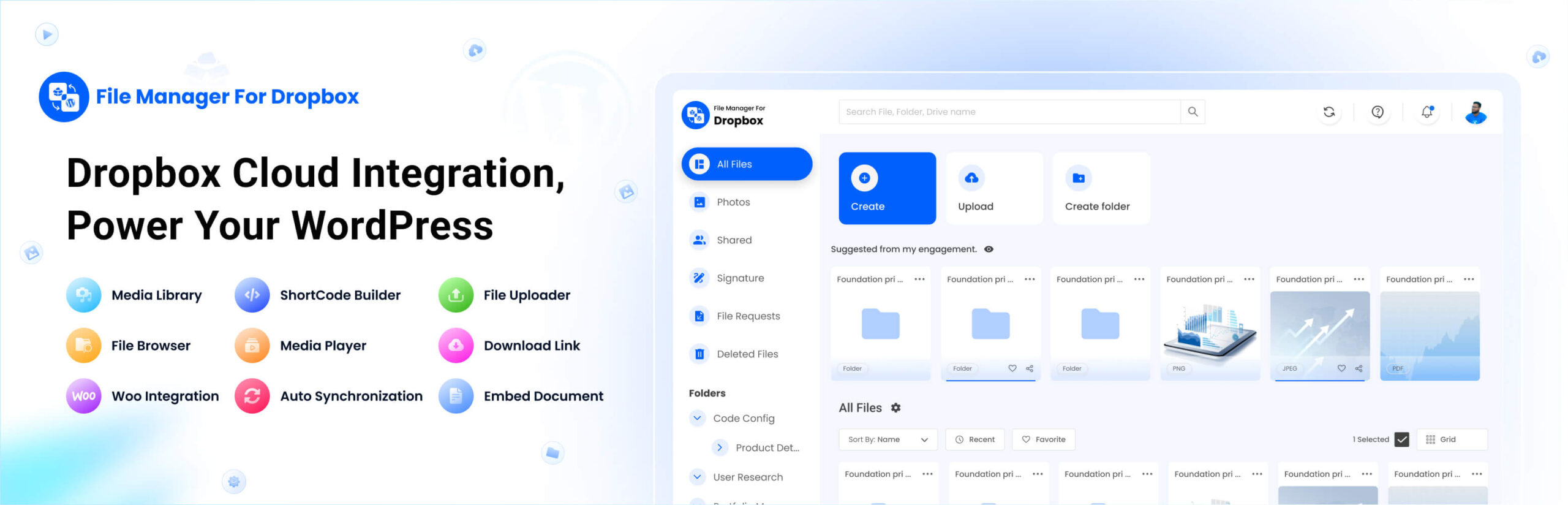
File Manager for Dropbox is my top pick for the best PDF plugin for WordPress in 2026, especially if you store files in the cloud. It connects your Dropbox account to WordPress, allowing you to embed PDFs directly from cloud storage without clogging up your server. My friend used it for his consulting guide on Dropbox, and it saved him from having to make constant manual uploads. It’s a game-changer for SEO, user experience, performance, and maintenance, making it the best PDF plugin for WordPress for cloud-based workflows.
How it solves PDF problems:
Key features:
Users love its cloud efficiency, making it the best PDF plugin for WordPress for Dropbox users. It streamlines workflows and keeps your site running smoothly, especially if you’re managing lots of PDFs.
Downside: Requires a stable Dropbox connection, so a weak internet can slow setup.
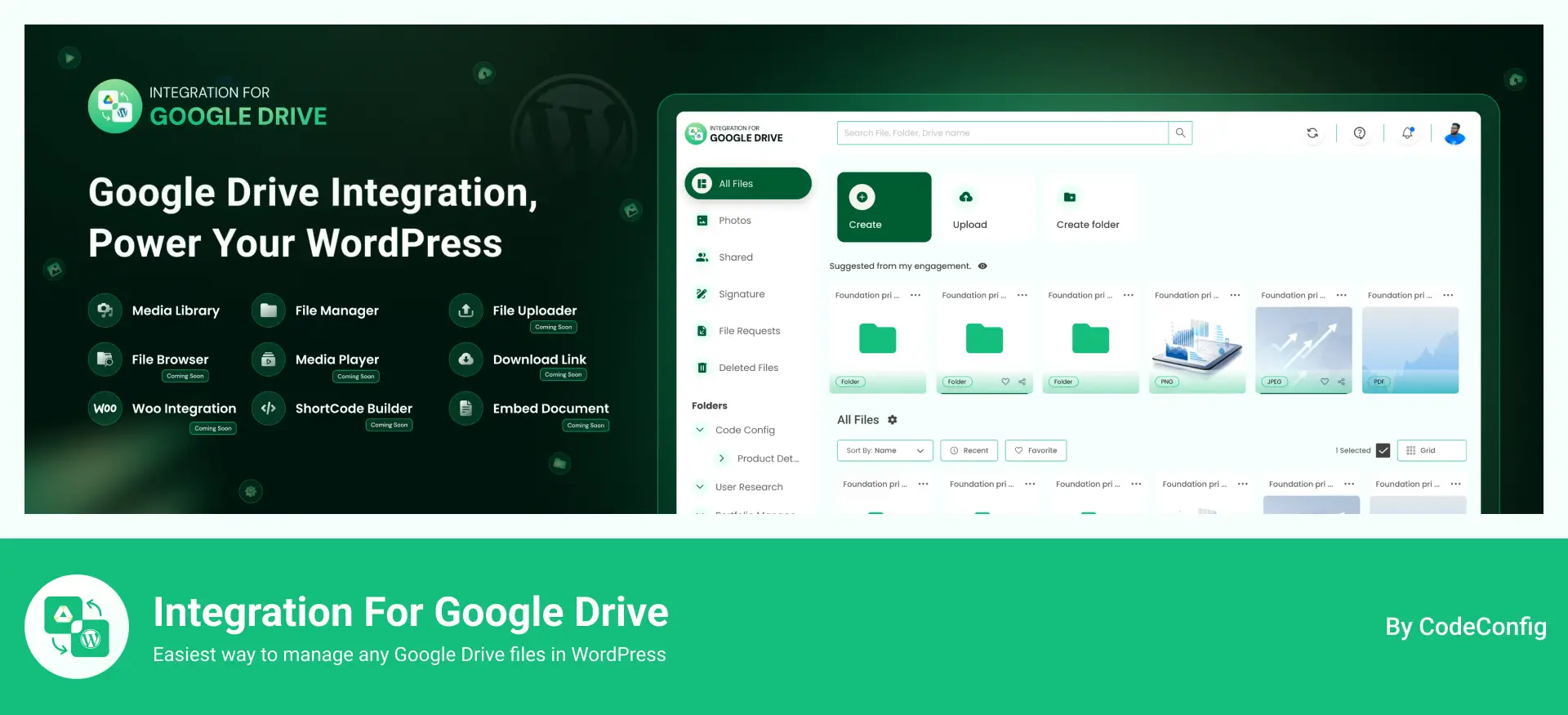
Google Drive integration is a close second to the best PDF plugins for WordPress if your files are on Google Drive. It pulls Drive content into WordPress, allowing you to embed PDFs without having to download them first. I helped a non-profit use it for grant reporting, and they loved how volunteers could instantly embed updated PDFs. This is all about SEO, user experience, performance, and maintainability, making it one of the best PDF plugins for WordPress for Google Drive users.
How it solves PDF problems:
Key features:
It’s among the best PDF plugins for WordPress for its tight Google integration and quick support, especially for non-techies.
Downside: Works best with Google Workspace, so solo users might miss some advanced features.
PDF Embedder is a crowd favorite for simple PDF embedding, earning its spot as one of the best PDF plugins for WordPress for keeping users on your site and boosting SEO. It’s lightweight and easy to manage. My friend embedded product catalogs in minutes, and it’s a go-to for straightforward needs.
How it solves PDF problems:
Key features:
It’s the best PDF plugin for WordPress for clean, no-fuss embeds that enhance user experience.
Downside: The Free version lacks a download button, so consider the premium if you need that feature.
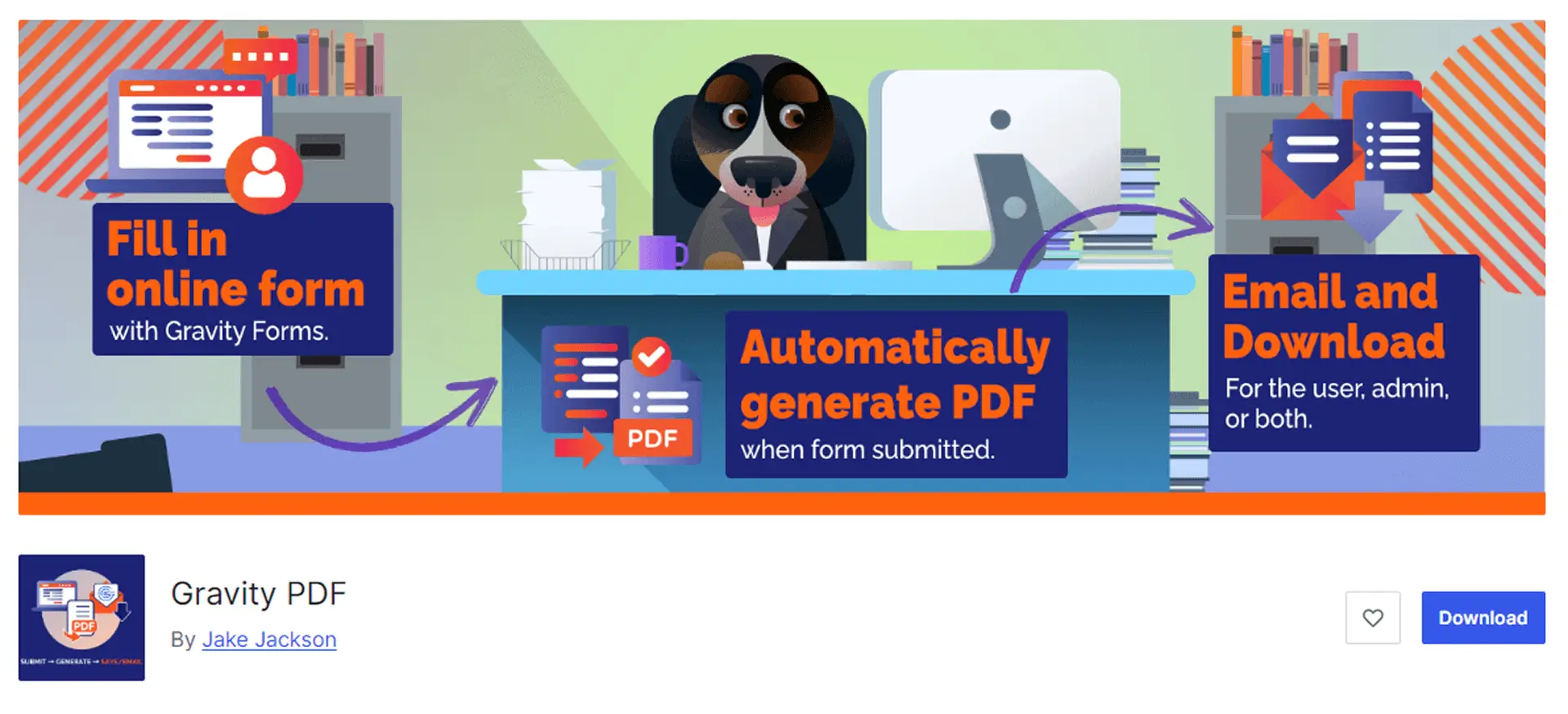
Gravity PDF shines for sites using Gravity Forms, turning form submissions into polished PDFs. It’s one of the best PDF plugins for WordPress for generating invoices or tickets, solving user experience and maintenance issues. I suggested it for an event site needing instant ticket PDFs, and it worked like a charm.
How it solves PDF problems:
Key features:
Rated 4.9, it’s the best PDF plugin for WordPress for form-driven sites, though it requires Gravity Forms, which adds cost.
Downside: Setup can take time if you’re new to Gravity Forms.
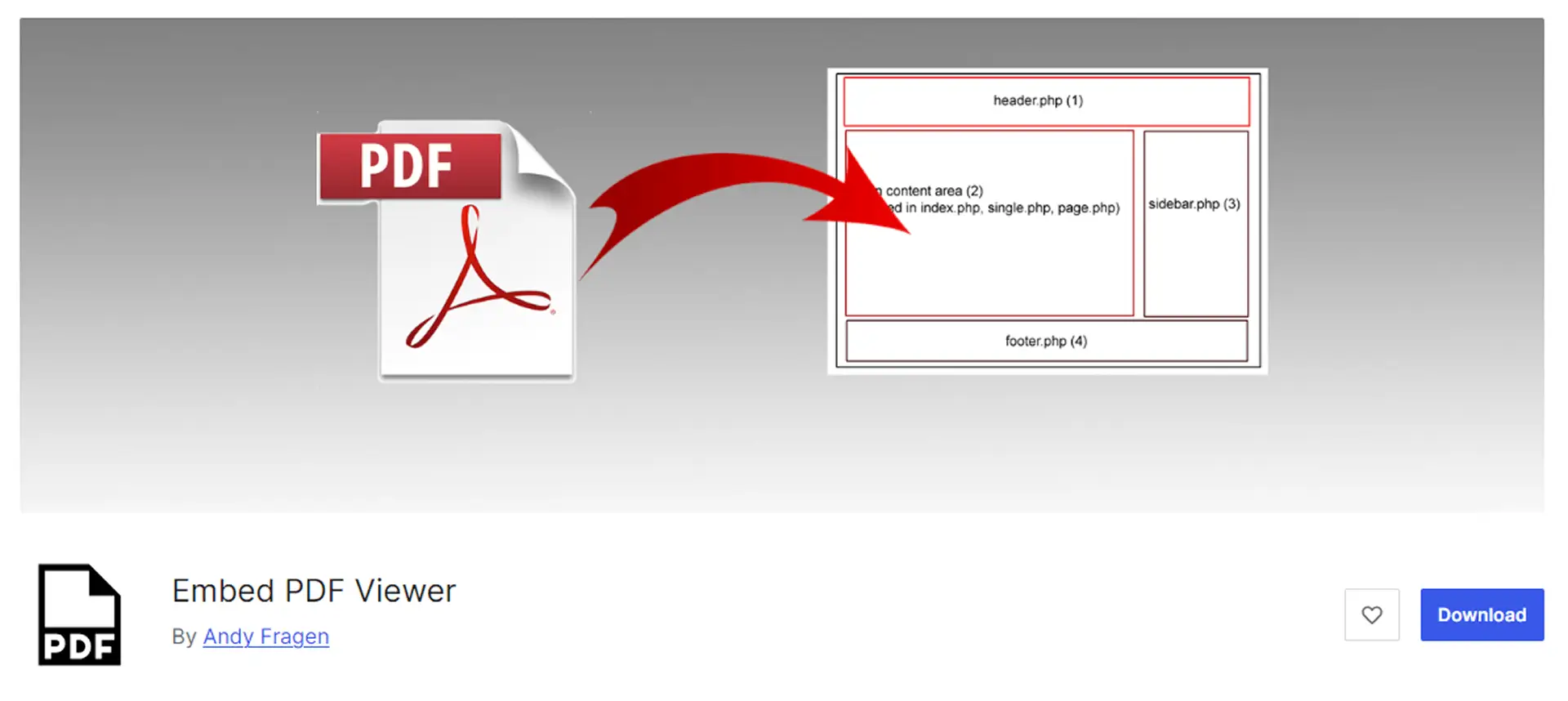
Embed PDF Viewer is a free, simple option using oEmbed or iframes, making it one of the best PDF plugins for WordPress for beginners on a budget. It fixes SEO and user experience issues quickly and effectively.
How it solves PDF problems:
Key features:
It’s the best PDF plugin for WordPress for cost-free setups that still deliver results.
Downside: Relies on external viewers like Google Docs, which could falter if services are down.
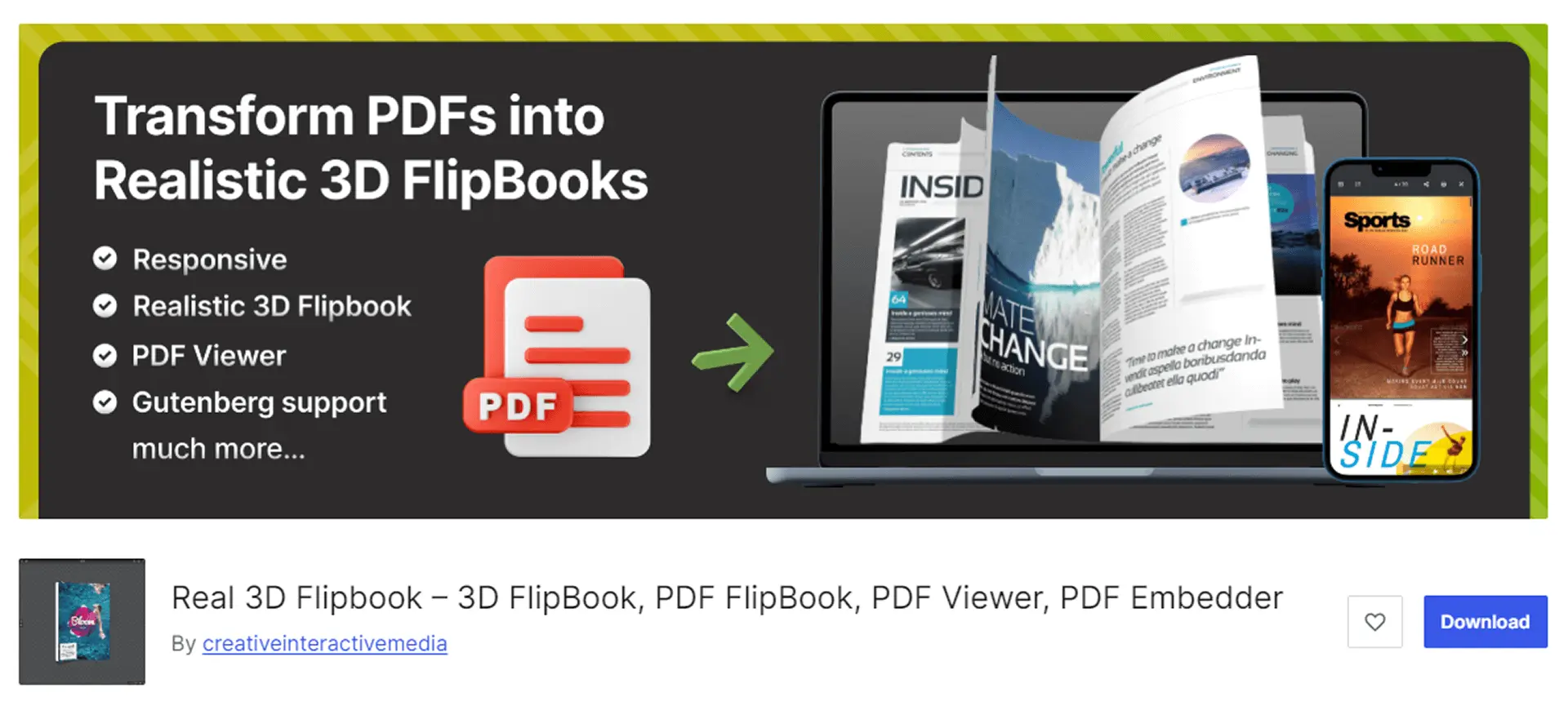
Real3D Flipbook transforms PDFs into 3D flipbooks with page-turn animations, earning its place among the best PDF plugins for WordPress for creative sites aiming to boost user engagement.
How it solves PDF problems:
Key features:
It’s the best PDF plugin for WordPress for visually engaging displays that captivate users.
Downside: 3D effects may slow down on weaker internet connections.
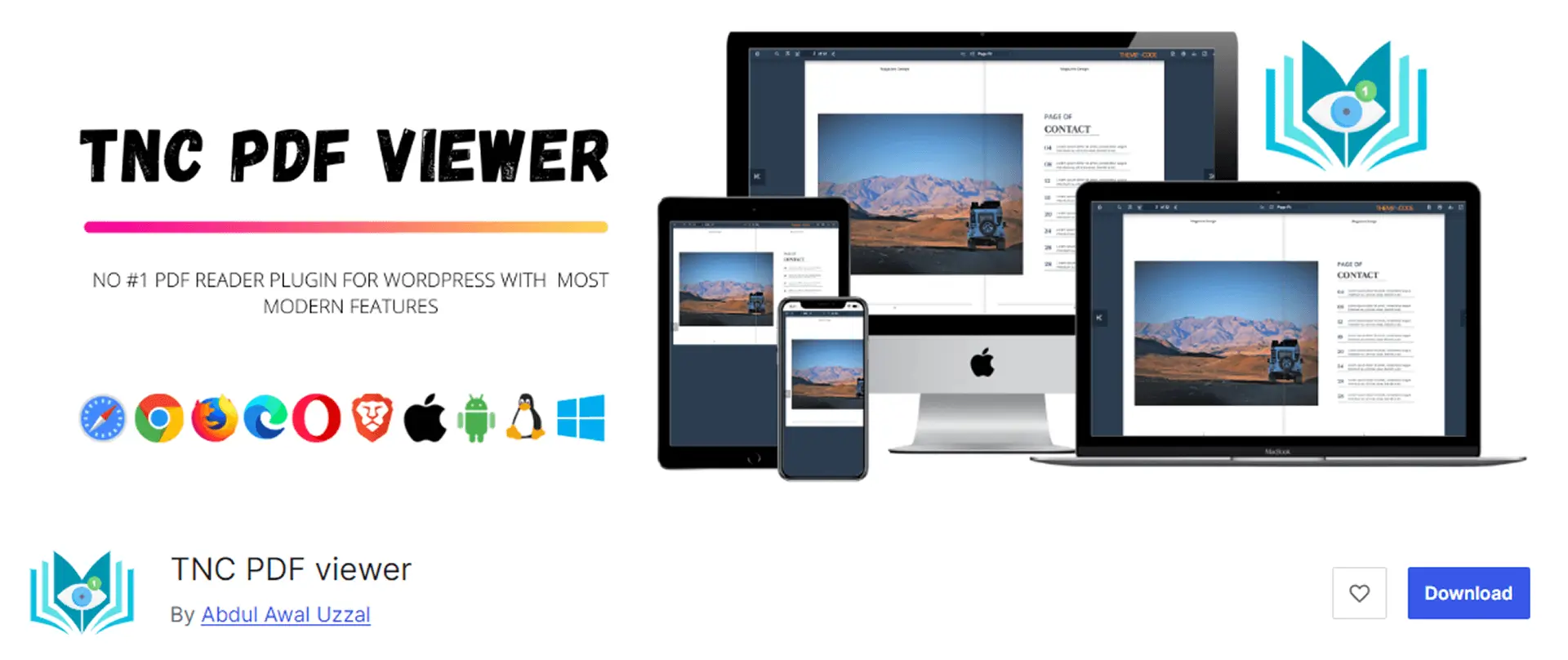
TNC PDF Viewer offers a modern viewer with scrolling and security features, making it one of the best PDF plugins for WordPress for user experience and maintenance.
How it solves PDF problems:
Key features:
It’s the best PDF plugin for WordPress for secure, professional setups.
Downside: The admin panel can feel complex for beginners, requiring some learning.

Flowpaper creates HTML5 flipbooks for broad compatibility, making it one of the best PDF plugins for WordPress for marketing and user engagement.
How it solves PDF problems:
Key features:
It’s the best PDF plugin for WordPress for marketing-focused displays.
Downside: The Pro version is pricier, so weigh the cost for larger files.
PrintFriendly adds print and PDF buttons to content, generating clean PDFs from pages. It’s among the best PDF plugins for WordPress for content sharing and user engagement.
How it solves PDF problems:
Key features:
It’s the best PDF plugin for WordPress for blog sharing and content distribution.
Downside: Limited to page-based PDFs, not direct uploads.
Choosing the best PDF plugin for WordPress isn’t just about adding features – it’s about solving real problems. File Manager for Dropbox and Integration for Google Drive lead the way because their cloud integration keeps your site fast and your PDFs current, saving you server stress and the hassle of updating. PDF Embedder and Gravity make it easy to embed PDFs or automate workflows, while Real3D Flipbook and Flowpaper add visual flair for engagement. TNC PDF Viewer brings security, the Embed PDF Viewer is budget-friendly, and PrintFriendly makes sharing easy.
These plugins boost SEO with alt text or metadata, ensuring PDFs rank better in Google searches. They improve the user experience with inline viewers and mobile-friendly designs, keeping visitors on your site longer. Cloud-based options like Dropbox and Google Drive save server space for better performance, while others optimize embeds for speed. Maintenance is smooth with auto-syncing or easy file swapping. My friend’s site went from clunky PDF links to smooth embeds that help users continue browsing, proving that these are the best PDF plugins for WordPress for real-world needs.
Not sure which is the best PDF plugin for WordPress for you? Think about your site’s goals:
Test plugins on a staging site to avoid issues. Check compatibility with your theme and WordPress version. Optimize PDFs before uploading—use tools like Adobe Acrobat or online compressors to reduce file sizes for better performance.
Here are the 9 best PDF plugins for WordPress in 2026, each one solving a specific PDF problem. File Manager for Dropbox and integration for Google Drive top the list for their cloud-powered capabilities, which keep your site fast and PDFs up to date. PDF Embedder and Gravity PDF Excel make for easy embedding or form automation, while Real3D Flipbook and Flowpaper add visual flair. TNC PDF Viewer brings security, the Embed PDF Viewer is budget-friendly, and PrintFriendly makes sharing content easy.
Choose the best PDF plugin for WordPress based on your needs, cloud storage, ease of use, or engagement. Test them on a staging site and always back up before installing, as WordPress updates can be tricky. Any questions? Leave a comment, and I’d love to chat over coffee. Happy embedding!
This post is by Jakir, a member of the CodeConfig team who is always working to find solutions for our users and improve our services.
Thank you for reading and for your kind words and good wishes for us. We truly appreciate your support! ❤️


Whether you're just getting started or scaling fast, we've got you covered. Access helpful guidance.

