


- Release
- WordPress
File Manager for Dropbox 1.3.17 Released – New Features and Improvements
Tanin Ahmed7 min read
Loading page…
Loading page…
Loading page…
Organize, manage, and optimize your files easily with a WordPress Media Library plugin. Improve workflow, and save more time
The WordPress Media Library manages your website’s images, videos, audio, and documents, but lacks folders, cloud integration, and built-in image optimization, making large media collections hard to handle. WordPress media library plugins solve this by adding tools like folder organization, fast image loading, and cloud storage integration for smoother, stress-free media management.
In this 2026 guide, we’ll review the best WordPress media library plugins, their key features, who they’re ideal for, and include a comparison table to help you choose the right one for your website.
The default Media Library struggles with large collections due to its cluttered, chronological list, basic search, unoptimized images, manual file updates, and storage waste. Plugins like FileBird, WP Media Folder, Converter for Media, and Enable Media Replace solve these issues by offering organized folders, image optimization, and efficient file management, making them essential for 2026.
To help you choose the best WordPress Media Library plugin, here’s a comparison table highlighting rank, name, pricing, and rating:
| Rank | Name | Pricing/year | Rating |
| 🥇 | File Manager for Dropbox | Free / $39.99 | 5/4.6 |
| 🥈 | Ninja Media | Free / $39.99 | -/5 |
| 🥉 | Integration for Google Drive | Free / $39.99 | 5/5 |
| 4 | FileBird | Free / $49 | 4.7/5 |
| 5 | Sigma Media Manager | Starts at $34 | 4.9/5 |
| 6 | WP Media Folder | Free / $49 / $69 | 4.3/5 |
| 7 | Media Library Assistant | Free | 4.8/5 |
| 8 | Enable Media Replace | Free | 4.4/5 |
| 9 | Converter for Media | Free | 4.9/5 |
| 10 | Real Media Library | $79 lifetime | 4.7/5 |
| 11 | Folders by Premio | Free / $69 | 4.8/5 |
Below is a curated list of the best WordPress Media Library plugins for 2026, evaluated based on features, usability, and user reviews. Each plugin addresses specific media management needs, from folder organization to cloud integration.
File Manager for Dropbox is a WordPress Media Library plugin that integrates Dropbox files into your WordPress Media Library, supporting galleries and sliders.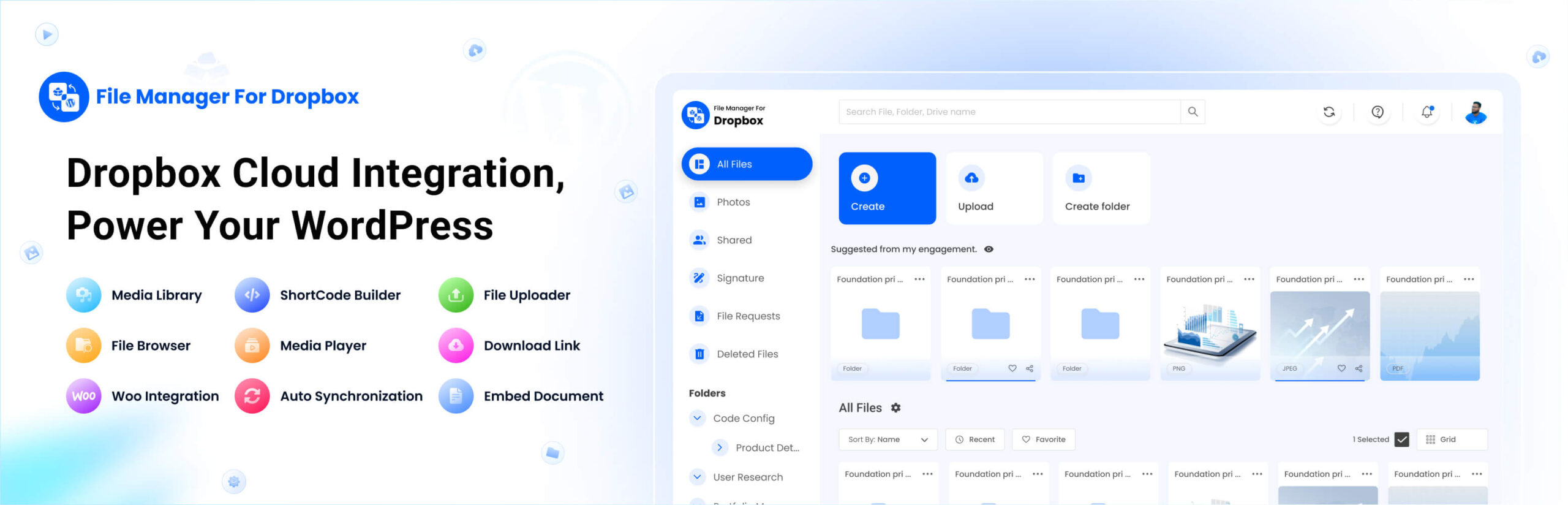
Key Features:
Why Choose File Manager for Dropbox?
This plugin is perfect for users who store media on Dropbox to save server space, making it ideal for WooCommerce stores and content creators.
Pricing: A free version is available, with a premium starting at $39.99/year.
Best For: Users needing a WordPress Media Library plugin for Dropbox integration.
Free Download
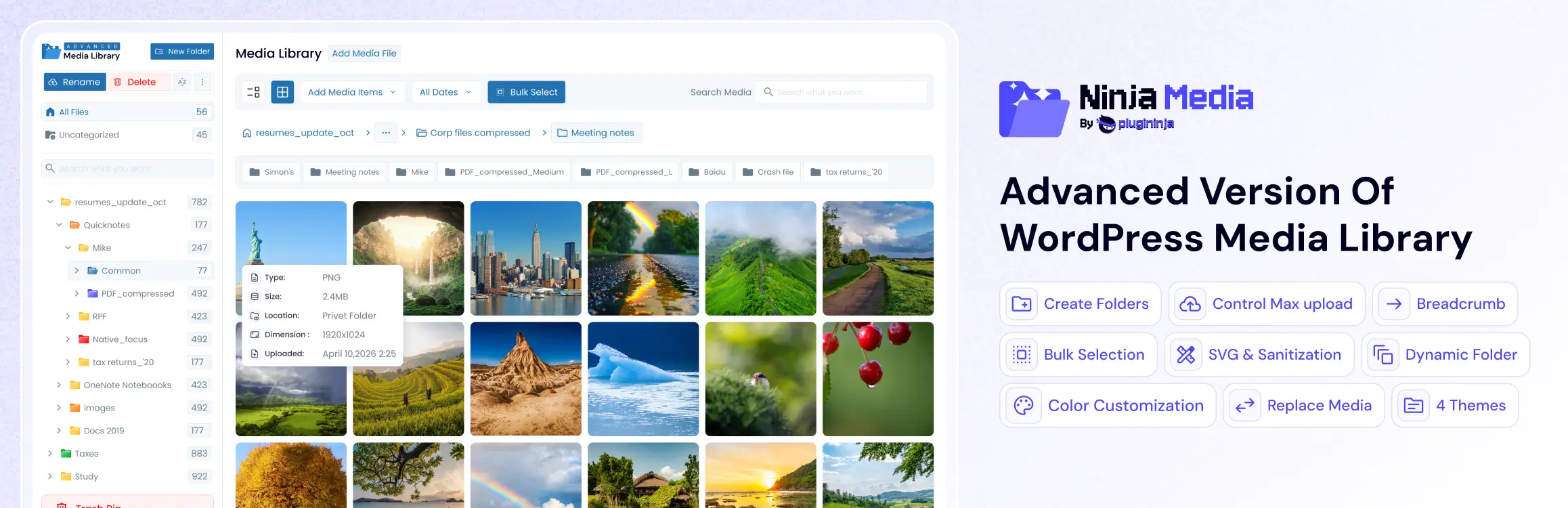
Ninja Media is a powerful WordPress media library plugin that helps you organize your media files into folders while providing advanced features such as Watermarking, WebP Conversion, and Image Editing.
Key Features:
Why Choose Ninja Media?
Ninja Media is designed to make media management simple, fast, and efficient. With its modern interface, intuitive workflow, and powerful feature set, you can easily organize, optimize, and manage thousands of media files. Whether you’re running a blog, business website, or WooCommerce store, Ninja Media provides the tools you need to keep your media library clean and organized.
Pricing: Free version available. Premium plans start at $39.99/year.
Best For: Bloggers, content creators, agencies, WooCommerce stores, and anyone looking for a powerful WordPress media library plugin with folder organization and image optimization features.
Integration for Google Drive is a WordPress Media Library plugin that connects Google Drive to your Media Library for easy file management.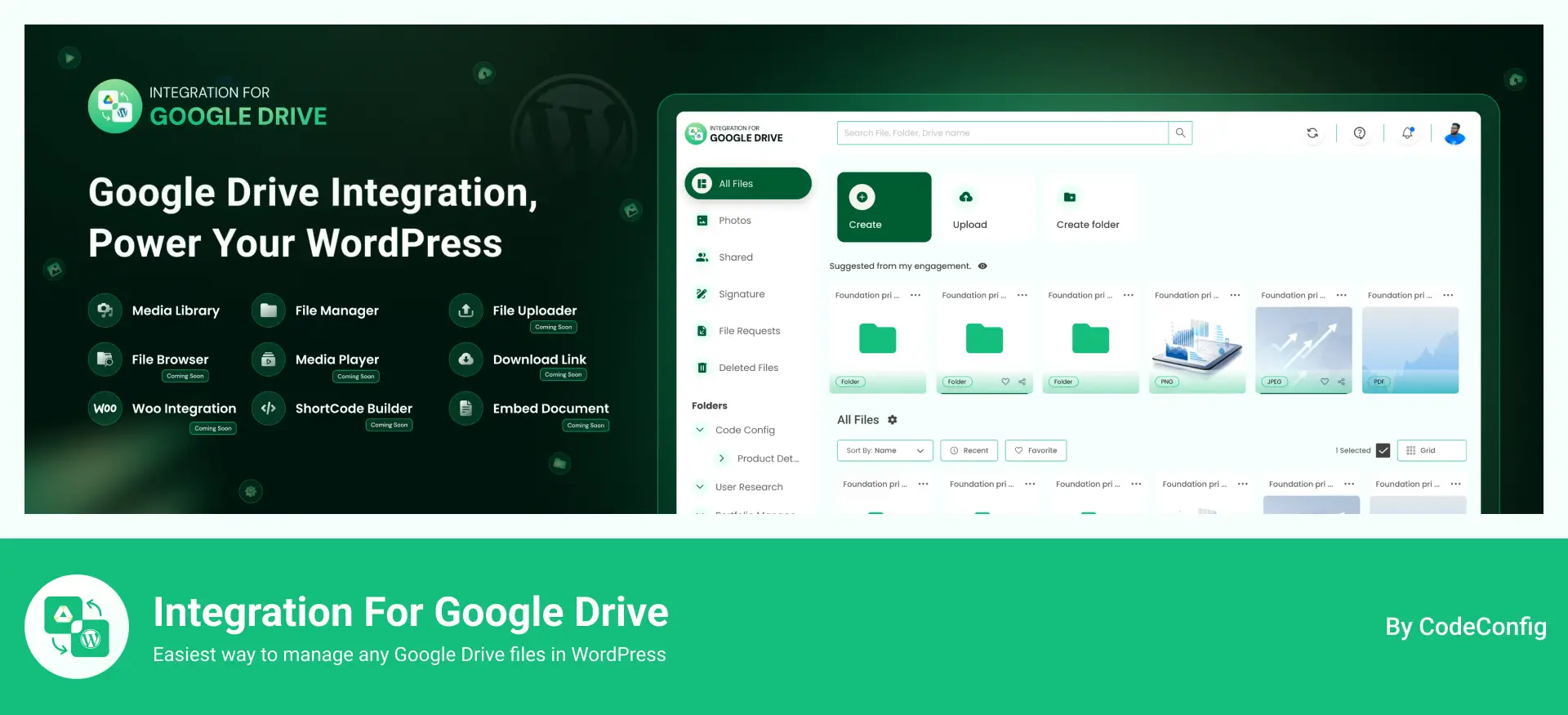
Key Features:
Why Choose Integration for Google Drive?
This plugin suits teams relying on Google Drive for storage, offering easy integration and collaborative file management.
Pricing: A free version is available, with a premium starting at $39.99/year.
Best For: E-commerce, photographers, and teams needing Google Drive integration.
Free Download
FileBird is a popular WordPress Media Library plugin that brings folder-based organization to your media library. With a drag-and-drop interface, it’s beginner-friendly and integrates seamlessly with page builders like Elementor and Divi.
Key Features:
Why Choose FileBird?
FileBird’s clean interface and intuitive folder system make it ideal for users who want a familiar file explorer experience within WordPress. It’s perfect for content-heavy sites needing organized media. However, ensure you update to the latest version, as a vulnerability was reported in August 2026.
Pricing: Free version available, premium starts at $49 for a lifetime license.
Best For: Bloggers, WordPress Media Library plugin for folder organization.
Free Download
Sigma Media Manager is a powerful WordPress Media Library plugin by BdThemes that brings complete folder-based organization, AI-powered metadata generation, and smart media cleanup tools to your WordPress dashboard.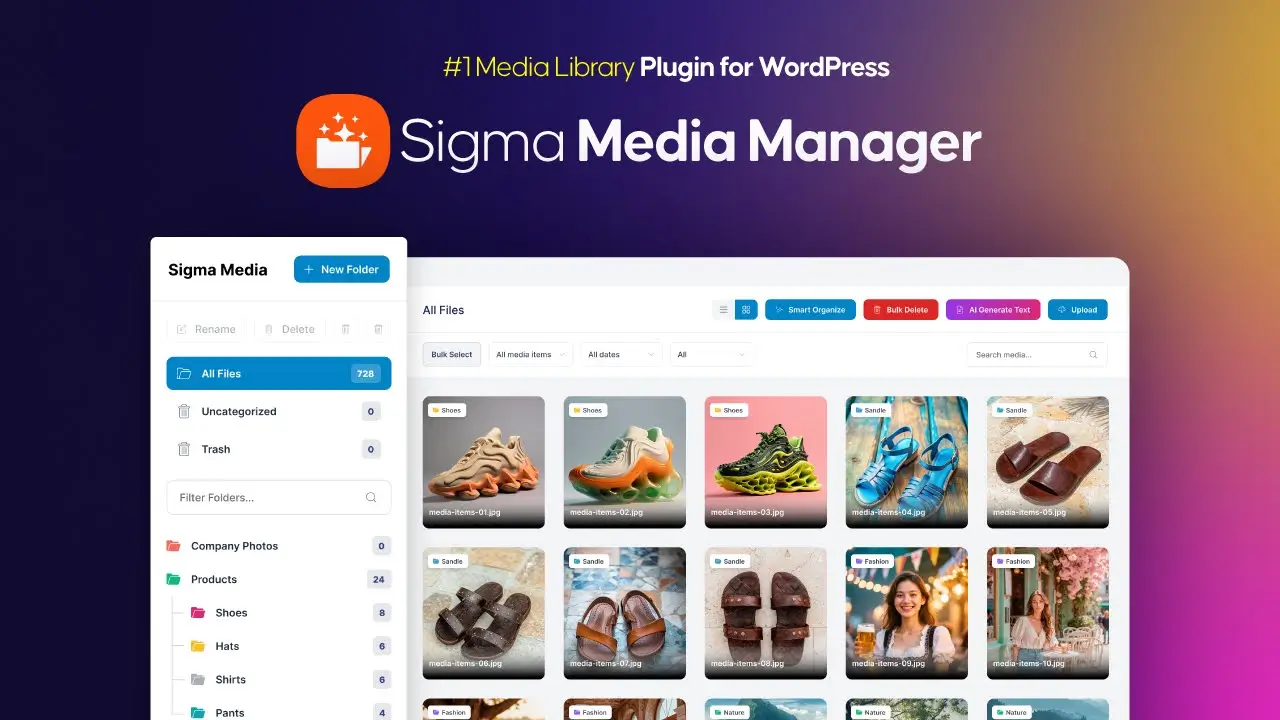
Key Features:
Why Choose Sigma Media Manager?
Sigma Media Manager is a great fit for WordPress users who need more than just folders. Its standout AI bulk text generation automatically fills in titles, captions, and descriptions for media files. Making it a huge time-saver for content-heavy sites, WooCommerce stores, and agencies managing large libraries.
Pricing: Premium starts at $34/year for a single site.
Best For: Content creators, agencies, and WooCommerce stores needing a feature-rich WordPress Media Library plugin with AI assistance.
Download Sigma Media Manager
All businesses and developers seeking a user-friendly WP Media Folder are a premium WordPress Media Library plugin that combines folder management with advanced features like cloud integration and watermarking. It’s a comprehensive solution for media-heavy websites.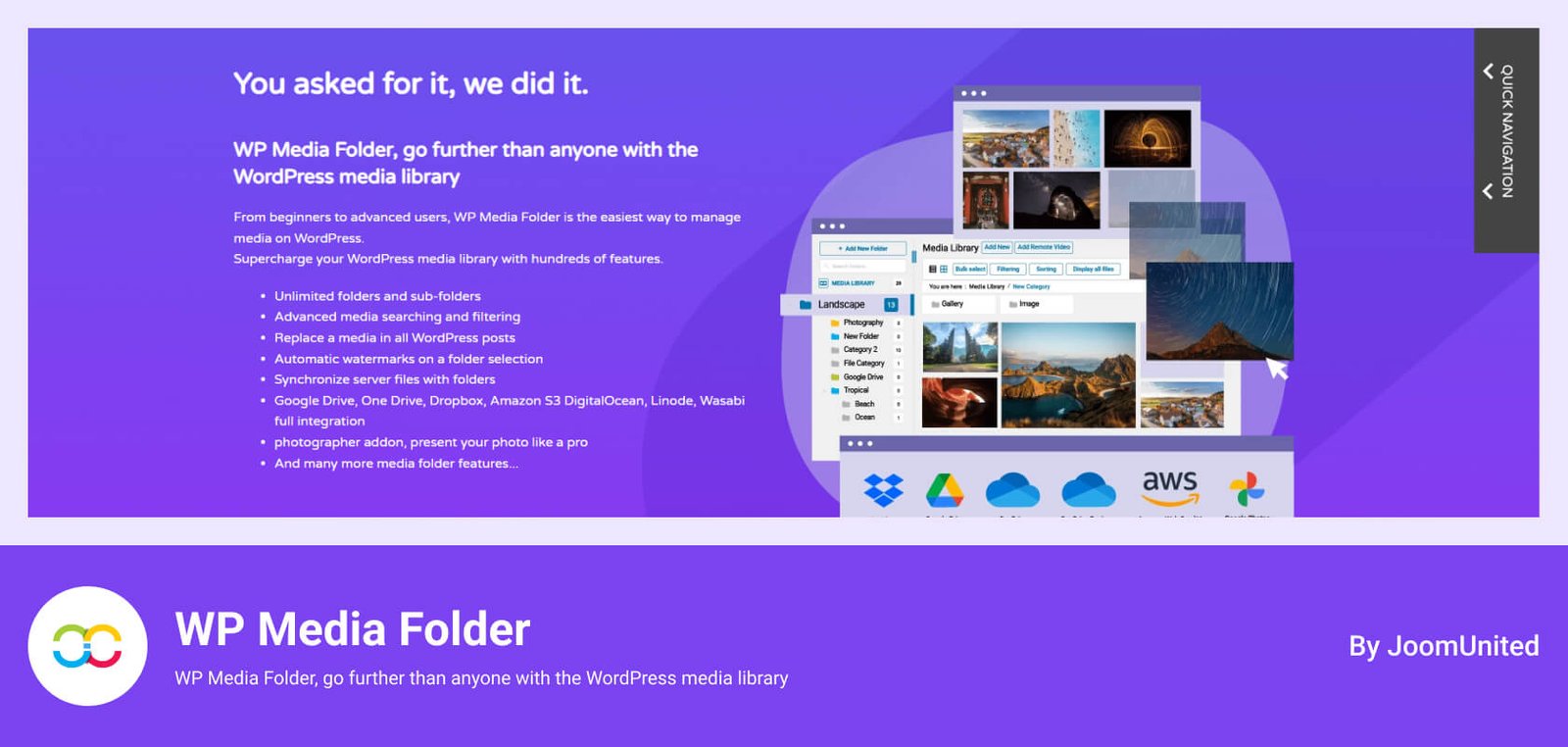
Key Features:
Why Choose WP Media Folder?
This plugin is a powerhouse for users needing more than just folders. Its cloud syncing and security features make it ideal for e-commerce stores and photographers. The ability to create galleries directly from folders adds value for portfolio sites.
Pricing: Starts at $49/year for a single site.
Best For: E-commerce sites, photographers, and agencies needing a robust WordPress Media Library plugin.
Free Download
Media Library Assistant is a free WordPress Media Library plugin focused on advanced organization through custom taxonomies and metadata, ideal for large libraries.
Key Features:
Why Choose Media Library Assistant?
This plugin is perfect for users needing precise control over large media collections. Its taxonomy system is powerful, though the interface is less modern than premium alternatives.
Pricing: Free.
Best For: Archives and developers needing a free WordPress Media Library plugin with advanced features.
Free Download
Enable Media Replace is a lightweight, free WordPress Media Library plugin designed to replace media files without breaking URLs.
Key Features:
Why Choose Enable Media Replace?
This plugin is a time-saver for sites that frequently update images or documents, ensuring links remain intact. It’s essential for dynamic content like product pages.
Pricing: Free.
Best For: Any user needing a straightforward WordPress Media Library plugin for file replacement.
Free Download
Converter for Media is a free WordPress Media Library plugin that optimizes images by converting them to WebP, boosting site speed and SEO.
Key Features:
Why Choose Converter for Media?
This plugin is a budget-friendly option for optimizing images without complex settings, making it ideal for small to medium sites focused on performance.
Pricing: Free.
Best For: Budget-conscious users seeking a WordPress Media Library plugin for image optimization.
Free Download
Real Media Library is a premium WordPress Media Library plugin offering advanced folder and gallery management for complex media needs.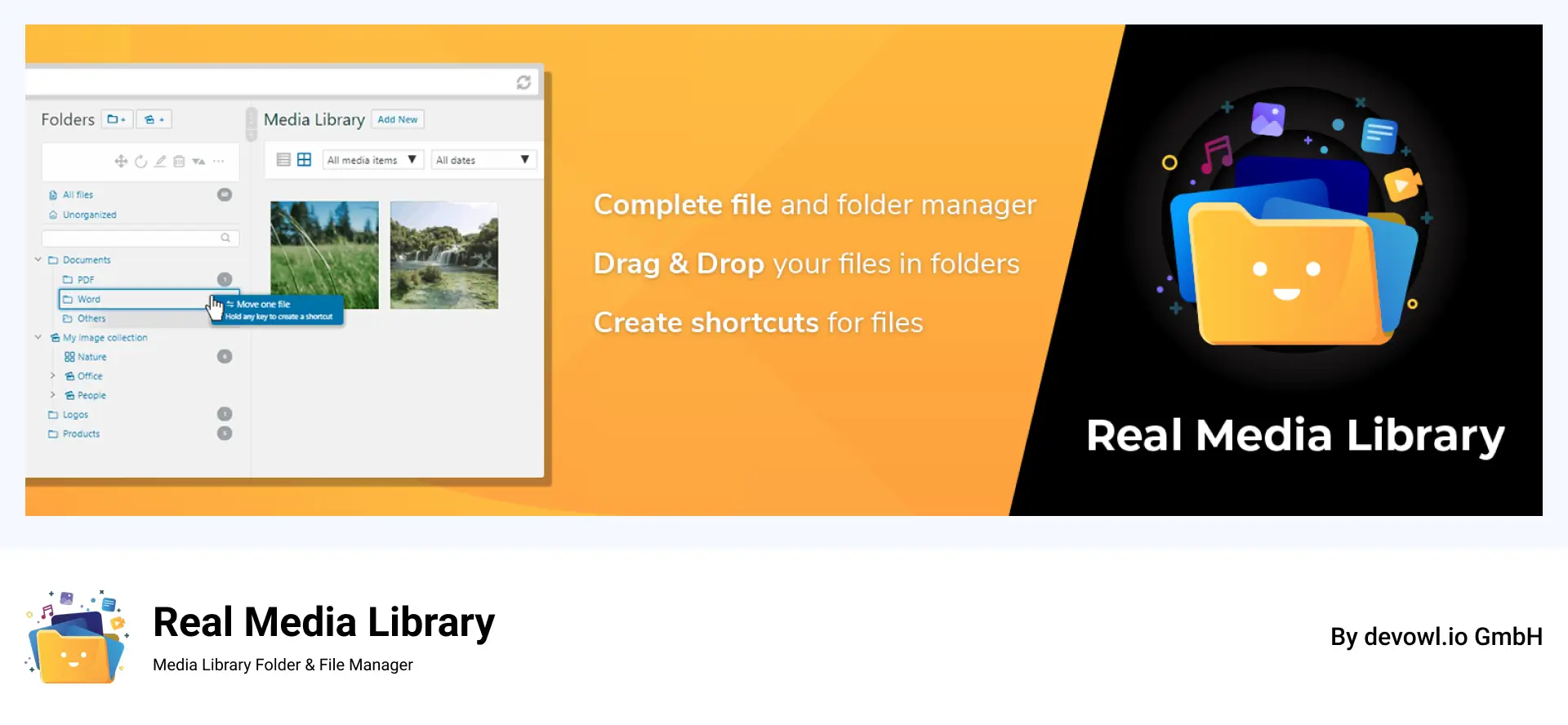
Key Features:
Why Choose Real Media Library?
Ideal for large sites with thousands of files, this plugin offers robust organization. Update to the latest version due to a reported vulnerability in August 2026.
Pricing: Starts at $79 (lifetime license).
Best For: Large websites needing a feature-rich WordPress Media Library plugin.
Free Download
Folders by Premio is a lightweight WordPress Media Library plugin focused on simple folder-based organization for media, posts, and pages.
Key Features:
Why Choose Folders by Premio?
This plugin is ideal for users wanting a simple folder solution without the complexity of premium plugins like FileBird.
Pricing: Free; premium starts at $19/year.
Best For: Small sites needing a basic WordPress Media Library plugin for folder management.
Free Download
Selecting the right WordPress Media Library plugin depends on your website’s needs, budget, and expertise. Consider these factors:
A WordPress Media Library plugin
Offers significant advantages:
While a WordPress Media Library plugin is transformative, be aware of:
A WordPress media library plugin helps you manage and organize media more efficiently. Plugins like File Manager for Dropbox, Integration for Google Drive, Ninja Media, and WP Media Folder let you organize files into folders or connect your media library with cloud services. Tools like Converter for Media focus on optimization and easy media replacement. Free versions are ideal for beginners, while premium options offer advanced features for larger sites. Always choose a plugin with regular updates and strong reviews for better security and compatibility.
This post is by Jakir, a member of the CodeConfig team who is always working to find solutions for our users and improve our services.
Thank you for reading and for your kind words and good wishes for us. We truly appreciate your support! ❤️


Whether you're just getting started or scaling fast, we've got you covered. Access helpful guidance.

