

- Release
- WordPress
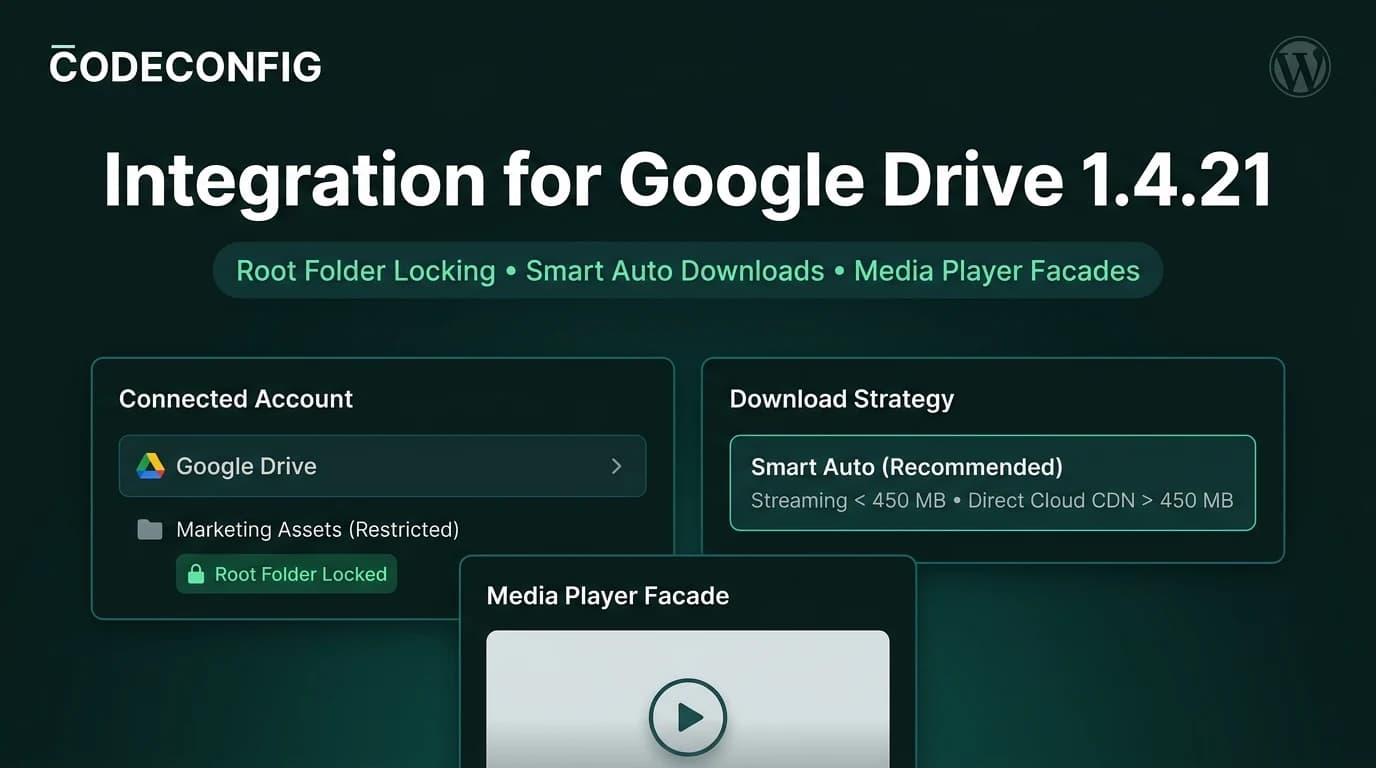
Integration for Google Drive 1.4.21 & 1.4.20: Root Folder Locking, Smart Downloads & PHP 8.4 Polish
Tanin Ahmed9 min read
Loading page…
Loading page…
Loading page…
Want a faster site without spending money? We compared the 10 best free CDN for WordPress options in 2026, including Cloudflare, Jetpack, QUIC.cloud, and Amazon CloudFront, plus a cost-effective way to serve large files from Google Drive and Dropbox.
A slow website costs you visitors, sales, and search rankings. One of the easiest ways to fix that is to use a free CDN for WordPress. A content delivery network stores copies of your images, CSS, JavaScript, and sometimes full pages on servers around the world, so every visitor gets your content from a location close to them.
The good news is that you don’t need a big budget. In this guide, we researched and compared the best free CDN options for WordPress in 2026, including their real free limits, strengths, and weaknesses. We also show you a cost-effective way to serve large files straight from Google Drive and Dropbox, which takes a huge load off your hosting server.
A CDN (Content Delivery Network) is a group of servers, called points of presence (PoPs), spread across different countries. When someone visits your WordPress site, the CDN delivers cached files from the server nearest to them instead of from your single hosting server.
For example, if your site is hosted in the USA and a visitor opens it from Bangladesh or Australia, a CDN can serve your images and scripts from an edge server in Asia. The shorter distance means lower latency and faster page loads.
There are three main types of CDN setups for WordPress:
| Platform | CDN Type | Free Limit | Best For |
|---|---|---|---|
| Cloudflare Free | Full proxy | No bandwidth charges | Almost every WordPress site |
| Jetpack Site Accelerator | Image and static file CDN | Free, no traffic limits | Beginners and bloggers |
| QUIC.cloud | Pull CDN with page caching | Free plan plus monthly free credits | LiteSpeed hosting users |
| Amazon CloudFront | Pull CDN | 1 TB and 10M requests per month | Developers and growing sites |
| Integration for Google Drive | Cloud media offloading | Uses your Google Drive storage | Documents, videos, galleries, downloads |
| Integrate Dropbox | Cloud media offloading | Uses your Dropbox storage | File libraries, client files, digital products |
| Optimole | Image optimization CDN | About 2,000 visits per month | New blogs with many images |
| ImageKit | Image optimization CDN | 20 GB bandwidth per month | Image-heavy websites |
| Cloudinary | Media CDN | 25 credits per month | Images and video projects |
| jsDelivr | Static file CDN | Free for public open-source files | Developers and theme builders |
Free limits were researched in September 2026 and can change. Always check each provider’s current plan details.
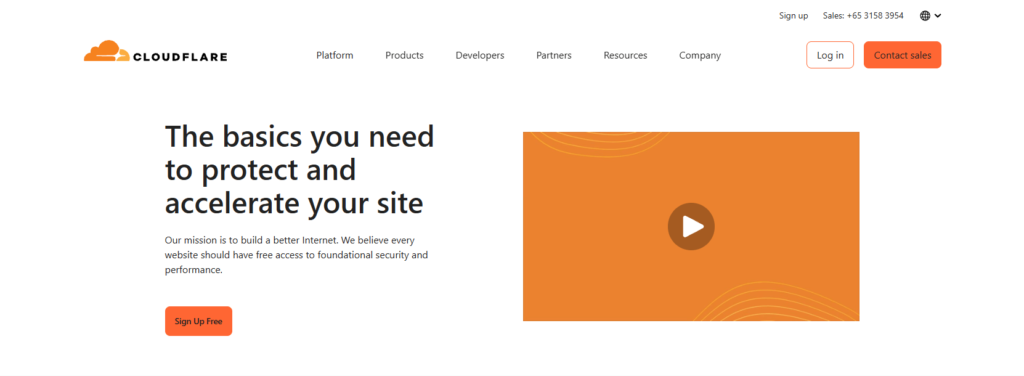
Cloudflare is the most popular free CDN for WordPress, and for good reason. It runs one of the largest networks in the world and sits in front of your site as a full proxy. You simply point your domain’s nameservers to Cloudflare, and it starts caching your static files automatically.
Key free features: Global CDN caching, free SSL certificate, DDoS protection, basic firewall rules, and no bandwidth bill on the free plan.
Pros: Huge network, strong security, easy setup, and a well-known WordPress plugin.
Cons: Full HTML page caching for dynamic WordPress pages needs extra configuration or the paid APO add-on. Advanced security features are on paid plans.
Best for: Almost every WordPress site, from blogs to WooCommerce stores. If you only set up one free CDN, make it Cloudflare.
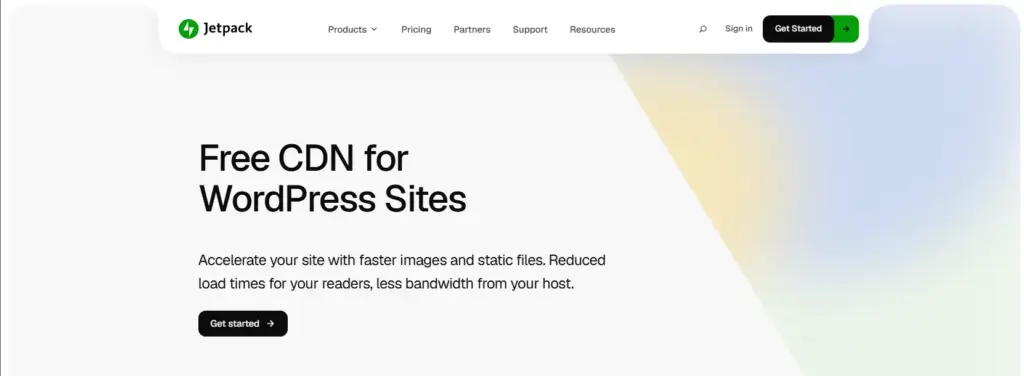
Jetpack’s Site Accelerator (formerly known as Photon) serves your images and static files from the WordPress.com global network. Jetpack describes it as free with no upsells, and it also serves static CSS and JavaScript from WordPress Core, Jetpack, and WooCommerce.
How to enable it: Install Jetpack, go to Jetpack → Settings → Performance, and turn on Site Accelerator.
Pros: Completely free, no traffic limits, and no DNS changes needed.
Cons: It does not serve audio or video files, cached images cannot be purged, and it is not a full-page CDN.
Best for: Beginners, hobby bloggers, and personal sites that want a quick speed boost.
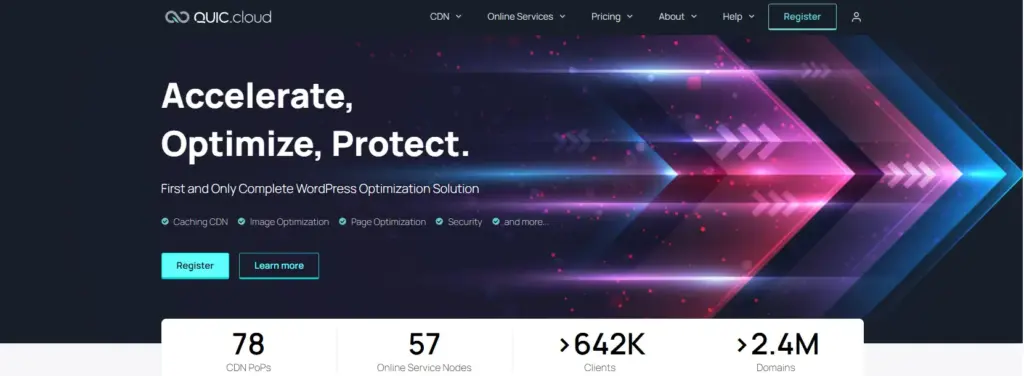
QUIC.cloud is built by the team behind LiteSpeed and connects directly with the free LiteSpeed Cache plugin. Unlike most CDNs, it can cache full dynamic WordPress pages, including HTML, images, CSS, and JavaScript.
Free options: QUIC.cloud offers a Free Plan with unlimited bandwidth on a limited set of PoPs, plus a Standard Plan that gives each domain free monthly credit before regional per-GB pricing starts. Sites running on LiteSpeed servers receive more free credit than non-LiteSpeed sites.
Pros: Full-page caching, HTTP/3 support, and tight integration with LiteSpeed Cache.
Cons: The free plan uses fewer server locations, and free Standard Plan credit is small.
Best for: Sites hosted on LiteSpeed or OpenLiteSpeed servers, including many shared hosting plans.

Amazon CloudFront is AWS’s enterprise-grade CDN. Every AWS account gets an always-free tier with 1 TB of data transfer and 10 million requests per month, with no 12-month expiry. AWS also launched flat-rate plans, including a $0 Free plan that bundles CDN, DDoS protection, and a TLS certificate for one distribution.
Pros: Very generous free usage, huge global network, and enterprise reliability.
Cons: Setup is technical and usually needs a plugin such as WP Offload Media or a caching plugin with CDN URL support. Costs apply once you pass the free limits.
Best for: Developers, agencies, and growing sites that are comfortable with the AWS dashboard.
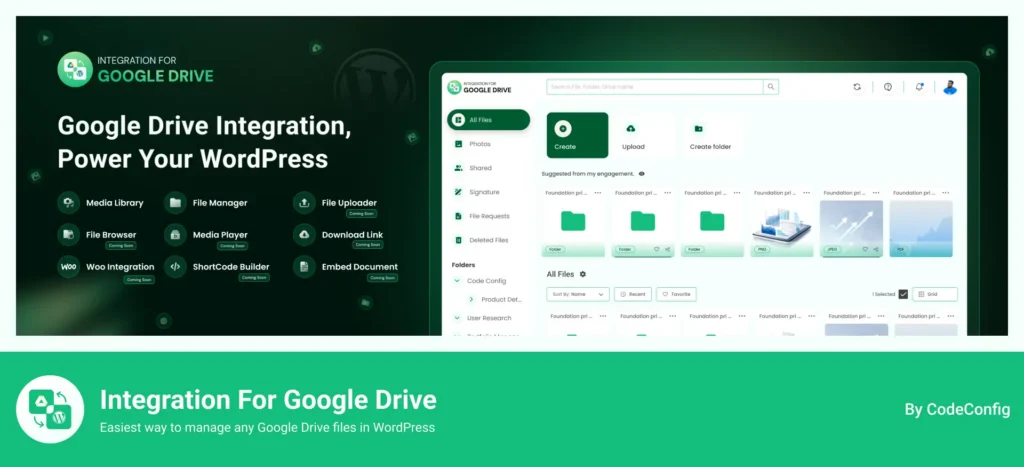
Large files like videos, PDFs, audio, and high-resolution galleries are often the heaviest part of a WordPress site. Storing them on your hosting server eats storage, uses bandwidth, and can slow your site down. The Integration for Google Drive plugin solves this by keeping your files in Google Drive and displaying them on your website.
It works in a CDN-like way: your files stay on Google’s infrastructure, and the plugin pulls them into your pages through modules like file browsers, image galleries, sliders, media players, and file lists. Your hosting server no longer needs to store or deliver those heavy files.
Why it’s cost-effective: You use Google Drive storage you may already have, instead of paying for bigger hosting plans or extra CDN bandwidth for large media.
Key features:
Best for: Course creators, agencies, photographers, and businesses that share large documents or media. Learn how to connect Google Drive to WordPress step by step, or compare options in our guide to the best Google Drive plugins for WordPress.
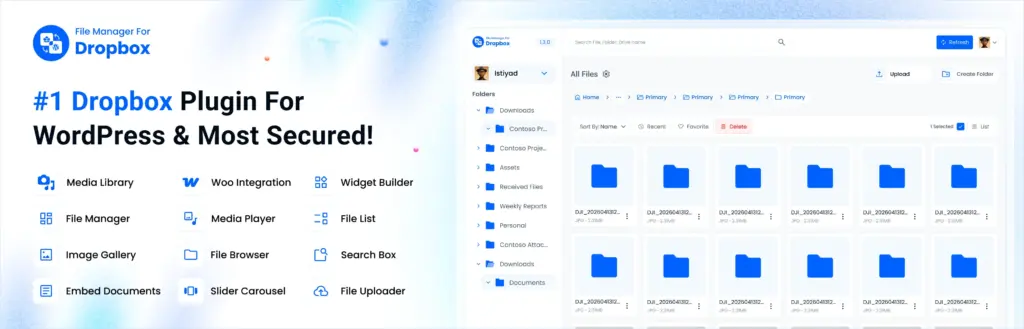
If your team already works in Dropbox, the Integrate Dropbox plugin (File Manager for Dropbox) lets you use your Dropbox files anywhere on your WordPress site without uploading them to your server.
Just like the Google Drive plugin, it pulls files from Dropbox and shows them on your pages. This keeps your WordPress media library light, reduces hosting storage, and moves heavy file delivery off your server.
Key features:
Best for: Client portals, file libraries, LMS sites, and stores selling digital products. See our guide on using Integrate Dropbox with the Gutenberg editor to get started.
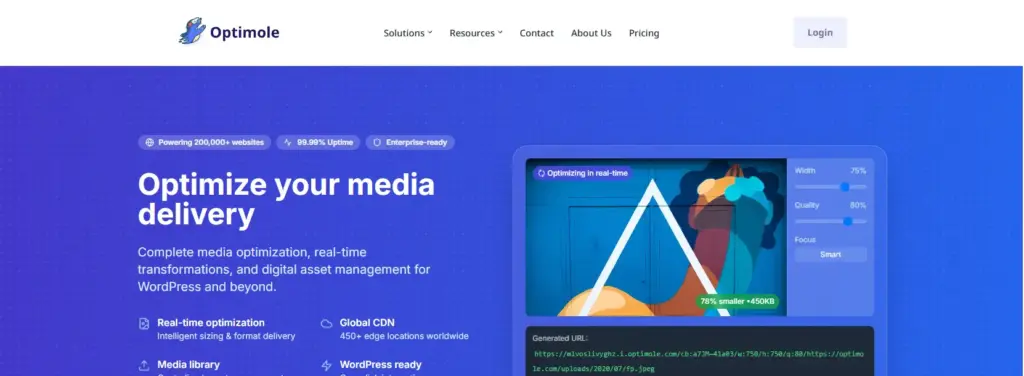
Optimole is a WordPress plugin that optimizes images in real time and serves them through a CDN powered by Amazon CloudFront. It automatically resizes images for each device, converts them to modern formats like WebP and AVIF, and lazy-loads them.
Free limit: The free plan covers roughly 2,000 monthly visits.
Pros: Automatic image optimization and CDN in one simple plugin.
Cons: The free plan is small, and it only handles images, not full pages.
Best for: New blogs and portfolio sites with many images and modest traffic.
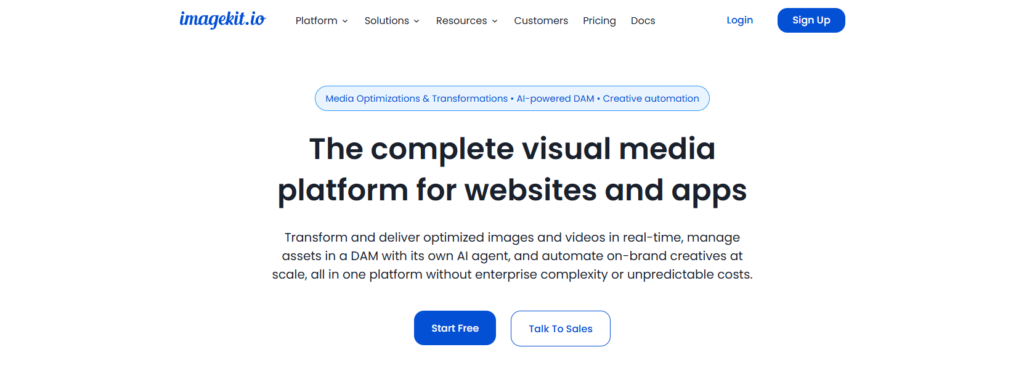
ImageKit is a real-time image optimization service with a built-in CDN and an official WordPress plugin. Its free plan is one of the most balanced for normal websites.
Free limit: 20 GB of monthly bandwidth and 3 GB of media storage, with standard image transformations included.
Pros: Generous free bandwidth, automatic format conversion, and simple upgrade pricing.
Cons: Some advanced optimization features require a paid plan.
Best for: Image-heavy blogs, portfolios, and small WooCommerce stores.

Cloudinary is a powerful media platform that stores, transforms, and delivers images and videos through a CDN. It has an official WordPress plugin that can sync your media library.
Free limit: 25 credits per month, where 1 credit equals 1 GB of storage, 1 GB of bandwidth, or 1,000 transformations.
Pros: Advanced image and video transformations, and a strong media library.
Cons: The credit system can be hard to predict, and high-traffic sites burn credits quickly.
Best for: Media-heavy projects, prototypes, and sites that need video processing.
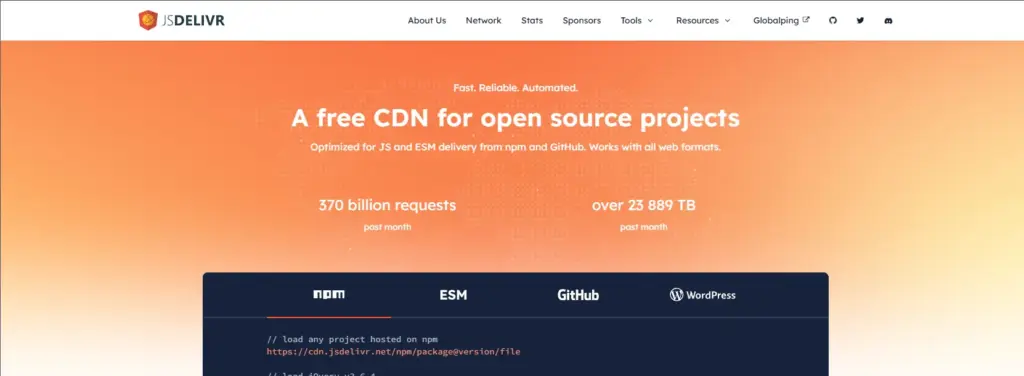
jsDelivr is a free public CDN for open-source files hosted on npm and GitHub. Many WordPress developers use it to load libraries like Bootstrap, Swiper, or Font Awesome from a fast global network instead of their own server.
Pros: Completely free, very fast, and no account needed.
Cons: It only serves public open-source files, not your private uploads or media library.
Best for: Theme and plugin developers who load common JavaScript and CSS libraries.
Important note: Google Drive and Dropbox plugins are not a replacement for a full-page CDN like Cloudflare. They work best together: use Cloudflare or another free CDN for your pages, CSS, and JavaScript, and use CodeConfig’s cloud plugins to offload your heaviest media files and downloads.
Bunny.net is not free, but it deserves a mention. It offers a 14-day free trial and very low pay-as-you-go pricing starting around $0.01 per GB in North America and Europe. If you outgrow free plans, it is one of the most affordable upgrades.
Using a free CDN for WordPress is one of the fastest and cheapest ways to improve speed, SEO, and security. Cloudflare Free is the best starting point for most sites, QUIC.cloud is ideal for LiteSpeed hosting, Amazon CloudFront offers the most free bandwidth, and Jetpack, Optimole, ImageKit, and Cloudinary handle images well.
For large files, the smartest and most cost-effective move is to stop storing them on your server. CodeConfig’s Integration for Google Drive and Integrate Dropbox plugins pull your files from the cloud and display them beautifully on your site. Need help choosing or setting up the right stack? Contact the CodeConfig team or explore our documentation.
This post is by Ahanaf Istiyad, a member of the CodeConfig team who is always working to find solutions for our users and improve our services.
Thank you for reading and for your kind words and good wishes for us. We truly appreciate your support! ❤️

Whether you're just getting started or scaling fast, we've got you covered. Access helpful guidance.

