


- Release
- WordPress
File Manager for Dropbox 1.3.17 Released – New Features and Improvements
Tanin Ahmed7 min read
Loading page…
Loading page…
Loading page…
How To Use Integration For Google Drive Plugin in your WordPress site without touching your hosting space.
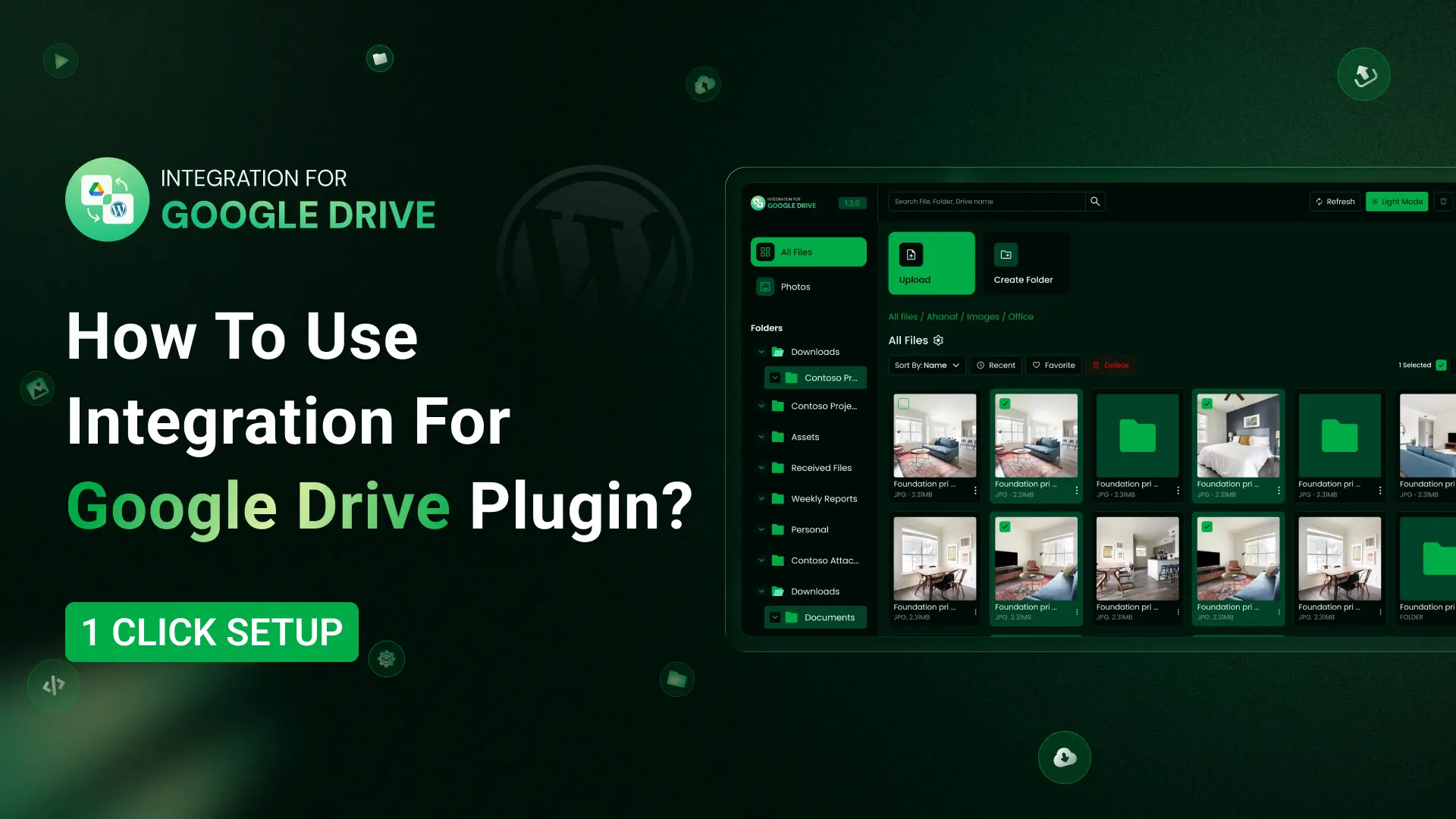
Integration for Google Drive is an all-in-one Google Drive solution for WordPress. With this plugin, you can manage all your Google Drive files right inside your WordPress dashboard. You can also use Google Drive images as featured images for posts, pages, or anywhere in WordPress through the Media Library integration. You don’t need to rely on any CDN because everything is fully indexable.
It also includes integrations with WooCommerce, Contact Form 7, Tutor LMS, and many more. So let’s see how to use integration for Google Drive plugin!
Using Google Drive inside WordPress makes your workflow simple and flexible. You get
It’s a practical tool for anyone who needs a clean and fast way to manage a lot of media
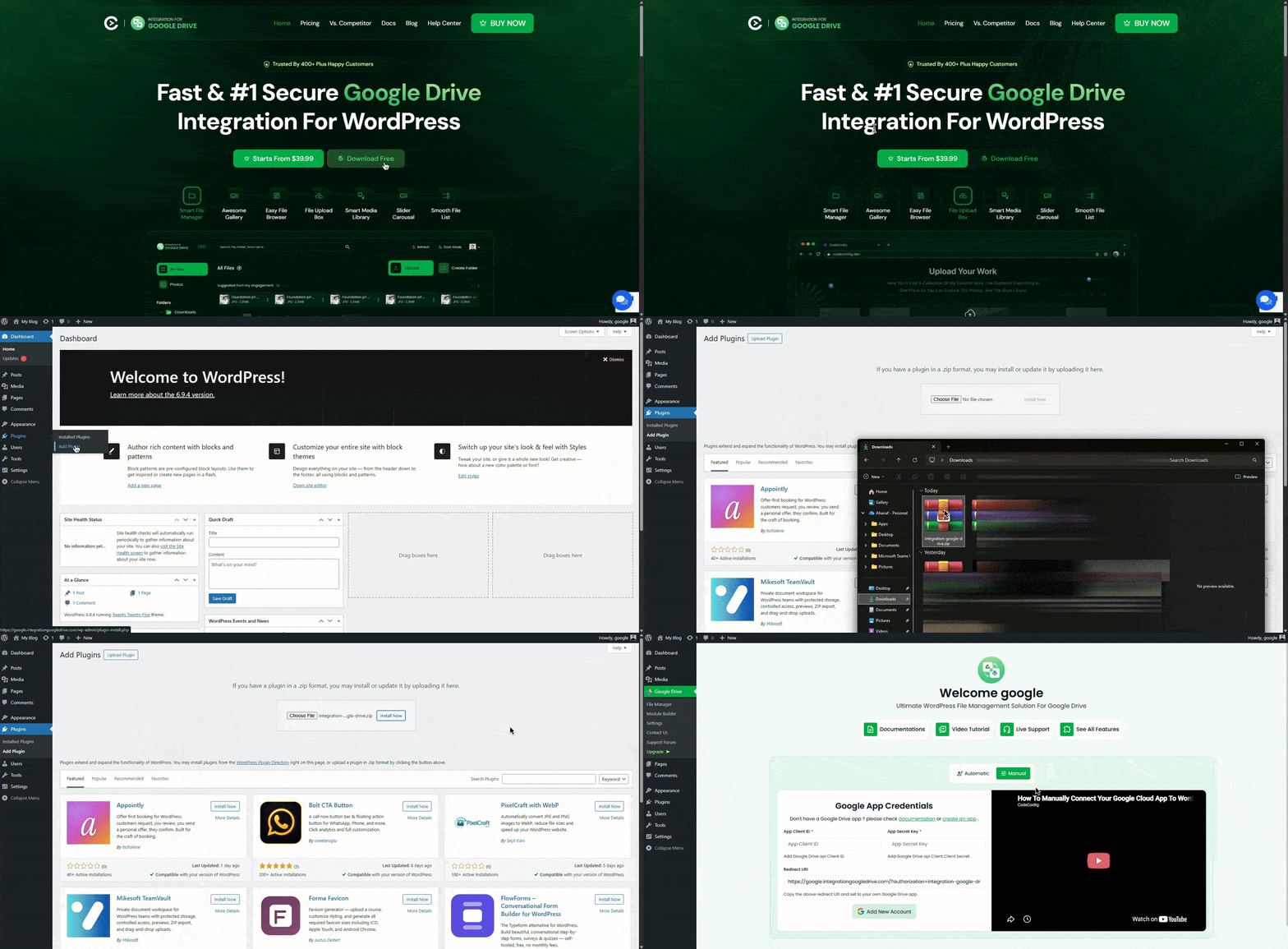
Want to download this plugin? Free Download
Learn Also: Connect Google Drive to WordPress
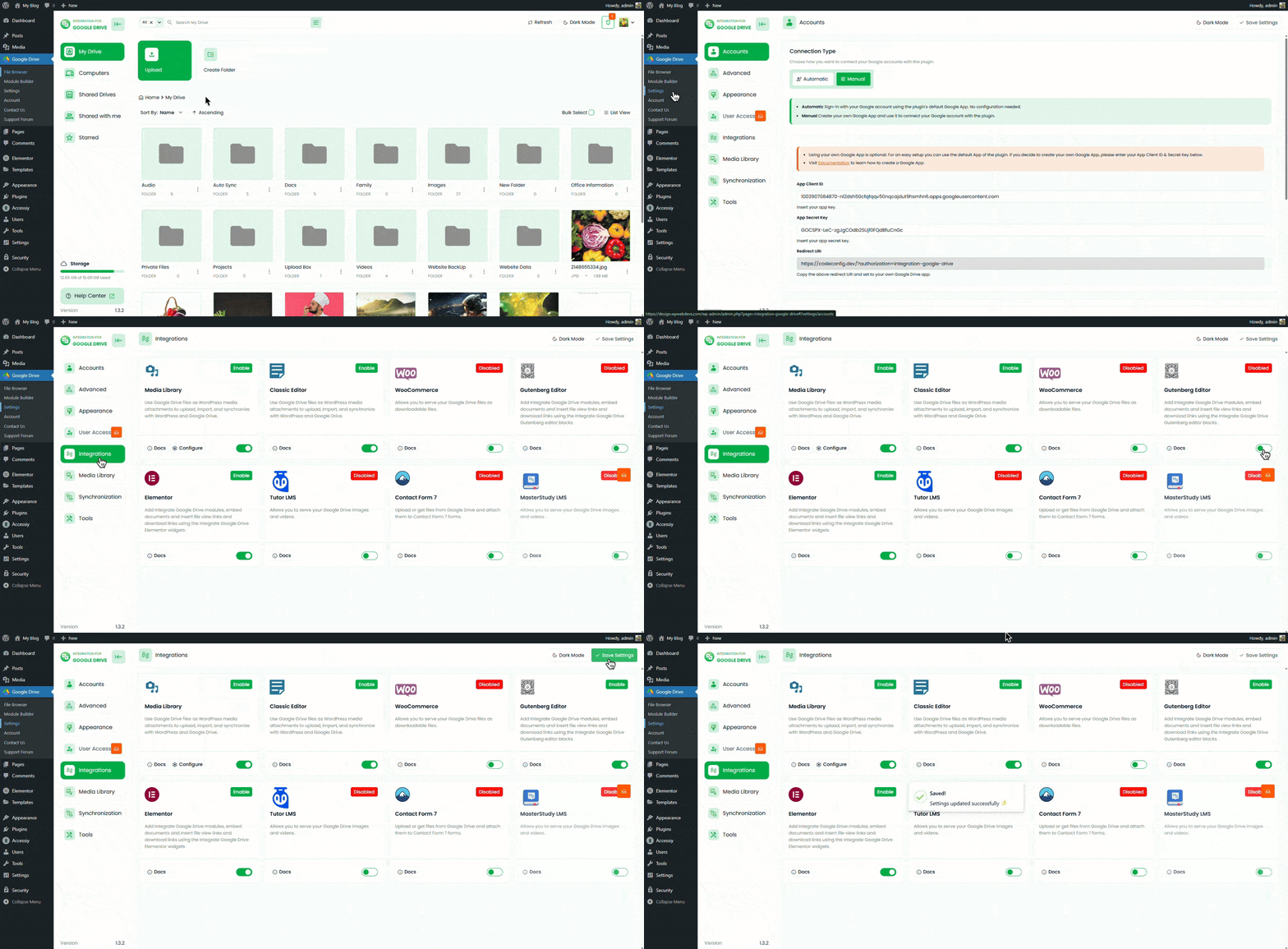
Once it’s active, you’ll see a new plugin panel inside your dashboard
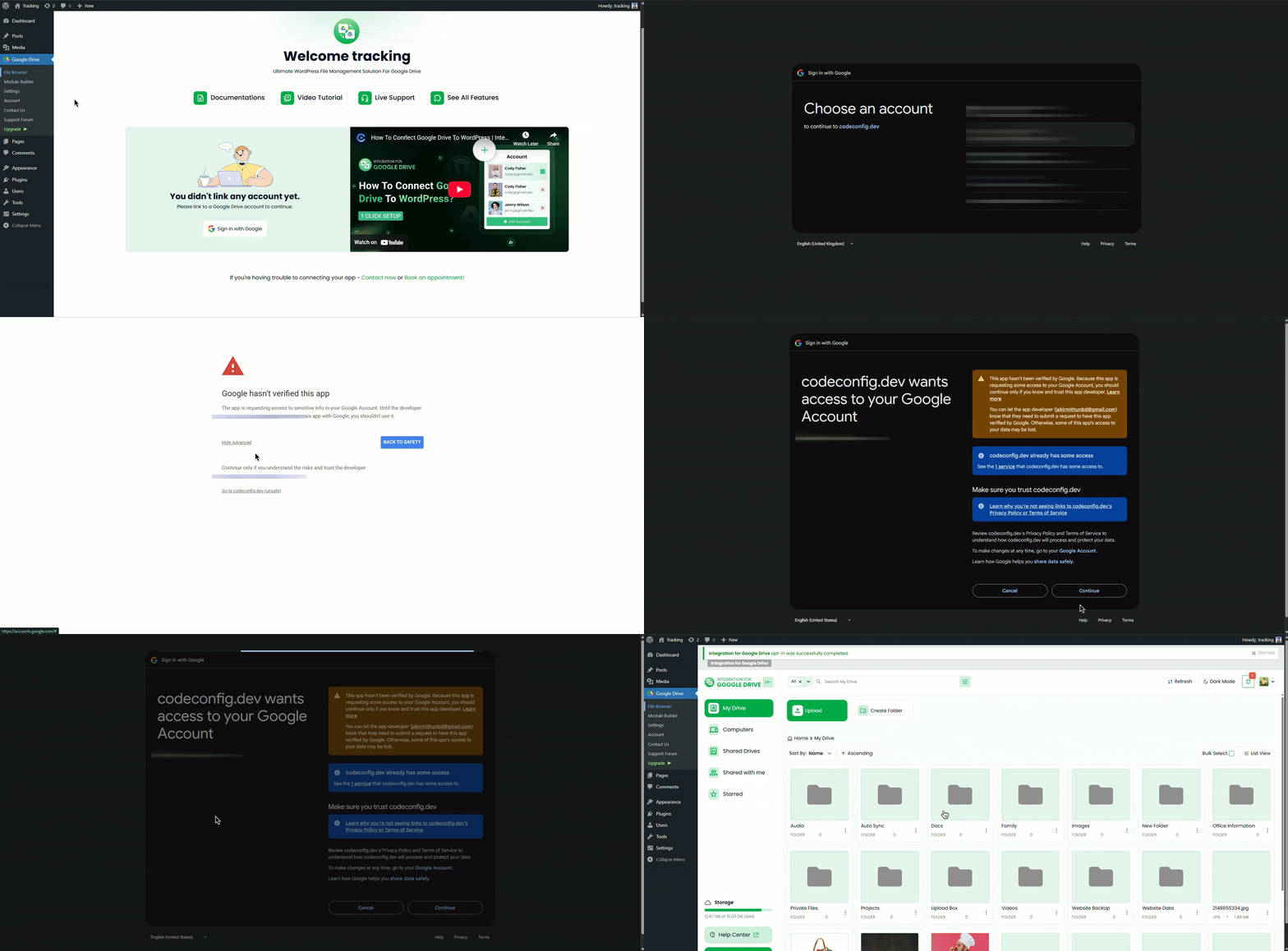
The first step is to link your Google account
You can switch accounts anytime if you use multiple Google Drive profiles
Inside the plugin, you’ll find a clean File Manager where you can browse your Drive folders, upload files, rename items, delete old ones, and preview photos and videos. It works like a mini version of Google Drive built inside WordPress, so you don’t need to keep switching tabs.
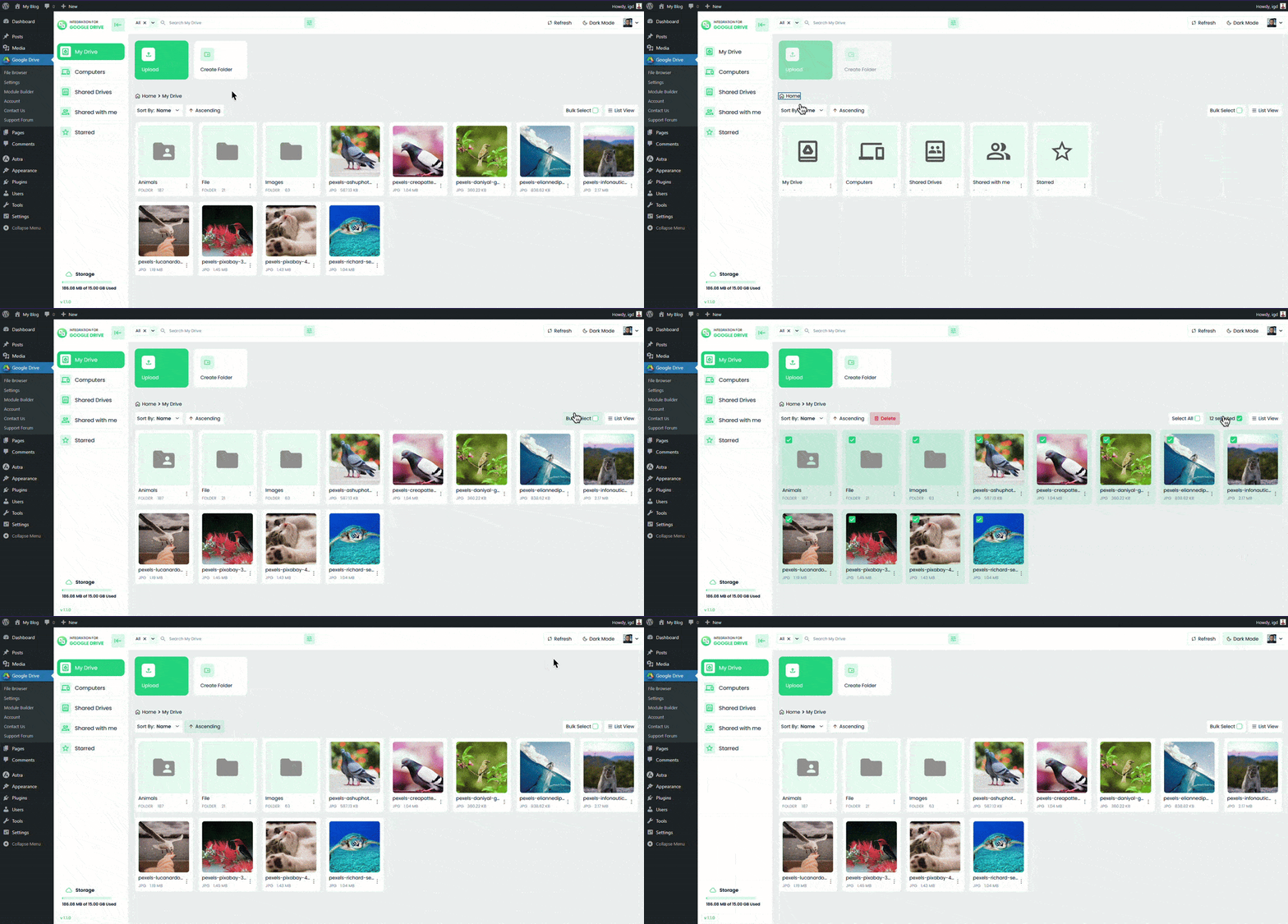
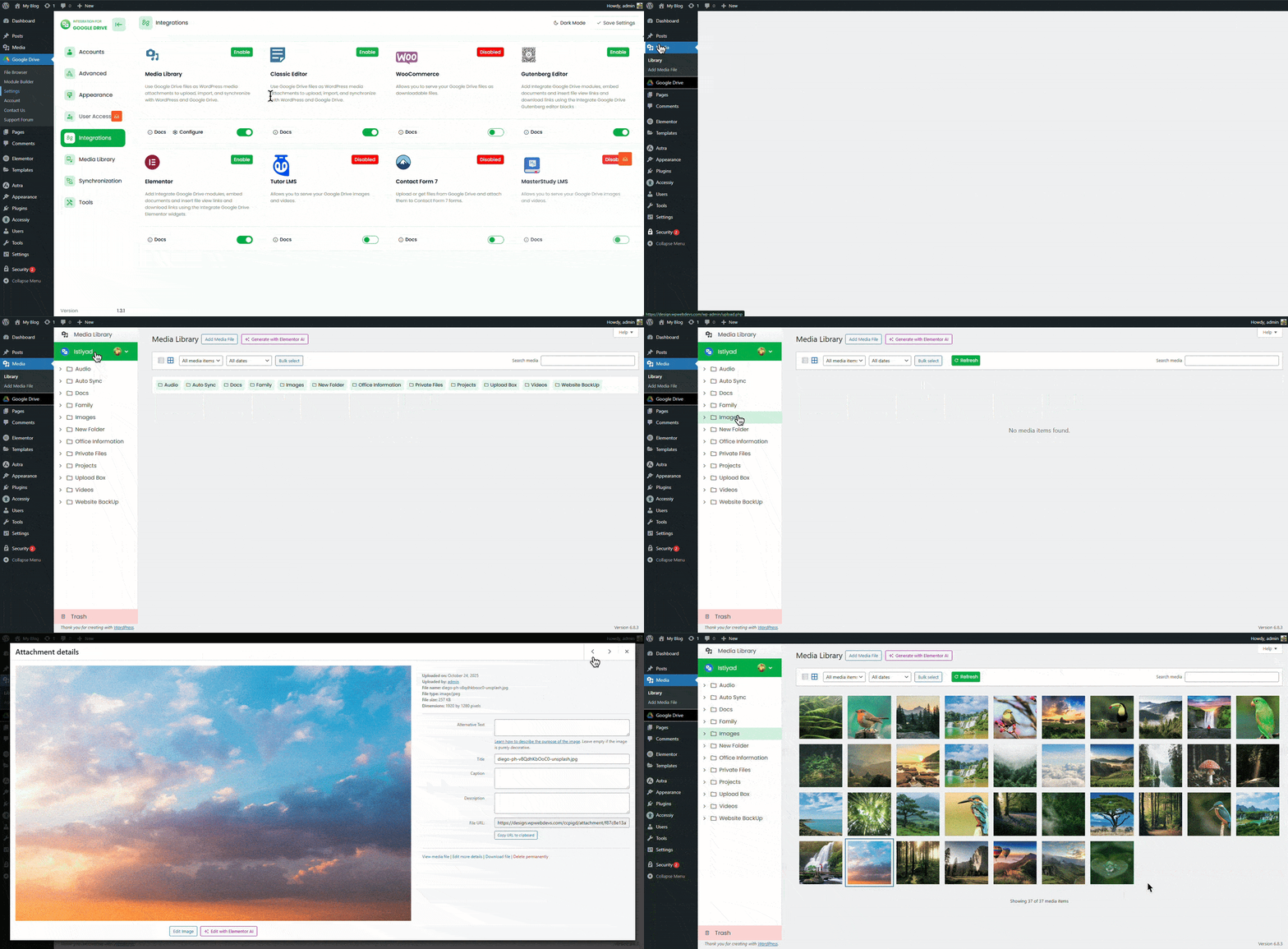
If you want to use Drive files anywhere WordPress uses the Media Library, enable this from the Integrations tab. After turning it on, you can select Google Drive files from inside the Media Library just like normal uploads.
This means you can use Drive images as featured images, gallery photos, background images in page builders, or anywhere else inside WordPress without storing them on your hosting.
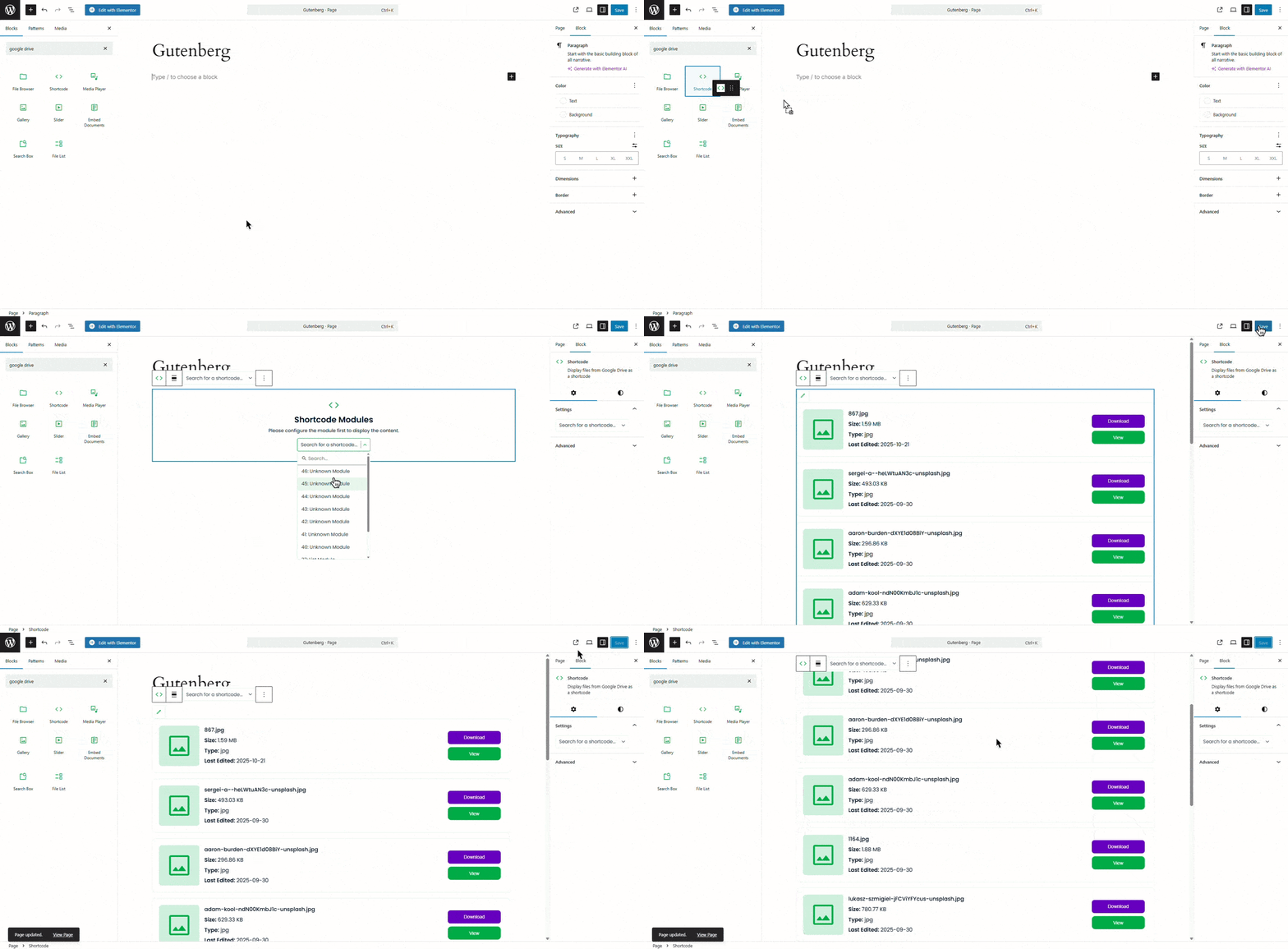
If you write posts or build pages using Gutenberg, this plugin gives you ready blocks for Drive content. Just enable Gutenberg Integration, and you’ll find Google Drive blocks like File Browser, Gallery, Slider Carousel, File List, Media Player, and many more.
It keeps your pages clean and loads everything straight from Drive.
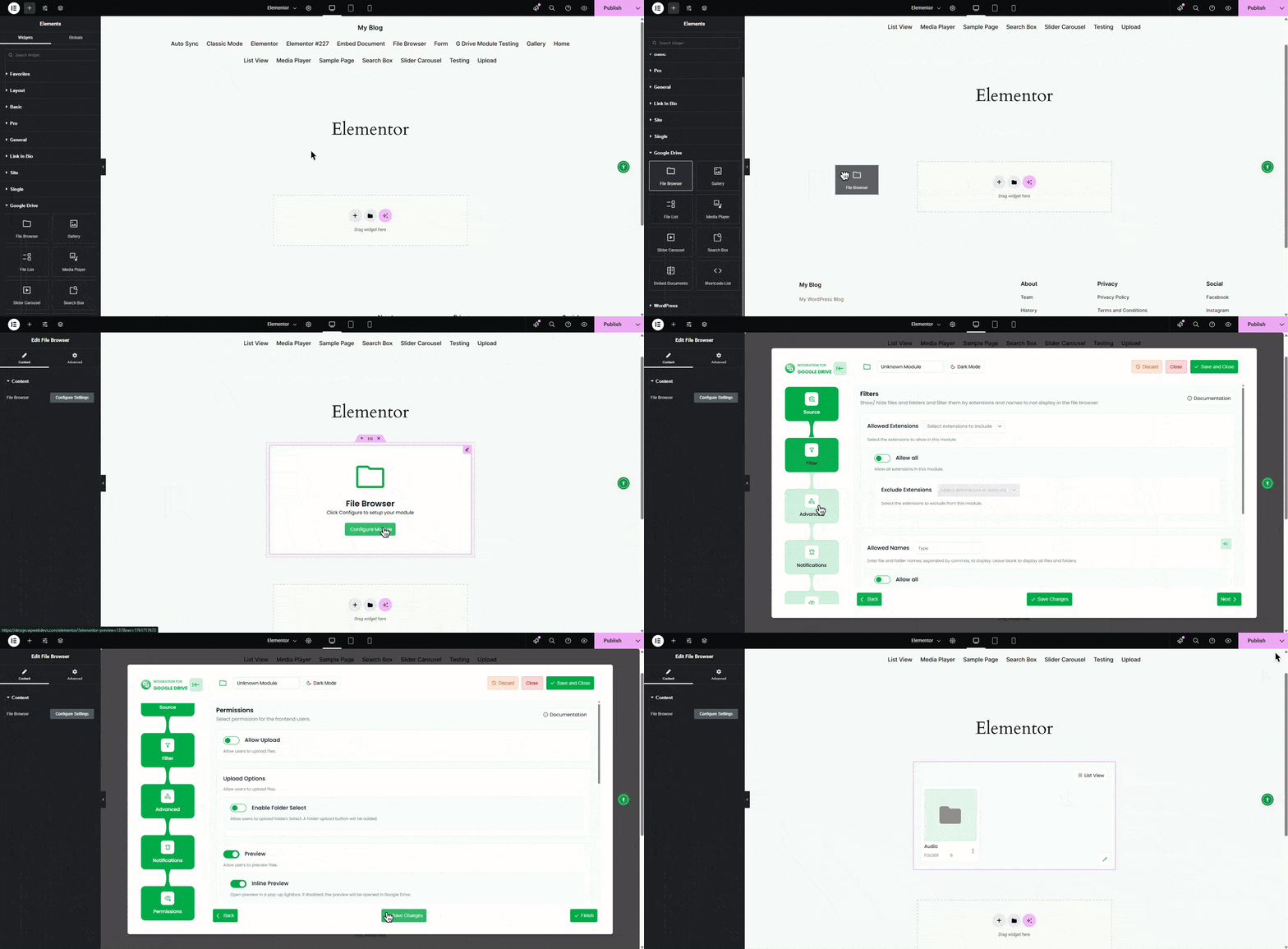
If you’re using Elementor, you’ll find dedicated Google Drive widgets once you enable the integration. Drag a widget into your layout, choose your folder or file, and adjust the display settings. It’s quick and fits into any Elementor design.
The plugin also supports shortcodes so you can embed files in Classic Editor, page builders, or widget areas. You can generate shortcodes for galleries, video players, folders, or single files.
Just paste the shortcode where you want the file to appear
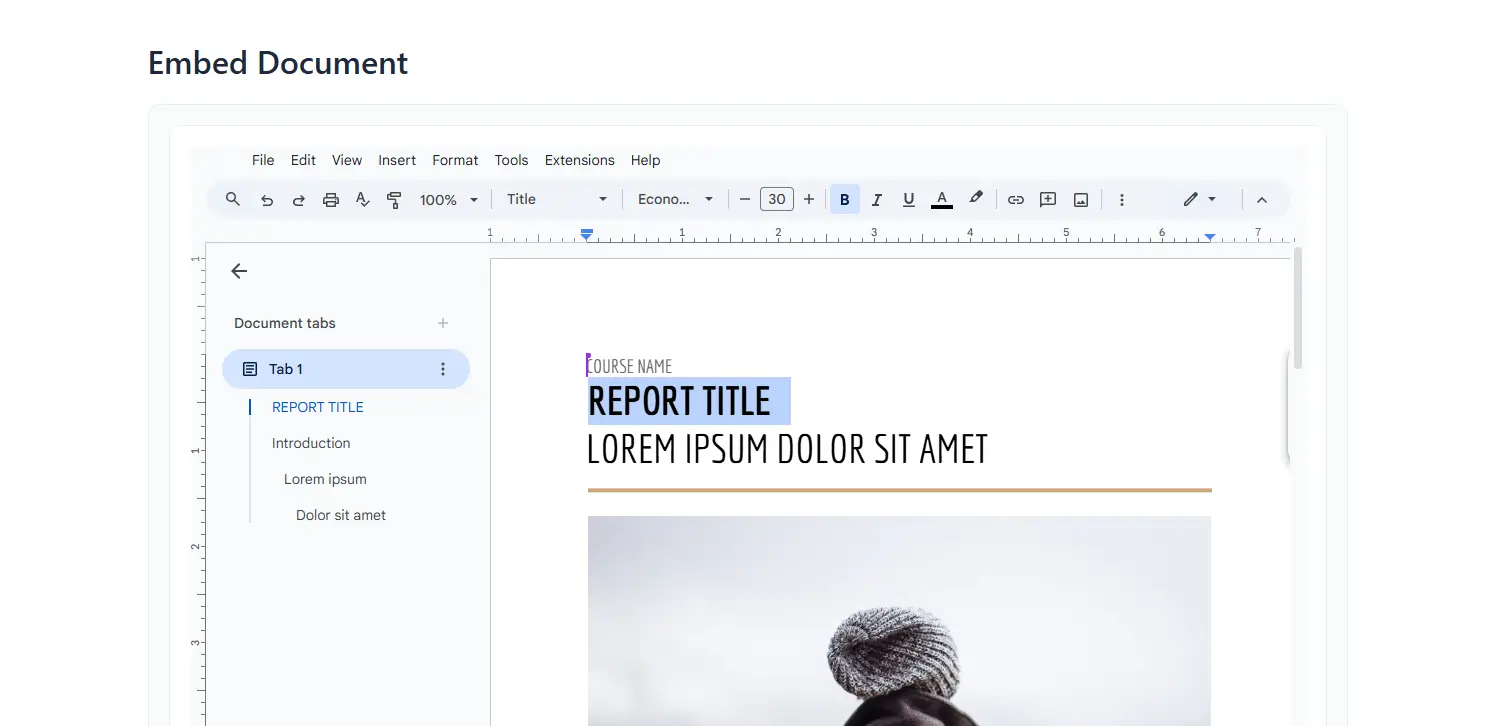
These features make it flexible enough for both small sites and large projects
If your website uses a lot of files, this plugin keeps everything light and easy
Using Google Drive files directly helps your site run faster. Your hosting stays clean, your server handles less load, and your media is delivered through Google’s fast network. There’s no extra setup required to get the speed benefit. Search engines can index public Google Drive files if you want, and if you don’t, you can protect them. This also means it can work as a solid alternative to a traditional CDN.
Integration for Google Drive makes your WordPress workflow smoother and more efficient. It’s simple to set up, easy to use, and powerful enough for anyone handling lots of media. Once you connect your Google Drive, you can manage everything in one place and keep your site running fast
This post is by Jakir, a member of the CodeConfig team who is always working to find solutions for our users and improve our services.
Thank you for reading and for your kind words and good wishes for us. We truly appreciate your support! ❤️


Whether you're just getting started or scaling fast, we've got you covered. Access helpful guidance.

