

- Elementor
- WordPress
How to Speed Up Elementor: 7 Best Ways to Pass Core Web Vitals
Saiful Islam7 min read
Loading page…
Loading page…
Loading page…
Learn how to set up an audio and radio player in WordPress. Embed podcasts, live Icecast/Shoutcast radio streams, custom skins, and speed controls easily.
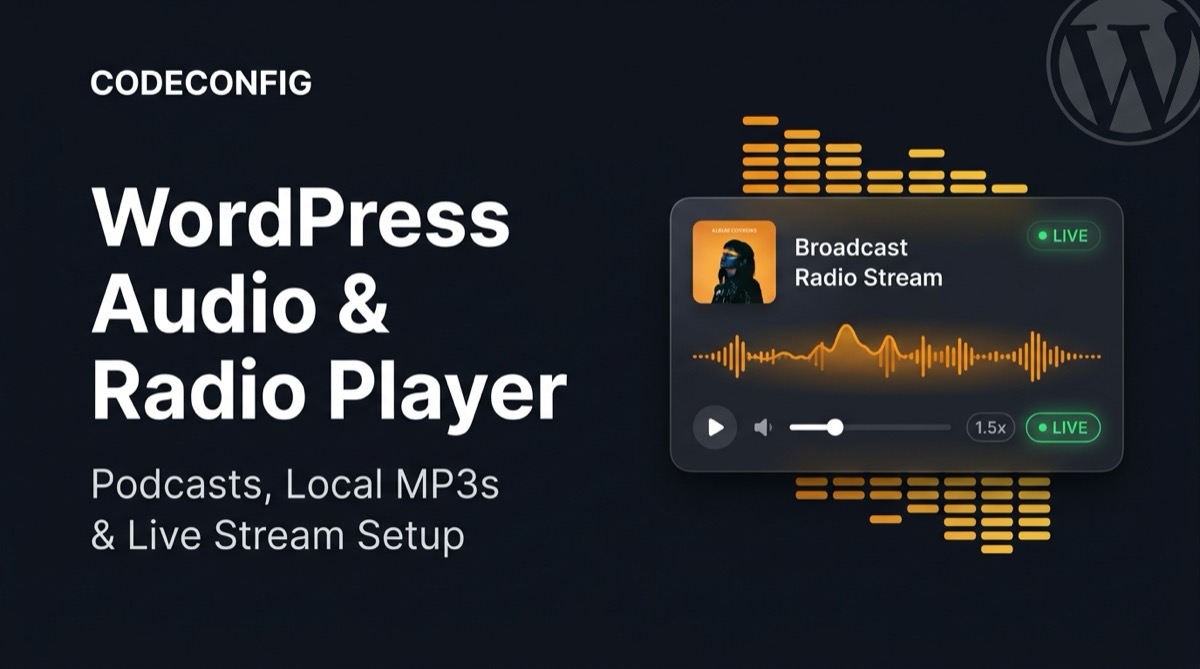
Setting up a modern audio and live radio player in WordPress shouldn’t require complex streaming servers or clunky legacy widgets. With WP Media Player, you can embed podcasts, standalone audio tracks, and 24/7 internet radio streams (Icecast, Shoutcast, Live365) in minutes with responsive playback and customizable skins.
Modern web browsers require compliant audio MIME types and streaming protocols under the Mozilla MDN Web Docs HTMLMediaElement Specification. WP Media Player supports both progressive audio playback and infinite broadcast streaming:
| Audio / Stream Type | Supported Formats & Networks | Ideal Use Case |
|---|---|---|
| Static & Progressive Audio | MP3, AAC, M4A, WAV, FLAC, OGG, WEBA | Podcasts, musician albums, sound clips, voice memos |
| Live Internet Radio | Icecast, Shoutcast, Live365, TuneIn, Zeno.fm, Radio.co | 24/7 community stations, live DJ sets, talk radio |
| Streaming CDN Relays | BunnyCDN Storage, AWS S3, Cloudflare Stream, StreamGuys | High-traffic audio hosting with edge caching |
When broadcasting audio in WordPress, progressive files download incrementally, while live radio streams deliver continuous, endless audio chunks over standard HTTP/HTTPS connections without requiring persistent file storage on your web server.
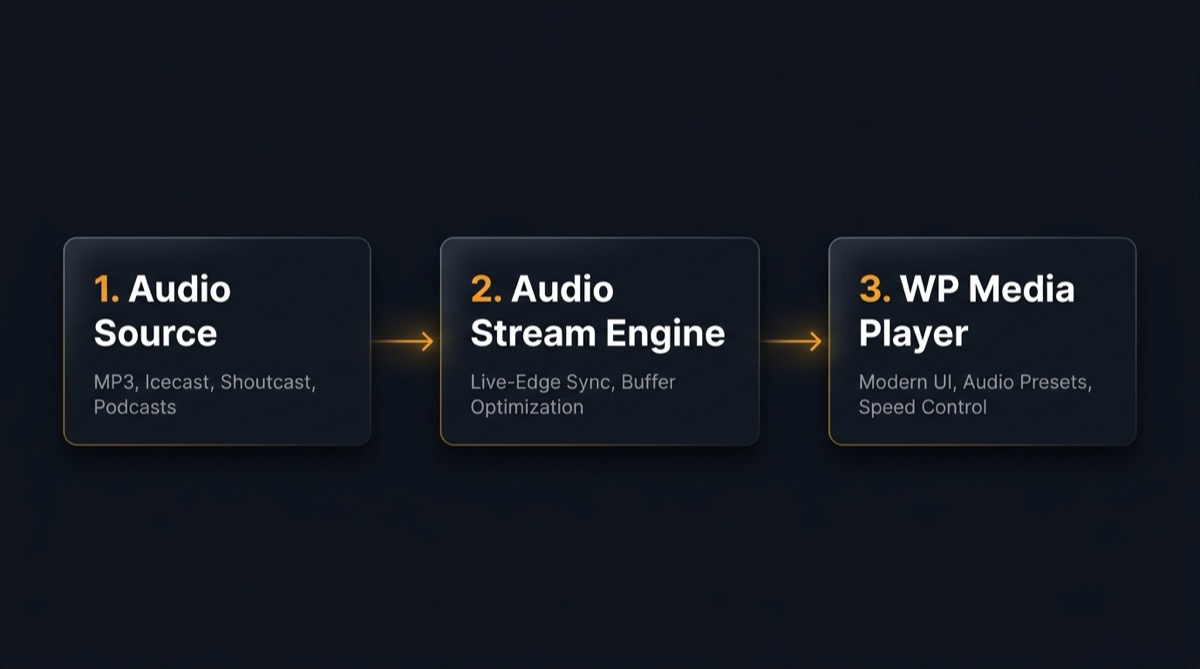
https://stream.example.com/live).WP Media Player provides tailored layout presets optimized for audio:
In the Preset Editor, choose which controls appear on your player:
Option 1: Gutenberg Block — Add the WP Media Player block in the block editor, select your saved audio or radio item from the dropdown, and preview it instantly.
Option 2: Shortcode — For Elementor, Divi, Beaver Builder, or widget areas:
[wp-media-player type="audio" id="10" preset="modern" autoplay="false"]Deliver podcast episodes directly on your blog posts. Visitors can listen at accelerated speeds (1.25x or 1.5x), jump backward 10 seconds to catch missed sentences, view episode show notes, and download the episode for offline travel.
Broadcast 24/7 internet radio stations, college radio, or live religious broadcasts directly to your global audience. The player handles endless live audio streaming without memory leaks, while displaying a dynamic live status pill. For video or TV broadcasts, check out our guide on how to stream Live TV in WordPress.
Showcase new music tracks with branded album artwork, track titles, and high-fidelity sound. Combine multiple tracks into audio playlists to let fans preview your entire record effortlessly.
Embed chapter-based audio lessons for courses or audiobook narrations. Students can skip through curriculum chapters and adjust speeds to match their learning pace.
http:// audio streams on HTTPS websites. Ensure your radio server (Icecast or Shoutcast) provides an SSL/TLS endpoint. For detailed steps, see our tutorial on fixing mixed content errors in WordPress.Access-Control-Allow-Origin: * to allow browser audio element buffering.Embedding high-performance audio and live radio in WordPress gives your site visitors a professional listening experience across desktop and mobile. Whether you’re running a podcast, hosting a 24/7 internet radio station, or showcasing musical tracks, WP Media Player provides the skins, speed controls, and streaming flexibility you need without slowing down your site.
This post is by Tanin Ahmed, a member of the CodeConfig team who is always working to find solutions for our users and improve our services.
Thank you for reading and for your kind words and good wishes for us. We truly appreciate your support! ❤️
Whether you're just getting started or scaling fast, we've got you covered. Access helpful guidance.

