


- Release
- WordPress
File Manager for Dropbox 1.3.17 Released – New Features and Improvements
Tanin Ahmed7 min read
Loading page…
Loading page…
Loading page…
Top 25+ must have WordPress plugins for 2026 to boost SEO, speed, and security. Turn your site into a superhero with these essential tools!
WordPress powers over 43.3% of websites in 2026, solidifying its position as the world’s leading content management system (CMS). Whether you’re already using WordPress or ready to dive in, you’ve likely noticed it has powerful plugin tools that can transform your site from ordinary to extraordinary.
These must have WordPress plugins offer solutions for every need, from SEO and accessibility to file management and eCommerce, turning your normal website into a super website, just like a superhero.
There are more than 60,000 (Sixty Thousands) Fhttps://wp.codeconfig.dev/wordpress-accessibility-plugin-for-ada/REE Plugins in wordpress.org.
Our blog is here to guide you through the top 25+ must-have WordPress plugins for 2026, each carefully selected to enhance functionality, boost performance, and ensure compatibility with the latest WordPress updates. Let’s explore these game-changing plugins to make your site unstoppable!
In 2026, search engines will leverage AI to prioritize user intent, content quality, and mobile optimization. These must have WordPress plugins that simplify SEO while incorporating cutting-edge features to boost rankings.
One of the standout features of WordPress is its ability to create professional websites without coding, but achieving top search rankings requires optimization tools. Rank Math is a must-have WordPress plugin for SEO, installed on over 2 million sites. It offers AI-driven content suggestions, schema markup, and seamless integration with Google Search Console, making it ideal for bloggers and businesses aiming to dominate search results in 2026.
The plugin automates technical SEO tasks like generating XML sitemaps, managing redirects, and optimizing for voice search, a growing trend. Its content analysis tool provides real-time feedback to improve readability and keyword density. Rank Math also supports local SEO, video SEO, and WooCommerce, ensuring versatility across site types. With its modular design, you can enable only the features you need, keeping your site lightweight.
Rank Math’s intuitive dashboard and setup wizard make it one of the must-have WordPress plugins for beginners, while advanced users benefit from detailed customization. Comprehensive documentation, video tutorials, and a support forum ensure quick resolution of issues.
Free from the WordPress repository; PRO version starts at $83.88/year for unlimited sites.
WordPress’s no-code platform is perfect for building sites, but SEO requires specialized tools. All in One SEO (AIOSEO) is trusted by over 3 million users. Its 2026 updates include an AI writing assistant and keyword rank tracking, making it ideal for businesses targeting competitive search terms.
AIOSEO automates meta tags, generates dynamic sitemaps, and supports local SEO for brick-and-mortar businesses. Its site audit tool identifies issues like broken links or poor mobile performance, while WooCommerce integration optimizes product pages. The plugin’s modular design ensures minimal impact on site speed, and its TruSEO score provides actionable insights.
AIOSEO’s smart setup wizard makes it one of the must-have WordPress plugins for quick configuration, while detailed documentation and premium support ensure users can maximize its features. The interface is clean, with tooltips for guidance.
Free from the WordPress repository; Pro starts at $49.60/year for 1 site.
Yoast SEO is a cornerstone among must-have WordPress plugins, with over 5 million active installs. In 2026, its beta AI suggestions and focus on mobile SEO keep it relevant for content creators and marketers aiming for top rankings.
The plugin offers real-time content analysis, readability scoring, and keyword optimization. Its 2026 updates include enhanced schema support for local, video, and news SEO, plus voice search optimization. Yoast also manages internal linking and breadcrumbs, improving user navigation and search visibility.
Yoast’s clean interface and tutorials make it one of the must-have WordPress plugins for beginners. Advanced users can dive into the schema and redirect settings. Support is available via forums (free) or direct tickets (premium).
Free from the WordPress repository; Premium starts at $118.80/year(ex VAT) for 1 site.
In 2026, efficient file management is crucial for media-intensive WordPress sites, e-commerce stores, and educational platforms. These must have WordPress plugins that enable seamless integration with cloud storage, simplifying file organization, sharing, and embedding while reducing server load for optimal performance.
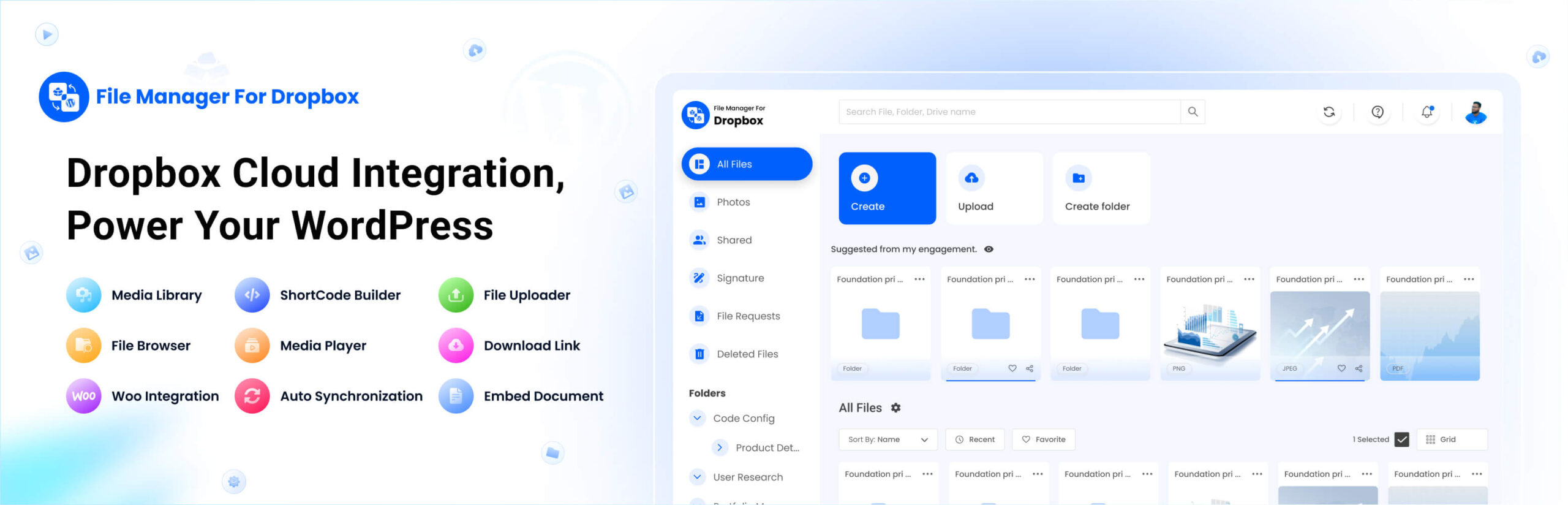
File Manager for Dropbox, developed by CodeConfig for seamless integration of Dropbox cloud storage with WordPress, is trusted by so many users in 2026. It allows you to manage, upload, embed, and share files directly from your WordPress dashboard, saving hosting space and streamlining workflows for media-heavy sites, eCommerce stores, and LMS platforms.
The plugin supports user-specific folders, automatic syncing, and media library integration, with 2026 updates adding enhanced Elementor widgets, WooCommerce support, and LMS compatibility. Its shortcode builder and customizable media players make it versatile for creating galleries, sliders, and downloadable content, perfect for bloggers, educators, and businesses.
File Manager for Dropbox’s intuitive setup wizard and shortcode builder make it one of the must-have WordPress plugins for beginners, enabling quick Dropbox integration without coding. Advanced users can customize widgets, blocks, and LMS integrations for tailored workflows. Support includes detailed documentation.
Free from the WordPress repository; Pro starts at $29/year for 1 site, $99.99/Lifetime for 1 site.
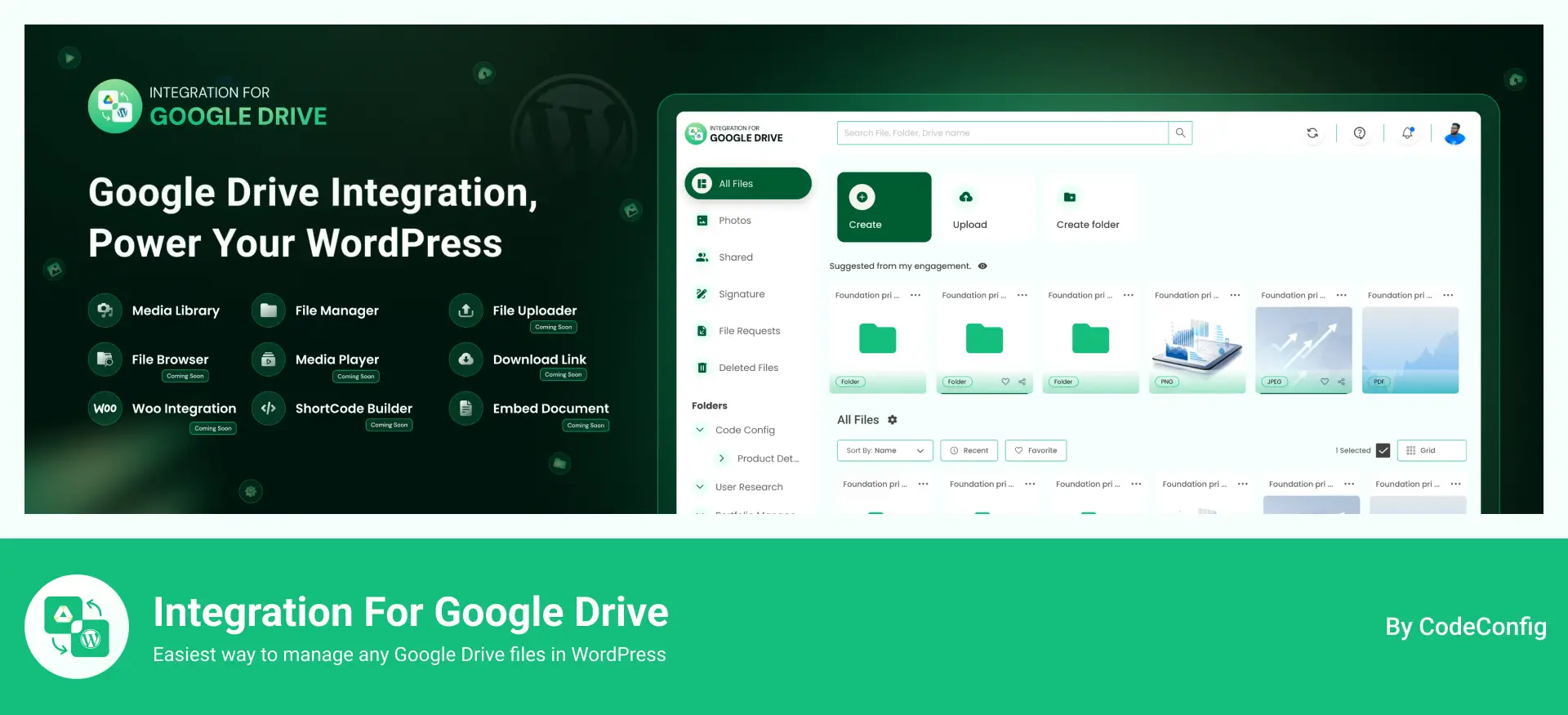
Integration for Google Drive, developed by CodeConfig, offers seamless integration of Google Drive cloud storage with WordPress and is trusted by many users as of 2026. It allows you to manage, upload, embed, and share files directly from your WordPress dashboard, saving hosting space and simplifying workflows for media-heavy websites, eCommerce stores, and LMS platforms.
The plugin supports user-specific folders, automatic syncing, and media library integration. Recent updates add enhanced Elementor widgets, WooCommerce support, and LMS compatibility. Its shortcode builder and customizable media players make it perfect for creating galleries, sliders, and downloadable content for bloggers, educators, and businesses.
Integration For Google Drive’s intuitive setup wizard and shortcode builder make it one of the must-have WordPress plugins for beginners, enabling quick Google Drive integration without coding. Advanced users can customize widgets, blocks, and LMS integrations for tailored workflows. Support includes comprehensive documentation and tutorials.
Free from the WordPress repository; Pro starts at $29/year for 1 site, $99.99/Lifetime for 1 site
As WordPress sites grow in 2026, manual work becomes a waste of time. Automation plugins help connect tools, reduce repetitive tasks, and create smart workflows. The following WordPress plugins turn WordPress into an automated system without writing code.
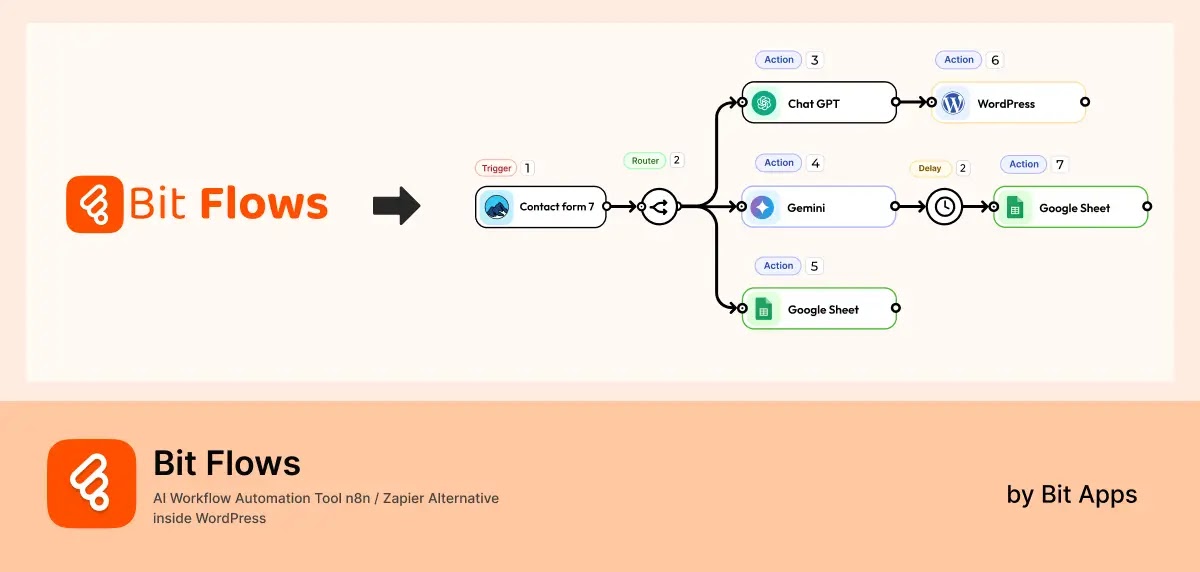
Bit Flows is a powerful workflow automation plugin built for WordPress and beyond. It allows you to automate tasks, connect plugins, and integrate external tools using a visual drag-and-drop builder. In 2026, Bit Flows stands out for offering unlimited workflows, unlimited tasks, and intelligent AI integrations, without any limitations.
Unlike cloud-only tools, Bit Flows is self-hosted. Your data stays on your server, giving you full control and better privacy. You can automate WordPress actions, form submissions, WooCommerce events, CRM updates, and API-based workflows. Bit Flows also supports modern AI tools like OpenAI, Gemini, Claude, Perplexity, and DeepSeek, making it ideal for AI-powered automation.
Its latest updates introduce an AI Agent that can analyze inputs, make decisions, use tools, and run multi-step workflows. This makes Bit Flows suitable for advanced use cases such as smart support routing, content generation, lead qualification, and decision-making automation.
Key features of Bit Flows:
Pros of Bit Flows:
Cons of Bit Flows:
Ease of use: Bit Flows uses a clean visual canvas that makes automation easy to understand. Beginners can start with simple workflows, while advanced users can build complex conditional logic. Clear logs and test runs help debug workflows quickly. Documentation and examples make onboarding smooth.
Pricing: Free version available with generous features. Paid plans start at $119 per year or $189 for a lifetime.
With accessibility regulations tightening in 2026, ensuring your WordPress site is inclusive for all users, including those with disabilities, is both an ethical and legal necessity. These must-have WordPress plugins provide no-code solutions to meet WCAG 2.1, ADA, and EAA standards, enhancing user experience and boosting SEO.
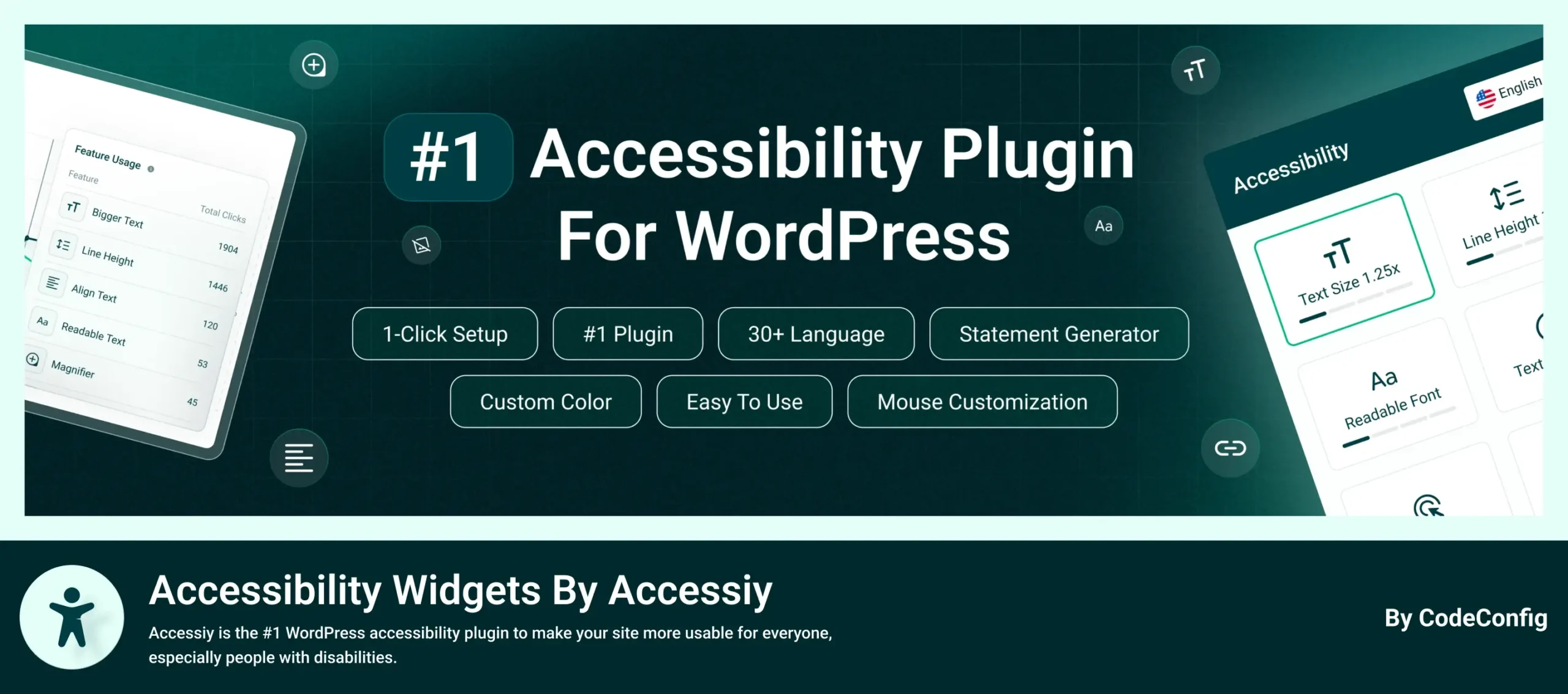
Accessiy is a leading must-have WordPress plugin for enhancing website accessibility, ensuring inclusivity for users with visual, auditory, motor, or cognitive disabilities in 2026. It offers a no-code solution to meet WCAG 2.1, ADA, and European Accessibility Act (EAA) standards.
The plugin features a one-click accessibility setup, a customizable toolbar, and a lightweight design without jQuery for optimal performance. Its 2026 updates include multilingual support in 35+ languages and an accessibility statement generator, making it ideal for businesses and developers prioritizing compliance and user experience.
Key features of Accessiy:
Pros of Accessiy:
Cons of Accessiy:
Ease of use: Accessiy’s one-click setup and customizable toolbar make it one of the must-have WordPress plugins for beginners seeking instant accessibility improvements. Its intuitive dashboard and no-code interface simplify configuration, while advanced users can tailor features and leverage analytics for optimization. Comprehensive documentation.
Pricing: Free from the WordPress repository; Accessiy Pro starts at $29/year for 1 site, $69/year for 1 site.
With cyberattacks rising in 2026, securing your WordPress site is critical. These must-have WordPress plugins offer AI-driven protection and robust defenses against malware and hacks.
WordPress sites are prime targets for hackers, but Wordfence Security provides comprehensive protection. Trusted by over 5 million sites, it uses AI-driven threat detection and a global threat intelligence network to block malicious activity in real-time.
Wordfence includes a firewall, malware scanner, and login security features like two-factor authentication (2FA). Its 2026 updates enhance IP blocking and offer detailed security reports, helping you stay ahead of threats. The plugin also monitors file changes to detect unauthorized modifications.
Wordfence’s dashboard is user-friendly, making it one of the must-have WordPress plugins with automated scans and alerts. Beginners can rely on default settings, while advanced users can customize firewall rules. Support is available via forums (free) or priority tickets (premium).
Free from the WordPress repository; Premium starts at $149/year for 1 site.
Sucuri is a cloud-based service that combines a web application firewall (WAF), malware removal, and DDoS protection. Its CDN integration not only enhances security but also boosts site speed, a critical factor in 2026.
The plugin’s 24/7 monitoring and rapid response team make it ideal for high-traffic sites. Sucuri’s 2026 updates include advanced malware cleanup tools and SSL certificate management, ensuring compliance with modern security standards.
Sucuri’s setup wizard makes it one of the must-have WordPress plugins for beginners, with premium plans including white-glove support for DNS and firewall configuration. Documentation and live support ensure smooth operation.
Free malware scanner; Premium starts at $229/year for 1 site.
Solid Security (formerly iThemes Security) hardens your site against threats. Its 2026 updates introduce biometric logins and Patchstack integration for real-time vulnerability patching.
The plugin offers brute-force protection, 2FA with passkeys, and trusted device management. Its user-friendly dashboard simplifies security for beginners while providing advanced options like IP banning and file change detection.
Solid Security’s streamlined dashboard makes it one of the must-have WordPress plugins for security, with one-click hardening options. Advanced users can customize settings. Support is available via forums (free) or tickets (pro).
Free from the WordPress repository; Pro starts at $99/year for 1 site.
Site speed is a top priority in 2026, with Google’s Core Web Vitals impacting rankings. These must have WordPress plugins to ensure fast, responsive sites.
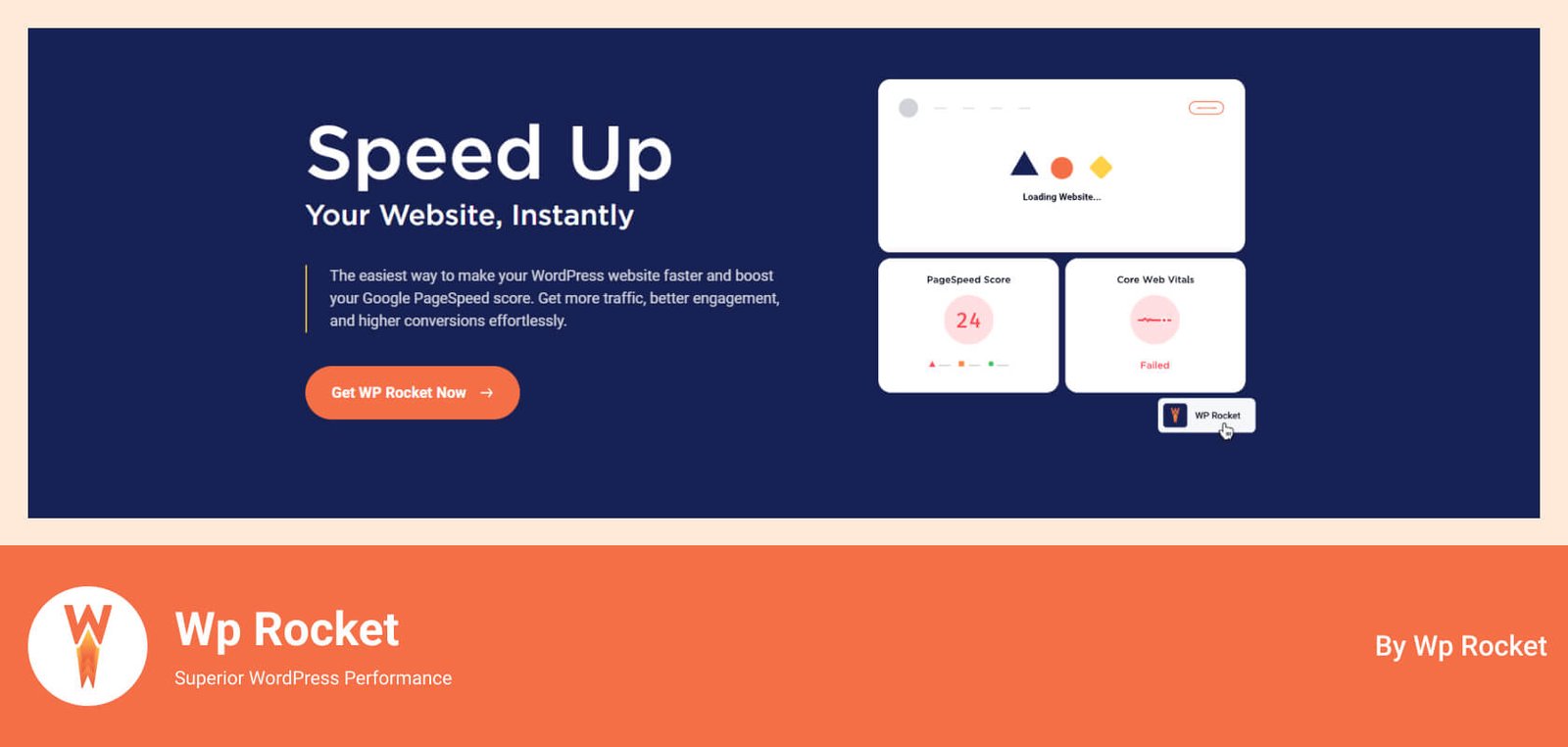
WordPress’s ease of use is ideal for building sites, but speed requires optimization. WP Rocket applies 80% of web performance best practices instantly, making it a favorite for over 3 million sites.
The plugin offers page caching, file minification, and lazy loading, with 2026 updates introducing AI-optimized caching rules for dynamic content. Its CDN integration and database cleanup tools further enhance performance, ensuring compliance with Core Web Vitals.
WP Rocket’s plug-and-play setup makes it one of the must-have WordPress plugins for beginners, with default settings optimized for speed. Advanced users can tweak settings via the dashboard. Friendly support and detailed guides are available.
Starts at $59/year for 1 site.
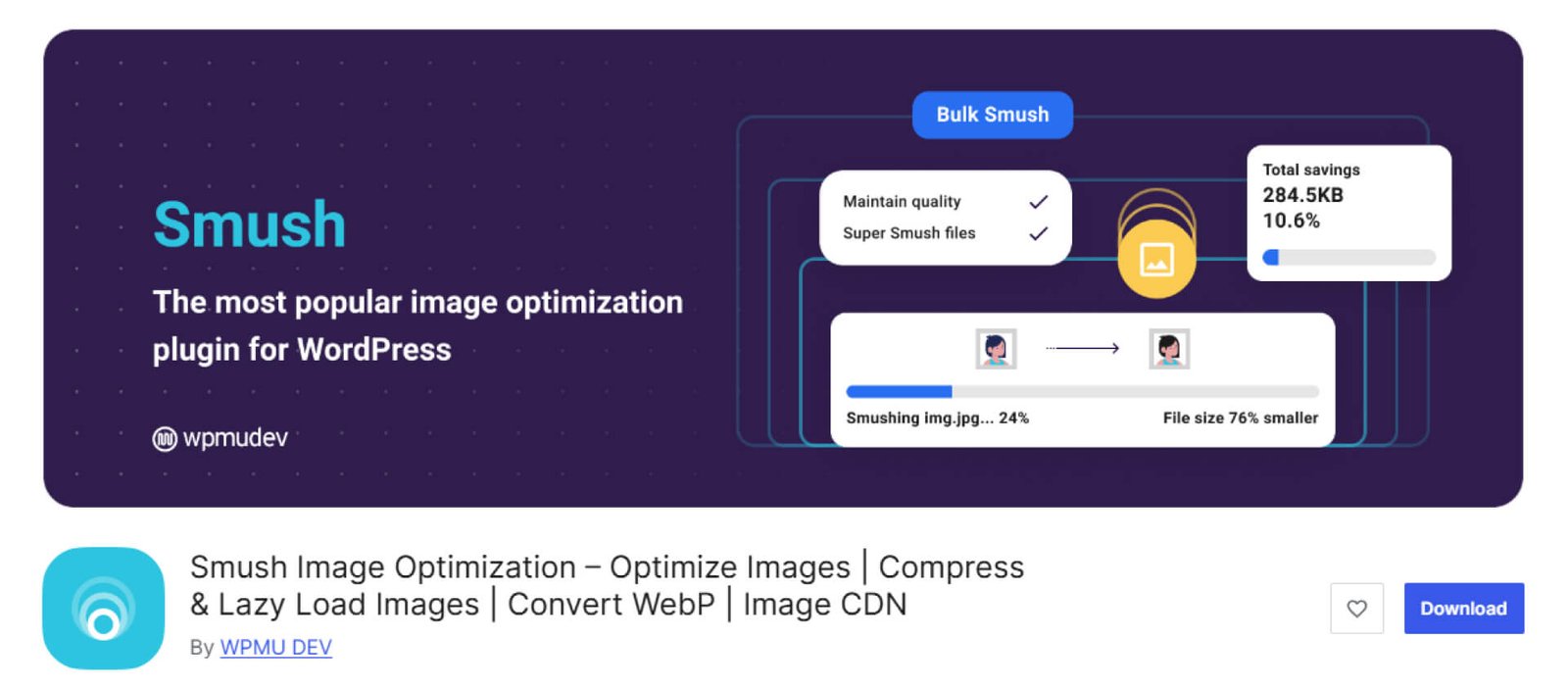
Images are essential for engaging websites, but they can slow your site. Smush optimizes images automatically, making it perfect for image-heavy sites in 2026.
Smush compresses images on upload without quality loss, supports bulk optimization, and converts to WebP for faster loading. Its lazy loading and image resizing features ensure mobile responsiveness, a key factor for SEO.
Smush’s automatic optimization makes it one of the must-have WordPress plugins, requiring no setup for beginners. The dashboard provides clear stats, and the documentation is robust. Support is available via forums.
Free from the WordPress repository; Premium included in WPMU DEV plans.
EWWW Image Optimizer is another image optimization tool, focusing on sustainability and speed in 2026. It processes images via cloud or local servers to reduce server load.
The plugin supports WebP conversion, bulk optimization, and lazy loading, with 2026 updates adding JavaScript and CSS compression for broader performance gains. Its eco-friendly approach minimizes bandwidth usage.
EWWW’s setup is simple, making it one of the must-have WordPress plugins with automatic optimization for beginners. Advanced users can configure cloud settings. Support includes forums and direct assistance for premium users.
Free from the WordPress repository; Premium starts at $80/year.
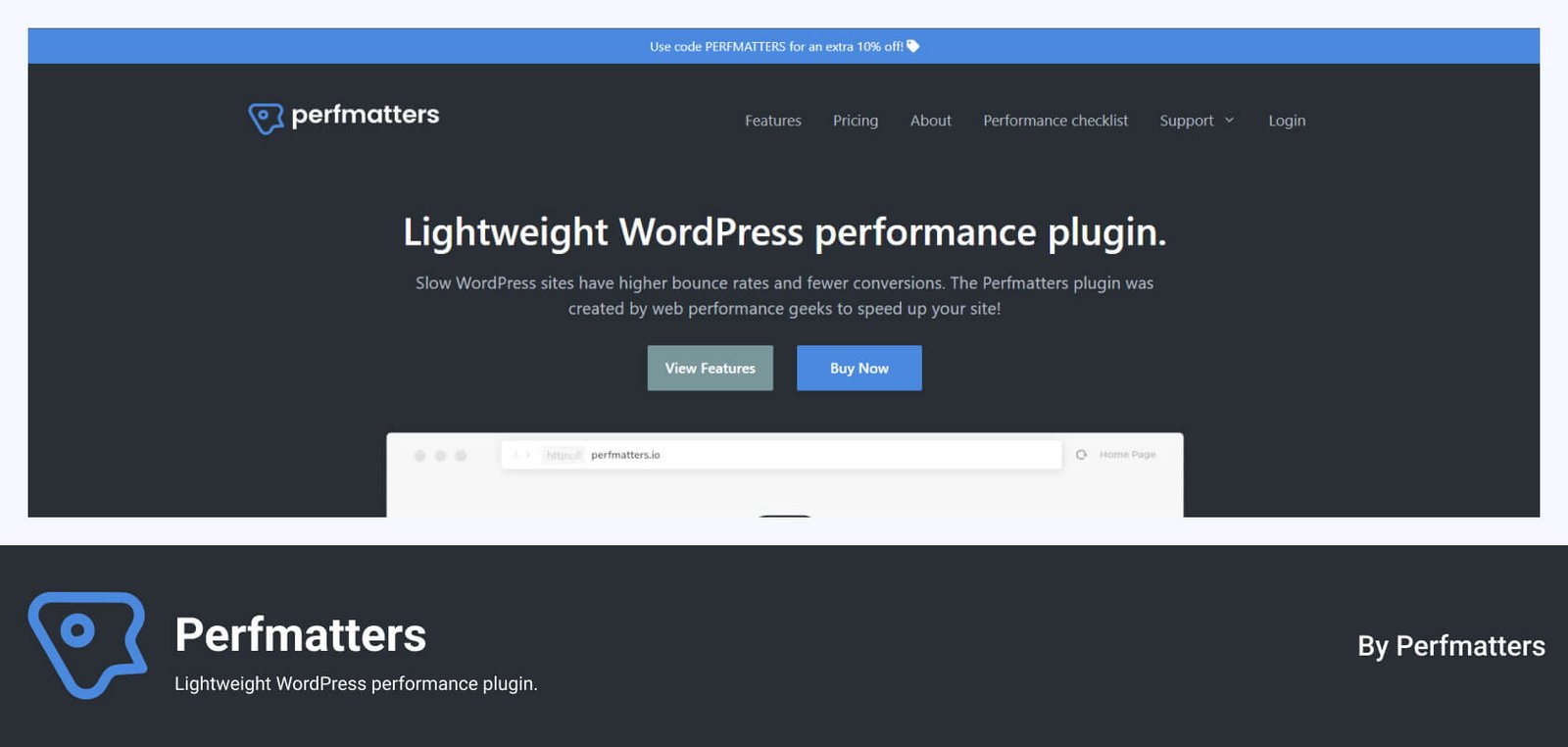
WordPress’s flexibility can lead to bloat, slowing sites. Perfomatters, a lightweight tool that eliminates unnecessary features to boost speed, is used by developers for Core Web Vitals compliance in 2026.
The plugin disables unused WordPress features like emojis or REST API calls and offers a script manager to control CSS and JavaScript loading. Its 2026 updates include deferral options for faster rendering.
Perfmatters offers one-click toggles, making it one of the must-have WordPress plugins for beginners, but its script manager requires familiarity with web development. Detailed documentation and developer support are available.
Starts at $29.95/year for 1 site.
WordPress allows no-code site creation, but tools like Google Analytics or Facebook Pixel require code. These must have WordPress plugins that simplify safe code insertion.
One of the great things about WordPress is that it allows you to create amazing websites without needing to understand or even see any code. However, companies such as Google and Facebook require website owners to add code to use their tracking tools. So, a code inserter such as WPCode is a must-have WordPress plugin.
WPCode is the most popular WordPress plugin for code insertion, installed on over 2 million websites. It allows you to add code to the headers, footers, or body of your pages without editing your theme’s functions.php file. This means you can add your Facebook Pixel, Google Analytics, or custom scripts to every page without needing multiple plugins or risking theme updates overwriting your changes.
The plugin supports HTML, JavaScript, CSS, and PHP, with conditional logic to apply snippets to specific pages, user roles, or devices. Its 2026 updates include a snippets library with over 100 pre-built codes for common tasks like custom widgets or eCommerce pixels. WPCode also features safe error handling to prevent PHP errors from crashing your site.
WPCode’s simple mode makes it one of the must-have WordPress plugins for adding analytics or tracking codes, requiring no coding knowledge. Advanced features like PHP snippets or conditional logic need some familiarity with coding to use safely. Comprehensive documentation and a support forum are available, with premium users getting priority support.
Free from the WordPress repository; Pro starts at $49/year for 1 site.
Regular backups and seamless migrations are critical in 2026 to prevent data loss. These must have WordPress plugins to automate the process.
Data loss can cripple a WordPress site, especially with frequent updates in 2026. UpdraftPlus is a must-have WordPress plugin, trusted by over 3 million users for backups and migrations.
The plugin schedules automatic backups to cloud storage like Google Drive, Dropbox, or OneDrive, with incremental backups to save server resources. Its one-click restore and multisite support make it ideal for complex setups. In 2026, UpdraftPlus adds GDPR compliance and enhanced encryption for secure backups.
UpdraftPlus’s setup wizard makes it one of the must-have WordPress plugins for beginners, with automated backups requiring minimal configuration. Advanced users can customize schedules and storage. Support includes forums (free) and priority tickets (premium).
Free from the WordPress repository; Premium starts at $70/year.
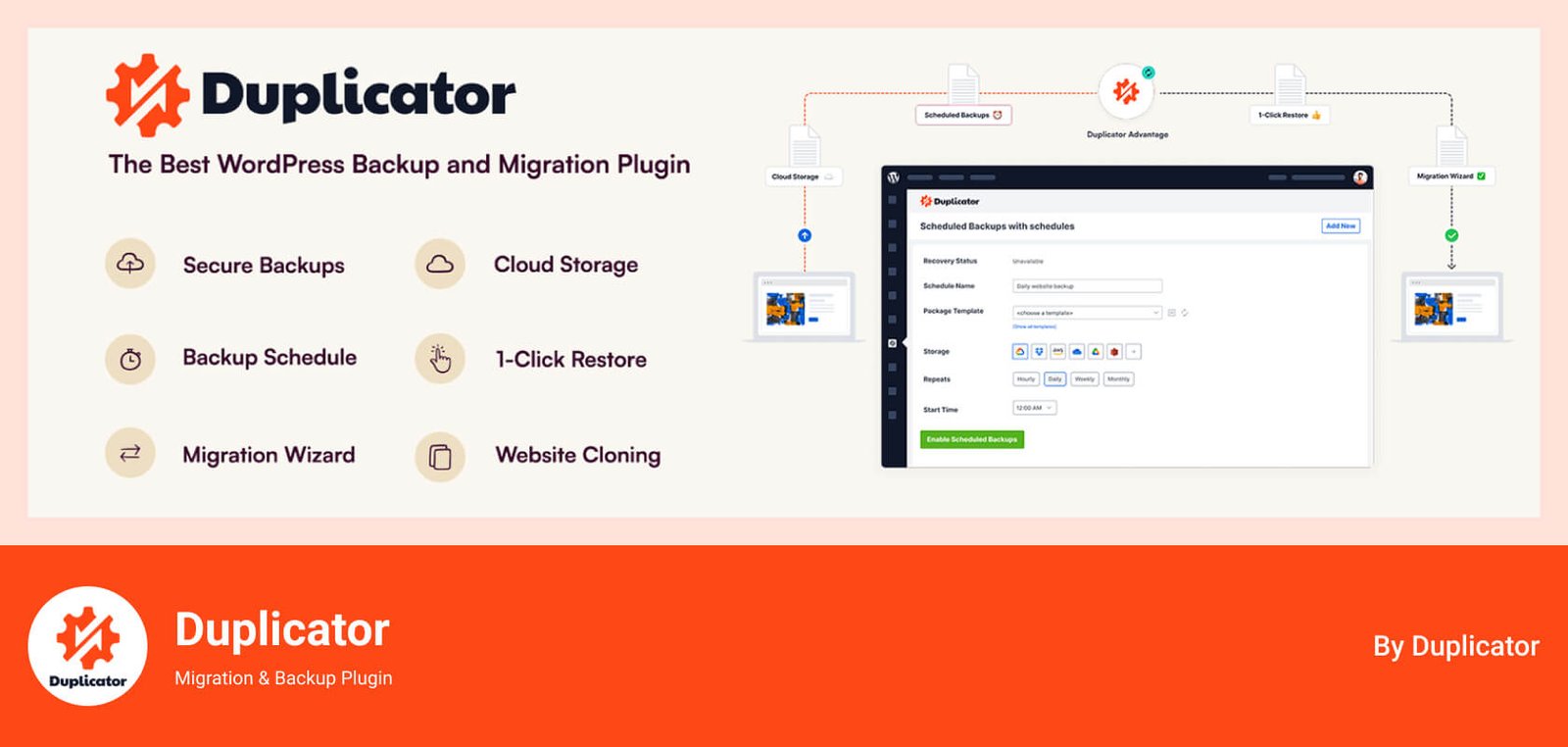
Moving or backing up a WordPress site can be complex, but Duplicator simplifies the process for over 1.5 million users. It’s perfect for developers managing multiple sites.
Duplicator packages your site’s files and database for migrations or backups, supporting zero-downtime transfers. Its 2026 updates include scheduled backups and cloud storage integration, making it versatile for staging and production environments.
Duplicator’s wizard-based interface makes it one of the must-have WordPress plugins for migrations and backups. Beginners may need tutorials for complex tasks, while developers benefit from CLI options. Support includes forums and premium tickets.
Free from the WordPress repository; Pro starts at $39/year for up to 2 sites.
Forms are essential for capturing leads and feedback. This must make WordPress plugin form creation intuitive.

Contact Form 7 is a widely used plugin designed for creating and managing contact forms, offering simplicity and flexibility for websites in 2026.
The plugin provides a text-based editor for form creation, supports shortcode integration, and includes features like CAPTCHA and spam filtering. Its 2026 updates enhance compatibility with WordPress 6.8 and improve security with reCAPTCHA v3, making it a reliable choice for adding contact forms to any WordPress site.
Contact Form 7 is straightforward for basic contact forms, with a pre-configured form available upon installation, making it one of the must have WordPress plugins for simple setups. However, its text-based editor and lack of visual builder make it less intuitive for beginners compared to modern alternatives like WPForms. Advanced users familiar with HTML can customize forms easily, but non-technical users may find configuration challenging. Support is limited to WordPress.org forums and documentation, with no direct developer assistance.
Free, with no paid plans or subscriptions required. Some third-party add-ons may have associated costs.
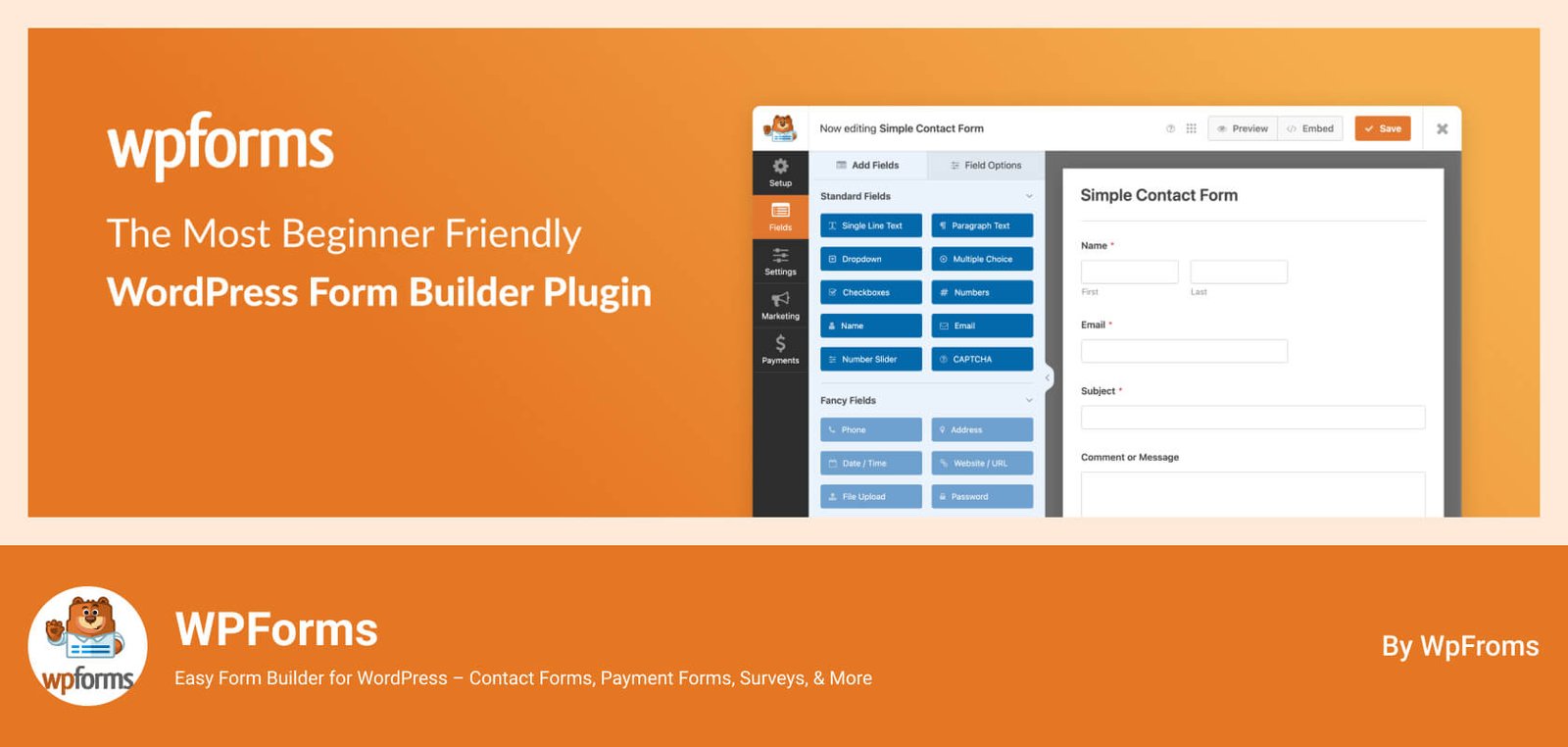
Engaging visitors is key to conversions, and WPForms excels with over 6 million installs. Its drag-and-drop builder creates contact forms, surveys, and payment forms effortlessly.
In 2026, WPForms will introduce an AI form builder that suggests fields based on your goals. Its spam protection uses machine learning, and integrations with Stripe and Mailchimp enhance functionality. The plugin supports conditional logic for dynamic forms.
WPForms’s drag-and-drop interface makes it one of the must-have WordPress plugins for beginners, with pre-built templates for quick setup. Advanced users can customize with conditional logic. Support includes tutorials, forums, and priority tickets for pro users.
Free Lite from the WordPress repository; Pro starts at $49.50/year for 1 site.
Full-site editing is standard in 2026, and these must have WordPress plugins to empower no-code design.
Elementor is a leading page-building tool, used by over 10+ million sites. Its visual drag-and-drop editor and AI site planner make it ideal for creating custom designs in 2026.
The plugin offers 100+ widgets, popups, and forms, with 2026 updates adding image optimization and managed hosting for faster sites. Its dynamic content support integrates with WooCommerce and custom fields.
Elementor’s visual editor makes it one of the must-have WordPress plugins with drag-and-drop simplicity for beginners. Advanced users can customize with CSS. Support includes tutorials and priority help for pro users.
Free from the WordPress repository; Pro starts at $59.88/year for 1 site.
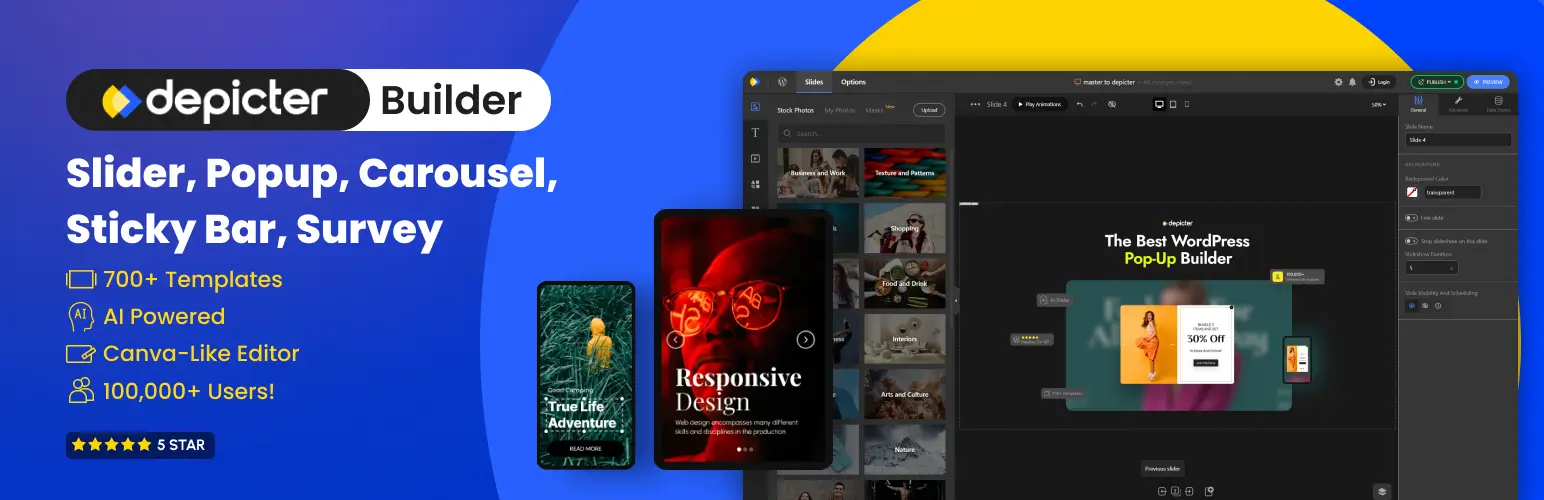
Depicter is a visual, no-code WordPress builder that brings both marketing and design tools together in one platform. It lets you create engaging popups, announcement bars, and slide-ins to collect leads, promote deals, or highlight updates, all without touching code. You can fine-tune when and where these elements appear using smart triggers such as exit intent, scroll position, or time on page, helping you connect with visitors at just the right moment without disrupting their experience.
Beyond marketing tools, Depicter also offers a powerful design environment for building sliders, hero sections, carousels, and other visual layouts. Using its intuitive drag-and-drop editor and an extensive library of 700+ pre-designed templates, users can craft professional-looking sections in minutes. Everything is fully responsive, ensuring your designs look sharp on desktops, tablets, and phones alike. Depicter also supports dynamic data sources such as WooCommerce products, custom post types, and Google Reviews, making it a flexible solution for both static and data-driven content.
Depicter’s visual interface and step-by-step workflow make it easy, even for beginners, to build advanced campaigns. Marketers can quickly create lead capture forms and promotional banners, while designers can craft visually stunning hero sections—all from one clean dashboard.
Free from the WordPress repository; Pro plan unlocks advanced targeting, AI tools, and premium templates starting at $39/year for one site.

Divi Builder, from Elegant Themes, for full-site building, integrates easily with the Divi theme. Its AI-powered generation tools make it a 2026 favorite.
The plugin offers 2,600+ layouts, A/B testing, and team collaboration features. Its 2026 updates include cloud storage for designs and enhanced WooCommerce integration for dynamic product pages.
Divi’s visual editor makes it one of the must-have WordPress plugins, but its extensive options may overwhelm new users. Tutorials and 24/7 support ensure smooth onboarding for all skill levels.
Yearly access at $70 for unlimited sites; lifetime at $199.
SeedProd is the top landing page and coming-soon modes, with over 1 million users. Its AI site builder simplifies high-converting page creation in 2026.
The plugin offers 200+ templates, a block-based editor, and spam protection. Its 2026 updates include full-site editing support and integrations with marketing tools like Mailchimp.
SeedProd’s no-code editor and templates make it one of the must-have WordPress plugins for beginners. Advanced users can customize with integrations. Video guides and support ensure ease of use.
Free from the WordPress repository; Pro starts at $31/year for 1 site.
eCommerce thrives in 2026 with AI-driven personalization. This must have WordPress plugins are essential for online sales.

WooCommerce is the leading must-have WordPress plugin for eCommerce, powering 25% of online stores. Its open-source nature and 2026 updates, like Afterpay integration, make it ideal for scalable stores.
The plugin supports inventory management, payment gateways, and shipping options, with AI-driven product recommendations to boost sales. Its flexibility allows customization for any store size.
WooCommerce’s setup wizard makes it one of the must-have WordPress plugins, but it has a moderate learning curve. Extensive documentation and developer communities provide support.
Free from the WordPress repository
Data-driven decisions are critical in 2026. This must have WordPress plugins that provide actionable insights.
Understanding user behavior is essential, and MonsterInsights integrates Google Analytics seamlessly for over 3 million sites.
Its 2026 updates include enhanced event tracking for forms and videos, plus EU compliance for GDPR. The plugin offers real-time stats, eCommerce tracking, and dashboards within WordPress.
MonsterInsights’s one-click setup makes it one of the must-have WordPress plugins for integrating Analytics in minutes. Beginners can use default reports, while advanced users customize tracking. Support includes tutorials and priority tickets for pro users.
Free Lite from the WordPress repository; Pro starts at $99.60/year for 1 site.
Converting visitors into leads is key in 2026. These must have WordPress plugins to enhance marketing efforts.
OptinMonster is a powerful tool for lead generation, used by over 1 million sites. Its behavior automation and exit-intent technology boost conversions in 2026.
The plugin creates popups, spin-to-win wheels, and inline forms, with AI-driven targeting to personalize offers. Its 2026 updates include A/B testing and real-time analytics for campaign optimization.
OptinMonster’s no-code builder makes it one of the must-have WordPress plugins for beginners, with templates and drag-and-drop editing. Support includes tutorials, forums, and priority help for subscribers.
Starts at $84/year for 1 site.
These must have WordPress plugins address niche needs for smoother management and engagement.
WordPress’s default email system can fail, but WP Mail SMTP ensures reliable delivery for over 3 million sites.
The plugin configures SMTP settings to send emails via services like SendGrid or Gmail. Its 2026 updates include email logging, failure alerts, and smart routing for better deliverability.
WP Mail SMTP’s setup wizard makes it one of the must-have WordPress plugins for configuring reliable email delivery, with default settings for beginners. Advanced users can customize routing. Support includes documentation and priority tickets for pro users.
Free from the WordPress repository; Pro starts at $49/year for 1 site.
Engaging visitors with fresh content is vital, and Smash Balloon embeds social media feeds from Instagram, Facebook, and more for over 1.6 million sites.
Its 2026 updates include backup caching and GDPR compliance, ensuring feeds load fast and securely. Customizable widgets allow styling to match your brand.
Smash Balloon’s no-code setup and templates make it one of the must-have WordPress plugins for beginners. Advanced users can customize feeds with CSS. Support includes forums and fast response for premium users.
Free from the WordPress repository; All Access Bundle at $299/year.

Managing affiliate links is crucial for monetization, and Pretty Links simplifies this for over 7 million users.
The plugin shortens, tracks, and cloaks affiliate links, with 2026 updates adding PrettyPay™ links for direct payments and dynamic redirects based on user location or device.
Pretty Links dashboard makes it one of the must-have WordPress plugins for link creation, intuitive for beginners. Advanced users can customize redirects and analytics. Support includes forums and priority help for pro users.
Free from the WordPress repository; Pro starts at $99.60/year for 1 site.
Spam can ruin user experience, but Akismet protects comments and forms with AI-driven filtering for over 100 million sites.
Its 2026 updates enhance machine learning for 99.99% spam detection accuracy, with an API for custom integrations. The plugin saves time by automatically filtering spam without manual moderation.
Akismet’s plug-and-play setup makes it one of the must-have WordPress plugins with minimal configuration for beginners. Advanced users leverage the API. Support includes forums and enterprise assistance.
Free for personal sites; commercial plans start at $8.33/month.
These 25+ must-have WordPress plugins empower your site to excel in SEO, security, performance, and engagement in 2026. From AI-driven SEO tools to robust security and conversion-focused marketing, these plugins cover every need. To avoid slowdowns, select only essential plugins, keep them up to date, and test them on a staging site.
Prioritize tools with AI features, GDPR compliance, and strong community support for a future-proof site. Which WordPress plugins are you using? Share your favorites in the comments below!
This post is by Jakir, a member of the CodeConfig team who is always working to find solutions for our users and improve our services.
Thank you for reading and for your kind words and good wishes for us. We truly appreciate your support! ❤️


Whether you're just getting started or scaling fast, we've got you covered. Access helpful guidance.

